See Details
Logo CPaaS Help Center Developer Premium Support Status
Sign in Contact Support
  1. 8x8 CPaaS Help Center
  2. 03 · SMS API & SMPP

03 · SMS API & SMPP

  • Send SMS Engage survey

    Send SMS Engage survey

    POST https://sms.8x8.com/api/v1/subaccounts/:subAccountId/surveys/:surveyId/messages

    About SMS Engage

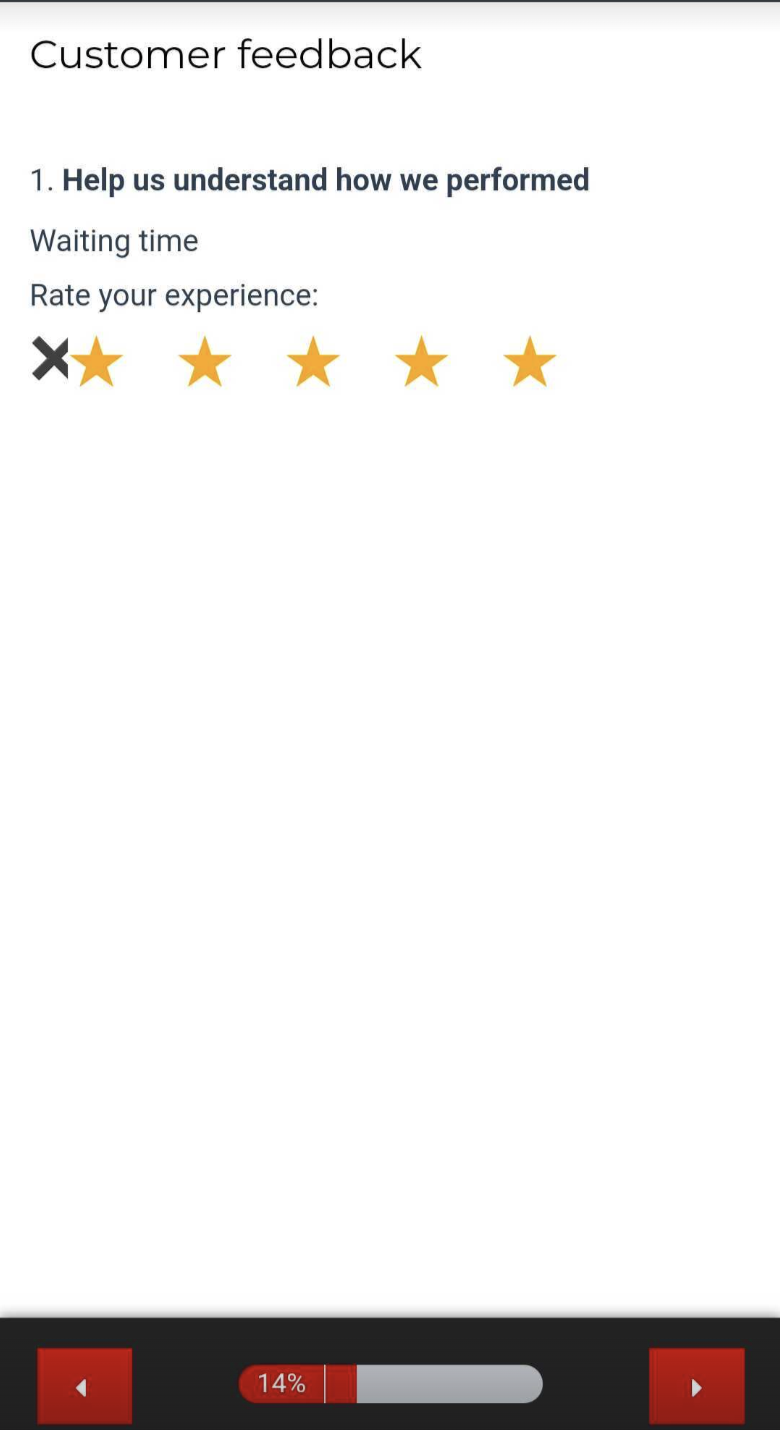
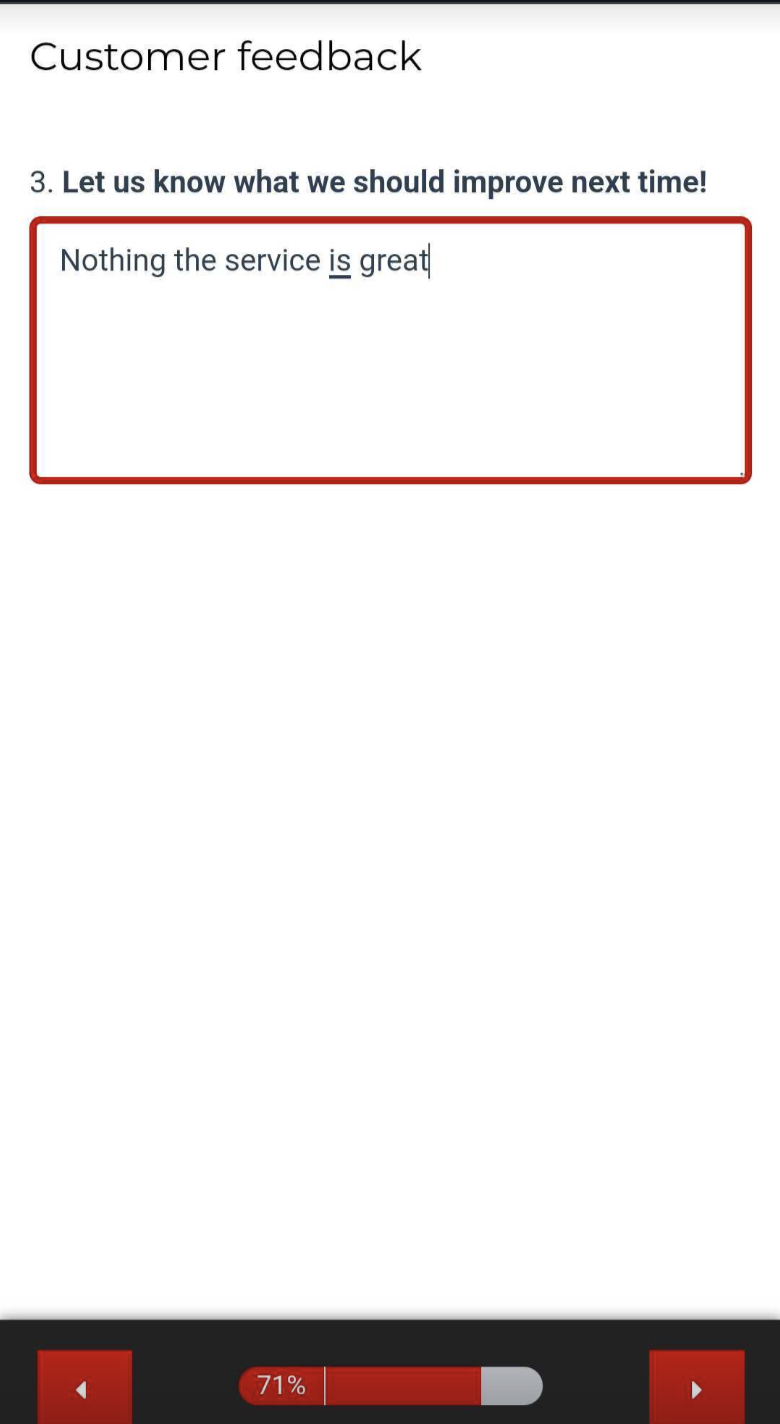
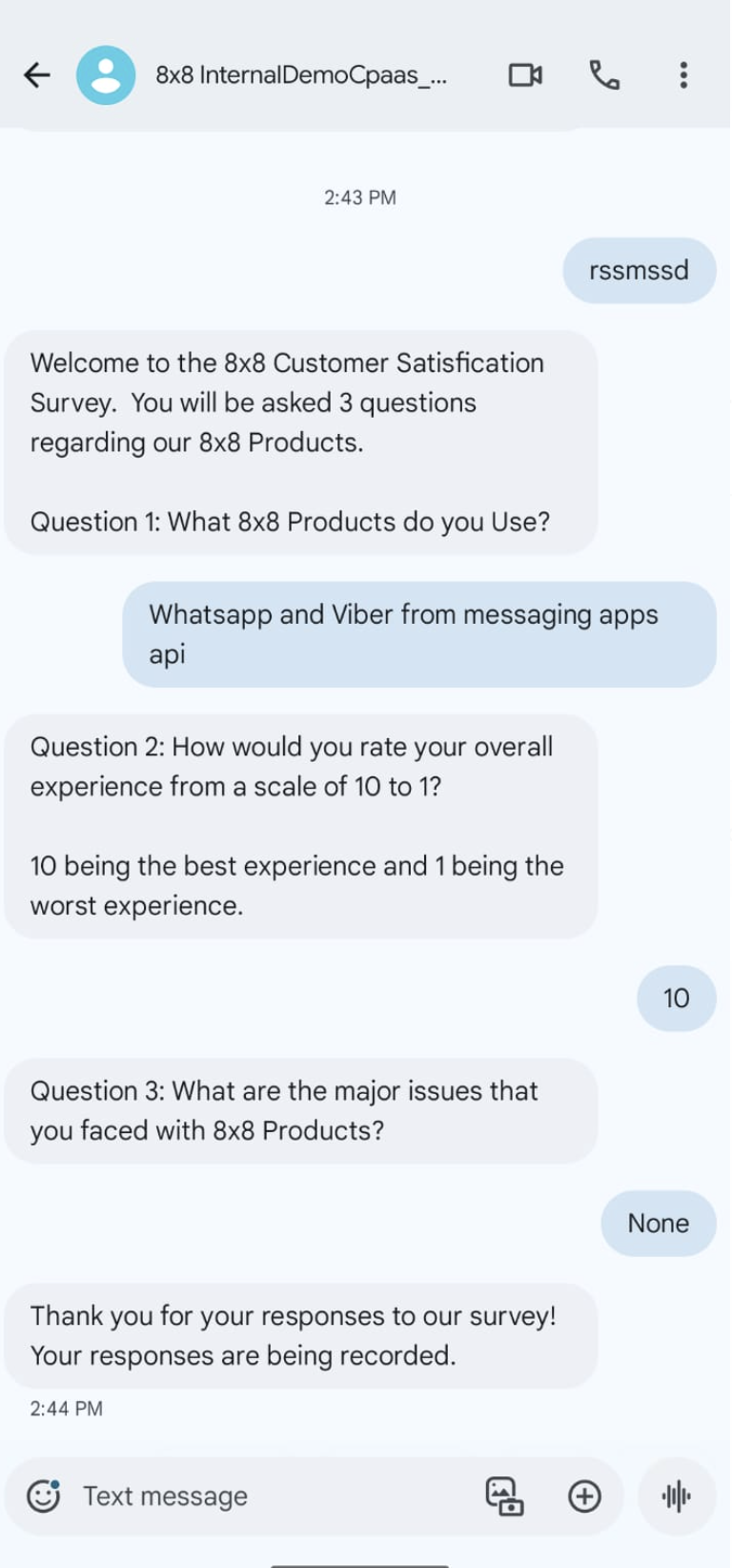
    • SMS Engage combines the reach of SMS and the power of interactive web surveys
    • Using the API endpoint lets you send SMS containing special links to surveys for any use case:
      • Satisfaction feedback (NPS, CSAT, CES..)
      • Interactive marketing landing page
      • E-commerce confirmations (Order, Delivery, Payment)
      • and much more: reach out to learn more!
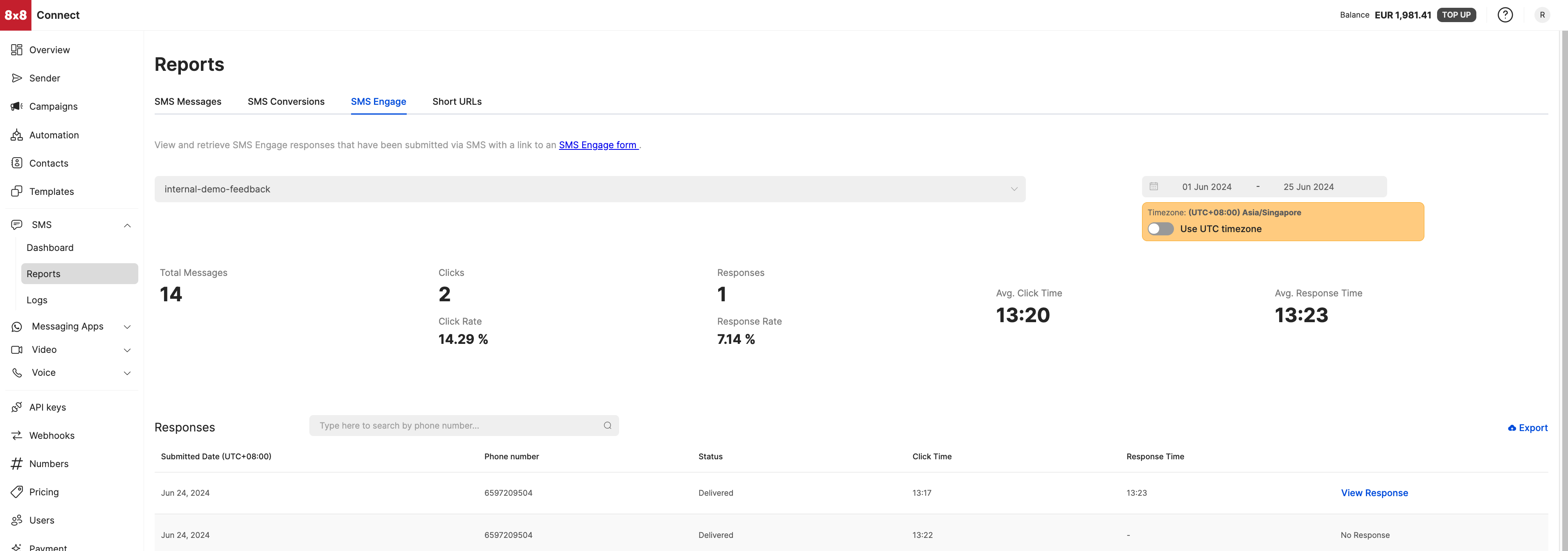
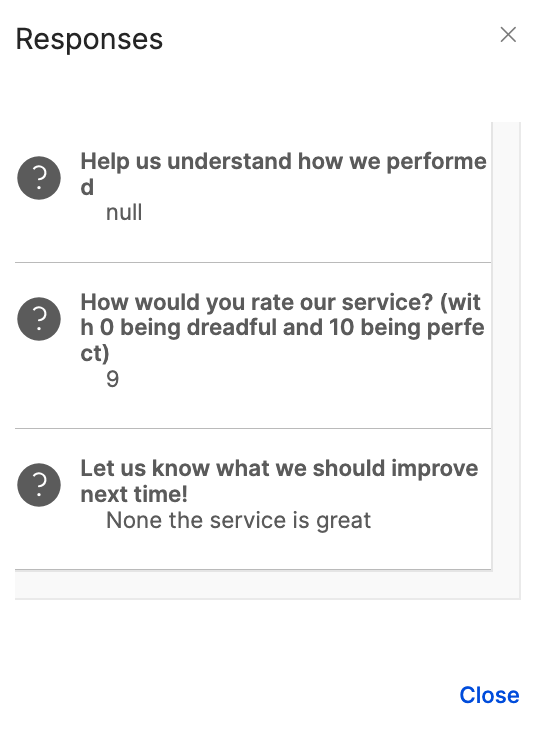
    • SMS Engage surveys are linked to your 8x8 account: each individual survey response can be tracked back to the original SMS or SMS campaigns: get individual response logs and aggregated analytics in your 8x8 Customer Portal
    • You can also retrieve the SMS Engage response programmatically using the dedicated webhook

    About the API endpoint / method

    • Sending a POST request on this endpoint allows to send SMS Engage individually (1 message per request).
    • It is ideal when you want to integrate surveys as part of your customer experience and trigger an SMS Engage following an event occurring in your application (eg: NPS survey sent after customer support interaction)

    URL

    The 8x8 SMS subaccountid to use is defined in the URL where you send your POST request as shown below: https://sms.8x8.com/api/v1/subaccounts/{subAccountId}/surveys/{surveyId}/messages

    You must replace {subAccountId} in the URL above with the subaccountid that you want to use.

    Before you start

    • You must have your account activated to use SMS Engage and at least one SMS Engage form created for you by 8x8. SMS Engage forms are created based on your use-cases. Once they are created, 8x8 will provide you a surveyid and url.
    • Please note that the variable url is your default SMS Engage link which 8x8 has set up for you (e.g. http://smstoweb.net?sid=1234). The url is shortened once the message has been sent.
    • The shortened url is always 21 characters in length.
    • If you want to get the data via Webhooks, simply provide us a specific url where we will post the data.
    • For more information please contact your account manager or customer support team.

    Request

    Path Parameters

      subAccountId stringrequired

      Possible values: >= 3 characters and <= 50 characters, Value must match regular expression ^[A-Za-z0-9\-._&]{3,50}$

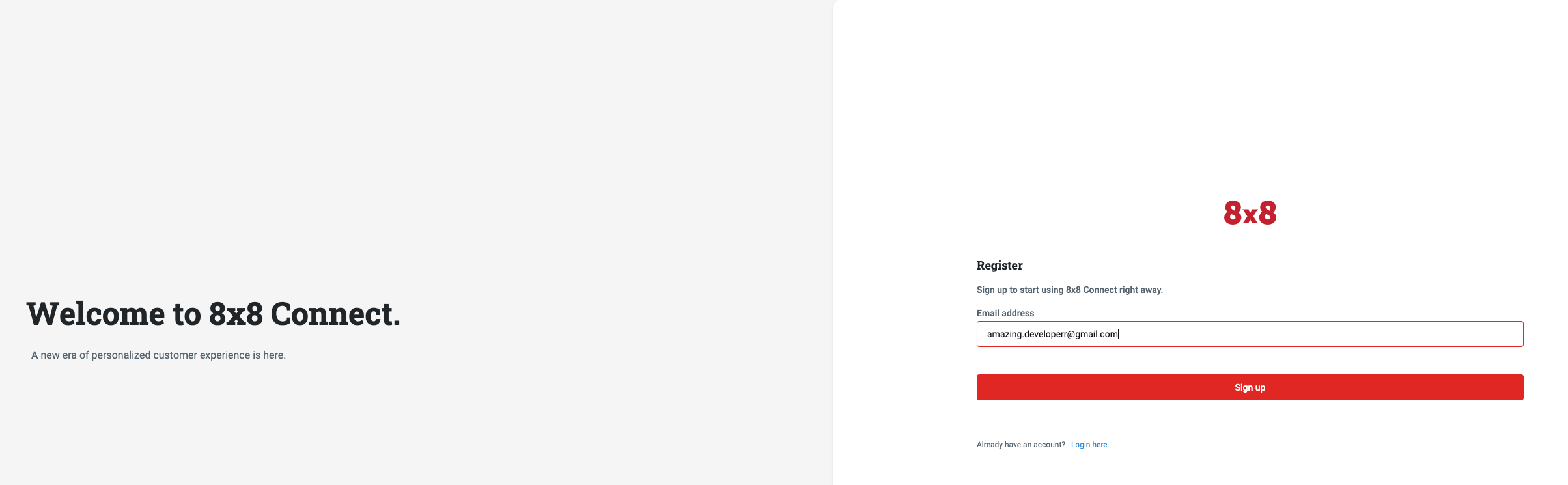
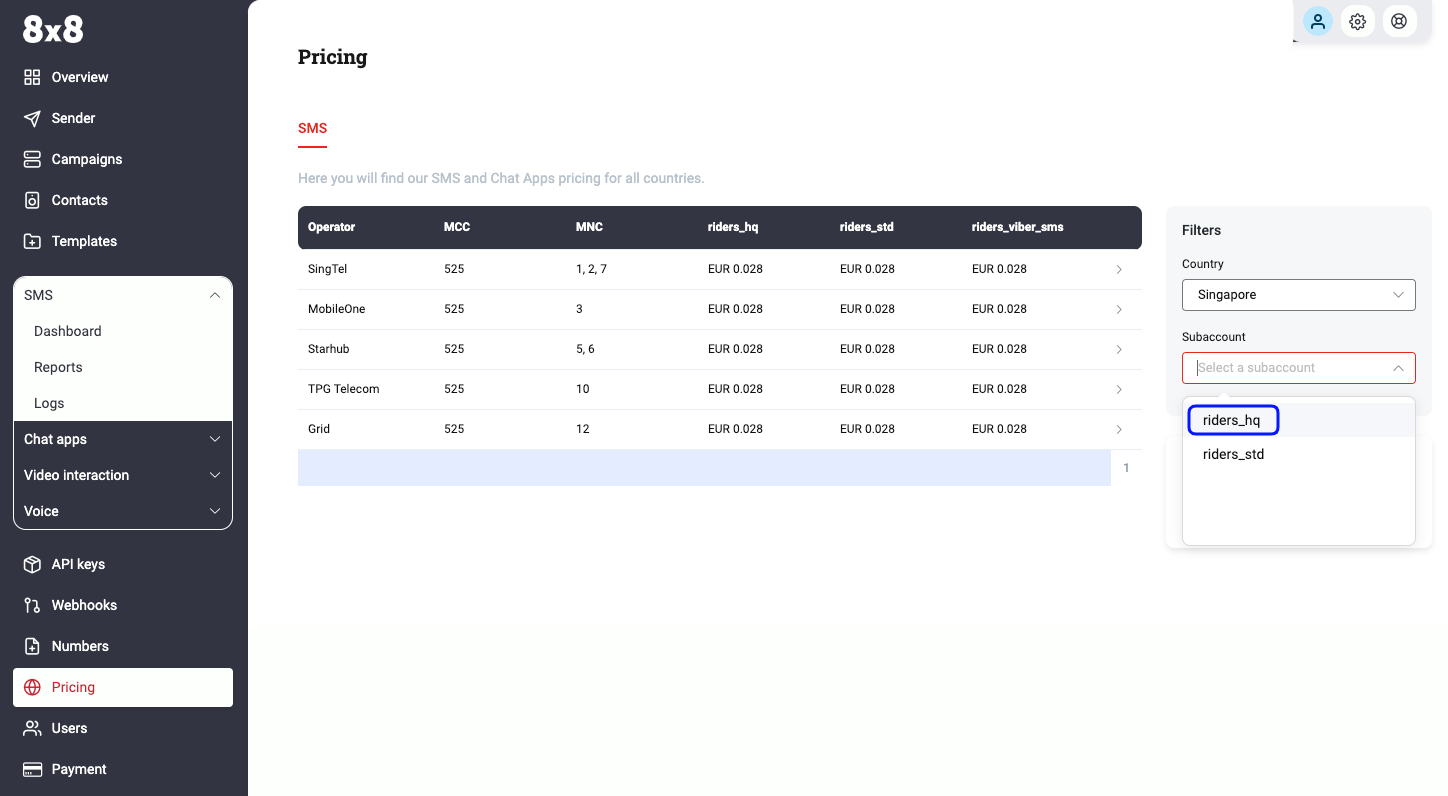
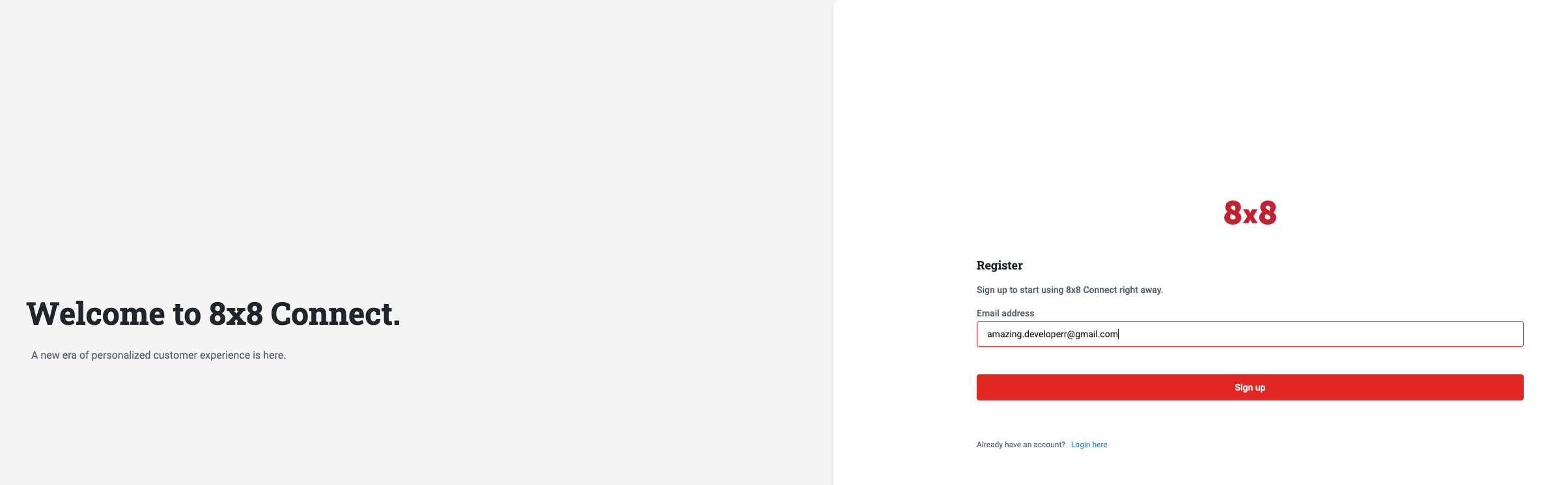
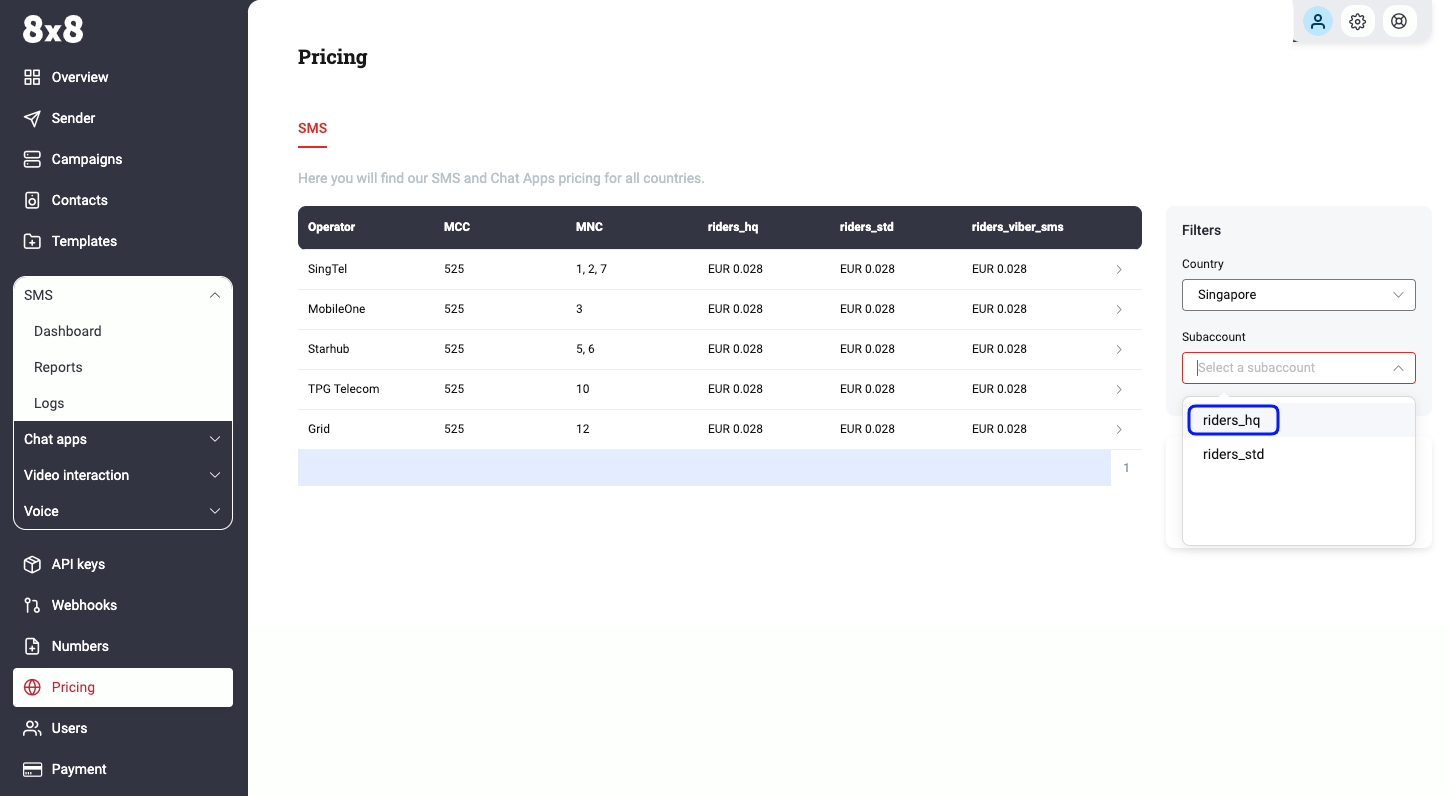
      You must replace {subAccountId} with the subaccountid that you want to use. By default this is generated once you signed up with a new account at https://connect.8x8.com.

      surveyId stringrequired

      The surveyId will be provided to you by 8x8. This Id is a unique name of your SMS-to-Form which 8x8 creates based on the use-cases you defined.

    Body

      destinationstringrequired

      MSISDN (destination mobile phone number). We accept both international and national formats (for national you have to specify country in the dedicated field).

      Possible values: Value must match regular expression ^\+{0,1}[1-9]{1}[0-9]{6,14}$

      countrystring

      Optional country code of Destination number(ISO 3166-1 alpha-2), if you know it. It will help to convert number from national to international format

      Possible values: >= 2 characters and <= 2 characters

      templateBodystring

      Template of message to user. It should have the variable {{url:}} which is the default link set for you by 8x8

      templateVariables object

      variables or pre-defined fields used inside the templateBody

      object
      sourcestring

      Source number (SenderId) - "From:" field for the SMS

      Possible values: <= 16 characters

      clientMessageIdstring

      Client managed id for the message: your own unique reference

      Possible values: <= 350 characters

      encodingstring

      Encoding for the text of the message

      Possible values: [AUTO, GSM7, UCS2]

      Default value: AUTO
      scheduledstring<date-time>

      Date and time when a schedule delivery of the message must happen

      expirystring<date-time>

      Date and time after which a message cannot be sent

      dlrCallbackUrlstring<uri>

      Webhook URL where delivery status for the SMS will be posted (Overwrites your default account callback URL).

    OK

    Schema

      umidstringrequired

      Unique message id (guid) generated by 8x8 SMS platform upon message submission

      destinationstringrequired

      Mobile phone number (MSISDN) to which the SMS was sent

      Possible values: Value must match regular expression ^\+?\d{7,15}$

      status objectrequired

      codestringrequired

      Code for the SMS delivery status.

      Possible values: [QUEUED, REJECTED]

      descriptionstringrequired

      Explanation for code.

      encodingstringrequired

      Detected message encoding. Useful when sending initial request with encoding=AUTO

      Possible values: [AUTO, GSM7, UCS2]

      clientMessageIdstring

      Your custom identifier for the message

    {
    "umid":"bda3d56d-1424-e711-813c-06ed3428fe67",
    "clientMessageId":"1234",
    "destination":"6500000000",
    "encoding":"GSM7",
    "status":{
    "code":"QUEUED",
    "description":"SMS is accepted and queued for processing"
    }
    }
    {
    "umid":"bda3d56d-1424-e711-813c-06ed3428fe67",
    "clientMessageId":"1234",
    "destination":"6500000000",
    "encoding":"GSM7",
    "status":{
    "code":"QUEUED",
    "description":"SMS is accepted and queued for processing"
    }
    }

    Bad request error response

    Schema

      codeintegerrequired

      Error code

      messagestring

      Error description

      errorIdstring<uuid>required

      Unique id of error. You can use it as reference when sending enquiries to 8x8 support

      timestampstring<date-time>required

      Data and time of the error occurence

    {
    "code":1001,
    "message":"Provided subAccountId doesn't belongs to your account",
    "errorId":"91b106f0-c0da-4aba-a43a-7af9c5893a80",
    "timestamp":"2017-04-19T02:31:19.4297387+00:00"
    }
    {
    "code":1002,
    "message":"Invalid MSISDN format (not E.164 international number)",
    "errorId":"b4478860-b76c-e811-814e-022a35cc1c71",
    "timestamp":"2018-08-04T09:25:40.9235752+00:00"
    }

    Request was not authenticated response

    Schema

      codeintegerrequired

      Error code

      messagestring

      Error description

      errorIdstring<uuid>required

      Unique id of error. You can use it as reference when sending enquiries to 8x8 support

      timestampstring<date-time>required

      Data and time of the error occurence

    {
    "code":1001,
    "message":"Provided subAccountId doesn't belongs to your account",
    "errorId":"91b106f0-c0da-4aba-a43a-7af9c5893a80",
    "timestamp":"2017-04-19T02:31:19.4297387+00:00"
    }
    {
    "code":1200,
    "message":"Request was not authenticated properly",
    "errorId":"db9dced4-3534-4d86-9d18-6b448af0d621",
    "timestamp":"2018-08-02T09:42:38.8988997+00:00"
    }

    Internal server error

    Schema

      codeintegerrequired

      Error code

      messagestring

      Error description

      errorIdstring<uuid>required

      Unique id of error. You can use it as reference when sending enquiries to 8x8 support

      timestampstring<date-time>required

      Data and time of the error occurence

    {
    "code":1001,
    "message":"Provided subAccountId doesn't belongs to your account",
    "errorId":"91b106f0-c0da-4aba-a43a-7af9c5893a80",
    "timestamp":"2017-04-19T02:31:19.4297387+00:00"
    }
    {
    "code":2000,
    "message":"Internal server error",
    "errorId":"db9dced4-3534-4d86-9d18-6b448af0d621",
    "timestamp":"2018-07-02T09:42:38.8988997+00:00"
    }

    Source: https://developer.8x8.com/connect/reference/survey-send · 8x8 CPaaS Developer Docs. Synced for support deflection.

  • SMS API
    Version: 1

    SMS API

    API to send SMS messages

    Authentication

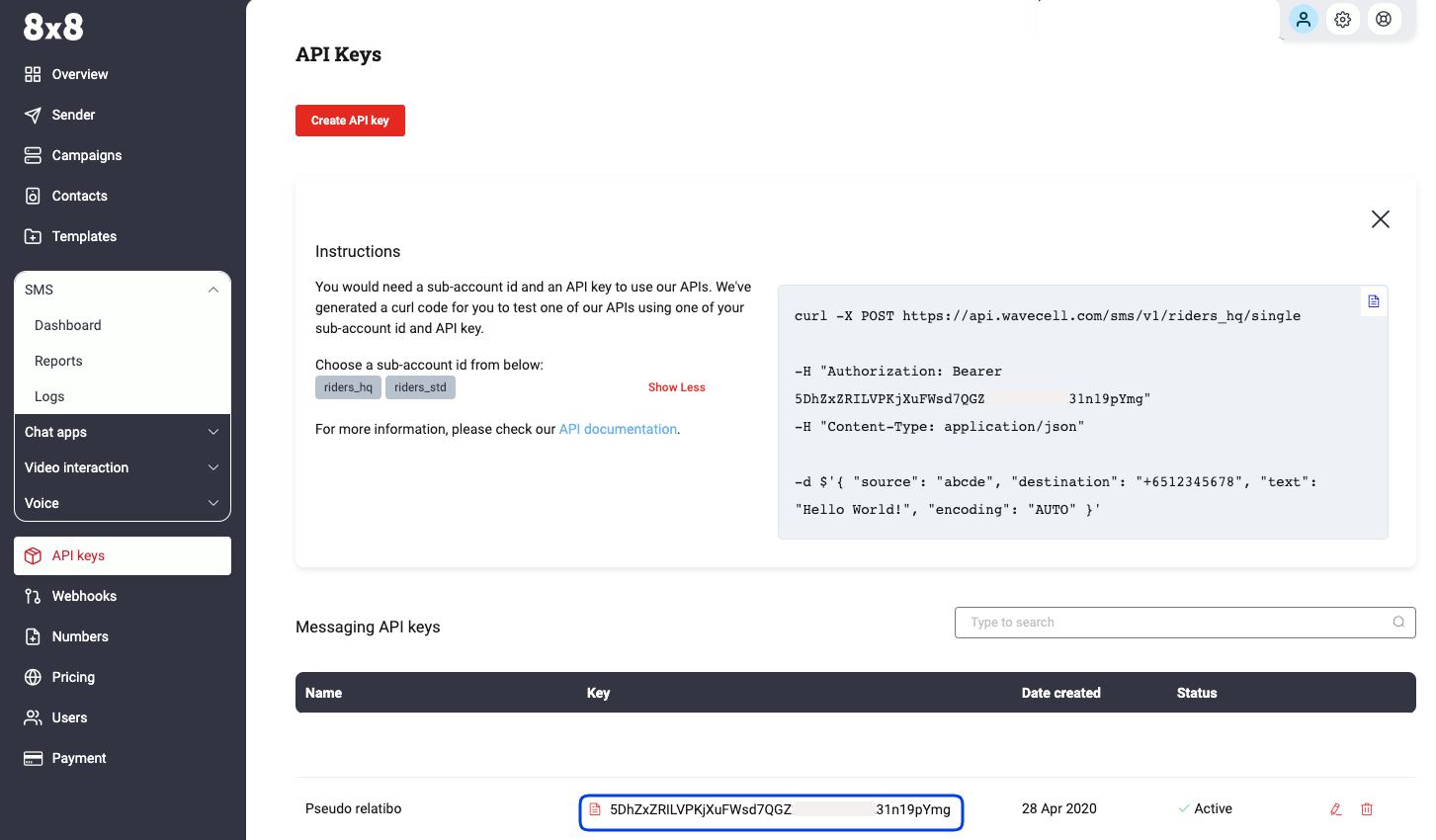
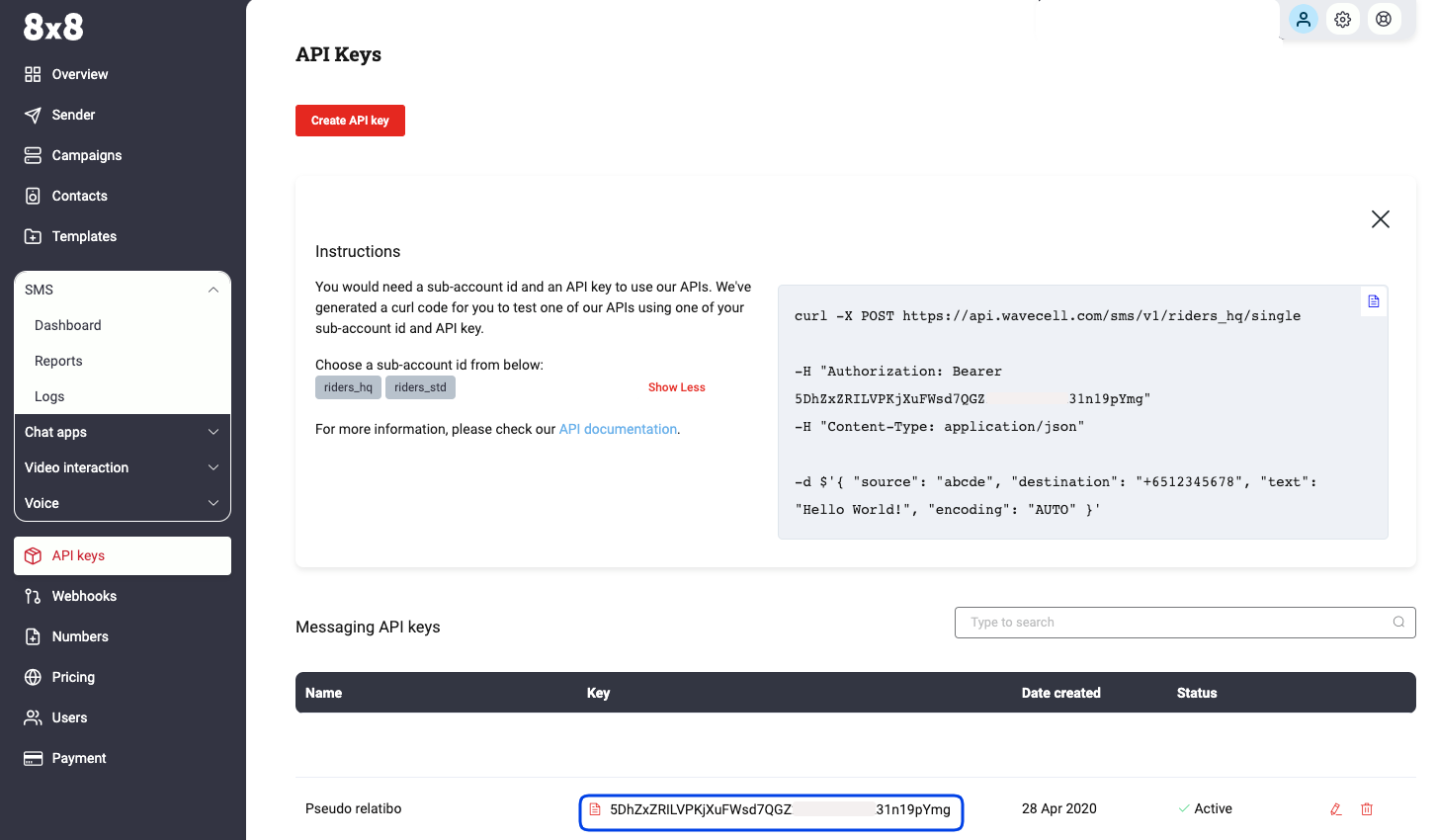
    • 8x8 SMS API accepts an ApiKey Bearer Token authentication method.

    • You can generate tokens from your customer portal https://connect.8x8.com/

    • You need to include the following header in your requests: Authorization: Bearer {apiKey}

    Note: Replace the {apiKey} placeholder with the key generated from the customer portal.


    If you haven't created your account yet, please go to 8x8 website https://connect.8x8.com to sign up.

    Security Scheme Type:

    http

    HTTP Authorization Scheme:

    bearer

    Contact

    8x8 Inc: cpaas-support@8x8.com

    URL: https://cpaas.8x8.com

    Terms of Service

    https://cpaas.8x8.com/sg/terms-and-conditions/

    Source: https://developer.8x8.com/connect/reference/sms-api · 8x8 CPaaS Developer Docs. Synced for support deflection.
  • Send SMS

    Send SMS

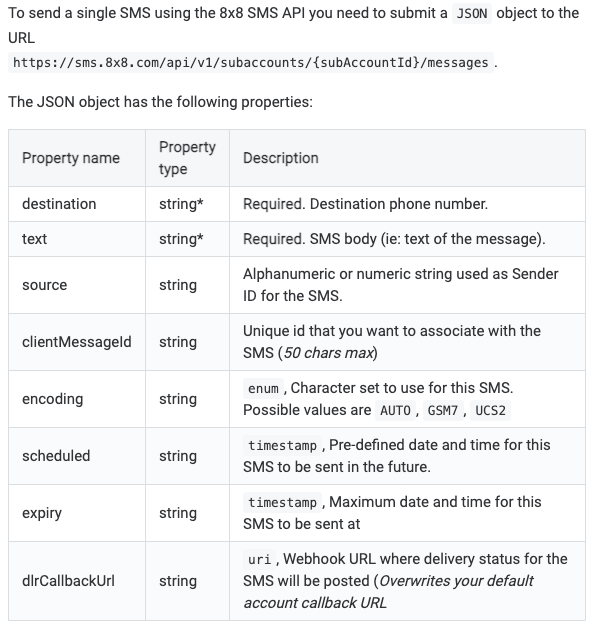
    POST https://sms.8x8.com/api/v1/subaccounts/:subAccountId/messages
    • Sending a POST request on this endpoint allows to send SMS individually (1 request per SMS).
    • It is ideal to send single personalized messages for use-cases like notifications or alerts.

    URL

    The 8x8 SMS subaccountid to use is defined in the URL where you send your POST request as shown below: https://sms.8x8.com/api/v1/subaccounts/{subAccountId}/messages

    You must replace {subAccountId} in the URL above with the subaccountid that you want to use.

    Request

    Path Parameters

      subAccountId stringrequired

      Possible values: >= 3 characters and <= 50 characters, Value must match regular expression ^[A-Za-z0-9\-._&]{3,50}$

      You must replace {subAccountId} with the subaccountid that you want to use. By default this is generated once you signed up with a new account at https://connect.8x8.com.

    Body

    Send SMS operation body

      destinationstringrequired

      MSISDN (destination mobile phone number). We accept both international and national formats (for national you have to specify country in the dedicated field).

      Possible values: Value must match regular expression ^\+{0,1}[1-9]{1}[0-9]{6,14}$

      countrystring

      Optional country code of Destination number(ISO 3166-1 alpha-2), if you know it. It will help to convert number from national to international format

      Possible values: <= 2 characters

      sourcestring

      Source number (SenderId) - "From:" field for the SMS

      Possible values: <= 16 characters

      clientMessageIdstring

      Client managed id for the message : your own unique reference

      Possible values: <= 350 characters

      textstringrequired

      Message body - the text of the message

      encodingstring

      Encoding for the text of the message

      Possible values: [AUTO, GSM7, UCS2]

      Default value: AUTO
      scheduledstring<date-time>

      Date and time when a schedule delivery of the message must happen

      expirystring<date-time>

      Date and time after which a message cannot be sent

      dlrCallbackUrlstring<uri>

      Webhook URL where delivery status for the SMS will be posted (Overwrites your default account callback URL).

      clientIpstring

      Fill this field to limit the number of SMS sent within a period of time based on IP address.
      If the request is forwarded by one or multiple proxies, to enforce the rate limit to client IP correctly, you may want to look up the X-Forwarded-For header and retrieve the actual origin IP and assign it to this field.
      You can refer to IP spoofing for more details.

      trackstring

      Indicate whether use the sent SMS for tracking conversion rate.
      Use Outcome for tracking and None for no tracking.
      If no value is provided, there's no tracking unless subaccount has been configured for tracking beforehand.
      The conversion rate is measured by 8x8 to monitor your application QoS.
      To complete the tracking, you will also need to use Feedback API to update the sent result.
      You can read here to learn more about conversion rate tracking and SMS feedback.

      Possible values: [None, Outcome]

      Default value: null

    Schema

      umidstringrequired

      Unique message id (guid) generated by 8x8 SMS platform upon message submission

      destinationstringrequired

      Mobile phone number (MSISDN) to which the SMS was sent

      Possible values: Value must match regular expression ^\+?\d{7,15}$

      status objectrequired

      codestringrequired

      Code for the SMS delivery status.

      Possible values: [QUEUED, REJECTED]

      descriptionstringrequired

      Explanation for code.

      encodingstringrequired

      Detected message encoding. Useful when sending initial request with encoding=AUTO

      Possible values: [AUTO, GSM7, UCS2]

      clientMessageIdstring

      Your custom identifier for the message

    {
    "umid":"bda3d56d-1424-e711-813c-06ed3428fe67",
    "clientMessageId":"1234",
    "destination":"6500000000",
    "encoding":"GSM7",
    "status":{
    "code":"QUEUED",
    "description":"SMS is accepted and queued for processing"
    }
    }
    {
    "umid":"bda3d56d-1424-e711-813c-06ed3428fe67",
    "clientMessageId":"client-message-id",
    "destination":"12025550275",
    "encoding":"GSM7",
    "status":{
    "code":"QUEUED",
    "description":"SMS is accepted and queued for processing"
    }
    }

    Bad request error response

    Schema

      codeintegerrequired

      Error code

      messagestring

      Error description

      errorIdstring<uuid>required

      Unique id of error. You can use it as reference when sending enquiries to 8x8 support

      timestampstring<date-time>required

      Data and time of the error occurence

    {
    "code":1001,
    "message":"Provided subAccountId doesn't belongs to your account",
    "errorId":"91b106f0-c0da-4aba-a43a-7af9c5893a80",
    "timestamp":"2017-04-19T02:31:19.4297387+00:00"
    }
    {
    "code":1002,
    "message":"Invalid MSISDN format (not E.164 international number)",
    "errorId":"b4478860-b76c-e811-814e-022a35cc1c71",
    "timestamp":"2018-08-04T09:25:40.9235752+00:00"
    }

    Request was not authenticated response

    Schema

      codeintegerrequired

      Error code

      messagestring

      Error description

      errorIdstring<uuid>required

      Unique id of error. You can use it as reference when sending enquiries to 8x8 support

      timestampstring<date-time>required

      Data and time of the error occurence

    {
    "code":1001,
    "message":"Provided subAccountId doesn't belongs to your account",
    "errorId":"91b106f0-c0da-4aba-a43a-7af9c5893a80",
    "timestamp":"2017-04-19T02:31:19.4297387+00:00"
    }
    {
    "code":1200,
    "message":"Request was not authenticated properly",
    "errorId":"db9dced4-3534-4d86-9d18-6b448af0d621",
    "timestamp":"2018-08-02T09:42:38.8988997+00:00"
    }

    Upgrade Required — client is using an unsupported TLS version

    Response Headers

      Upgrade
      Example: TLS/1.3

    Schema

      codeintegerrequired

      Error code

      messagestring

      Error description

      errorIdstring<uuid>required

      Unique id of error. You can use it as reference when sending enquiries to 8x8 support

      timestampstring<date-time>required

      Data and time of the error occurence

    {
    "code":1001,
    "message":"Provided subAccountId doesn't belongs to your account",
    "errorId":"91b106f0-c0da-4aba-a43a-7af9c5893a80",
    "timestamp":"2017-04-19T02:31:19.4297387+00:00"
    }
    {
    "code":1014,
    "message":"TLS 1.3+ is required for Singapore-bound messages. Detected: TLSv1.2",
    "errorId":"b4478860-b76c-e811-814e-022a35cc1c71",
    "timestamp":"2018-08-04T09:25:40.9235752+00:00"
    }

    Internal server error

    Schema

      codeintegerrequired

      Error code

      messagestring

      Error description

      errorIdstring<uuid>required

      Unique id of error. You can use it as reference when sending enquiries to 8x8 support

      timestampstring<date-time>required

      Data and time of the error occurence

    {
    "code":1001,
    "message":"Provided subAccountId doesn't belongs to your account",
    "errorId":"91b106f0-c0da-4aba-a43a-7af9c5893a80",
    "timestamp":"2017-04-19T02:31:19.4297387+00:00"
    }
    {
    "code":2000,
    "message":"Internal server error",
    "errorId":"db9dced4-3534-4d86-9d18-6b448af0d621",
    "timestamp":"2018-07-02T09:42:38.8988997+00:00"
    }

    Source: https://developer.8x8.com/connect/reference/send-sms-single · 8x8 CPaaS Developer Docs. Synced for support deflection.
  • Send message batch

    Send message batch

    POST https://chatapps.8x8.com/api/v1/subaccounts/:subAccountId/messages/batch
    • This endpoint is used to send Messaging Apps messages by batches (1 request for multiple messages) with personalized contents/properties.
    • It is ideal to send any kind of massive personalized announcement.
    • Using this API, it is possible to send up to 1,000 messages per request.

    Request

    Path Parameters

      subAccountId stringrequired

      Possible values: >= 3 characters and <= 50 characters, Value must match regular expression ^[A-Za-z0-9\-._&]{3,50}$

      You must replace {subAccountId} with the subaccountid that you want to use. By default this is generated once you signed up with a new account at https://connect.8x8.com.

    Body

    Messaging Apps API: request model for send batch of messages

      clientBatchIdstring

      Customer batch ID. This value will be returned in DR "clientBatchId" field

      Possible values: <= 100 characters

      Example: my-batch-123

      template object

      Specifies general information used for all batch messages. Will be combined will "messages" field to compose final message to be sent. If some property is not present in "messge", it will be taken from "template" object

      typeContent type (string)

      Messaging Apps message content type. Allowed values are "text", "image", "audio", "video", "file", "location", "interactive", "template", "carousel" and "richCard".

      • If the type is "text", then content object should contain a "text" parameter.
      • If the type is "image", "audio", "video" or "file", then content object should contain a "url" parameter and all other parameters can be used.
      • If the type is "location", then content object should contain a "latitude", "longitude" parameters.
      • If the type is "interactive", then content object should contain an "interactive" parameter.
      • If the type is "template", then content object should contain a "template" parameter.
      • If the type is "carousel", then content object should contain a "carousel" parameter. Supported for RCS channel only.
      • If the type is "richCard", then content object should contain a "richCard" parameter. Supported for RCS channel only.

      Possible values: [text, audio, video, image, location, file, interactive, template, carousel, richCard]

      Example: Text

      content object

      Content of the message

      textstring

      Message body - the text of the message

      Possible values: <= 35000 characters

      Example: Hello

      whatsApp object

      WhatsApp-specific message settings. Only applies when the message is delivered via the WhatsApp channel.

      directSend object

      WhatsApp Direct Send settings. When this object is present, the message is sent using the WhatsApp Direct Send API instead of a pre-created template. Direct Send allows you to send business-initiated utility messages without pre-creating a template; matching templates are auto-generated and managed on your behalf.

      Direct Send supports the following message subset:

      • text messages.
      • interactive messages of type cta_url, with a single Call-to-Action URL button defined via interactive.action.parameters.
      • interactive messages of type button (Reply Buttons), with 1–3 buttons.
      • For interactive messages, only text headers are supported.
      categorystringrequired

      Required. Indicates the category of the message to be sent as an auto-generated template. Currently only utility is supported; messages will be charged at utility rates.

      Possible values: [utility]

      Example: utility
      ttlSecondsinteger

      Optional Time-to-live (TTL) in seconds for the message. If the message cannot be delivered within this window, it is dropped. Defaults to 30 days. Minimum 30 seconds, maximum 43200 seconds (12 hours).

      Possible values: >= 30 and <= 43200

      Example: 600
      urlstring<uri>

      Public URL of where the rich content is stored.

      Example: http://example.com
      fallbackTextstring

      In case SMS fallback is triggered, message body - the text of the message

      Possible values: <= 35000 characters

      Example: you can check your account by http://example.com

      sms object

      If the SMS fallback is triggered, here are the SMS settings

      encodingEncoding (string)

      Encoding for the text of the message. "AUTO", "GSM7" and "UCS2"

      Possible values: [AUTO, GSM7, UCS2]

      Example: AUTO
      sourcestring

      Source number (SenderId) - "From" field for SMS. Max length 16 chars.

      Possible values: <= 16 characters

      Example: Info

      location object

      Location object. Required for "location" type

      latitudenumberrequired

      Latitude

      Example: 12.345
      longitudenumberrequired

      Longitude

      Example: 12.345
      namestring

      Text that will appear below the generic map at the top of the message

      Example: Pablo Morales
      addressstring

      Address that will appear below the generic map at the top of the message

      Example: 1 Hacker Way, Menlo Park, CA 94025

      interactive object

      This is an interactive message. Type and Action are required properties

      typestring

      The type of interactive message you want to send.

      Possible values: [button, list, product, product_list, cta_url, flow, call_permission_request, voice_call, location_request_message]

      Example: button

      action object

      Action you want the user to perform after reading the message.

      buttonstring

      Required for List Messages.

      Button content. It cannot be an empty string and must be unique within the message. Emojis are supported, markdown is not.

      Possible values: <= 20 characters

      buttons object[]

      Required for Reply Buttons.

      Possible values: <= 3

    • Array [
    • typestring

      Type of button

      Possible values: [reply]

      Example: reply

      reply object

      The id and title properties are required.

      idstring

      Unique identifier for your button. This ID is returned in the webhook when the button is clicked by the user.

      Possible values: <= 256 characters

      titlestring

      Button title. It cannot be an empty string and must be unique within the message. Emojis are supported, markdown is not.

      Possible values: <= 20 characters

    • ]
    • catalog_idstring

      Required for Single Product Messages and Multi-Product Messages.

      Unique identifier of the Facebook catalog linked to your WhatsApp Business Account.

      product_retailer_idstring

      Required for Single Product Messages and Multi-Product Messages.

      Unique identifier of the product in a catalog.

      namestring

      Required to be send_location for Location Request Message.

      sections object[]

      Array of section objects.

      Possible values: >= 1, <= 10

    • Array [
    • rows object[]

      Required for List Messages.

      Contains a list of rows. You can have a total of 10 rows across your sections.

      The id and title properties are required.

    • Array [
    • idstring

      Possible values: <= 200 characters

      titlestring

      Possible values: <= 24 characters

      descriptionstring

      Possible values: <= 72 characters

    • ]
    • product_items object[]

      Required for Multi-Product Messages.

      Array of product objects. There is a minimum of 1 product per section and a maximum of 30 products across all sections.

    • Array [
    • product_retailer_idstring

      Required for Multi-Product Messages. Unique identifier of the product in a catalog. The product_retailer_id property is required.

    • ]
    • titlestring

      Required if the message has more than one section.

      Title of the section.

      Possible values: <= 24 characters

    • ]
    • parameters object

      Required for Call-to-Action Url (cta_url) and voice_call messages.

      display_textstring

      CTA Url button label text. For voice_call, this is the label shown on the call button. Optional; defaults to "Call Now" if omitted. Max 20 characters.

      Possible values: <= 20 characters

      ttlMinutesinteger

      Optional for voice_call only. Overrides the template-level TTL at send time. Must be between 1 min and 43200 mins (30 days). Defaults to 10080 (7 days) if omitted.

      Possible values: >= 1 and <= 43200

      Default value: 10080
      Example: 10
      payloadstring

      Optional for voice_call. Customer-defined payload. Max 512 characters.

      Possible values: <= 512 characters

      urlstring

      URL to load in the device's default web browser when tapped by user.

      flowIdstring

      Required for Flow messages. Unique ID of the Flow provided by WhatsApp.

      Example: 859504979861628
      flowCtastring

      Required for Flow messages. Text on the CTA button. For example: "Signup". CTA text length is advised to be 30 characters or less (no emoji).

      Possible values: <= 30 characters

      Example: Get Recommendations
      flowActionstring

      Optional for Flow messages. Either "navigate" or "data_exchange". Defaults to "navigate" if not provided.

      Possible values: [navigate, data_exchange]

      Default value: navigate
      Example: navigate

      flowActionPayload object

      Optional for Flow messages. Should only be used when flowAction is "navigate". Should be omitted otherwise.

      screenstring

      Optional. The ID of the screen displayed first. It needs to be an entry screen. Defaults to "FIRST_ENTRY_SCREEN" if not provided.

      Default value: FIRST_ENTRY_SCREEN
      Example: RECOMMEND

      data object

      Optional. Input data for the first Screen of the Flow. If provided, this must be a non-empty object. Defaults to null if not provided.

      property name*any

      Optional. Input data for the first Screen of the Flow. If provided, this must be a non-empty object. Defaults to null if not provided.

      Example: {"product_id":"12345","user_name":"John Doe","campaign_id":"summer_sale_2024"}

      header object

      Header content displayed on top of a message. You cannot set a header if your interactive object is of product and location request message type.

      document object

      idstring

      Required when type is audio, document, image, sticker, or video and you are not using a link.

      The media object ID. Do not use this field when message type is set to text.

      linkstring

      Required when type is audio, document, image, sticker, or video and you are not using an uploaded media ID (i.e. you are hosting the media asset on your server).

      The protocol and URL of the media to be sent. Use only with HTTP/HTTPS URLs.

      captionstring

      Describes the specified image, document, or video media.

      Do not use with audio or sticker media.

      filenamestring

      Describes the filename for the specific document. Use only with document media.

      The extension of the filename will specify what format the document is displayed as in WhatsApp.

      providerstringdeprecated

      This path is optionally used with a link when the HTTP/HTTPS link is not directly accessible and requires additional configurations like a bearer token.

      image object

      idstring

      Required when type is audio, document, image, sticker, or video and you are not using a link.

      The media object ID. Do not use this field when message type is set to text.

      linkstring

      Required when type is audio, document, image, sticker, or video and you are not using an uploaded media ID (i.e. you are hosting the media asset on your server).

      The protocol and URL of the media to be sent. Use only with HTTP/HTTPS URLs.

      captionstring

      Describes the specified image, document, or video media.

      Do not use with audio or sticker media.

      filenamestring

      Describes the filename for the specific document. Use only with document media.

      The extension of the filename will specify what format the document is displayed as in WhatsApp.

      providerstringdeprecated

      This path is optionally used with a link when the HTTP/HTTPS link is not directly accessible and requires additional configurations like a bearer token.

      text object

      idstring

      Required when type is audio, document, image, sticker, or video and you are not using a link.

      The media object ID. Do not use this field when message type is set to text.

      linkstring

      Required when type is audio, document, image, sticker, or video and you are not using an uploaded media ID (i.e. you are hosting the media asset on your server).

      The protocol and URL of the media to be sent. Use only with HTTP/HTTPS URLs.

      captionstring

      Describes the specified image, document, or video media.

      Do not use with audio or sticker media.

      filenamestring

      Describes the filename for the specific document. Use only with document media.

      The extension of the filename will specify what format the document is displayed as in WhatsApp.

      providerstringdeprecated

      This path is optionally used with a link when the HTTP/HTTPS link is not directly accessible and requires additional configurations like a bearer token.

      typestring

      The header type you would like to use. The type property is required.

      Possible values: [text, video, image, document]

      Example: text

      video object

      idstring

      Required when type is audio, document, image, sticker, or video and you are not using a link.

      The media object ID. Do not use this field when message type is set to text.

      linkstring

      Required when type is audio, document, image, sticker, or video and you are not using an uploaded media ID (i.e. you are hosting the media asset on your server).

      The protocol and URL of the media to be sent. Use only with HTTP/HTTPS URLs.

      captionstring

      Describes the specified image, document, or video media.

      Do not use with audio or sticker media.

      filenamestring

      Describes the filename for the specific document. Use only with document media.

      The extension of the filename will specify what format the document is displayed as in WhatsApp.

      providerstringdeprecated

      This path is optionally used with a link when the HTTP/HTTPS link is not directly accessible and requires additional configurations like a bearer token.

      body object

      Optional for type 'product' and 'call_permission_request'. Required for other message types.

      An object with the body of the message.

      textstring

      The content of the message. Emojis and markdown are supported. The text property is required.

      Possible values: <= 1024 characters

      footer object

      An object with the footer of the message. You cannot set a footer for location request message type

      textstring

      The footer content. Emojis, markdown, and links are supported. The text property is required.

      Possible values: <= 60 characters

      video object

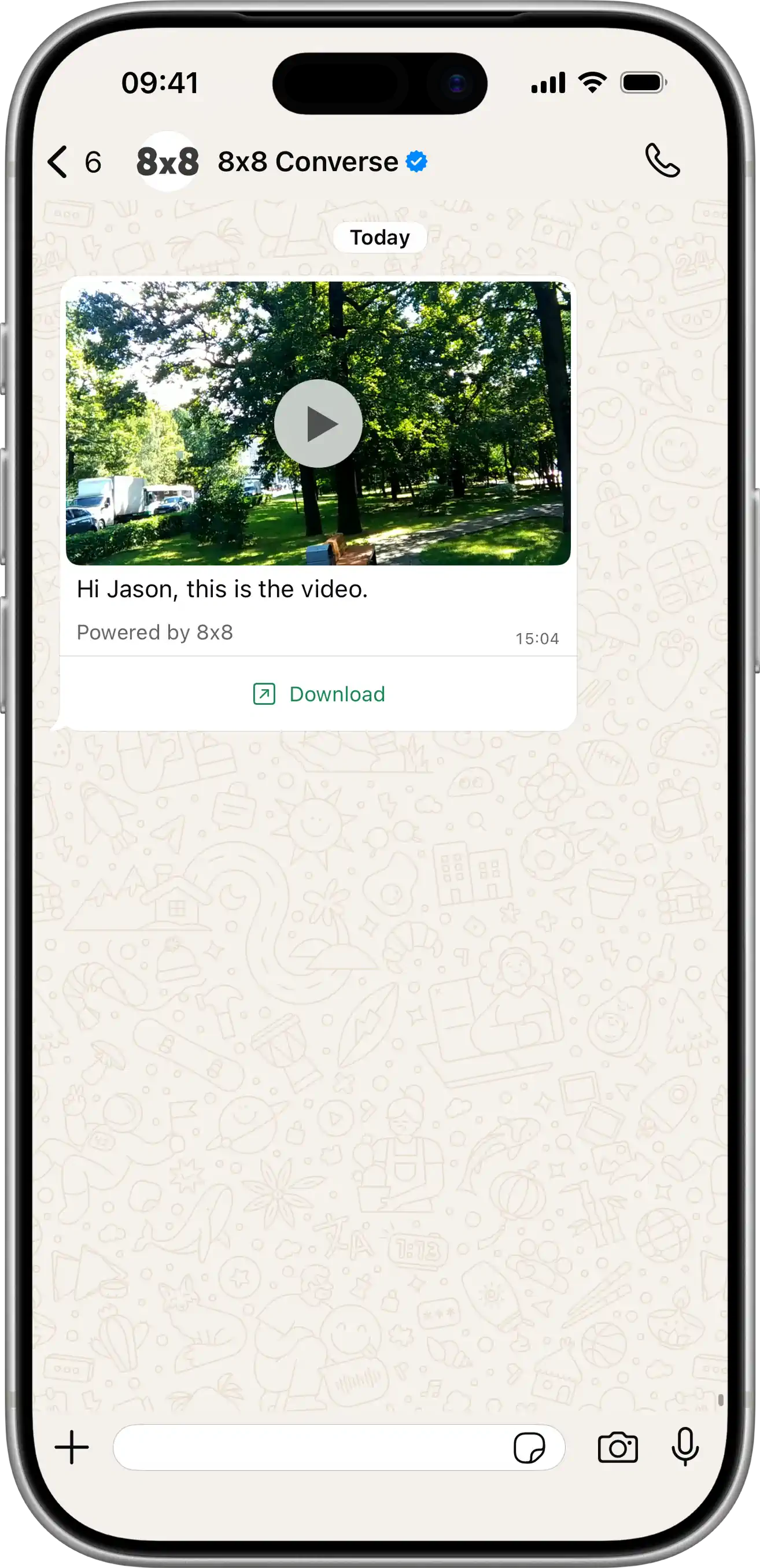
      Video object. Required for "video" type

      thumbnailstring

      ThumbNail

      Example: http://example.com/video.jpg
      filesizenumber

      Video File Size (in bytes)

      Example: 120
      durationnumber

      Duration of video (in seconds)

      Example: 10

      image object

      Image object. Used for Line channel to specify thumbnail for image messages.

      thumbnailstring

      URL of the thumbnail preview image

      Example: https://www.example.com/thumbnail.jpg

      audio object

      Audio object. Used for Line channel to specify duration for audio messages.

      durationnumberrequired

      Duration of audio in seconds

      Example: 300

      template object

      Template data. Mandatory for "template" message type

      namestring

      Template name to use

      Example: auto_reply_message_en_us
      languagestring

      Template language code to use

      Example: en_US

      components object[]

      List of template components

    • Array [
    • typestring

      Component type. Possible values are "header", "footer", "body", "button", "carousel", "call_permission_request"

      Possible values: [header, footer, body, button, carousel, call_permission_request]

      Default value: body

      parameters object[]

      Parameters list to use for template placeholders.

    • Array [
    • typestringrequired

      Parameter type. Possible values are "text", "image", "gif", "video", "document", "location", "payload", "couponCode", "action", "ttlMinutes".

      Use "payload" type to define the payload that will be returned when the button in the interactive message is clicked. Use "action" type for Flow button parameters. Use "ttlMinutes" for VoiceCall button only — overrides the template-level TTL at send time. Using ttlMinutes on any other subtype returns an error.

      Possible values: [text, image, gif, video, document, location, payload, couponCode, action, ttlMinutes]

      textstring

      Text for "text" parameter type

      Example: To be or not to be
      urlstring

      Required for "image", "gif", "video", "document" parameter types.

      Resource URL.
      Note: For type = gif, the url must point to a Video file type, not a .gif.

      Example: http://example.com

      location object

      Required for "location" parameter type.

      Location object.

      latitudenumber

      Latitude

      Example: 12.345
      longitudenumber

      Longitude

      Example: 12.345
      namestring

      Text that will appear below the generic map at the top of the message

      Example: Pablo Morales
      addressstring

      Address that will appear below the generic map at the top of the message

      Example: 1 Hacker Way, Menlo Park, CA 94025
      payloadstring

      Required for "payload" type.

      Customer-defined payload that will be returned when the button in the interactive message is clicked.

      couponCodestring

      Required for "couponCode" type.

      The coupon code to be copied when the customer taps the button.

      flowActionData object

      Optional for "action" type.

      Flow action data for Flow button parameters.

      screenstring

      Optional. The ID of the screen displayed first. It needs to be an entry screen. Should only be used when flow_action is navigate, and should be omitted otherwise. Defaults to "FIRST_ENTRY_SCREEN" if not provided.

      Default value: FIRST_ENTRY_SCREEN
      Example: RECOMMEND

      data object

      Optional. Input data for the first Screen of the Flow. If provided, this must be a non-empty object. Defaults to null if not provided.

      property name*any

      Optional. Input data for the first Screen of the Flow. If provided, this must be a non-empty object. Defaults to null if not provided.

      Example: {"productId":"12345","userName":"John Doe","campaignId":"summer_sale_2024"}
      ttlMinutesinteger

      Required for "ttlMinutes" parameter type (VoiceCall subtype only).

      Overrides the template-level TTL at send time. Must be between 1 min and 43200 mins (30 days). Defaults to 10080 (7 days) if omitted.

      Note: When creating a template, the minimum is 1440 (1 day). When sending, the minimum is 1 (1 minute).

      Possible values: >= 1 and <= 43200

      Default value: 10080
      Example: 2
    • ]
    • indexinteger

      Required for "button" type.

      Position index of the button You can use index values from 0 to 9 to create up to 10 buttons. However, the Url button type allows a maximum of 2 buttons

      Possible values: >= 0 and <= 9

      Default value: 0
      subTypestring

      Required for "button" type.

      Type of button being created Values: QuickReply, Url, CopyCode, Flow, VoiceCall.

      For VoiceCall, the parameters array is optional. All other subtypes require at least one parameter.

      Possible values: [QuickReply, Url, CopyCode, Flow, VoiceCall]

      cards object[]

      Required for "carousel" type.

    • Array [
    • cardIndexinteger

      Index of the card in the carousel.

      Possible values: >= 0 and <= 9

      components object[]

      List of card components

    • Array [
    • typestring

      Component type. Possible values are "header", "body", "button"

      Possible values: [header, body, button]

      Default value: body

      parameters object[]

      Parameters list to use for template placeholders.

    • Array [
    • typestringrequired

      Parameter type. Possible values are "text", "image", "video", "document", "location", "payload", "couponCode".

      Use "payload" type to define the payload that will be returned when the button in the interactive message is clicked.

      Possible values: [text, image, video, document, location, payload, couponCode]

      textstring

      Text for "text" parameter type

      Example: To be or not to be
      urlstring

      Required for "image", "video", "document" parameter types.

      Resource URL.

      Example: http://example.com

      location object

      Required for "location" parameter type.

      Location object.

      latitudenumber

      Latitude

      Example: 12.345
      longitudenumber

      Longitude

      Example: 12.345
      namestring

      Text that will appear below the generic map at the top of the message

      Example: Pablo Morales
      addressstring

      Address that will appear below the generic map at the top of the message

      Example: 1 Hacker Way, Menlo Park, CA 94025
      payloadstring

      Required for "payload" type.

      Customer-defined payload that will be returned when the button in the interactive message is clicked.

      couponCodestring

      Required for "couponCode" type.

      The coupon code to be copied when the customer taps the button.

    • ]
    • indexinteger

      Required for "button" type.

      Position index of the button You can use index values from 0 to 1 to populate up to 2 buttons.

      Possible values: >= 0 and <= 1

      Default value: 0
      subTypestring

      Required for "button" type.

      Type of button being created Values: QuickReply, Url.

      Possible values: [QuickReply, Url]

    • ]
    • ]
    • ]
    • richCard object

      RCS Rich Card message content. Required when type is "richCard". Supported for RCS channel only.

      cardOrientationstringrequired

      Orientation of the card.

      Possible values: [horizontal, vertical]

      Example: vertical
      thumbnailImageAlignmentstring

      Alignment of the thumbnail image. Applicable for horizontal cards.

      Possible values: [left, right]

      Example: right
      titlestring

      Title of the rich card.

      Possible values: <= 200 characters

      descriptionstring

      Description of the rich card.

      Possible values: <= 2000 characters

      media objectrequired

      Media content of the card.

      heightstring

      Height of the media within the card.

      Possible values: [short, medium, tall]

      Example: short

      contentInfo objectrequired

      Information about the media file.

      fileUrlstring<uri>required

      Publicly accessible URL of the media file.

      thumbnailUrlstring<uri>

      Publicly accessible URL of the thumbnail for the media.

      forceRefreshboolean

      If set to true, the RCS platform will fetch the file again even if it has been cached.

      Default value: false

      suggestions object[]

      List of suggested actions or replies for the rich card.

      Possible values: <= 4

    • Array [
    • reply object

      Suggest a reply to the message

      textstringrequired

      Text content of the reply

      Possible values: <= 25 characters

      postbackDatastringrequired

      The base64-encoded payload that the agent receives in a user event when the user taps the suggested reply.

      Possible values: <= 2048 characters

      action object

      Suggest an action to the message. Only one of the following properties can be specified: dialAction, viewLocationAction, createCalendarEventAction, openUrlAction.

      textstringrequired

      Text content of the reply

      Possible values: <= 25 characters

      postbackDatastringrequired

      The base64-encoded payload that the agent receives in a user event when the user taps the suggested reply.

      Possible values: <= 2048 characters

      fallbackUrlstring

      URL that will open in a new window if a mobile device doesn't support a suggested action.

      dialAction object

      Opens the device's default phone app with the specified phone number filled in.

      phoneNumberstringrequired

      Phone number to dial, in E.164 format.

      viewLocationAction object

      Opens the device's default map app and selects the specified location or searches around the device's location given an agent-specified query.

      latLong object

      The latitude and longitude of the specified location.

      latitudenumberrequired

      The latitude in degrees.

      Possible values: >= -90 and <= 90

      longitudenumberrequired

      The longitude in degrees.

      Possible values: >= -180 and <= 180

      labelstring

      Text label of the location opened.

      Possible values: <= 100 characters

      querystring

      (Optional, only supported on Android Messages clients) Rather than specify a latLong (and optionally, a label), the agent can instead specify a query string. For default map apps that support search functionality (including Google Maps), tapping this suggested action results in a location search centered around the user's current location. If the query is sufficiently specific, then agents can use it to select any location in the world.

      Possible values: <= 200 characters

      createCalendarEventAction object

      Opens the device's default calendar app and creates a new calendar event prefilled with the event data.

      titlestringrequired

      Event title.

      Possible values: <= 100 characters

      descriptionstring

      Event description.

      Possible values: <= 500 characters

      startTimestringrequired

      Uses RFC 3339, where generated output will always be Z-normalized and uses 0, 3, 6 or 9 fractional digits. Offsets other than "Z" are also accepted. Examples: "2014-10-02T15:01:23Z", "2014-10-02T15:01:23.045123456Z" or "2014-10-02T15:01:23+05:30".

      endTimestringrequired

      Uses RFC 3339, where generated output will always be Z-normalized and uses 0, 3, 6 or 9 fractional digits. Offsets other than "Z" are also accepted. Examples: "2014-10-02T15:01:23Z", "2014-10-02T15:01:23.045123456Z" or "2014-10-02T15:01:23+05:30".

      openUrlAction object

      Opens the specified URL.

      urlstringrequired

      URL. Must be a valid URI as defined in RFC 3986.

      Possible values: <= 2048 characters

      applicationstring

      URL open application, browser or webview. To check whether a user's device supports webview mode, run a capability check first. See the documentation for details: https://developers.google.com/business-communications/rcs-business-messaging/guides/build/capabilities.

      Possible values: [OPEN_URL_APPLICATION_UNSPECIFIED, BROWSER, WEBVIEW]

      Default value: OPEN_URL_APPLICATION_UNSPECIFIED
      webviewViewModestring

      View mode for webview

      Possible values: [OPEN_URL_WEBVIEW_VIEW_MODE_UNSPECIFIED, FULL, HALF, TALL]

      Default value: FULL
      descriptionstring

      Accessibility description for webview.

      Possible values: <= 2048 characters

    • ]
    • carousel object

      RCS Carousel message content. Required when type is "carousel". Supported for RCS channel only.

      cardWidthstringrequired

      The width of the cards in the carousel.

      Possible values: [small, medium]

      Example: medium

      cards object[]required

      List of rich card items in the carousel. Minimum 2 cards, maximum 10 cards.

      Possible values: >= 2, <= 10

    • Array [
    • titlestring

      Title of the card.

      Possible values: <= 200 characters

      descriptionstring

      Description of the card.

      Possible values: <= 2000 characters

      media objectrequired

      Media content of the card.

      heightstring

      Height of the media within the card.

      Possible values: [short, medium, tall]

      Example: short

      contentInfo objectrequired

      Information about the media file.

      fileUrlstring<uri>required

      Publicly accessible URL of the media file.

      thumbnailUrlstring<uri>

      Publicly accessible URL of the thumbnail for the media.

      forceRefreshboolean

      If set to true, the RCS platform will fetch the file again even if it has been cached.

      Default value: false

      suggestions object[]

      List of suggested actions or replies for the card.

      Possible values: <= 4

    • Array [
    • reply object

      Suggest a reply to the message

      textstringrequired

      Text content of the reply

      Possible values: <= 25 characters

      postbackDatastringrequired

      The base64-encoded payload that the agent receives in a user event when the user taps the suggested reply.

      Possible values: <= 2048 characters

      action object

      Suggest an action to the message. Only one of the following properties can be specified: dialAction, viewLocationAction, createCalendarEventAction, openUrlAction.

      textstringrequired

      Text content of the reply

      Possible values: <= 25 characters

      postbackDatastringrequired

      The base64-encoded payload that the agent receives in a user event when the user taps the suggested reply.

      Possible values: <= 2048 characters

      fallbackUrlstring

      URL that will open in a new window if a mobile device doesn't support a suggested action.

      dialAction object

      Opens the device's default phone app with the specified phone number filled in.

      phoneNumberstringrequired

      Phone number to dial, in E.164 format.

      viewLocationAction object

      Opens the device's default map app and selects the specified location or searches around the device's location given an agent-specified query.

      latLong object

      The latitude and longitude of the specified location.

      latitudenumberrequired

      The latitude in degrees.

      Possible values: >= -90 and <= 90

      longitudenumberrequired

      The longitude in degrees.

      Possible values: >= -180 and <= 180

      labelstring

      Text label of the location opened.

      Possible values: <= 100 characters

      querystring

      (Optional, only supported on Android Messages clients) Rather than specify a latLong (and optionally, a label), the agent can instead specify a query string. For default map apps that support search functionality (including Google Maps), tapping this suggested action results in a location search centered around the user's current location. If the query is sufficiently specific, then agents can use it to select any location in the world.

      Possible values: <= 200 characters

      createCalendarEventAction object

      Opens the device's default calendar app and creates a new calendar event prefilled with the event data.

      titlestringrequired

      Event title.

      Possible values: <= 100 characters

      descriptionstring

      Event description.

      Possible values: <= 500 characters

      startTimestringrequired

      Uses RFC 3339, where generated output will always be Z-normalized and uses 0, 3, 6 or 9 fractional digits. Offsets other than "Z" are also accepted. Examples: "2014-10-02T15:01:23Z", "2014-10-02T15:01:23.045123456Z" or "2014-10-02T15:01:23+05:30".

      endTimestringrequired

      Uses RFC 3339, where generated output will always be Z-normalized and uses 0, 3, 6 or 9 fractional digits. Offsets other than "Z" are also accepted. Examples: "2014-10-02T15:01:23Z", "2014-10-02T15:01:23.045123456Z" or "2014-10-02T15:01:23+05:30".

      openUrlAction object

      Opens the specified URL.

      urlstringrequired

      URL. Must be a valid URI as defined in RFC 3986.

      Possible values: <= 2048 characters

      applicationstring

      URL open application, browser or webview. To check whether a user's device supports webview mode, run a capability check first. See the documentation for details: https://developers.google.com/business-communications/rcs-business-messaging/guides/build/capabilities.

      Possible values: [OPEN_URL_APPLICATION_UNSPECIFIED, BROWSER, WEBVIEW]

      Default value: OPEN_URL_APPLICATION_UNSPECIFIED
      webviewViewModestring

      View mode for webview

      Possible values: [OPEN_URL_WEBVIEW_VIEW_MODE_UNSPECIFIED, FULL, HALF, TALL]

      Default value: FULL
      descriptionstring

      Accessibility description for webview.

      Possible values: <= 2048 characters

    • ]
    • ]
    • suggestions object[]

      List of suggestioned actions that can be taken by the user for the message

      Possible values: <= 10

    • Array [
    • reply object

      Suggest a reply to the message

      textstringrequired

      Text content of the reply

      Possible values: <= 25 characters

      postbackDatastringrequired

      The base64-encoded payload that the agent receives in a user event when the user taps the suggested reply.

      Possible values: <= 2048 characters

      action object

      Suggest an action to the message. Only one of the following properties can be specified: dialAction, viewLocationAction, createCalendarEventAction, openUrlAction.

      textstringrequired

      Text content of the reply

      Possible values: <= 25 characters

      postbackDatastringrequired

      The base64-encoded payload that the agent receives in a user event when the user taps the suggested reply.

      Possible values: <= 2048 characters

      fallbackUrlstring

      URL that will open in a new window if a mobile device doesn't support a suggested action.

      dialAction object

      Opens the device's default phone app with the specified phone number filled in.

      phoneNumberstringrequired

      Phone number to dial, in E.164 format.

      viewLocationAction object

      Opens the device's default map app and selects the specified location or searches around the device's location given an agent-specified query.

      latLong object

      The latitude and longitude of the specified location.

      latitudenumberrequired

      The latitude in degrees.

      Possible values: >= -90 and <= 90

      longitudenumberrequired

      The longitude in degrees.

      Possible values: >= -180 and <= 180

      labelstring

      Text label of the location opened.

      Possible values: <= 100 characters

      querystring

      (Optional, only supported on Android Messages clients) Rather than specify a latLong (and optionally, a label), the agent can instead specify a query string. For default map apps that support search functionality (including Google Maps), tapping this suggested action results in a location search centered around the user's current location. If the query is sufficiently specific, then agents can use it to select any location in the world.

      Possible values: <= 200 characters

      createCalendarEventAction object

      Opens the device's default calendar app and creates a new calendar event prefilled with the event data.

      titlestringrequired

      Event title.

      Possible values: <= 100 characters

      descriptionstring

      Event description.

      Possible values: <= 500 characters

      startTimestringrequired

      Uses RFC 3339, where generated output will always be Z-normalized and uses 0, 3, 6 or 9 fractional digits. Offsets other than "Z" are also accepted. Examples: "2014-10-02T15:01:23Z", "2014-10-02T15:01:23.045123456Z" or "2014-10-02T15:01:23+05:30".

      endTimestringrequired

      Uses RFC 3339, where generated output will always be Z-normalized and uses 0, 3, 6 or 9 fractional digits. Offsets other than "Z" are also accepted. Examples: "2014-10-02T15:01:23Z", "2014-10-02T15:01:23.045123456Z" or "2014-10-02T15:01:23+05:30".

      openUrlAction object

      Opens the specified URL.

      urlstringrequired

      URL. Must be a valid URI as defined in RFC 3986.

      Possible values: <= 2048 characters

      applicationstring

      URL open application, browser or webview. To check whether a user's device supports webview mode, run a capability check first. See the documentation for details: https://developers.google.com/business-communications/rcs-business-messaging/guides/build/capabilities.

      Possible values: [OPEN_URL_APPLICATION_UNSPECIFIED, BROWSER, WEBVIEW]

      Default value: OPEN_URL_APPLICATION_UNSPECIFIED
      webviewViewModestring

      View mode for webview

      Possible values: [OPEN_URL_WEBVIEW_VIEW_MODE_UNSPECIFIED, FULL, HALF, TALL]

      Default value: FULL
      descriptionstring

      Accessibility description for webview.

      Possible values: <= 2048 characters

    • ]
    • dlrCallbackUrlstring<uri>

      Override default DR callback URL for message

      Example: http://example.com
      channelsundefined[]

      Override default Channel fallback configuration

      messages object[]required

      non-generic information to compose message. Will be combined with "template" properties to compose final message. At least user information should be provided.

      Possible values: <= 10000

    • Array [
    • user objectrequired

      User information

      msisdnstring

      Mobile phone number (MSISDN) to send the message to. International phone number format with '+ sign prefered. In addition we support national (local) phone numbers, please set country field to use it.

      Example: +6500000000
      countrystring

      Default country code (like 'sg', 'uk') for national phone numbers format. You don't need it if msisdn in E.164 format (with '+' sign at the beginning)

      Possible values: <= 2 characters

      Example: SG
      lineUserIdstring

      LINE user ID of the recipient. Use this instead of msisdn when sending messages to a LINE user via the Line Official Account channel.

      Example: Ua12b345678c1de0fg1a1234567891011
      clientMessageIdstring

      Client managed id for the message : your own unique reference

      Possible values: <= 50 characters

      Example: abc-123
      typeContent type (string)required

      Messaging Apps message content type. Allowed values are "text", "image", "audio", "video", "file", "location", "interactive", "template", "carousel" and "richCard".

      • If the type is "text", then content object should contain a "text" parameter.
      • If the type is "image", "audio", "video" or "file", then content object should contain a "url" parameter and all other parameters can be used.
      • If the type is "location", then content object should contain a "latitude", "longitude" parameters.
      • If the type is "interactive", then content object should contain an "interactive" parameter.
      • If the type is "template", then content object should contain a "template" parameter.
      • If the type is "carousel", then content object should contain a "carousel" parameter. Supported for RCS channel only.
      • If the type is "richCard", then content object should contain a "richCard" parameter. Supported for RCS channel only.

      Possible values: [text, audio, video, image, location, file, interactive, template, carousel, richCard]

      Example: Text

      content objectrequired

      Content of the message

      textstring

      Message body - the text of the message

      Possible values: <= 35000 characters

      Example: Hello

      whatsApp object

      WhatsApp-specific message settings. Only applies when the message is delivered via the WhatsApp channel.

      directSend object

      WhatsApp Direct Send settings. When this object is present, the message is sent using the WhatsApp Direct Send API instead of a pre-created template. Direct Send allows you to send business-initiated utility messages without pre-creating a template; matching templates are auto-generated and managed on your behalf.

      Direct Send supports the following message subset:

      • text messages.
      • interactive messages of type cta_url, with a single Call-to-Action URL button defined via interactive.action.parameters.
      • interactive messages of type button (Reply Buttons), with 1–3 buttons.
      • For interactive messages, only text headers are supported.
      categorystringrequired

      Required. Indicates the category of the message to be sent as an auto-generated template. Currently only utility is supported; messages will be charged at utility rates.

      Possible values: [utility]

      Example: utility
      ttlSecondsinteger

      Optional Time-to-live (TTL) in seconds for the message. If the message cannot be delivered within this window, it is dropped. Defaults to 30 days. Minimum 30 seconds, maximum 43200 seconds (12 hours).

      Possible values: >= 30 and <= 43200

      Example: 600
      urlstring<uri>

      Public URL of where the rich content is stored.

      Example: http://example.com
      fallbackTextstring

      In case SMS fallback is triggered, message body - the text of the message

      Possible values: <= 35000 characters

      Example: you can check your account by http://example.com

      sms object

      If the SMS fallback is triggered, here are the SMS settings

      encodingEncoding (string)

      Encoding for the text of the message. "AUTO", "GSM7" and "UCS2"

      Possible values: [AUTO, GSM7, UCS2]

      Example: AUTO
      sourcestring

      Source number (SenderId) - "From" field for SMS. Max length 16 chars.

      Possible values: <= 16 characters

      Example: Info

      location object

      Location object. Required for "location" type

      latitudenumberrequired

      Latitude

      Example: 12.345
      longitudenumberrequired

      Longitude

      Example: 12.345
      namestring

      Text that will appear below the generic map at the top of the message

      Example: Pablo Morales
      addressstring

      Address that will appear below the generic map at the top of the message

      Example: 1 Hacker Way, Menlo Park, CA 94025

      interactive object

      This is an interactive message. Type and Action are required properties

      typestring

      The type of interactive message you want to send.

      Possible values: [button, list, product, product_list, cta_url, flow, call_permission_request, voice_call, location_request_message]

      Example: button

      action object

      Action you want the user to perform after reading the message.

      buttonstring

      Required for List Messages.

      Button content. It cannot be an empty string and must be unique within the message. Emojis are supported, markdown is not.

      Possible values: <= 20 characters

      buttons object[]

      Required for Reply Buttons.

      Possible values: <= 3

    • Array [
    • typestring

      Type of button

      Possible values: [reply]

      Example: reply

      reply object

      The id and title properties are required.

      idstring

      Unique identifier for your button. This ID is returned in the webhook when the button is clicked by the user.

      Possible values: <= 256 characters

      titlestring

      Button title. It cannot be an empty string and must be unique within the message. Emojis are supported, markdown is not.

      Possible values: <= 20 characters

    • ]
    • catalog_idstring

      Required for Single Product Messages and Multi-Product Messages.

      Unique identifier of the Facebook catalog linked to your WhatsApp Business Account.

      product_retailer_idstring

      Required for Single Product Messages and Multi-Product Messages.

      Unique identifier of the product in a catalog.

      namestring

      Required to be send_location for Location Request Message.

      sections object[]

      Array of section objects.

      Possible values: >= 1, <= 10

    • Array [
    • rows object[]

      Required for List Messages.

      Contains a list of rows. You can have a total of 10 rows across your sections.

      The id and title properties are required.

    • Array [
    • idstring

      Possible values: <= 200 characters

      titlestring

      Possible values: <= 24 characters

      descriptionstring

      Possible values: <= 72 characters

    • ]
    • product_items object[]

      Required for Multi-Product Messages.

      Array of product objects. There is a minimum of 1 product per section and a maximum of 30 products across all sections.

    • Array [
    • product_retailer_idstring

      Required for Multi-Product Messages. Unique identifier of the product in a catalog. The product_retailer_id property is required.

    • ]
    • titlestring

      Required if the message has more than one section.

      Title of the section.

      Possible values: <= 24 characters

    • ]
    • parameters object

      Required for Call-to-Action Url (cta_url) and voice_call messages.

      display_textstring

      CTA Url button label text. For voice_call, this is the label shown on the call button. Optional; defaults to "Call Now" if omitted. Max 20 characters.

      Possible values: <= 20 characters

      ttlMinutesinteger

      Optional for voice_call only. Overrides the template-level TTL at send time. Must be between 1 min and 43200 mins (30 days). Defaults to 10080 (7 days) if omitted.

      Possible values: >= 1 and <= 43200

      Default value: 10080
      Example: 10
      payloadstring

      Optional for voice_call. Customer-defined payload. Max 512 characters.

      Possible values: <= 512 characters

      urlstring

      URL to load in the device's default web browser when tapped by user.

      flowIdstring

      Required for Flow messages. Unique ID of the Flow provided by WhatsApp.

      Example: 859504979861628
      flowCtastring

      Required for Flow messages. Text on the CTA button. For example: "Signup". CTA text length is advised to be 30 characters or less (no emoji).

      Possible values: <= 30 characters

      Example: Get Recommendations
      flowActionstring

      Optional for Flow messages. Either "navigate" or "data_exchange". Defaults to "navigate" if not provided.

      Possible values: [navigate, data_exchange]

      Default value: navigate
      Example: navigate

      flowActionPayload object

      Optional for Flow messages. Should only be used when flowAction is "navigate". Should be omitted otherwise.

      screenstring

      Optional. The ID of the screen displayed first. It needs to be an entry screen. Defaults to "FIRST_ENTRY_SCREEN" if not provided.

      Default value: FIRST_ENTRY_SCREEN
      Example: RECOMMEND

      data object

      Optional. Input data for the first Screen of the Flow. If provided, this must be a non-empty object. Defaults to null if not provided.

      property name*any

      Optional. Input data for the first Screen of the Flow. If provided, this must be a non-empty object. Defaults to null if not provided.

      Example: {"product_id":"12345","user_name":"John Doe","campaign_id":"summer_sale_2024"}

      header object

      Header content displayed on top of a message. You cannot set a header if your interactive object is of product and location request message type.

      document object

      idstring

      Required when type is audio, document, image, sticker, or video and you are not using a link.

      The media object ID. Do not use this field when message type is set to text.

      linkstring

      Required when type is audio, document, image, sticker, or video and you are not using an uploaded media ID (i.e. you are hosting the media asset on your server).

      The protocol and URL of the media to be sent. Use only with HTTP/HTTPS URLs.

      captionstring

      Describes the specified image, document, or video media.

      Do not use with audio or sticker media.

      filenamestring

      Describes the filename for the specific document. Use only with document media.

      The extension of the filename will specify what format the document is displayed as in WhatsApp.

      providerstringdeprecated

      This path is optionally used with a link when the HTTP/HTTPS link is not directly accessible and requires additional configurations like a bearer token.

      image object

      idstring

      Required when type is audio, document, image, sticker, or video and you are not using a link.

      The media object ID. Do not use this field when message type is set to text.

      linkstring

      Required when type is audio, document, image, sticker, or video and you are not using an uploaded media ID (i.e. you are hosting the media asset on your server).

      The protocol and URL of the media to be sent. Use only with HTTP/HTTPS URLs.

      captionstring

      Describes the specified image, document, or video media.

      Do not use with audio or sticker media.

      filenamestring

      Describes the filename for the specific document. Use only with document media.

      The extension of the filename will specify what format the document is displayed as in WhatsApp.

      providerstringdeprecated

      This path is optionally used with a link when the HTTP/HTTPS link is not directly accessible and requires additional configurations like a bearer token.

      text object

      idstring

      Required when type is audio, document, image, sticker, or video and you are not using a link.

      The media object ID. Do not use this field when message type is set to text.

      linkstring

      Required when type is audio, document, image, sticker, or video and you are not using an uploaded media ID (i.e. you are hosting the media asset on your server).

      The protocol and URL of the media to be sent. Use only with HTTP/HTTPS URLs.

      captionstring

      Describes the specified image, document, or video media.

      Do not use with audio or sticker media.

      filenamestring

      Describes the filename for the specific document. Use only with document media.

      The extension of the filename will specify what format the document is displayed as in WhatsApp.

      providerstringdeprecated

      This path is optionally used with a link when the HTTP/HTTPS link is not directly accessible and requires additional configurations like a bearer token.

      typestring

      The header type you would like to use. The type property is required.

      Possible values: [text, video, image, document]

      Example: text

      video object

      idstring

      Required when type is audio, document, image, sticker, or video and you are not using a link.

      The media object ID. Do not use this field when message type is set to text.

      linkstring

      Required when type is audio, document, image, sticker, or video and you are not using an uploaded media ID (i.e. you are hosting the media asset on your server).

      The protocol and URL of the media to be sent. Use only with HTTP/HTTPS URLs.

      captionstring

      Describes the specified image, document, or video media.

      Do not use with audio or sticker media.

      filenamestring

      Describes the filename for the specific document. Use only with document media.

      The extension of the filename will specify what format the document is displayed as in WhatsApp.

      providerstringdeprecated

      This path is optionally used with a link when the HTTP/HTTPS link is not directly accessible and requires additional configurations like a bearer token.

      body object

      Optional for type 'product' and 'call_permission_request'. Required for other message types.

      An object with the body of the message.

      textstring

      The content of the message. Emojis and markdown are supported. The text property is required.

      Possible values: <= 1024 characters

      footer object

      An object with the footer of the message. You cannot set a footer for location request message type

      textstring

      The footer content. Emojis, markdown, and links are supported. The text property is required.

      Possible values: <= 60 characters

      video object

      Video object. Required for "video" type

      thumbnailstring

      ThumbNail

      Example: http://example.com/video.jpg
      filesizenumber

      Video File Size (in bytes)

      Example: 120
      durationnumber

      Duration of video (in seconds)

      Example: 10

      image object

      Image object. Used for Line channel to specify thumbnail for image messages.

      thumbnailstring

      URL of the thumbnail preview image

      Example: https://www.example.com/thumbnail.jpg

      audio object

      Audio object. Used for Line channel to specify duration for audio messages.

      durationnumberrequired

      Duration of audio in seconds

      Example: 300

      template object

      Template data. Mandatory for "template" message type

      namestring

      Template name to use

      Example: auto_reply_message_en_us
      languagestring

      Template language code to use

      Example: en_US

      components object[]

      List of template components

    • Array [
    • typestring

      Component type. Possible values are "header", "footer", "body", "button", "carousel", "call_permission_request"

      Possible values: [header, footer, body, button, carousel, call_permission_request]

      Default value: body

      parameters object[]

      Parameters list to use for template placeholders.

    • Array [
    • typestringrequired

      Parameter type. Possible values are "text", "image", "gif", "video", "document", "location", "payload", "couponCode", "action", "ttlMinutes".

      Use "payload" type to define the payload that will be returned when the button in the interactive message is clicked. Use "action" type for Flow button parameters. Use "ttlMinutes" for VoiceCall button only — overrides the template-level TTL at send time. Using ttlMinutes on any other subtype returns an error.

      Possible values: [text, image, gif, video, document, location, payload, couponCode, action, ttlMinutes]

      textstring

      Text for "text" parameter type

      Example: To be or not to be
      urlstring

      Required for "image", "gif", "video", "document" parameter types.

      Resource URL.
      Note: For type = gif, the url must point to a Video file type, not a .gif.

      Example: http://example.com

      location object

      Required for "location" parameter type.

      Location object.

      latitudenumber

      Latitude

      Example: 12.345
      longitudenumber

      Longitude

      Example: 12.345
      namestring

      Text that will appear below the generic map at the top of the message

      Example: Pablo Morales
      addressstring

      Address that will appear below the generic map at the top of the message

      Example: 1 Hacker Way, Menlo Park, CA 94025
      payloadstring

      Required for "payload" type.

      Customer-defined payload that will be returned when the button in the interactive message is clicked.

      couponCodestring

      Required for "couponCode" type.

      The coupon code to be copied when the customer taps the button.

      flowActionData object

      Optional for "action" type.

      Flow action data for Flow button parameters.

      screenstring

      Optional. The ID of the screen displayed first. It needs to be an entry screen. Should only be used when flow_action is navigate, and should be omitted otherwise. Defaults to "FIRST_ENTRY_SCREEN" if not provided.

      Default value: FIRST_ENTRY_SCREEN
      Example: RECOMMEND

      data object

      Optional. Input data for the first Screen of the Flow. If provided, this must be a non-empty object. Defaults to null if not provided.

      property name*any

      Optional. Input data for the first Screen of the Flow. If provided, this must be a non-empty object. Defaults to null if not provided.

      Example: {"productId":"12345","userName":"John Doe","campaignId":"summer_sale_2024"}
      ttlMinutesinteger

      Required for "ttlMinutes" parameter type (VoiceCall subtype only).

      Overrides the template-level TTL at send time. Must be between 1 min and 43200 mins (30 days). Defaults to 10080 (7 days) if omitted.

      Note: When creating a template, the minimum is 1440 (1 day). When sending, the minimum is 1 (1 minute).

      Possible values: >= 1 and <= 43200

      Default value: 10080
      Example: 2
    • ]
    • indexinteger

      Required for "button" type.

      Position index of the button You can use index values from 0 to 9 to create up to 10 buttons. However, the Url button type allows a maximum of 2 buttons

      Possible values: >= 0 and <= 9

      Default value: 0
      subTypestring

      Required for "button" type.

      Type of button being created Values: QuickReply, Url, CopyCode, Flow, VoiceCall.

      For VoiceCall, the parameters array is optional. All other subtypes require at least one parameter.

      Possible values: [QuickReply, Url, CopyCode, Flow, VoiceCall]

      cards object[]

      Required for "carousel" type.

    • Array [
    • cardIndexinteger

      Index of the card in the carousel.

      Possible values: >= 0 and <= 9

      components object[]

      List of card components

    • Array [
    • typestring

      Component type. Possible values are "header", "body", "button"

      Possible values: [header, body, button]

      Default value: body

      parameters object[]

      Parameters list to use for template placeholders.

    • Array [
    • typestringrequired

      Parameter type. Possible values are "text", "image", "video", "document", "location", "payload", "couponCode".

      Use "payload" type to define the payload that will be returned when the button in the interactive message is clicked.

      Possible values: [text, image, video, document, location, payload, couponCode]

      textstring

      Text for "text" parameter type

      Example: To be or not to be
      urlstring

      Required for "image", "video", "document" parameter types.

      Resource URL.

      Example: http://example.com

      location object

      Required for "location" parameter type.

      Location object.

      latitudenumber

      Latitude

      Example: 12.345
      longitudenumber

      Longitude

      Example: 12.345
      namestring

      Text that will appear below the generic map at the top of the message

      Example: Pablo Morales
      addressstring

      Address that will appear below the generic map at the top of the message

      Example: 1 Hacker Way, Menlo Park, CA 94025
      payloadstring

      Required for "payload" type.

      Customer-defined payload that will be returned when the button in the interactive message is clicked.

      couponCodestring

      Required for "couponCode" type.

      The coupon code to be copied when the customer taps the button.

    • ]
    • indexinteger

      Required for "button" type.

      Position index of the button You can use index values from 0 to 1 to populate up to 2 buttons.

      Possible values: >= 0 and <= 1

      Default value: 0
      subTypestring

      Required for "button" type.

      Type of button being created Values: QuickReply, Url.

      Possible values: [QuickReply, Url]

    • ]
    • ]
    • ]
    • richCard object

      RCS Rich Card message content. Required when type is "richCard". Supported for RCS channel only.

      cardOrientationstringrequired

      Orientation of the card.

      Possible values: [horizontal, vertical]

      Example: vertical
      thumbnailImageAlignmentstring

      Alignment of the thumbnail image. Applicable for horizontal cards.

      Possible values: [left, right]

      Example: right
      titlestring

      Title of the rich card.

      Possible values: <= 200 characters

      descriptionstring

      Description of the rich card.

      Possible values: <= 2000 characters

      media objectrequired

      Media content of the card.

      heightstring

      Height of the media within the card.

      Possible values: [short, medium, tall]

      Example: short

      contentInfo objectrequired

      Information about the media file.

      fileUrlstring<uri>required

      Publicly accessible URL of the media file.

      thumbnailUrlstring<uri>

      Publicly accessible URL of the thumbnail for the media.

      forceRefreshboolean

      If set to true, the RCS platform will fetch the file again even if it has been cached.

      Default value: false

      suggestions object[]

      List of suggested actions or replies for the rich card.

      Possible values: <= 4

    • Array [
    • reply object

      Suggest a reply to the message

      textstringrequired

      Text content of the reply

      Possible values: <= 25 characters

      postbackDatastringrequired

      The base64-encoded payload that the agent receives in a user event when the user taps the suggested reply.

      Possible values: <= 2048 characters

      action object

      Suggest an action to the message. Only one of the following properties can be specified: dialAction, viewLocationAction, createCalendarEventAction, openUrlAction.

      textstringrequired

      Text content of the reply

      Possible values: <= 25 characters

      postbackDatastringrequired

      The base64-encoded payload that the agent receives in a user event when the user taps the suggested reply.

      Possible values: <= 2048 characters

      fallbackUrlstring

      URL that will open in a new window if a mobile device doesn't support a suggested action.

      dialAction object

      Opens the device's default phone app with the specified phone number filled in.

      phoneNumberstringrequired

      Phone number to dial, in E.164 format.

      viewLocationAction object

      Opens the device's default map app and selects the specified location or searches around the device's location given an agent-specified query.

      latLong object

      The latitude and longitude of the specified location.

      latitudenumberrequired

      The latitude in degrees.

      Possible values: >= -90 and <= 90

      longitudenumberrequired

      The longitude in degrees.

      Possible values: >= -180 and <= 180

      labelstring

      Text label of the location opened.

      Possible values: <= 100 characters

      querystring

      (Optional, only supported on Android Messages clients) Rather than specify a latLong (and optionally, a label), the agent can instead specify a query string. For default map apps that support search functionality (including Google Maps), tapping this suggested action results in a location search centered around the user's current location. If the query is sufficiently specific, then agents can use it to select any location in the world.

      Possible values: <= 200 characters

      createCalendarEventAction object

      Opens the device's default calendar app and creates a new calendar event prefilled with the event data.

      titlestringrequired

      Event title.

      Possible values: <= 100 characters

      descriptionstring

      Event description.

      Possible values: <= 500 characters

      startTimestringrequired

      Uses RFC 3339, where generated output will always be Z-normalized and uses 0, 3, 6 or 9 fractional digits. Offsets other than "Z" are also accepted. Examples: "2014-10-02T15:01:23Z", "2014-10-02T15:01:23.045123456Z" or "2014-10-02T15:01:23+05:30".

      endTimestringrequired

      Uses RFC 3339, where generated output will always be Z-normalized and uses 0, 3, 6 or 9 fractional digits. Offsets other than "Z" are also accepted. Examples: "2014-10-02T15:01:23Z", "2014-10-02T15:01:23.045123456Z" or "2014-10-02T15:01:23+05:30".

      openUrlAction object

      Opens the specified URL.

      urlstringrequired

      URL. Must be a valid URI as defined in RFC 3986.

      Possible values: <= 2048 characters

      applicationstring

      URL open application, browser or webview. To check whether a user's device supports webview mode, run a capability check first. See the documentation for details: https://developers.google.com/business-communications/rcs-business-messaging/guides/build/capabilities.

      Possible values: [OPEN_URL_APPLICATION_UNSPECIFIED, BROWSER, WEBVIEW]

      Default value: OPEN_URL_APPLICATION_UNSPECIFIED
      webviewViewModestring

      View mode for webview

      Possible values: [OPEN_URL_WEBVIEW_VIEW_MODE_UNSPECIFIED, FULL, HALF, TALL]

      Default value: FULL
      descriptionstring

      Accessibility description for webview.

      Possible values: <= 2048 characters

    • ]
    • carousel object

      RCS Carousel message content. Required when type is "carousel". Supported for RCS channel only.

      cardWidthstringrequired

      The width of the cards in the carousel.

      Possible values: [small, medium]

      Example: medium

      cards object[]required

      List of rich card items in the carousel. Minimum 2 cards, maximum 10 cards.

      Possible values: >= 2, <= 10

    • Array [
    • titlestring

      Title of the card.

      Possible values: <= 200 characters

      descriptionstring

      Description of the card.

      Possible values: <= 2000 characters

      media objectrequired

      Media content of the card.

      heightstring

      Height of the media within the card.

      Possible values: [short, medium, tall]

      Example: short

      contentInfo objectrequired

      Information about the media file.

      fileUrlstring<uri>required

      Publicly accessible URL of the media file.

      thumbnailUrlstring<uri>

      Publicly accessible URL of the thumbnail for the media.

      forceRefreshboolean

      If set to true, the RCS platform will fetch the file again even if it has been cached.

      Default value: false

      suggestions object[]

      List of suggested actions or replies for the card.

      Possible values: <= 4

    • Array [
    • reply object

      Suggest a reply to the message

      textstringrequired

      Text content of the reply

      Possible values: <= 25 characters

      postbackDatastringrequired

      The base64-encoded payload that the agent receives in a user event when the user taps the suggested reply.

      Possible values: <= 2048 characters

      action object

      Suggest an action to the message. Only one of the following properties can be specified: dialAction, viewLocationAction, createCalendarEventAction, openUrlAction.

      textstringrequired

      Text content of the reply

      Possible values: <= 25 characters

      postbackDatastringrequired

      The base64-encoded payload that the agent receives in a user event when the user taps the suggested reply.

      Possible values: <= 2048 characters

      fallbackUrlstring

      URL that will open in a new window if a mobile device doesn't support a suggested action.

      dialAction object

      Opens the device's default phone app with the specified phone number filled in.

      phoneNumberstringrequired

      Phone number to dial, in E.164 format.

      viewLocationAction object

      Opens the device's default map app and selects the specified location or searches around the device's location given an agent-specified query.

      latLong object

      The latitude and longitude of the specified location.

      latitudenumberrequired

      The latitude in degrees.

      Possible values: >= -90 and <= 90

      longitudenumberrequired

      The longitude in degrees.

      Possible values: >= -180 and <= 180

      labelstring

      Text label of the location opened.

      Possible values: <= 100 characters

      querystring

      (Optional, only supported on Android Messages clients) Rather than specify a latLong (and optionally, a label), the agent can instead specify a query string. For default map apps that support search functionality (including Google Maps), tapping this suggested action results in a location search centered around the user's current location. If the query is sufficiently specific, then agents can use it to select any location in the world.

      Possible values: <= 200 characters

      createCalendarEventAction object

      Opens the device's default calendar app and creates a new calendar event prefilled with the event data.

      titlestringrequired

      Event title.

      Possible values: <= 100 characters

      descriptionstring

      Event description.

      Possible values: <= 500 characters

      startTimestringrequired

      Uses RFC 3339, where generated output will always be Z-normalized and uses 0, 3, 6 or 9 fractional digits. Offsets other than "Z" are also accepted. Examples: "2014-10-02T15:01:23Z", "2014-10-02T15:01:23.045123456Z" or "2014-10-02T15:01:23+05:30".

      endTimestringrequired

      Uses RFC 3339, where generated output will always be Z-normalized and uses 0, 3, 6 or 9 fractional digits. Offsets other than "Z" are also accepted. Examples: "2014-10-02T15:01:23Z", "2014-10-02T15:01:23.045123456Z" or "2014-10-02T15:01:23+05:30".

      openUrlAction object

      Opens the specified URL.

      urlstringrequired

      URL. Must be a valid URI as defined in RFC 3986.

      Possible values: <= 2048 characters

      applicationstring

      URL open application, browser or webview. To check whether a user's device supports webview mode, run a capability check first. See the documentation for details: https://developers.google.com/business-communications/rcs-business-messaging/guides/build/capabilities.

      Possible values: [OPEN_URL_APPLICATION_UNSPECIFIED, BROWSER, WEBVIEW]

      Default value: OPEN_URL_APPLICATION_UNSPECIFIED
      webviewViewModestring

      View mode for webview

      Possible values: [OPEN_URL_WEBVIEW_VIEW_MODE_UNSPECIFIED, FULL, HALF, TALL]

      Default value: FULL
      descriptionstring

      Accessibility description for webview.

      Possible values: <= 2048 characters

    • ]
    • ]
    • suggestions object[]

      List of suggestioned actions that can be taken by the user for the message

      Possible values: <= 10

    • Array [
    • reply object

      Suggest a reply to the message

      textstringrequired

      Text content of the reply

      Possible values: <= 25 characters

      postbackDatastringrequired

      The base64-encoded payload that the agent receives in a user event when the user taps the suggested reply.

      Possible values: <= 2048 characters

      action object

      Suggest an action to the message. Only one of the following properties can be specified: dialAction, viewLocationAction, createCalendarEventAction, openUrlAction.

      textstringrequired

      Text content of the reply

      Possible values: <= 25 characters

      postbackDatastringrequired

      The base64-encoded payload that the agent receives in a user event when the user taps the suggested reply.

      Possible values: <= 2048 characters

      fallbackUrlstring

      URL that will open in a new window if a mobile device doesn't support a suggested action.

      dialAction object

      Opens the device's default phone app with the specified phone number filled in.

      phoneNumberstringrequired

      Phone number to dial, in E.164 format.

      viewLocationAction object

      Opens the device's default map app and selects the specified location or searches around the device's location given an agent-specified query.

      latLong object

      The latitude and longitude of the specified location.

      latitudenumberrequired

      The latitude in degrees.

      Possible values: >= -90 and <= 90

      longitudenumberrequired

      The longitude in degrees.

      Possible values: >= -180 and <= 180

      labelstring

      Text label of the location opened.

      Possible values: <= 100 characters

      querystring

      (Optional, only supported on Android Messages clients) Rather than specify a latLong (and optionally, a label), the agent can instead specify a query string. For default map apps that support search functionality (including Google Maps), tapping this suggested action results in a location search centered around the user's current location. If the query is sufficiently specific, then agents can use it to select any location in the world.

      Possible values: <= 200 characters

      createCalendarEventAction object

      Opens the device's default calendar app and creates a new calendar event prefilled with the event data.

      titlestringrequired

      Event title.

      Possible values: <= 100 characters

      descriptionstring

      Event description.

      Possible values: <= 500 characters

      startTimestringrequired

      Uses RFC 3339, where generated output will always be Z-normalized and uses 0, 3, 6 or 9 fractional digits. Offsets other than "Z" are also accepted. Examples: "2014-10-02T15:01:23Z", "2014-10-02T15:01:23.045123456Z" or "2014-10-02T15:01:23+05:30".

      endTimestringrequired

      Uses RFC 3339, where generated output will always be Z-normalized and uses 0, 3, 6 or 9 fractional digits. Offsets other than "Z" are also accepted. Examples: "2014-10-02T15:01:23Z", "2014-10-02T15:01:23.045123456Z" or "2014-10-02T15:01:23+05:30".

      openUrlAction object

      Opens the specified URL.

      urlstringrequired

      URL. Must be a valid URI as defined in RFC 3986.

      Possible values: <= 2048 characters

      applicationstring

      URL open application, browser or webview. To check whether a user's device supports webview mode, run a capability check first. See the documentation for details: https://developers.google.com/business-communications/rcs-business-messaging/guides/build/capabilities.

      Possible values: [OPEN_URL_APPLICATION_UNSPECIFIED, BROWSER, WEBVIEW]

      Default value: OPEN_URL_APPLICATION_UNSPECIFIED
      webviewViewModestring

      View mode for webview

      Possible values: [OPEN_URL_WEBVIEW_VIEW_MODE_UNSPECIFIED, FULL, HALF, TALL]

      Default value: FULL
      descriptionstring

      Accessibility description for webview.

      Possible values: <= 2048 characters

    • ]
    • scheduledstring<date-time>

      Date and time when a schedule delivery of the message must happen

      expirystring<date-time>

      Message Expiry date-time object. If message is not delivered before specified time, it should be trashed

      dlrCallbackUrlstring<uri>

      Override default DR callback URL for the message

      channels object[]

      Channel fallback override

    • Array [
    • channelChannel type (string)required

      Messaging Apps Channel enumeration

      Possible values: [SMS, WhatsApp, Facebook, RCS, Viber, Line, WeChat, Zalo, Instagram]

      Example: WhatsApp
      fallbackAfterinteger

      Specify the amount of time in seconds, after which message should be sent to next fallback channel, if not delivered to current one. Maximum: 1 day

      Possible values: >= 10 and <= 86400

      successStatusSuccess status (string)

      Enumeration of Success Delivery status

      Possible values: [Accepted, Sent, Delivered, Read]

      Example: Delivered
    • ]
    • context object

      Contextual replies object. This allows you to reply to a specific message in a conversation thread. You can reply to messages up to 7 days old. Only supported for WhatsApp messages.

      For more information and limitations, see WhatsApp Contextual Replies documentation.

      umidstringrequired

      The unique message ID (umid) of the message you want to reply to. This can be the umid from an inbound message (received from the recipient) or an outbound message (previously sent by you). This creates a quoted reply in WhatsApp, showing the original message above your response.

      Example: aa7c29ad-4433-2211-9c8b-00004e2b9ecc
    • ]
    • includeMessagesInResponseboolean

      If 'True', then information about every message will be returned in API response

      Default value: false
      Example: true

    Success response

    Schema

      batchIdstring<uuid>required

      Batch ID, generated by 8x8

      Example: cf3cbbf5-3e2d-ea11-815d-020897df5459
      clientBatchIdstring

      Client batch ID from request

      Possible values: <= 100 characters

      acceptedCountintegerrequired

      Amount of accepted messages from batch

      Possible values: >= 0 and <= 10000

      rejectedCountintegerrequired

      Amount of rejected messages from batch

      Possible values: >= 0 and <= 10000

      messages object[]

      Message details. Will be include in response if request includeMessagesInResponse field set to true

    • Array [
    • status objectrequired

      Delivery status of the message. Status contains the following information.

      statestring

      General status of the message. Possible values are

      • unknown: Status is not known. This is an exceptional/intermediate status.
      • queued: The request is accepted and queued for processing
      • failed: The request has been rejected by the api and will not be processed.
      • sent: The message has been sent to the operator and we have not received an acknowledgment yet.
      • delivered: Message has been delivered to destination and we have received confirmation from the operator.
      • undelivered: We have received a delivery receipt from the operator that the message was not delivered.
      • read: Message was delivered and read.
      • ok: Operation was successful
      • error: An error occurred during operation
      Example: delivered
      detailstring
      • delivered_to_operator: The message has been delivered to the operator. Associated with delivered state
      • delivered_to_recipient: The message has been delivered to the recipient. Associated with delivered state.
      • rejected_by_operator: The message has been rejected by the operator. Associated with undelivered status.
      • undelivered_to_recipient: The message has been delivered but rejected by the target device. Associated with undelivered state.
      Example: delivered_to_carrier
      errorCodeinteger

      Error code for the operation

      errorMessagestring

      Description of the error.

      Example: Invalid message length
      timestampstring<date-time>

      Date and time when the status was observed expressed in ISO 8601 format.

      Example: 2020-06-17T04:17:21.06Z
      umidstring<uuid>required

      Unique message id (guid) generated by 8x8 CPaaS platform upon message submission

      user objectrequired

      User information

      msisdnstring

      Mobile phone number (MSISDN) to send the message to. International phone number format with '+ sign prefered. In addition we support national (local) phone numbers, please set country field to use it.

      Example: +6500000000
      countrystring

      Default country code (like 'sg', 'uk') for national phone numbers format. You don't need it if msisdn in E.164 format (with '+' sign at the beginning)

      Possible values: <= 2 characters

      Example: SG
      clientMessageIdstring

      Client managed id for the message: your own unique reference

    • ]
    {
    "batchId":"cf3cbbf5-3e2d-ea11-815d-020897df5459",
    "clientBatchId":"string",
    "acceptedCount":0,
    "rejectedCount":0,
    "messages":[
    {
    "status":{
    "state":"delivered",
    "detail":"delivered_to_carrier",
    "errorCode":0,
    "errorMessage":"Invalid message length",
    "timestamp":"2020-06-17T04:17:21.06Z"
    },
    "umid":"3fa85f64-5717-4562-b3fc-2c963f66afa6",
    "user":{
    "msisdn":"+6500000000",
    "country":"SG"
    },
    "clientMessageId":"string"
    }
    ]
    }
    {
    "batchId":"cf3cbbf5-3e2d-ea11-815d-020897df5459",
    "clientBatchId":"aaa_batch",
    "acceptedCount":1,
    "rejectedCount":1,
    "messages":[
    {
    "umid":"d03cbbf5-3e2d-ea11-815d-020897df5459",
    "user":{
    "msisdn":"+6500000000"
    },
    "clientMessageId":"aaa-1",
    "status":{
    "state":"queued",
    "timestamp":"2020-01-04T08:19:45.99Z"
    }
    },
    {
    "umid":"15bb8ad1-d06e-418c-8dc7-ac8a00ffeb70",
    "user":{
    "msisdn":"+65000001"
    },
    "clientMessageId":"aaa-2",
    "status":{
    "state":"rejected",
    "timestamp":"2020-01-04T08:19:45.99Z",
    "errorCode":3038,
    "errorMessage":"Template not found for provided name and language"
    }
    }
    ]
    }

    Bad request error response

    Schema

      codeintegerrequired

      Error code

      messagestring

      Error description

      errorIdstring<uuid>required

      Unique id of error. You can use it as reference when sending enquiries to 8x8 support

      timestampstring<date-time>required

      Data and time of the error occurence

    {
    "code":1001,
    "message":"Provided subAccountId doesn't belongs to your account",
    "errorId":"91b106f0-c0da-4aba-a43a-7af9c5893a80",
    "timestamp":"2017-04-19T02:31:19.4297387+00:00"
    }
    {
    "code":1002,
    "message":"Invalid MSISDN format (not E.164 international number)",
    "errorId":"b4478860-b76c-e811-814e-022a35cc1c71",
    "timestamp":"2018-08-04T09:25:40.9235752+00:00"
    }

    Request was not authenticated response

    Schema

      codeintegerrequired

      Error code

      messagestring

      Error description

      errorIdstring<uuid>required

      Unique id of error. You can use it as reference when sending enquiries to 8x8 support

      timestampstring<date-time>required

      Data and time of the error occurence

    {
    "code":1001,
    "message":"Provided subAccountId doesn't belongs to your account",
    "errorId":"91b106f0-c0da-4aba-a43a-7af9c5893a80",
    "timestamp":"2017-04-19T02:31:19.4297387+00:00"
    }
    {
    "code":1200,
    "message":"Request was not authenticated properly",
    "errorId":"db9dced4-3534-4d86-9d18-6b448af0d621",
    "timestamp":"2018-08-02T09:42:38.8988997+00:00"
    }

    Internal server error

    Schema

      codeintegerrequired

      Error code

      messagestring

      Error description

      errorIdstring<uuid>required

      Unique id of error. You can use it as reference when sending enquiries to 8x8 support

      timestampstring<date-time>required

      Data and time of the error occurence

    {
    "code":1001,
    "message":"Provided subAccountId doesn't belongs to your account",
    "errorId":"91b106f0-c0da-4aba-a43a-7af9c5893a80",
    "timestamp":"2017-04-19T02:31:19.4297387+00:00"
    }
    {
    "code":2000,
    "message":"Internal server error",
    "errorId":"db9dced4-3534-4d86-9d18-6b448af0d621",
    "timestamp":"2018-07-02T09:42:38.8988997+00:00"
    }

    Source: https://developer.8x8.com/connect/reference/send-message-many · 8x8 CPaaS Developer Docs. Synced for support deflection.
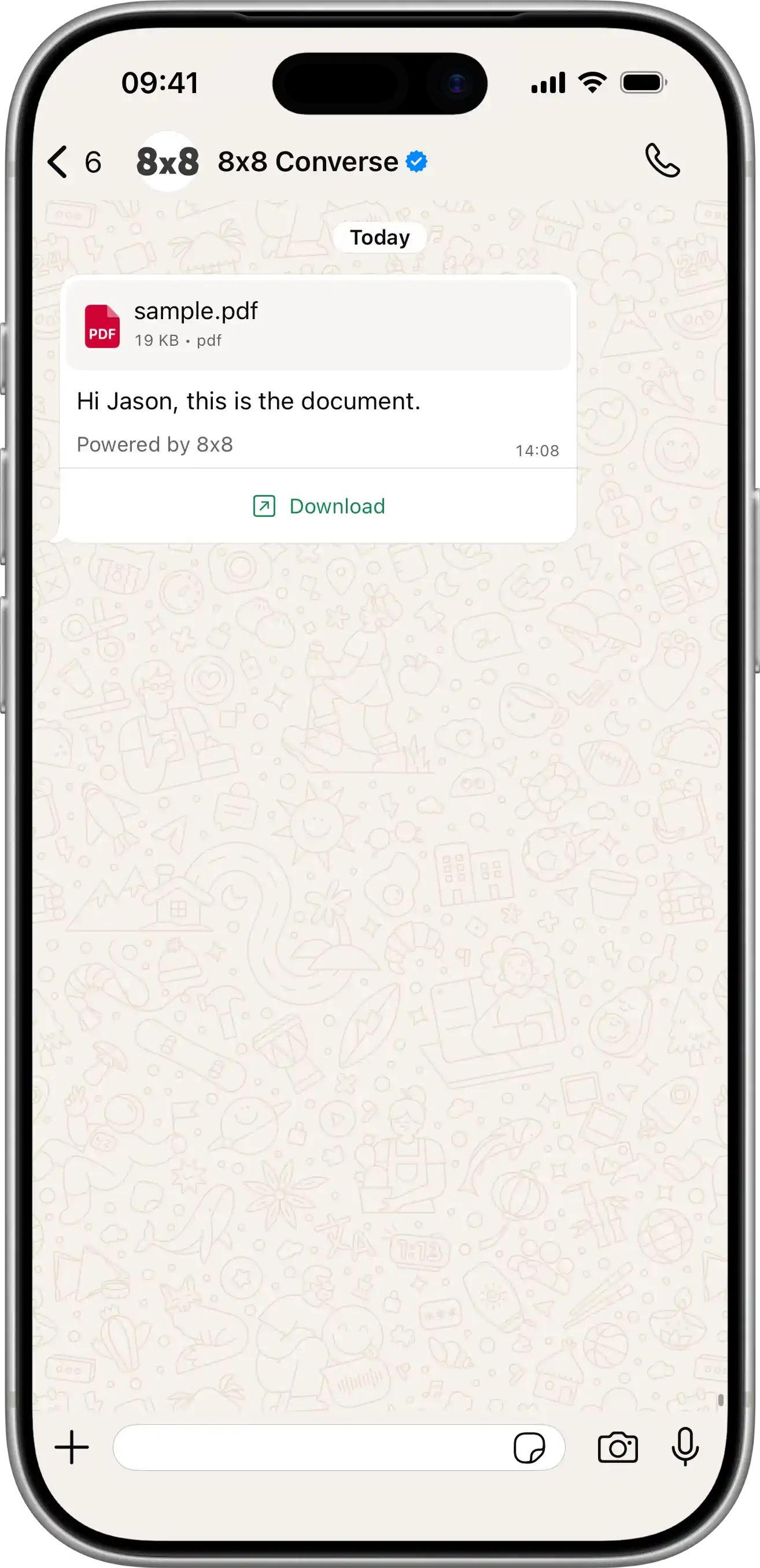
  • Send message

    Send message

    POST https://chatapps.8x8.com/api/v1/subaccounts/:subAccountId/messages

    This endpoint is used to send Messaging Apps messages individually (1 request per message). It is ideal to send single personalized messages for use-cases like notifications or alerting for example.

    For WhatsApp: When sending a 'text' type message, we will try to match it with registered WhatsApp templates under your account If matching is successful, the message will be submitted as a template to WhatsApp, if not as a normal message

    To bypass the template matching and send template only, you can select type 'template' In this case, you need to provide template name, language and parameters

    WhatsApp Call Permission Request: You can request permission to call a customer using either:

    • Interactive message: Set type to 'interactive' with interactive.type as 'call_permission_request'. The body field is optional.
    • Template message: Set type to 'template' with your approved Call Permission Request template name and language.

    More examples on how this endpoint can be used are available here: Usage examples

    Request

    Path Parameters

      subAccountId stringrequired

      Possible values: >= 3 characters and <= 50 characters, Value must match regular expression ^[A-Za-z0-9\-._&]{3,50}$

      You must replace {subAccountId} with the subaccountid that you want to use. By default this is generated once you signed up with a new account at https://connect.8x8.com.

    Body

    Messaging Apps API: request model for send single message

      user objectrequired

      User information

      msisdnstring

      Mobile phone number (MSISDN) to send the message to. International phone number format with '+ sign prefered. In addition we support national (local) phone numbers, please set country field to use it.

      Example: +6500000000
      countrystring

      Default country code (like 'sg', 'uk') for national phone numbers format. You don't need it if msisdn in E.164 format (with '+' sign at the beginning)

      Possible values: <= 2 characters

      Example: SG
      lineUserIdstring

      LINE user ID of the recipient. Use this instead of msisdn when sending messages to a LINE user via the Line Official Account channel.

      Example: Ua12b345678c1de0fg1a1234567891011
      clientMessageIdstring

      Client managed id for the message : your own unique reference

      Possible values: <= 50 characters

      Example: abc-123
      typeContent type (string)required

      Messaging Apps message content type. Allowed values are "text", "image", "audio", "video", "file", "location", "interactive", "template", "carousel" and "richCard".

      • If the type is "text", then content object should contain a "text" parameter.
      • If the type is "image", "audio", "video" or "file", then content object should contain a "url" parameter and all other parameters can be used.
      • If the type is "location", then content object should contain a "latitude", "longitude" parameters.
      • If the type is "interactive", then content object should contain an "interactive" parameter.
      • If the type is "template", then content object should contain a "template" parameter.
      • If the type is "carousel", then content object should contain a "carousel" parameter. Supported for RCS channel only.
      • If the type is "richCard", then content object should contain a "richCard" parameter. Supported for RCS channel only.

      Possible values: [text, audio, video, image, location, file, interactive, template, carousel, richCard]

      Example: Text

      content objectrequired

      Content of the message

      textstring

      Message body - the text of the message

      Possible values: <= 35000 characters

      Example: Hello

      whatsApp object

      WhatsApp-specific message settings. Only applies when the message is delivered via the WhatsApp channel.

      directSend object

      WhatsApp Direct Send settings. When this object is present, the message is sent using the WhatsApp Direct Send API instead of a pre-created template. Direct Send allows you to send business-initiated utility messages without pre-creating a template; matching templates are auto-generated and managed on your behalf.

      Direct Send supports the following message subset:

      • text messages.
      • interactive messages of type cta_url, with a single Call-to-Action URL button defined via interactive.action.parameters.
      • interactive messages of type button (Reply Buttons), with 1–3 buttons.
      • For interactive messages, only text headers are supported.
      categorystringrequired

      Required. Indicates the category of the message to be sent as an auto-generated template. Currently only utility is supported; messages will be charged at utility rates.

      Possible values: [utility]

      Example: utility
      ttlSecondsinteger

      Optional Time-to-live (TTL) in seconds for the message. If the message cannot be delivered within this window, it is dropped. Defaults to 30 days. Minimum 30 seconds, maximum 43200 seconds (12 hours).

      Possible values: >= 30 and <= 43200

      Example: 600
      urlstring<uri>

      Public URL of where the rich content is stored.

      Example: http://example.com
      fallbackTextstring

      In case SMS fallback is triggered, message body - the text of the message

      Possible values: <= 35000 characters

      Example: you can check your account by http://example.com

      sms object

      If the SMS fallback is triggered, here are the SMS settings

      encodingEncoding (string)

      Encoding for the text of the message. "AUTO", "GSM7" and "UCS2"

      Possible values: [AUTO, GSM7, UCS2]

      Example: AUTO
      sourcestring

      Source number (SenderId) - "From" field for SMS. Max length 16 chars.

      Possible values: <= 16 characters

      Example: Info

      location object

      Location object. Required for "location" type

      latitudenumberrequired

      Latitude

      Example: 12.345
      longitudenumberrequired

      Longitude

      Example: 12.345
      namestring

      Text that will appear below the generic map at the top of the message

      Example: Pablo Morales
      addressstring

      Address that will appear below the generic map at the top of the message

      Example: 1 Hacker Way, Menlo Park, CA 94025

      interactive object

      This is an interactive message. Type and Action are required properties

      typestring

      The type of interactive message you want to send.

      Possible values: [button, list, product, product_list, cta_url, flow, call_permission_request, voice_call, location_request_message]

      Example: button

      action object

      Action you want the user to perform after reading the message.

      buttonstring

      Required for List Messages.

      Button content. It cannot be an empty string and must be unique within the message. Emojis are supported, markdown is not.

      Possible values: <= 20 characters

      buttons object[]

      Required for Reply Buttons.

      Possible values: <= 3

    • Array [
    • typestring

      Type of button

      Possible values: [reply]

      Example: reply

      reply object

      The id and title properties are required.

      idstring

      Unique identifier for your button. This ID is returned in the webhook when the button is clicked by the user.

      Possible values: <= 256 characters

      titlestring

      Button title. It cannot be an empty string and must be unique within the message. Emojis are supported, markdown is not.

      Possible values: <= 20 characters

    • ]
    • catalog_idstring

      Required for Single Product Messages and Multi-Product Messages.

      Unique identifier of the Facebook catalog linked to your WhatsApp Business Account.

      product_retailer_idstring

      Required for Single Product Messages and Multi-Product Messages.

      Unique identifier of the product in a catalog.

      namestring

      Required to be send_location for Location Request Message.

      sections object[]

      Array of section objects.

      Possible values: >= 1, <= 10

    • Array [
    • rows object[]

      Required for List Messages.

      Contains a list of rows. You can have a total of 10 rows across your sections.

      The id and title properties are required.

    • Array [
    • idstring

      Possible values: <= 200 characters

      titlestring

      Possible values: <= 24 characters

      descriptionstring

      Possible values: <= 72 characters

    • ]
    • product_items object[]

      Required for Multi-Product Messages.

      Array of product objects. There is a minimum of 1 product per section and a maximum of 30 products across all sections.

    • Array [
    • product_retailer_idstring

      Required for Multi-Product Messages. Unique identifier of the product in a catalog. The product_retailer_id property is required.

    • ]
    • titlestring

      Required if the message has more than one section.

      Title of the section.

      Possible values: <= 24 characters

    • ]
    • parameters object

      Required for Call-to-Action Url (cta_url) and voice_call messages.

      display_textstring

      CTA Url button label text. For voice_call, this is the label shown on the call button. Optional; defaults to "Call Now" if omitted. Max 20 characters.

      Possible values: <= 20 characters

      ttlMinutesinteger

      Optional for voice_call only. Overrides the template-level TTL at send time. Must be between 1 min and 43200 mins (30 days). Defaults to 10080 (7 days) if omitted.

      Possible values: >= 1 and <= 43200

      Default value: 10080
      Example: 10
      payloadstring

      Optional for voice_call. Customer-defined payload. Max 512 characters.

      Possible values: <= 512 characters

      urlstring

      URL to load in the device's default web browser when tapped by user.

      flowIdstring

      Required for Flow messages. Unique ID of the Flow provided by WhatsApp.

      Example: 859504979861628
      flowCtastring

      Required for Flow messages. Text on the CTA button. For example: "Signup". CTA text length is advised to be 30 characters or less (no emoji).

      Possible values: <= 30 characters

      Example: Get Recommendations
      flowActionstring

      Optional for Flow messages. Either "navigate" or "data_exchange". Defaults to "navigate" if not provided.

      Possible values: [navigate, data_exchange]

      Default value: navigate
      Example: navigate

      flowActionPayload object

      Optional for Flow messages. Should only be used when flowAction is "navigate". Should be omitted otherwise.

      screenstring

      Optional. The ID of the screen displayed first. It needs to be an entry screen. Defaults to "FIRST_ENTRY_SCREEN" if not provided.

      Default value: FIRST_ENTRY_SCREEN
      Example: RECOMMEND

      data object

      Optional. Input data for the first Screen of the Flow. If provided, this must be a non-empty object. Defaults to null if not provided.

      property name*any

      Optional. Input data for the first Screen of the Flow. If provided, this must be a non-empty object. Defaults to null if not provided.

      Example: {"product_id":"12345","user_name":"John Doe","campaign_id":"summer_sale_2024"}

      header object

      Header content displayed on top of a message. You cannot set a header if your interactive object is of product and location request message type.

      document object

      idstring

      Required when type is audio, document, image, sticker, or video and you are not using a link.

      The media object ID. Do not use this field when message type is set to text.

      linkstring

      Required when type is audio, document, image, sticker, or video and you are not using an uploaded media ID (i.e. you are hosting the media asset on your server).

      The protocol and URL of the media to be sent. Use only with HTTP/HTTPS URLs.

      captionstring

      Describes the specified image, document, or video media.

      Do not use with audio or sticker media.

      filenamestring

      Describes the filename for the specific document. Use only with document media.

      The extension of the filename will specify what format the document is displayed as in WhatsApp.

      providerstringdeprecated

      This path is optionally used with a link when the HTTP/HTTPS link is not directly accessible and requires additional configurations like a bearer token.

      image object

      idstring

      Required when type is audio, document, image, sticker, or video and you are not using a link.

      The media object ID. Do not use this field when message type is set to text.

      linkstring

      Required when type is audio, document, image, sticker, or video and you are not using an uploaded media ID (i.e. you are hosting the media asset on your server).

      The protocol and URL of the media to be sent. Use only with HTTP/HTTPS URLs.

      captionstring

      Describes the specified image, document, or video media.

      Do not use with audio or sticker media.

      filenamestring

      Describes the filename for the specific document. Use only with document media.

      The extension of the filename will specify what format the document is displayed as in WhatsApp.

      providerstringdeprecated

      This path is optionally used with a link when the HTTP/HTTPS link is not directly accessible and requires additional configurations like a bearer token.

      text object

      idstring

      Required when type is audio, document, image, sticker, or video and you are not using a link.

      The media object ID. Do not use this field when message type is set to text.

      linkstring

      Required when type is audio, document, image, sticker, or video and you are not using an uploaded media ID (i.e. you are hosting the media asset on your server).

      The protocol and URL of the media to be sent. Use only with HTTP/HTTPS URLs.

      captionstring

      Describes the specified image, document, or video media.

      Do not use with audio or sticker media.

      filenamestring

      Describes the filename for the specific document. Use only with document media.

      The extension of the filename will specify what format the document is displayed as in WhatsApp.

      providerstringdeprecated

      This path is optionally used with a link when the HTTP/HTTPS link is not directly accessible and requires additional configurations like a bearer token.

      typestring

      The header type you would like to use. The type property is required.

      Possible values: [text, video, image, document]

      Example: text

      video object

      idstring

      Required when type is audio, document, image, sticker, or video and you are not using a link.

      The media object ID. Do not use this field when message type is set to text.

      linkstring

      Required when type is audio, document, image, sticker, or video and you are not using an uploaded media ID (i.e. you are hosting the media asset on your server).

      The protocol and URL of the media to be sent. Use only with HTTP/HTTPS URLs.

      captionstring

      Describes the specified image, document, or video media.

      Do not use with audio or sticker media.

      filenamestring

      Describes the filename for the specific document. Use only with document media.

      The extension of the filename will specify what format the document is displayed as in WhatsApp.

      providerstringdeprecated

      This path is optionally used with a link when the HTTP/HTTPS link is not directly accessible and requires additional configurations like a bearer token.

      body object

      Optional for type 'product' and 'call_permission_request'. Required for other message types.

      An object with the body of the message.

      textstring

      The content of the message. Emojis and markdown are supported. The text property is required.

      Possible values: <= 1024 characters

      footer object

      An object with the footer of the message. You cannot set a footer for location request message type

      textstring

      The footer content. Emojis, markdown, and links are supported. The text property is required.

      Possible values: <= 60 characters

      video object

      Video object. Required for "video" type

      thumbnailstring

      ThumbNail

      Example: http://example.com/video.jpg
      filesizenumber

      Video File Size (in bytes)

      Example: 120
      durationnumber

      Duration of video (in seconds)

      Example: 10

      image object

      Image object. Used for Line channel to specify thumbnail for image messages.

      thumbnailstring

      URL of the thumbnail preview image

      Example: https://www.example.com/thumbnail.jpg

      audio object

      Audio object. Used for Line channel to specify duration for audio messages.

      durationnumberrequired

      Duration of audio in seconds

      Example: 300

      template object

      Template data. Mandatory for "template" message type

      namestring

      Template name to use

      Example: auto_reply_message_en_us
      languagestring

      Template language code to use

      Example: en_US

      components object[]

      List of template components

    • Array [
    • typestring

      Component type. Possible values are "header", "footer", "body", "button", "carousel", "call_permission_request"

      Possible values: [header, footer, body, button, carousel, call_permission_request]

      Default value: body

      parameters object[]

      Parameters list to use for template placeholders.

    • Array [
    • typestringrequired

      Parameter type. Possible values are "text", "image", "gif", "video", "document", "location", "payload", "couponCode", "action", "ttlMinutes".

      Use "payload" type to define the payload that will be returned when the button in the interactive message is clicked. Use "action" type for Flow button parameters. Use "ttlMinutes" for VoiceCall button only — overrides the template-level TTL at send time. Using ttlMinutes on any other subtype returns an error.

      Possible values: [text, image, gif, video, document, location, payload, couponCode, action, ttlMinutes]

      textstring

      Text for "text" parameter type

      Example: To be or not to be
      urlstring

      Required for "image", "gif", "video", "document" parameter types.

      Resource URL.
      Note: For type = gif, the url must point to a Video file type, not a .gif.

      Example: http://example.com

      location object

      Required for "location" parameter type.

      Location object.

      latitudenumber

      Latitude

      Example: 12.345
      longitudenumber

      Longitude

      Example: 12.345
      namestring

      Text that will appear below the generic map at the top of the message

      Example: Pablo Morales
      addressstring

      Address that will appear below the generic map at the top of the message

      Example: 1 Hacker Way, Menlo Park, CA 94025
      payloadstring

      Required for "payload" type.

      Customer-defined payload that will be returned when the button in the interactive message is clicked.

      couponCodestring

      Required for "couponCode" type.

      The coupon code to be copied when the customer taps the button.

      flowActionData object

      Optional for "action" type.

      Flow action data for Flow button parameters.

      screenstring

      Optional. The ID of the screen displayed first. It needs to be an entry screen. Should only be used when flow_action is navigate, and should be omitted otherwise. Defaults to "FIRST_ENTRY_SCREEN" if not provided.

      Default value: FIRST_ENTRY_SCREEN
      Example: RECOMMEND

      data object

      Optional. Input data for the first Screen of the Flow. If provided, this must be a non-empty object. Defaults to null if not provided.

      property name*any

      Optional. Input data for the first Screen of the Flow. If provided, this must be a non-empty object. Defaults to null if not provided.

      Example: {"productId":"12345","userName":"John Doe","campaignId":"summer_sale_2024"}
      ttlMinutesinteger

      Required for "ttlMinutes" parameter type (VoiceCall subtype only).

      Overrides the template-level TTL at send time. Must be between 1 min and 43200 mins (30 days). Defaults to 10080 (7 days) if omitted.

      Note: When creating a template, the minimum is 1440 (1 day). When sending, the minimum is 1 (1 minute).

      Possible values: >= 1 and <= 43200

      Default value: 10080
      Example: 2
    • ]
    • indexinteger

      Required for "button" type.

      Position index of the button You can use index values from 0 to 9 to create up to 10 buttons. However, the Url button type allows a maximum of 2 buttons

      Possible values: >= 0 and <= 9

      Default value: 0
      subTypestring

      Required for "button" type.

      Type of button being created Values: QuickReply, Url, CopyCode, Flow, VoiceCall.

      For VoiceCall, the parameters array is optional. All other subtypes require at least one parameter.

      Possible values: [QuickReply, Url, CopyCode, Flow, VoiceCall]

      cards object[]

      Required for "carousel" type.

    • Array [
    • cardIndexinteger

      Index of the card in the carousel.

      Possible values: >= 0 and <= 9

      components object[]

      List of card components

    • Array [
    • typestring

      Component type. Possible values are "header", "body", "button"

      Possible values: [header, body, button]

      Default value: body

      parameters object[]

      Parameters list to use for template placeholders.

    • Array [
    • typestringrequired

      Parameter type. Possible values are "text", "image", "video", "document", "location", "payload", "couponCode".

      Use "payload" type to define the payload that will be returned when the button in the interactive message is clicked.

      Possible values: [text, image, video, document, location, payload, couponCode]

      textstring

      Text for "text" parameter type

      Example: To be or not to be
      urlstring

      Required for "image", "video", "document" parameter types.

      Resource URL.

      Example: http://example.com

      location object

      Required for "location" parameter type.

      Location object.

      latitudenumber

      Latitude

      Example: 12.345
      longitudenumber

      Longitude

      Example: 12.345
      namestring

      Text that will appear below the generic map at the top of the message

      Example: Pablo Morales
      addressstring

      Address that will appear below the generic map at the top of the message

      Example: 1 Hacker Way, Menlo Park, CA 94025
      payloadstring

      Required for "payload" type.

      Customer-defined payload that will be returned when the button in the interactive message is clicked.

      couponCodestring

      Required for "couponCode" type.

      The coupon code to be copied when the customer taps the button.

    • ]
    • indexinteger

      Required for "button" type.

      Position index of the button You can use index values from 0 to 1 to populate up to 2 buttons.

      Possible values: >= 0 and <= 1

      Default value: 0
      subTypestring

      Required for "button" type.

      Type of button being created Values: QuickReply, Url.

      Possible values: [QuickReply, Url]

    • ]
    • ]
    • ]
    • richCard object

      RCS Rich Card message content. Required when type is "richCard". Supported for RCS channel only.

      cardOrientationstringrequired

      Orientation of the card.

      Possible values: [horizontal, vertical]

      Example: vertical
      thumbnailImageAlignmentstring

      Alignment of the thumbnail image. Applicable for horizontal cards.

      Possible values: [left, right]

      Example: right
      titlestring

      Title of the rich card.

      Possible values: <= 200 characters

      descriptionstring

      Description of the rich card.

      Possible values: <= 2000 characters

      media objectrequired

      Media content of the card.

      heightstring

      Height of the media within the card.

      Possible values: [short, medium, tall]

      Example: short

      contentInfo objectrequired

      Information about the media file.

      fileUrlstring<uri>required

      Publicly accessible URL of the media file.

      thumbnailUrlstring<uri>

      Publicly accessible URL of the thumbnail for the media.

      forceRefreshboolean

      If set to true, the RCS platform will fetch the file again even if it has been cached.

      Default value: false

      suggestions object[]

      List of suggested actions or replies for the rich card.

      Possible values: <= 4

    • Array [
    • reply object

      Suggest a reply to the message

      textstringrequired

      Text content of the reply

      Possible values: <= 25 characters

      postbackDatastringrequired

      The base64-encoded payload that the agent receives in a user event when the user taps the suggested reply.

      Possible values: <= 2048 characters

      action object

      Suggest an action to the message. Only one of the following properties can be specified: dialAction, viewLocationAction, createCalendarEventAction, openUrlAction.

      textstringrequired

      Text content of the reply

      Possible values: <= 25 characters

      postbackDatastringrequired

      The base64-encoded payload that the agent receives in a user event when the user taps the suggested reply.

      Possible values: <= 2048 characters

      fallbackUrlstring

      URL that will open in a new window if a mobile device doesn't support a suggested action.

      dialAction object

      Opens the device's default phone app with the specified phone number filled in.

      phoneNumberstringrequired

      Phone number to dial, in E.164 format.

      viewLocationAction object

      Opens the device's default map app and selects the specified location or searches around the device's location given an agent-specified query.

      latLong object

      The latitude and longitude of the specified location.

      latitudenumberrequired

      The latitude in degrees.

      Possible values: >= -90 and <= 90

      longitudenumberrequired

      The longitude in degrees.

      Possible values: >= -180 and <= 180

      labelstring

      Text label of the location opened.

      Possible values: <= 100 characters

      querystring

      (Optional, only supported on Android Messages clients) Rather than specify a latLong (and optionally, a label), the agent can instead specify a query string. For default map apps that support search functionality (including Google Maps), tapping this suggested action results in a location search centered around the user's current location. If the query is sufficiently specific, then agents can use it to select any location in the world.

      Possible values: <= 200 characters

      createCalendarEventAction object

      Opens the device's default calendar app and creates a new calendar event prefilled with the event data.

      titlestringrequired

      Event title.

      Possible values: <= 100 characters

      descriptionstring

      Event description.

      Possible values: <= 500 characters

      startTimestringrequired

      Uses RFC 3339, where generated output will always be Z-normalized and uses 0, 3, 6 or 9 fractional digits. Offsets other than "Z" are also accepted. Examples: "2014-10-02T15:01:23Z", "2014-10-02T15:01:23.045123456Z" or "2014-10-02T15:01:23+05:30".

      endTimestringrequired

      Uses RFC 3339, where generated output will always be Z-normalized and uses 0, 3, 6 or 9 fractional digits. Offsets other than "Z" are also accepted. Examples: "2014-10-02T15:01:23Z", "2014-10-02T15:01:23.045123456Z" or "2014-10-02T15:01:23+05:30".

      openUrlAction object

      Opens the specified URL.

      urlstringrequired

      URL. Must be a valid URI as defined in RFC 3986.

      Possible values: <= 2048 characters

      applicationstring

      URL open application, browser or webview. To check whether a user's device supports webview mode, run a capability check first. See the documentation for details: https://developers.google.com/business-communications/rcs-business-messaging/guides/build/capabilities.

      Possible values: [OPEN_URL_APPLICATION_UNSPECIFIED, BROWSER, WEBVIEW]

      Default value: OPEN_URL_APPLICATION_UNSPECIFIED
      webviewViewModestring

      View mode for webview

      Possible values: [OPEN_URL_WEBVIEW_VIEW_MODE_UNSPECIFIED, FULL, HALF, TALL]

      Default value: FULL
      descriptionstring

      Accessibility description for webview.

      Possible values: <= 2048 characters

    • ]
    • carousel object

      RCS Carousel message content. Required when type is "carousel". Supported for RCS channel only.

      cardWidthstringrequired

      The width of the cards in the carousel.

      Possible values: [small, medium]

      Example: medium

      cards object[]required

      List of rich card items in the carousel. Minimum 2 cards, maximum 10 cards.

      Possible values: >= 2, <= 10

    • Array [
    • titlestring

      Title of the card.

      Possible values: <= 200 characters

      descriptionstring

      Description of the card.

      Possible values: <= 2000 characters

      media objectrequired

      Media content of the card.

      heightstring

      Height of the media within the card.

      Possible values: [short, medium, tall]

      Example: short

      contentInfo objectrequired

      Information about the media file.

      fileUrlstring<uri>required

      Publicly accessible URL of the media file.

      thumbnailUrlstring<uri>

      Publicly accessible URL of the thumbnail for the media.

      forceRefreshboolean

      If set to true, the RCS platform will fetch the file again even if it has been cached.

      Default value: false

      suggestions object[]

      List of suggested actions or replies for the card.

      Possible values: <= 4

    • Array [
    • reply object

      Suggest a reply to the message

      textstringrequired

      Text content of the reply

      Possible values: <= 25 characters

      postbackDatastringrequired

      The base64-encoded payload that the agent receives in a user event when the user taps the suggested reply.

      Possible values: <= 2048 characters

      action object

      Suggest an action to the message. Only one of the following properties can be specified: dialAction, viewLocationAction, createCalendarEventAction, openUrlAction.

      textstringrequired

      Text content of the reply

      Possible values: <= 25 characters

      postbackDatastringrequired

      The base64-encoded payload that the agent receives in a user event when the user taps the suggested reply.

      Possible values: <= 2048 characters

      fallbackUrlstring

      URL that will open in a new window if a mobile device doesn't support a suggested action.

      dialAction object

      Opens the device's default phone app with the specified phone number filled in.

      phoneNumberstringrequired

      Phone number to dial, in E.164 format.

      viewLocationAction object

      Opens the device's default map app and selects the specified location or searches around the device's location given an agent-specified query.

      latLong object

      The latitude and longitude of the specified location.

      latitudenumberrequired

      The latitude in degrees.

      Possible values: >= -90 and <= 90

      longitudenumberrequired

      The longitude in degrees.

      Possible values: >= -180 and <= 180

      labelstring

      Text label of the location opened.

      Possible values: <= 100 characters

      querystring

      (Optional, only supported on Android Messages clients) Rather than specify a latLong (and optionally, a label), the agent can instead specify a query string. For default map apps that support search functionality (including Google Maps), tapping this suggested action results in a location search centered around the user's current location. If the query is sufficiently specific, then agents can use it to select any location in the world.

      Possible values: <= 200 characters

      createCalendarEventAction object

      Opens the device's default calendar app and creates a new calendar event prefilled with the event data.

      titlestringrequired

      Event title.

      Possible values: <= 100 characters

      descriptionstring

      Event description.

      Possible values: <= 500 characters

      startTimestringrequired

      Uses RFC 3339, where generated output will always be Z-normalized and uses 0, 3, 6 or 9 fractional digits. Offsets other than "Z" are also accepted. Examples: "2014-10-02T15:01:23Z", "2014-10-02T15:01:23.045123456Z" or "2014-10-02T15:01:23+05:30".

      endTimestringrequired

      Uses RFC 3339, where generated output will always be Z-normalized and uses 0, 3, 6 or 9 fractional digits. Offsets other than "Z" are also accepted. Examples: "2014-10-02T15:01:23Z", "2014-10-02T15:01:23.045123456Z" or "2014-10-02T15:01:23+05:30".

      openUrlAction object

      Opens the specified URL.

      urlstringrequired

      URL. Must be a valid URI as defined in RFC 3986.

      Possible values: <= 2048 characters

      applicationstring

      URL open application, browser or webview. To check whether a user's device supports webview mode, run a capability check first. See the documentation for details: https://developers.google.com/business-communications/rcs-business-messaging/guides/build/capabilities.

      Possible values: [OPEN_URL_APPLICATION_UNSPECIFIED, BROWSER, WEBVIEW]

      Default value: OPEN_URL_APPLICATION_UNSPECIFIED
      webviewViewModestring

      View mode for webview

      Possible values: [OPEN_URL_WEBVIEW_VIEW_MODE_UNSPECIFIED, FULL, HALF, TALL]

      Default value: FULL
      descriptionstring

      Accessibility description for webview.

      Possible values: <= 2048 characters

    • ]
    • ]
    • suggestions object[]

      List of suggestioned actions that can be taken by the user for the message

      Possible values: <= 10

    • Array [
    • reply object

      Suggest a reply to the message

      textstringrequired

      Text content of the reply

      Possible values: <= 25 characters

      postbackDatastringrequired

      The base64-encoded payload that the agent receives in a user event when the user taps the suggested reply.

      Possible values: <= 2048 characters

      action object

      Suggest an action to the message. Only one of the following properties can be specified: dialAction, viewLocationAction, createCalendarEventAction, openUrlAction.

      textstringrequired

      Text content of the reply

      Possible values: <= 25 characters

      postbackDatastringrequired

      The base64-encoded payload that the agent receives in a user event when the user taps the suggested reply.

      Possible values: <= 2048 characters

      fallbackUrlstring

      URL that will open in a new window if a mobile device doesn't support a suggested action.

      dialAction object

      Opens the device's default phone app with the specified phone number filled in.

      phoneNumberstringrequired

      Phone number to dial, in E.164 format.

      viewLocationAction object

      Opens the device's default map app and selects the specified location or searches around the device's location given an agent-specified query.

      latLong object

      The latitude and longitude of the specified location.

      latitudenumberrequired

      The latitude in degrees.

      Possible values: >= -90 and <= 90

      longitudenumberrequired

      The longitude in degrees.

      Possible values: >= -180 and <= 180

      labelstring

      Text label of the location opened.

      Possible values: <= 100 characters

      querystring

      (Optional, only supported on Android Messages clients) Rather than specify a latLong (and optionally, a label), the agent can instead specify a query string. For default map apps that support search functionality (including Google Maps), tapping this suggested action results in a location search centered around the user's current location. If the query is sufficiently specific, then agents can use it to select any location in the world.

      Possible values: <= 200 characters

      createCalendarEventAction object

      Opens the device's default calendar app and creates a new calendar event prefilled with the event data.

      titlestringrequired

      Event title.

      Possible values: <= 100 characters

      descriptionstring

      Event description.

      Possible values: <= 500 characters

      startTimestringrequired

      Uses RFC 3339, where generated output will always be Z-normalized and uses 0, 3, 6 or 9 fractional digits. Offsets other than "Z" are also accepted. Examples: "2014-10-02T15:01:23Z", "2014-10-02T15:01:23.045123456Z" or "2014-10-02T15:01:23+05:30".

      endTimestringrequired

      Uses RFC 3339, where generated output will always be Z-normalized and uses 0, 3, 6 or 9 fractional digits. Offsets other than "Z" are also accepted. Examples: "2014-10-02T15:01:23Z", "2014-10-02T15:01:23.045123456Z" or "2014-10-02T15:01:23+05:30".

      openUrlAction object

      Opens the specified URL.

      urlstringrequired

      URL. Must be a valid URI as defined in RFC 3986.

      Possible values: <= 2048 characters

      applicationstring

      URL open application, browser or webview. To check whether a user's device supports webview mode, run a capability check first. See the documentation for details: https://developers.google.com/business-communications/rcs-business-messaging/guides/build/capabilities.

      Possible values: [OPEN_URL_APPLICATION_UNSPECIFIED, BROWSER, WEBVIEW]

      Default value: OPEN_URL_APPLICATION_UNSPECIFIED
      webviewViewModestring

      View mode for webview

      Possible values: [OPEN_URL_WEBVIEW_VIEW_MODE_UNSPECIFIED, FULL, HALF, TALL]

      Default value: FULL
      descriptionstring

      Accessibility description for webview.

      Possible values: <= 2048 characters

    • ]
    • scheduledstring<date-time>

      Date and time when a schedule delivery of the message must happen

      expirystring<date-time>

      Message Expiry date-time object. If message is not delivered before specified time, it should be trashed

      dlrCallbackUrlstring<uri>

      Override default DR callback URL for the message

      channels object[]

      Channel fallback override

    • Array [
    • channelChannel type (string)required

      Messaging Apps Channel enumeration

      Possible values: [SMS, WhatsApp, Facebook, RCS, Viber, Line, WeChat, Zalo, Instagram]

      Example: WhatsApp
      fallbackAfterinteger

      Specify the amount of time in seconds, after which message should be sent to next fallback channel, if not delivered to current one. Maximum: 1 day

      Possible values: >= 10 and <= 86400

      successStatusSuccess status (string)

      Enumeration of Success Delivery status

      Possible values: [Accepted, Sent, Delivered, Read]

      Example: Delivered
    • ]
    • context object

      Contextual replies object. This allows you to reply to a specific message in a conversation thread. You can reply to messages up to 7 days old. Only supported for WhatsApp messages.

      For more information and limitations, see WhatsApp Contextual Replies documentation.

      umidstringrequired

      The unique message ID (umid) of the message you want to reply to. This can be the umid from an inbound message (received from the recipient) or an outbound message (previously sent by you). This creates a quoted reply in WhatsApp, showing the original message above your response.

      Example: aa7c29ad-4433-2211-9c8b-00004e2b9ecc

    Success response

    Schema

      status objectrequired

      Delivery status of the message. Status contains the following information.

      statestring

      General status of the message. Possible values are

      • unknown: Status is not known. This is an exceptional/intermediate status.
      • queued: The request is accepted and queued for processing
      • failed: The request has been rejected by the api and will not be processed.
      • sent: The message has been sent to the operator and we have not received an acknowledgment yet.
      • delivered: Message has been delivered to destination and we have received confirmation from the operator.
      • undelivered: We have received a delivery receipt from the operator that the message was not delivered.
      • read: Message was delivered and read.
      • ok: Operation was successful
      • error: An error occurred during operation
      Example: delivered
      detailstring
      • delivered_to_operator: The message has been delivered to the operator. Associated with delivered state
      • delivered_to_recipient: The message has been delivered to the recipient. Associated with delivered state.
      • rejected_by_operator: The message has been rejected by the operator. Associated with undelivered status.
      • undelivered_to_recipient: The message has been delivered but rejected by the target device. Associated with undelivered state.
      Example: delivered_to_carrier
      errorCodeinteger

      Error code for the operation

      errorMessagestring

      Description of the error.

      Example: Invalid message length
      timestampstring<date-time>

      Date and time when the status was observed expressed in ISO 8601 format.

      Example: 2020-06-17T04:17:21.06Z
      umidstring<uuid>required

      Unique message id (guid) generated by 8x8 CPaaS platform upon message submission

      user objectrequired

      User information

      msisdnstring

      Mobile phone number (MSISDN) to send the message to. International phone number format with '+ sign prefered. In addition we support national (local) phone numbers, please set country field to use it.

      Example: +6500000000
      countrystring

      Default country code (like 'sg', 'uk') for national phone numbers format. You don't need it if msisdn in E.164 format (with '+' sign at the beginning)

      Possible values: <= 2 characters

      Example: SG
      clientMessageIdstring

      Client managed id for the message: your own unique reference

    {
    "status":{
    "state":"delivered",
    "detail":"delivered_to_carrier",
    "errorCode":0,
    "errorMessage":"Invalid message length",
    "timestamp":"2020-06-17T04:17:21.06Z"
    },
    "umid":"3fa85f64-5717-4562-b3fc-2c963f66afa6",
    "user":{
    "msisdn":"+6500000000",
    "country":"SG"
    },
    "clientMessageId":"string"
    }
    {
    "umid":"82188ee0-109f-e811-8150-020897df5459",
    "user":{
    "msisdn":"+6512341234"
    },
    "clientMessageId":"1234_id",
    "status":{
    "state":"queued",
    "timestamp":"2021-01-04T08:19:45.99Z"
    }
    }

    Bad request error response

    Schema

      codeintegerrequired

      Error code

      messagestring

      Error description

      errorIdstring<uuid>required

      Unique id of error. You can use it as reference when sending enquiries to 8x8 support

      timestampstring<date-time>required

      Data and time of the error occurence

    {
    "code":1001,
    "message":"Provided subAccountId doesn't belongs to your account",
    "errorId":"91b106f0-c0da-4aba-a43a-7af9c5893a80",
    "timestamp":"2017-04-19T02:31:19.4297387+00:00"
    }
    {
    "code":1002,
    "message":"Invalid MSISDN format (not E.164 international number)",
    "errorId":"b4478860-b76c-e811-814e-022a35cc1c71",
    "timestamp":"2018-08-04T09:25:40.9235752+00:00"
    }

    Request was not authenticated response

    Schema

      codeintegerrequired

      Error code

      messagestring

      Error description

      errorIdstring<uuid>required

      Unique id of error. You can use it as reference when sending enquiries to 8x8 support

      timestampstring<date-time>required

      Data and time of the error occurence

    {
    "code":1001,
    "message":"Provided subAccountId doesn't belongs to your account",
    "errorId":"91b106f0-c0da-4aba-a43a-7af9c5893a80",
    "timestamp":"2017-04-19T02:31:19.4297387+00:00"
    }
    {
    "code":1200,
    "message":"Request was not authenticated properly",
    "errorId":"db9dced4-3534-4d86-9d18-6b448af0d621",
    "timestamp":"2018-08-02T09:42:38.8988997+00:00"
    }

    Internal server error

    Schema

      codeintegerrequired

      Error code

      messagestring

      Error description

      errorIdstring<uuid>required

      Unique id of error. You can use it as reference when sending enquiries to 8x8 support

      timestampstring<date-time>required

      Data and time of the error occurence

    {
    "code":1001,
    "message":"Provided subAccountId doesn't belongs to your account",
    "errorId":"91b106f0-c0da-4aba-a43a-7af9c5893a80",
    "timestamp":"2017-04-19T02:31:19.4297387+00:00"
    }
    {
    "code":2000,
    "message":"Internal server error",
    "errorId":"db9dced4-3534-4d86-9d18-6b448af0d621",
    "timestamp":"2018-07-02T09:42:38.8988997+00:00"
    }

    Source: https://developer.8x8.com/connect/reference/send-message · 8x8 CPaaS Developer Docs. Synced for support deflection.
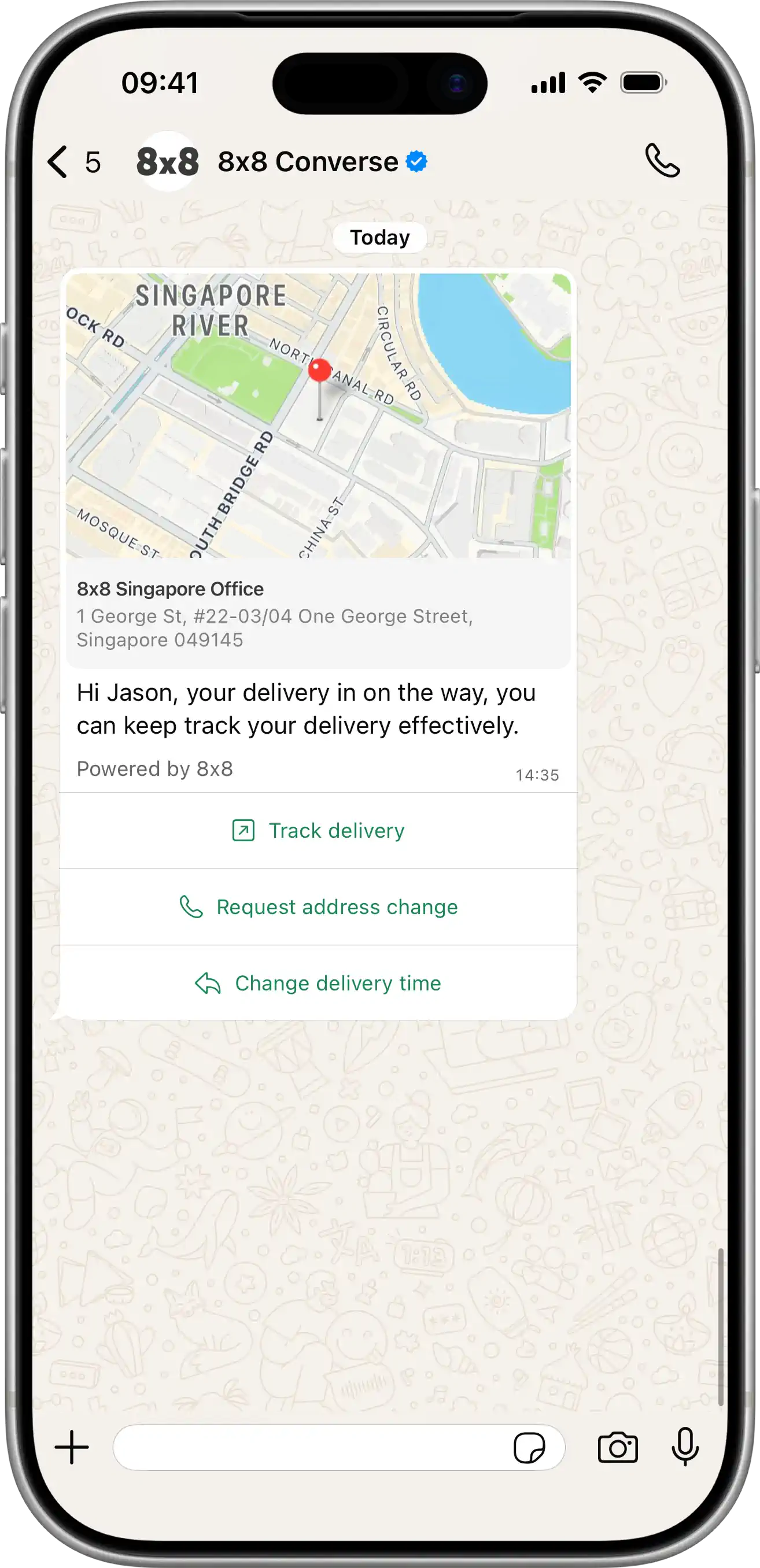
  • Send Line Notification message batch

    Send Line Notification message batch

    POST https://chatapps.8x8.com/api/v1/subaccounts/:subAccountId/lon/batch
    • This endpoint is used to send Messaging Apps messages by batches (1 request for multiple messages) with personalized contents/properties.
    • It is ideal to send any kind of massive personalized announcement.
    • Using this API, it is possible to send up to 1,000 messages per request.

    Request

    Path Parameters

      subAccountId stringrequired

      Possible values: >= 3 characters and <= 50 characters, Value must match regular expression ^[A-Za-z0-9\-._&]{3,50}$

      You must replace {subAccountId} with the subaccountid that you want to use. By default this is generated once you signed up with a new account at https://connect.8x8.com.

    Body

    Messaging Apps API: request model for send batch of Line Notification messages

      clientBatchIdstring

      Customer batch ID. This value will be returned in DR "clientBatchId" field

      Possible values: <= 100 characters

      Example: my-batch-123

      messages object[]required

      non-generic information to compose message. Will be combined with "template" properties to compose final message. At least user information should be provided.

      Possible values: <= 10000

    • Array [
    • user objectrequired

      User information

      msisdnstring

      Mobile phone number (MSISDN) to send the message to. International phone number format with '+ sign prefered. In addition we support national (local) phone numbers, please set country field to use it.

      Example: +6500000000
      countrystring

      Default country code (like 'sg', 'uk') for national phone numbers format. You don't need it if msisdn in E.164 format (with '+' sign at the beginning)

      Possible values: <= 2 characters

      Example: SG
      clientMessageIdstring

      Client managed id for the message : your own unique reference

      Possible values: <= 50 characters

      Example: abc-123

      content objectrequired

      Content of the Line Notification message

      titlestring

      Message title

      Example: Event reminder
      companystring<uri>

      Company name

      Example: 8x8
      iconstring

      Message icon

      Possible values: [userPlus, chatEllipsis, phone, note, gear, bell, checkCircle, slashCircle, search, link, wallet, store, mapMarker, idCard, utensils, medicalKit, train, planeDeparture, questionCircle, infoCircle, boxCheck, calendarCheck, calendar, file, envelope, usdCircle, thbCircle, usdCircleSend, thbCircleSend, invoice, couponStar, coupon, creditCard, starCard, shoppingBag, megaphone, shieldCheck, history]

      emphasis object

      Emphasis component data

      labelstring

      Label

      Example: Event name
      contentstring

      Content

      Example: 8x8 Conference

      list object[]

      Template list items

    • Array [
    • labelstring

      Label

      Example: Date
      contentstring

      Content

      Example: Tue 26/09/2023
    • ]
    • greetingstring

      Greeting message

      Example: Can't wait to see you there!
      explanationstring

      Explanation

      Example: We would like to remind you about your reservation for tomorrow event

      actions object[]

      Template action list

    • Array [
    • titlestring

      Title

      Example: See direction
      urlstring

      Url

      Example: https://www.google.com/maps
    • ]
    • dlrCallbackUrlstring<uri>

      Override default DR callback URL for the message

      smsFallback object

      textstring

      SMS fallback message text

      sourcestring

      Source number (SenderId) - "From" field for SMS. Max length 16 chars.

      Possible values: <= 16 characters

      Example: Info
      encodingEncoding (string)

      Encoding for the text of the message. "AUTO", "GSM7" and "UCS2"

      Possible values: [AUTO, GSM7, UCS2]

      Example: AUTO
    • ]
    • includeMessagesInResponseboolean

      If 'True', then information about every message will be returned in API response

      Default value: false
      Example: true

    Success response

    Schema

      batchIdstring<uuid>required

      Batch ID, generated by 8x8

      Example: cf3cbbf5-3e2d-ea11-815d-020897df5459
      clientBatchIdstring

      Client batch ID from request

      Possible values: <= 100 characters

      acceptedCountintegerrequired

      Amount of accepted messages from batch

      Possible values: >= 0 and <= 10000

      rejectedCountintegerrequired

      Amount of rejected messages from batch

      Possible values: >= 0 and <= 10000

      messages object[]

      Message details. Will be include in response if request includeMessagesInResponse field set to true

    • Array [
    • status objectrequired

      Delivery status of the message. Status contains the following information.

      statestring

      General status of the message. Possible values are

      • unknown: Status is not known. This is an exceptional/intermediate status.
      • queued: The request is accepted and queued for processing
      • failed: The request has been rejected by the api and will not be processed.
      • sent: The message has been sent to the operator and we have not received an acknowledgment yet.
      • delivered: Message has been delivered to destination and we have received confirmation from the operator.
      • undelivered: We have received a delivery receipt from the operator that the message was not delivered.
      • read: Message was delivered and read.
      • ok: Operation was successful
      • error: An error occurred during operation
      Example: delivered
      detailstring
      • delivered_to_operator: The message has been delivered to the operator. Associated with delivered state
      • delivered_to_recipient: The message has been delivered to the recipient. Associated with delivered state.
      • rejected_by_operator: The message has been rejected by the operator. Associated with undelivered status.
      • undelivered_to_recipient: The message has been delivered but rejected by the target device. Associated with undelivered state.
      Example: delivered_to_carrier
      errorCodeinteger

      Error code for the operation

      errorMessagestring

      Description of the error.

      Example: Invalid message length
      timestampstring<date-time>

      Date and time when the status was observed expressed in ISO 8601 format.

      Example: 2020-06-17T04:17:21.06Z
      umidstring<uuid>required

      Unique message id (guid) generated by 8x8 CPaaS platform upon message submission

      user objectrequired

      User information

      msisdnstring

      Mobile phone number (MSISDN) to send the message to. International phone number format with '+ sign prefered. In addition we support national (local) phone numbers, please set country field to use it.

      Example: +6500000000
      countrystring

      Default country code (like 'sg', 'uk') for national phone numbers format. You don't need it if msisdn in E.164 format (with '+' sign at the beginning)

      Possible values: <= 2 characters

      Example: SG
      clientMessageIdstring

      Client managed id for the message: your own unique reference

    • ]
    {
    "batchId":"cf3cbbf5-3e2d-ea11-815d-020897df5459",
    "clientBatchId":"string",
    "acceptedCount":0,
    "rejectedCount":0,
    "messages":[
    {
    "status":{
    "state":"delivered",
    "detail":"delivered_to_carrier",
    "errorCode":0,
    "errorMessage":"Invalid message length",
    "timestamp":"2020-06-17T04:17:21.06Z"
    },
    "umid":"3fa85f64-5717-4562-b3fc-2c963f66afa6",
    "user":{
    "msisdn":"+6500000000",
    "country":"SG"
    },
    "clientMessageId":"string"
    }
    ]
    }
    {
    "batchId":"cf3cbbf5-3e2d-ea11-815d-020897df5459",
    "clientBatchId":"aaa_batch",
    "acceptedCount":1,
    "rejectedCount":1,
    "messages":[
    {
    "umid":"d03cbbf5-3e2d-ea11-815d-020897df5459",
    "user":{
    "msisdn":"+6500000000"
    },
    "clientMessageId":"aaa-1",
    "status":{
    "state":"queued",
    "timestamp":"2020-01-04T08:19:45.99Z"
    }
    },
    {
    "umid":"15bb8ad1-d06e-418c-8dc7-ac8a00ffeb70",
    "user":{
    "msisdn":"+65000001"
    },
    "clientMessageId":"aaa-2",
    "status":{
    "state":"rejected",
    "timestamp":"2020-01-04T08:19:45.99Z",
    "errorCode":3038,
    "errorMessage":"Template not found for provided name and language"
    }
    }
    ]
    }

    Bad request error response

    Schema

      codeintegerrequired

      Error code

      messagestring

      Error description

      errorIdstring<uuid>required

      Unique id of error. You can use it as reference when sending enquiries to 8x8 support

      timestampstring<date-time>required

      Data and time of the error occurence

    {
    "code":1001,
    "message":"Provided subAccountId doesn't belongs to your account",
    "errorId":"91b106f0-c0da-4aba-a43a-7af9c5893a80",
    "timestamp":"2017-04-19T02:31:19.4297387+00:00"
    }
    {
    "code":1002,
    "message":"Invalid MSISDN format (not E.164 international number)",
    "errorId":"b4478860-b76c-e811-814e-022a35cc1c71",
    "timestamp":"2018-08-04T09:25:40.9235752+00:00"
    }

    Request was not authenticated response

    Schema

      codeintegerrequired

      Error code

      messagestring

      Error description

      errorIdstring<uuid>required

      Unique id of error. You can use it as reference when sending enquiries to 8x8 support

      timestampstring<date-time>required

      Data and time of the error occurence

    {
    "code":1001,
    "message":"Provided subAccountId doesn't belongs to your account",
    "errorId":"91b106f0-c0da-4aba-a43a-7af9c5893a80",
    "timestamp":"2017-04-19T02:31:19.4297387+00:00"
    }
    {
    "code":1200,
    "message":"Request was not authenticated properly",
    "errorId":"db9dced4-3534-4d86-9d18-6b448af0d621",
    "timestamp":"2018-08-02T09:42:38.8988997+00:00"
    }

    Internal server error

    Schema

      codeintegerrequired

      Error code

      messagestring

      Error description

      errorIdstring<uuid>required

      Unique id of error. You can use it as reference when sending enquiries to 8x8 support

      timestampstring<date-time>required

      Data and time of the error occurence

    {
    "code":1001,
    "message":"Provided subAccountId doesn't belongs to your account",
    "errorId":"91b106f0-c0da-4aba-a43a-7af9c5893a80",
    "timestamp":"2017-04-19T02:31:19.4297387+00:00"
    }
    {
    "code":2000,
    "message":"Internal server error",
    "errorId":"db9dced4-3534-4d86-9d18-6b448af0d621",
    "timestamp":"2018-07-02T09:42:38.8988997+00:00"
    }

    Source: https://developer.8x8.com/connect/reference/send-lon-messages · 8x8 CPaaS Developer Docs. Synced for support deflection.
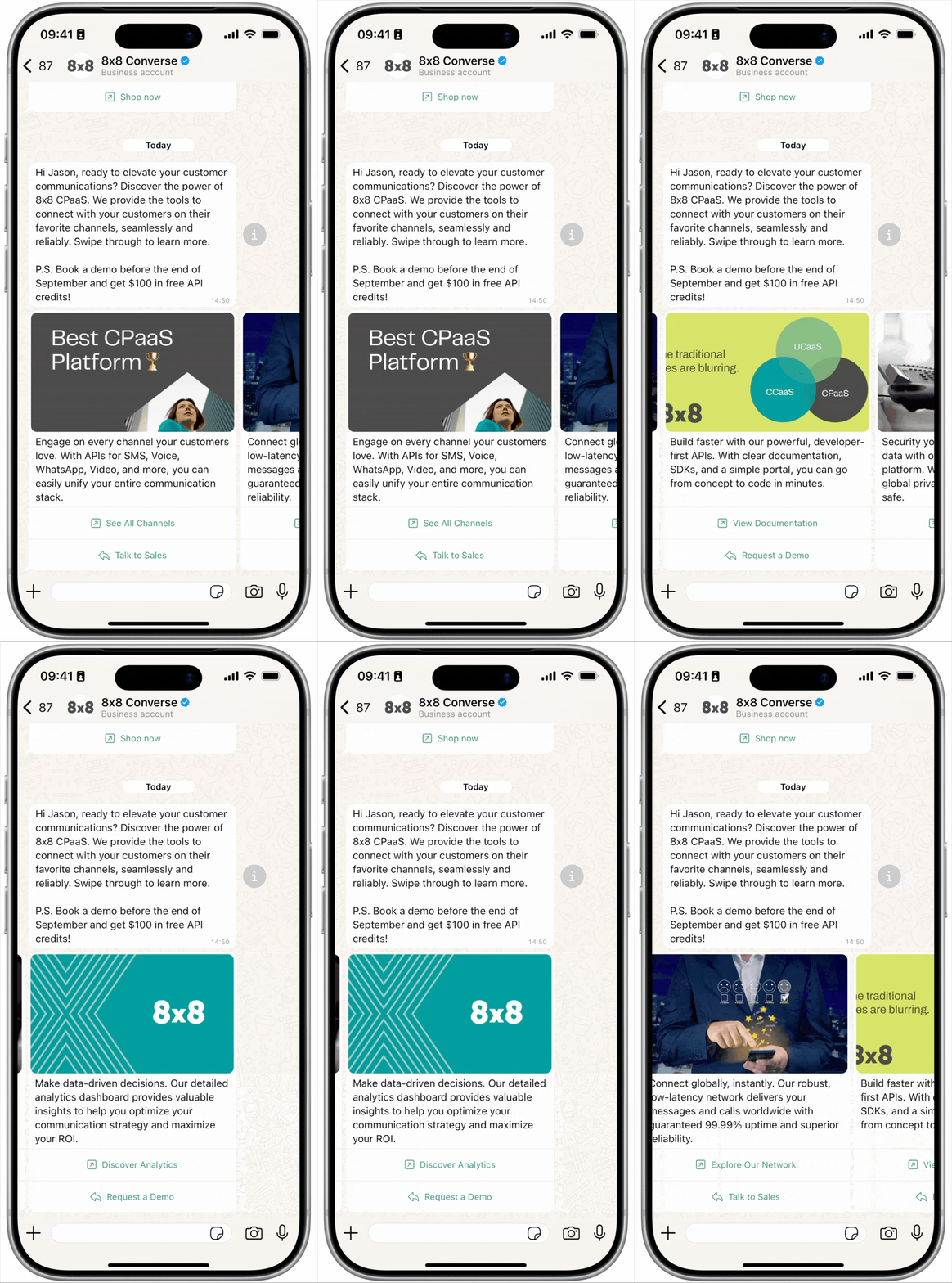
  • Send SMS batch

    Send SMS batch

    POST https://sms.8x8.com/api/v1/subaccounts/:subAccountId/messages/batch
    • Sending a POST request to this endpoint allows you to send SMS by batches (1 request for multiple SMS) with shared or personalized contents/properties.
    • Personalized content is ideal for sending marketing campaigns or any mass personalized announcement.
    • Shared content is easier to use for such cases as an announcement, message broadcasting, etc.
    • It only accepts messages with the same properties (source, text, encoding, scheduling time, and expiry time).
    • Using this endpoint, it is possible to send up to 10,000 SMS per request.

    URL

    The 8x8 SMS subaccountid to use is defined in the URL where you send your POST request as shown below:

    https://sms.8x8.com/api/v1/subaccounts/{subAccountId}/messages/batch

    You must replace {subAccountId} in the URL above with the subaccountid that you want to use.

    Request

    Path Parameters

      subAccountId stringrequired

      Possible values: >= 3 characters and <= 50 characters, Value must match regular expression ^[A-Za-z0-9\-._&]{3,50}$

      You must replace {subAccountId} with the subaccountid that you want to use. By default this is generated once you signed up with a new account at https://connect.8x8.com.

    Body

    Request structure

    To send many SMS using the 8x8 SMS API you need to submit a JSON-formatted request with the following elements:

    Name Type Description Required
    messages array Array containing multiple SmsRequest objects (see Single doc) Required, Exclusive
    destinations array Array containing the list of destinations phone numbers to send an SMS to Required, Exclusive
    clientBatchId string Unique ID that you want to associate with the batch of SMS Optional
    template object Object applying common properties to the SmsRequest objects in messages Optional
    includeMessagesInResponse boolean Boolean defining if the API response should contain the SMS details Optional
    • Use messages property to create a batch with personalized content or destinations field to send the same shared content to multiple phones.
    • Either messages or destinations should be provided in the request. If both properties are provided, the messages property takes precedence, and the destinations property is discarded.

    About the template object

    • The many endpoint incorporates a new logic with the template object.
    • The purpose of this object is to let you specify the common properties of the SMS contained in the messages into a single object.
    • The best practice is to only incorporate the unique properties of each SMS in the SmsRequest objects contained in the messages array while specifying the common properties in the template object.
    • The template object is optional in the request.

    The template object can take the following parameters:

    Name Type Description Required
    text string SMS body (ie: text of the message) Required
    source string Alphanumeric or numeric string used as Sender ID for the SMS Optional
    encoding string Character set to use for this SMS - The possible values are AUTO - GSM7 - UCS2 Optional
    scheduled timestamp Pre-defined date and time for this SMS to be sent in the future Optional
    expiry timestamp Maximum date and time for this SMS to be sent at Optional
    dlrCallbackUrl uri Webhook URL where delivery status for the SMS will be posted (Overwrites your default account callback URL). Optional
      clientBatchIdstring

      Client managed id for this batch of messages : your own unique reference

      Possible values: <= 20 characters

      messages object[]required

      Possible values: >= 1, <= 10000

    • Array [
    • destinationstringrequired

      MSISDN (destination mobile phone number). We accept both international and national formats (for national you have to specify country in the dedicated field).

      Possible values: Value must match regular expression ^\+{0,1}[1-9]{1}[0-9]{6,14}$

      countrystring

      Optional country code of Destination number(ISO 3166-1 alpha-2), if you know it. It will help to convert number from national to international format

      Possible values: <= 2 characters

      sourcestring

      Source number (SenderId) - "From:" field for the SMS

      Possible values: <= 16 characters

      clientMessageIdstring

      Client managed id for the message : your own unique reference

      Possible values: <= 350 characters

      textstringrequired

      Message body - the text of the message

      encodingstring

      Encoding for the text of the message

      Possible values: [AUTO, GSM7, UCS2]

      Default value: AUTO
      scheduledstring<date-time>

      Date and time when a schedule delivery of the message must happen

      expirystring<date-time>

      Date and time after which a message cannot be sent

      dlrCallbackUrlstring<uri>

      Webhook URL where delivery status for the SMS will be posted (Overwrites your default account callback URL).

      clientIpstring

      Fill this field to limit the number of SMS sent within a period of time based on IP address.
      If the request is forwarded by one or multiple proxies, to enforce the rate limit to client IP correctly, you may want to look up the X-Forwarded-For header and retrieve the actual origin IP and assign it to this field.
      You can refer to IP spoofing for more details.

      trackstring

      Indicate whether use the sent SMS for tracking conversion rate.
      Use Outcome for tracking and None for no tracking.
      If no value is provided, there's no tracking unless subaccount has been configured for tracking beforehand.
      The conversion rate is measured by 8x8 to monitor your application QoS.
      To complete the tracking, you will also need to use Feedback API to update the sent result.
      You can read here to learn more about conversion rate tracking and SMS feedback.

      Possible values: [None, Outcome]

      Default value: null
    • ]
    • destinationsstring[]

      List of destination phone numbers

      Possible values: >= 1, <= 10000

      template object

      sourcestring

      Alphanumeric or numeric string used as Sender ID for the template

      Possible values: <= 16 characters

      textstring

      Template message body

      encodingstring

      Encoding of the message text. In most cases just useAUTO. 8x8 SMS platform will automatically identify the required encoding.

      Possible values: [AUTO, GSM7, UCS2]

      Default value: AUTO
      scheduledstring<date-time>

      Date and time when a schedule delivery of the message must happen.

      expirystring<date-time>

      Date and time after which a message will be discarded if it is still in processing.

      dlrCallbackUrlstring<uri>

      Webhook URL where delivery status for the SMS will be posted (Overwrites your default account callback URL).

      includeMessagesInResponseboolean

      Determines whether the reponse should include individual details for each message sent

      clientIpstring

      Fill this field to limit the number of SMS sent within a period of time based on IP address.
      If the request is forwarded by one or multiple proxies, to enforce the rate limit to client IP correctly, you may want to look up the X-Forwarded-For header and retrieve the actual origin IP and assign it to this field.
      You can refer to IP spoofing for more details.

    • The response returns two different IDs for the batch:

      • batchId: the unique batch ID generated automatically by 8x8
      • clientBatchId: the batch ID that you submitted in the request (if any)
    • It also returns a summary of the batch submission:

      • acceptedCount: number of SMS accepted by the API
      • rejectedCount: number of SMS rejected by the API
    • If the includeMessagesInResponse boolean has been set to True during the request, it also returns an array containing individual information for each SMS submitted to the API in the many request:

      • umid: unique message ID automatically generated by 8x8
      • clientMessageId: message ID that you submitted (if any)
      • destination: destination phone number to which the SMS was sent to
      • encoding: SMS encoding - GSM7 or UCS2
    • And then it returns a status object containing the following:

      • status code: the status code can be either:
        • QUEUED: the SMS has been accepted by 8x8 SMS API and is queued for processing.
        • REJECTED: the SMS has been rejected by 8x8 SMS API and the reason is stated in the description field. It will not be processed.
      • description: this field describes the status code and provides additional information explaining the status. It can take the following values:
        • SMS is accepted and queued for processing (QUEUED Status)
        • Text value is missing (REJECTED Status)
        • Invalid Text value. Reached max allowed limit (REJECTED Status)
        • Invalid Source value. Reached max allowed limit (REJECTED Status)
        • Expiry time already reached (REJECTED Status)
        • Invalid MSISDN format (not E.164 international number) (REJECTED Status)
        • Internal server error (REJECTED Status)

    Schema

      batchIdstring<uuid>required

      Unique batch id (guid) generated by 8x8 SMS platform upon batch submission

      clientBatchIdstring

      Client managed id for this batch of messages : your own unique reference

      acceptedCountintegerrequired

      Amount of accepted messages

      rejectedCountintegerrequired

      Amount of rejected messages

      messages object[]

      List of processed messages (if flag includeMessagesInResponse=true)

    • Array [
    • umidstringrequired

      Unique message id (guid) generated by 8x8 SMS platform upon message submission

      destinationstringrequired

      Mobile phone number (MSISDN) to which the SMS was sent

      Possible values: Value must match regular expression ^\+?\d{7,15}$

      status objectrequired

      codestringrequired

      Code for the SMS delivery status.

      Possible values: [QUEUED, REJECTED]

      descriptionstringrequired

      Explanation for code.

      encodingstringrequired

      Detected message encoding. Useful when sending initial request with encoding=AUTO

      Possible values: [AUTO, GSM7, UCS2]

      clientMessageIdstring

      Your custom identifier for the message

    • ]
    {
    "batchId":"f1ea5276-a824-e711-8146-022a22cc1c71",
    "clientBatchId":"SmsApi-Demo1",
    "acceptedCount":3,
    "rejectedCount":1,
    "messages":[
    {
    "umid":"f2ea5276-a824-e711-8146-022a22cc1c71",
    "clientMessageId":"SmsApi-Demo1/6500000001",
    "destination":"6500000001",
    "encoding":"GSM7",
    "status":{
    "code":"QUEUED",
    "description":"SMS is accepted and queued for processing"
    }
    },
    {
    "umid":"f3ea5276-a824-e711-8146-022a22cc1c71",
    "clientMessageId":"SmsApi-Demo1/6500000002",
    "destination":"6500000002",
    "encoding":"GSM7",
    "status":{
    "code":"QUEUED",
    "description":"SMS is accepted and queued for processing"
    }
    },
    {
    "umid":"f3ea5276-a824-e711-8146-022a22cc1c71",
    "clientMessageId":"SmsApi-Demo1/6500000003",
    "destination":"6500000003",
    "encoding":"GSM7",
    "status":{
    "code":"QUEUED",
    "description":"SMS is accepted and queued for processing"
    }
    }
    ]
    }
    {
    "batchId":"f1ea5276-a824-e711-8146-022a22cc1c71",
    "clientBatchId":"Demo#1001",
    "acceptedCount":3,
    "rejectedCount":1,
    "messages":[
    {
    "umid":"f2ea5276-a824-e711-8146-022a22cc1c71",
    "clientMessageId":"Demo#1001/6598760001",
    "destination":"6598760001",
    "encoding":"GSM7",
    "status":{
    "code":"QUEUED",
    "description":"SMS is accepted and queued for processing"
    }
    },
    {
    "umid":"f3ea5276-a824-e711-8146-022a22cc1c71",
    "clientMessageId":"id_100001",
    "destination":"659876002",
    "encoding":"GSM7",
    "status":{
    "code":"QUEUED",
    "description":"SMS is accepted and queued for processing"
    }
    },
    {
    "umid":"f3ea5276-a824-e711-8146-022a22cc1c71",
    "clientMessageId":"id_100002",
    "destination":"33509750003",
    "encoding":"UCS2",
    "status":{
    "code":"QUEUED",
    "description":"SMS is accepted and queued for processing"
    }
    },
    {
    "umid":"f3ea5276-a824-e711-8146-022a22cc1c71",
    "clientMessageId":"id_100003",
    "destination":"+1123456789",
    "encoding":"GSM7",
    "status":{
    "code":"REJECTED",
    "description":"Invalid MSISDN format (not E.164 international number)"
    }
    }
    ]
    }

    Bad request error response

    Schema

      codeintegerrequired

      Error code

      messagestring

      Error description

      errorIdstring<uuid>required

      Unique id of error. You can use it as reference when sending enquiries to 8x8 support

      timestampstring<date-time>required

      Data and time of the error occurence

    {
    "code":1001,
    "message":"Provided subAccountId doesn't belongs to your account",
    "errorId":"91b106f0-c0da-4aba-a43a-7af9c5893a80",
    "timestamp":"2017-04-19T02:31:19.4297387+00:00"
    }
    {
    "code":1002,
    "message":"Invalid MSISDN format (not E.164 international number)",
    "errorId":"b4478860-b76c-e811-814e-022a35cc1c71",
    "timestamp":"2018-08-04T09:25:40.9235752+00:00"
    }

    Request was not authenticated response

    Schema

      codeintegerrequired

      Error code

      messagestring

      Error description

      errorIdstring<uuid>required

      Unique id of error. You can use it as reference when sending enquiries to 8x8 support

      timestampstring<date-time>required

      Data and time of the error occurence

    {
    "code":1001,
    "message":"Provided subAccountId doesn't belongs to your account",
    "errorId":"91b106f0-c0da-4aba-a43a-7af9c5893a80",
    "timestamp":"2017-04-19T02:31:19.4297387+00:00"
    }
    {
    "code":1200,
    "message":"Request was not authenticated properly",
    "errorId":"db9dced4-3534-4d86-9d18-6b448af0d621",
    "timestamp":"2018-08-02T09:42:38.8988997+00:00"
    }

    Upgrade Required — client is using an unsupported TLS version

    Response Headers

      Upgrade
      Example: TLS/1.3

    Schema

      codeintegerrequired

      Error code

      messagestring

      Error description

      errorIdstring<uuid>required

      Unique id of error. You can use it as reference when sending enquiries to 8x8 support

      timestampstring<date-time>required

      Data and time of the error occurence

    {
    "code":1001,
    "message":"Provided subAccountId doesn't belongs to your account",
    "errorId":"91b106f0-c0da-4aba-a43a-7af9c5893a80",
    "timestamp":"2017-04-19T02:31:19.4297387+00:00"
    }
    {
    "code":1014,
    "message":"TLS 1.3+ is required for Singapore-bound messages. Detected: TLSv1.2",
    "errorId":"b4478860-b76c-e811-814e-022a35cc1c71",
    "timestamp":"2018-08-04T09:25:40.9235752+00:00"
    }

    Internal server error

    Schema

      codeintegerrequired

      Error code

      messagestring

      Error description

      errorIdstring<uuid>required

      Unique id of error. You can use it as reference when sending enquiries to 8x8 support

      timestampstring<date-time>required

      Data and time of the error occurence

    {
    "code":1001,
    "message":"Provided subAccountId doesn't belongs to your account",
    "errorId":"91b106f0-c0da-4aba-a43a-7af9c5893a80",
    "timestamp":"2017-04-19T02:31:19.4297387+00:00"
    }
    {
    "code":2000,
    "message":"Internal server error",
    "errorId":"db9dced4-3534-4d86-9d18-6b448af0d621",
    "timestamp":"2018-07-02T09:42:38.8988997+00:00"
    }

    Source: https://developer.8x8.com/connect/reference/send-many-sms · 8x8 CPaaS Developer Docs. Synced for support deflection.
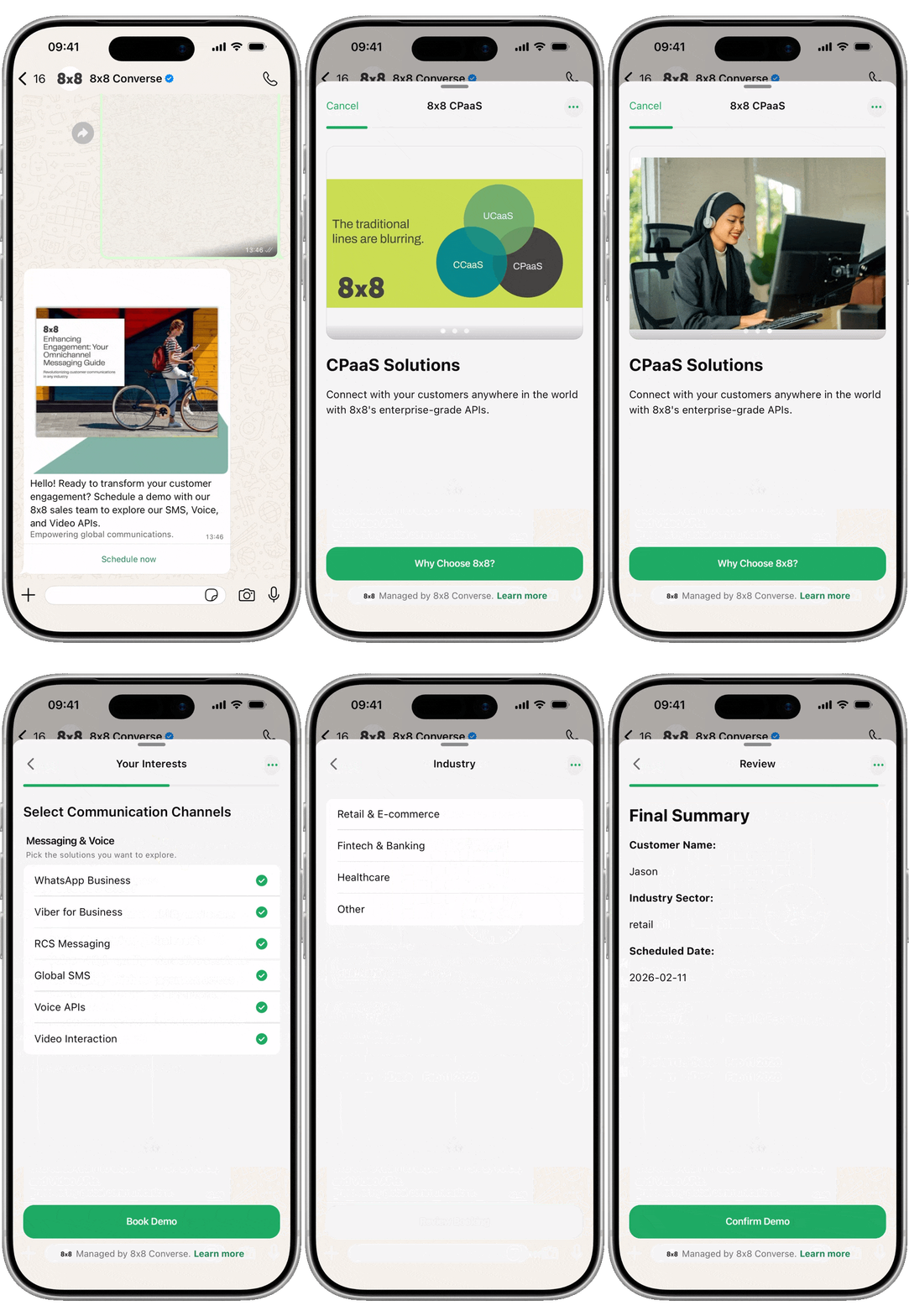
  • Send Line Notification message

    Send Line Notification message

    POST https://chatapps.8x8.com/api/v1/subaccounts/:subAccountId/lon

    This endpoint is used to send Messaging Apps messages individually (1 request per message). It is ideal to send single personalized messages for use-cases like notifications or alerting for example.

    Request

    Path Parameters

      subAccountId stringrequired

      Possible values: >= 3 characters and <= 50 characters, Value must match regular expression ^[A-Za-z0-9\-._&]{3,50}$

      You must replace {subAccountId} with the subaccountid that you want to use. By default this is generated once you signed up with a new account at https://connect.8x8.com.

    Body

    Messaging Apps API: request model for send single Line Notification message

      user objectrequired

      User information

      msisdnstring

      Mobile phone number (MSISDN) to send the message to. International phone number format with '+ sign prefered. In addition we support national (local) phone numbers, please set country field to use it.

      Example: +6500000000
      countrystring

      Default country code (like 'sg', 'uk') for national phone numbers format. You don't need it if msisdn in E.164 format (with '+' sign at the beginning)

      Possible values: <= 2 characters

      Example: SG
      clientMessageIdstring

      Client managed id for the message : your own unique reference

      Possible values: <= 50 characters

      Example: abc-123

      content objectrequired

      Content of the Line Notification message

      titlestring

      Message title

      Example: Event reminder
      companystring<uri>

      Company name

      Example: 8x8
      iconstring

      Message icon

      Possible values: [userPlus, chatEllipsis, phone, note, gear, bell, checkCircle, slashCircle, search, link, wallet, store, mapMarker, idCard, utensils, medicalKit, train, planeDeparture, questionCircle, infoCircle, boxCheck, calendarCheck, calendar, file, envelope, usdCircle, thbCircle, usdCircleSend, thbCircleSend, invoice, couponStar, coupon, creditCard, starCard, shoppingBag, megaphone, shieldCheck, history]

      emphasis object

      Emphasis component data

      labelstring

      Label

      Example: Event name
      contentstring

      Content

      Example: 8x8 Conference

      list object[]

      Template list items

    • Array [
    • labelstring

      Label

      Example: Date
      contentstring

      Content

      Example: Tue 26/09/2023
    • ]
    • greetingstring

      Greeting message

      Example: Can't wait to see you there!
      explanationstring

      Explanation

      Example: We would like to remind you about your reservation for tomorrow event

      actions object[]

      Template action list

    • Array [
    • titlestring

      Title

      Example: See direction
      urlstring

      Url

      Example: https://www.google.com/maps
    • ]
    • dlrCallbackUrlstring<uri>

      Override default DR callback URL for the message

      smsFallback object

      textstring

      SMS fallback message text

      sourcestring

      Source number (SenderId) - "From" field for SMS. Max length 16 chars.

      Possible values: <= 16 characters

      Example: Info
      encodingEncoding (string)

      Encoding for the text of the message. "AUTO", "GSM7" and "UCS2"

      Possible values: [AUTO, GSM7, UCS2]

      Example: AUTO

    Success response

    Schema

      status objectrequired

      Delivery status of the message. Status contains the following information.

      statestring

      General status of the message. Possible values are

      • unknown: Status is not known. This is an exceptional/intermediate status.
      • queued: The request is accepted and queued for processing
      • failed: The request has been rejected by the api and will not be processed.
      • sent: The message has been sent to the operator and we have not received an acknowledgment yet.
      • delivered: Message has been delivered to destination and we have received confirmation from the operator.
      • undelivered: We have received a delivery receipt from the operator that the message was not delivered.
      • read: Message was delivered and read.
      • ok: Operation was successful
      • error: An error occurred during operation
      Example: delivered
      detailstring
      • delivered_to_operator: The message has been delivered to the operator. Associated with delivered state
      • delivered_to_recipient: The message has been delivered to the recipient. Associated with delivered state.
      • rejected_by_operator: The message has been rejected by the operator. Associated with undelivered status.
      • undelivered_to_recipient: The message has been delivered but rejected by the target device. Associated with undelivered state.
      Example: delivered_to_carrier
      errorCodeinteger

      Error code for the operation

      errorMessagestring

      Description of the error.

      Example: Invalid message length
      timestampstring<date-time>

      Date and time when the status was observed expressed in ISO 8601 format.

      Example: 2020-06-17T04:17:21.06Z
      umidstring<uuid>required

      Unique message id (guid) generated by 8x8 CPaaS platform upon message submission

      user objectrequired

      User information

      msisdnstring

      Mobile phone number (MSISDN) to send the message to. International phone number format with '+ sign prefered. In addition we support national (local) phone numbers, please set country field to use it.

      Example: +6500000000
      countrystring

      Default country code (like 'sg', 'uk') for national phone numbers format. You don't need it if msisdn in E.164 format (with '+' sign at the beginning)

      Possible values: <= 2 characters

      Example: SG
      clientMessageIdstring

      Client managed id for the message: your own unique reference

    {
    "status":{
    "state":"delivered",
    "detail":"delivered_to_carrier",
    "errorCode":0,
    "errorMessage":"Invalid message length",
    "timestamp":"2020-06-17T04:17:21.06Z"
    },
    "umid":"3fa85f64-5717-4562-b3fc-2c963f66afa6",
    "user":{
    "msisdn":"+6500000000",
    "country":"SG"
    },
    "clientMessageId":"string"
    }
    {
    "umid":"82188ee0-109f-e811-8150-020897df5459",
    "user":{
    "msisdn":"+6512341234"
    },
    "clientMessageId":"1234_id",
    "status":{
    "state":"queued",
    "timestamp":"2021-01-04T08:19:45.99Z"
    }
    }

    Bad request error response

    Schema

      codeintegerrequired

      Error code

      messagestring

      Error description

      errorIdstring<uuid>required

      Unique id of error. You can use it as reference when sending enquiries to 8x8 support

      timestampstring<date-time>required

      Data and time of the error occurence

    {
    "code":1001,
    "message":"Provided subAccountId doesn't belongs to your account",
    "errorId":"91b106f0-c0da-4aba-a43a-7af9c5893a80",
    "timestamp":"2017-04-19T02:31:19.4297387+00:00"
    }
    {
    "code":1002,
    "message":"Invalid MSISDN format (not E.164 international number)",
    "errorId":"b4478860-b76c-e811-814e-022a35cc1c71",
    "timestamp":"2018-08-04T09:25:40.9235752+00:00"
    }

    Request was not authenticated response

    Schema

      codeintegerrequired

      Error code

      messagestring

      Error description

      errorIdstring<uuid>required

      Unique id of error. You can use it as reference when sending enquiries to 8x8 support

      timestampstring<date-time>required

      Data and time of the error occurence

    {
    "code":1001,
    "message":"Provided subAccountId doesn't belongs to your account",
    "errorId":"91b106f0-c0da-4aba-a43a-7af9c5893a80",
    "timestamp":"2017-04-19T02:31:19.4297387+00:00"
    }
    {
    "code":1200,
    "message":"Request was not authenticated properly",
    "errorId":"db9dced4-3534-4d86-9d18-6b448af0d621",
    "timestamp":"2018-08-02T09:42:38.8988997+00:00"
    }

    Internal server error

    Schema

      codeintegerrequired

      Error code

      messagestring

      Error description

      errorIdstring<uuid>required

      Unique id of error. You can use it as reference when sending enquiries to 8x8 support

      timestampstring<date-time>required

      Data and time of the error occurence

    {
    "code":1001,
    "message":"Provided subAccountId doesn't belongs to your account",
    "errorId":"91b106f0-c0da-4aba-a43a-7af9c5893a80",
    "timestamp":"2017-04-19T02:31:19.4297387+00:00"
    }
    {
    "code":2000,
    "message":"Internal server error",
    "errorId":"db9dced4-3534-4d86-9d18-6b448af0d621",
    "timestamp":"2018-07-02T09:42:38.8988997+00:00"
    }

    Source: https://developer.8x8.com/connect/reference/send-lon-message · 8x8 CPaaS Developer Docs. Synced for support deflection.
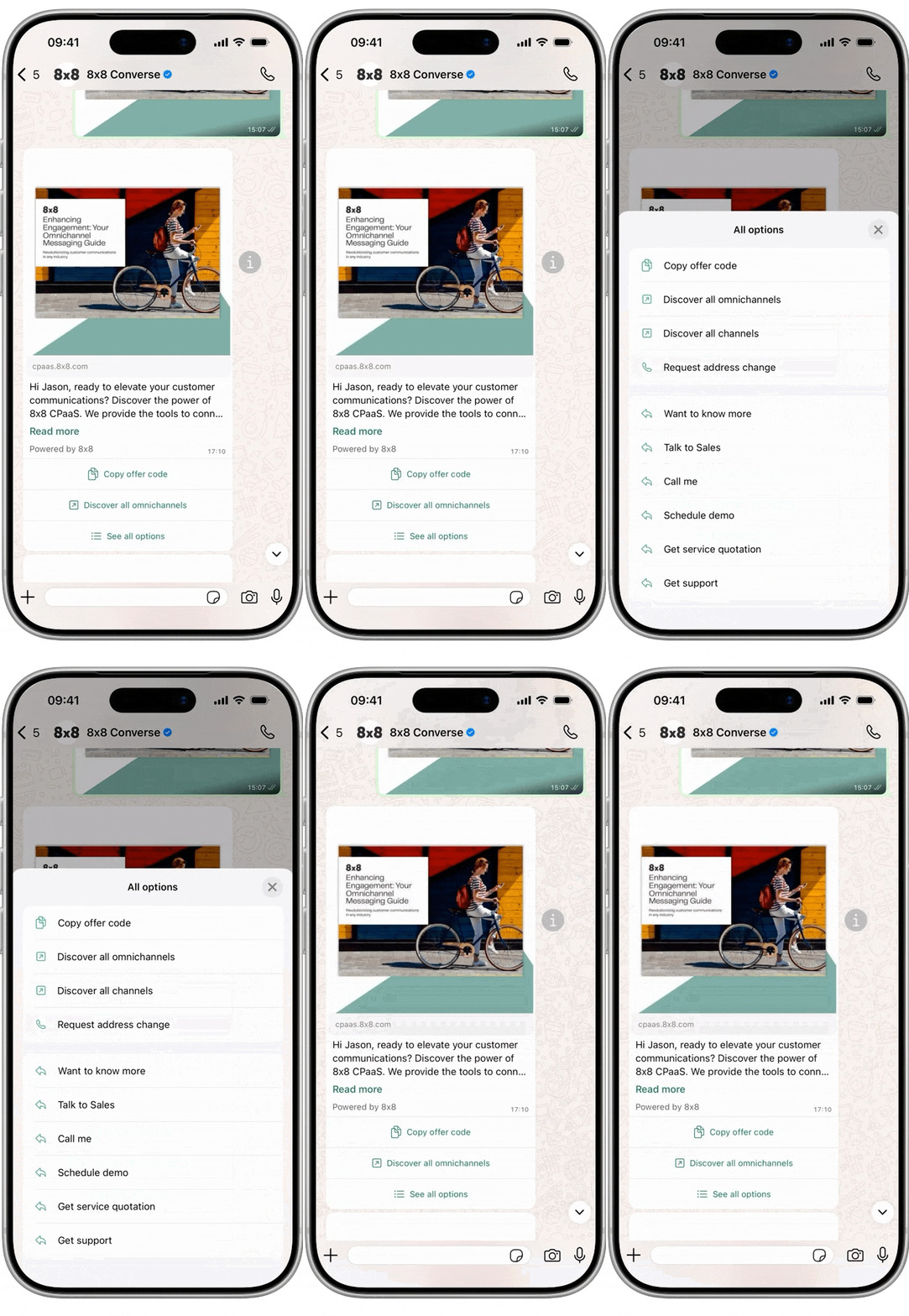
  • Start SMS log export job

    Start SMS log export job

    POST https://sms.8x8.com/api/v1/subaccounts/:subAccountId/messages/exports
    • Sending a POST request on this endpoint allows to request an SMS logs file.

    URL

    The 8x8 SMS subAccountId needs to be provided in the URL as shown below: https://sms.8x8.com/api/v1/subaccounts/{subAccountID}/messages/exports

    You must replace {subAccountId} in the URL above with the subaccountid that you want to use.

    Request

    Path Parameters

      subAccountId stringrequired

      Possible values: >= 3 characters and <= 50 characters, Value must match regular expression ^[A-Za-z0-9\-._&]{3,50}$

      You must replace {subAccountId} with the subaccountid that you want to use. By default this is generated once you signed up with a new account at https://connect.8x8.com.

    Body

      fromstring<date-time>

      The values can be entered either as:

      • UTC date (yyyy-MM-dd format).
      • UTC timezone datetime, then the expected format is yyyy-MM-ddTHH:mm:ssZ
      • or as local timezone datetime, then the expected format is yyyy-MM-ddTHH:mm:sszzz

      The API will automatically determine whether the datetime is UTC or local based on the format of the value.
      The default value is UTC today - 7 days.
      The value should less than value of to parameter.

      Example values:

      • 2020-07-01 Date without time
      • 2020-07-01T13:00:00 (UTC Time)
      • 2020-07-01T13:00:00+07:00 Datetime with timezone
      tostring<date-time>

      The values can be entered either as:

      • UTC date (yyyy-MM-dd format).
      • UTC timezone datetime, then the expected format is yyyy-MM-ddTHH:mm:ssZ
      • or as local timezone datetime, then the expected format is yyyy-MM-ddTHH:mm:sszzz

      The API will automatically determine whether the datetime is UTC or local based on the format of the value.
      The default value is today in UTC timezone.
      The value should less than value of to parameter.

      Example values:

      • 2020-07-01 Date without time
      • 2020-07-01T13:00:00 (UTC Time)
      • 2020-07-01T13:00:00+07:00 Datetime with timezone
      phoneNumberstring

      Valid phone number in E.164 format.

      Example: 6511111111
      countriescountry (string)[]

      The list of two-letter ISO 3166 country codes that the message has been sent to

      Possible values: >= 2 characters and <= 2 characters

      Example: ["US","SG"]
      limitinteger

      You also need to define if you would like to limit the number of records to fetch using the parameter limit and an integer value

      If you do not want to put a limit on the number of records to retrieve, setting limit to 0 allows to set is as unlimited.

      • NB: a longer time-span (eg: several months) and no limit on the records number will increase the time required to generate the logs file.

    Schema

      jobIdstringrequired

      Identifier of the job started. Use this value to query job result.

    {
    "jobId":"string"
    }
    {
    "jobId":"F1T6z9C5tW2QV1pdMzO9xpMXrYEmfnvqORGqpePJGpgzjTJ80TSaZEE7aX2wrgix"
    }

    Source: https://developer.8x8.com/connect/reference/reporting-api-2 · 8x8 CPaaS Developer Docs. Synced for support deflection.
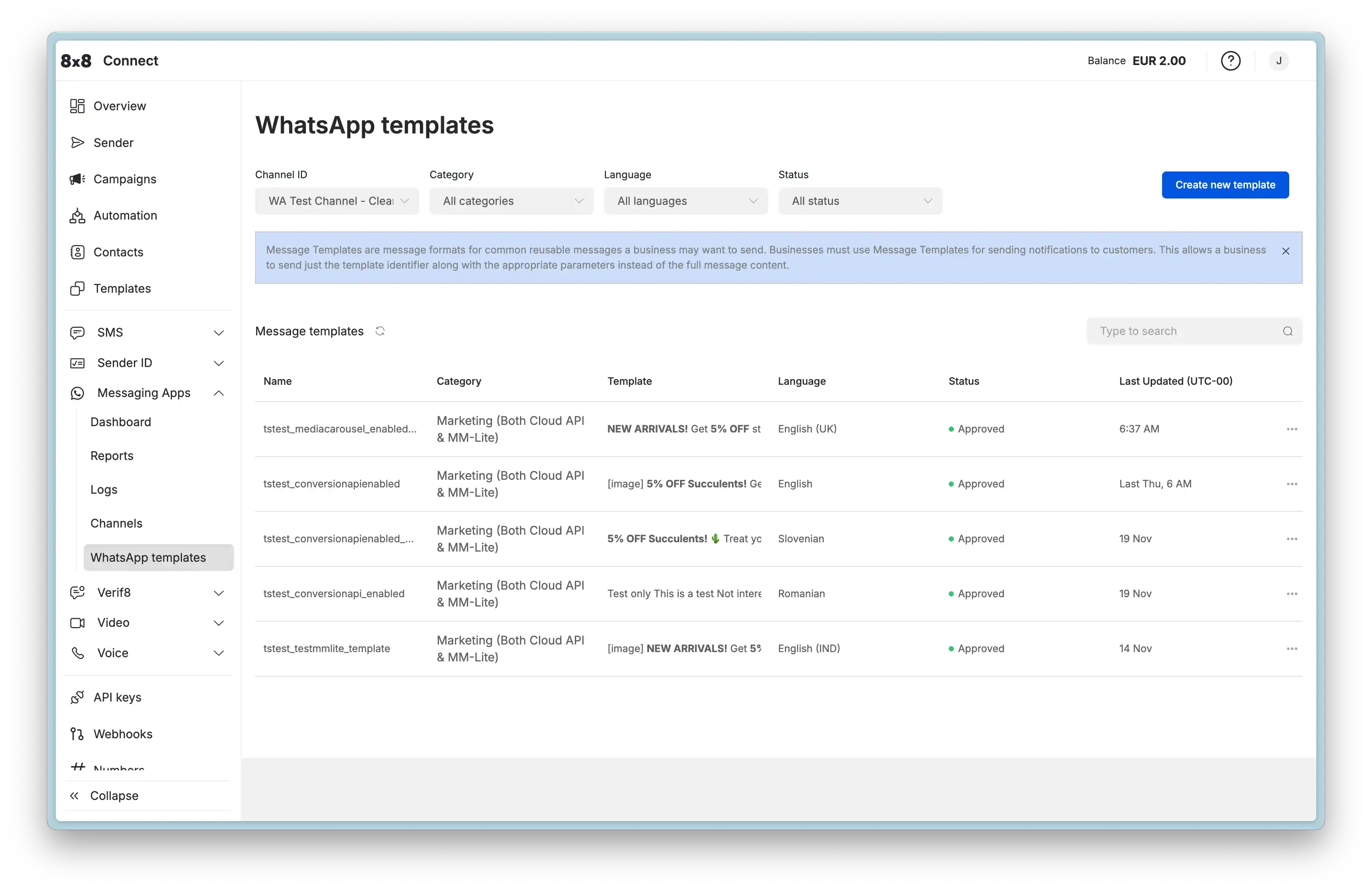
  • Mark message as read

    Mark message as read

    POST https://chatapps.8x8.com/api/v1/subaccounts/:subAccountId/messages/:umid/read

    This endpoint is used to indicate to end users that a message has been read by the respective brand or official account.

    Current channel support:

    • WhatsApp Business account (two blue ticks on customers message).

    Request

    Path Parameters

      subAccountId stringrequired

      Possible values: >= 3 characters and <= 50 characters, Value must match regular expression ^[A-Za-z0-9\-._&]{3,50}$

      You must replace {subAccountId} with the subaccountid that you want to use. By default this is generated once you signed up with a new account at https://connect.8x8.com.

      umid stringrequired

      Unique message Id, generated by 8x8 API.

    Request is successful.

    Bad request error response

    Schema

      codeintegerrequired

      Error code

      messagestring

      Error description

      errorIdstring<uuid>required

      Unique id of error. You can use it as reference when sending enquiries to 8x8 support

      timestampstring<date-time>required

      Data and time of the error occurence

    {
    "code":1001,
    "message":"Provided subAccountId doesn't belongs to your account",
    "errorId":"91b106f0-c0da-4aba-a43a-7af9c5893a80",
    "timestamp":"2017-04-19T02:31:19.4297387+00:00"
    }
    {
    "code":1002,
    "message":"Invalid MSISDN format (not E.164 international number)",
    "errorId":"b4478860-b76c-e811-814e-022a35cc1c71",
    "timestamp":"2018-08-04T09:25:40.9235752+00:00"
    }

    Request was not authenticated response

    Schema

      codeintegerrequired

      Error code

      messagestring

      Error description

      errorIdstring<uuid>required

      Unique id of error. You can use it as reference when sending enquiries to 8x8 support

      timestampstring<date-time>required

      Data and time of the error occurence

    {
    "code":1001,
    "message":"Provided subAccountId doesn't belongs to your account",
    "errorId":"91b106f0-c0da-4aba-a43a-7af9c5893a80",
    "timestamp":"2017-04-19T02:31:19.4297387+00:00"
    }
    {
    "code":1200,
    "message":"Request was not authenticated properly",
    "errorId":"db9dced4-3534-4d86-9d18-6b448af0d621",
    "timestamp":"2018-08-02T09:42:38.8988997+00:00"
    }

    Internal server error

    Schema

      codeintegerrequired

      Error code

      messagestring

      Error description

      errorIdstring<uuid>required

      Unique id of error. You can use it as reference when sending enquiries to 8x8 support

      timestampstring<date-time>required

      Data and time of the error occurence

    {
    "code":1001,
    "message":"Provided subAccountId doesn't belongs to your account",
    "errorId":"91b106f0-c0da-4aba-a43a-7af9c5893a80",
    "timestamp":"2017-04-19T02:31:19.4297387+00:00"
    }
    {
    "code":2000,
    "message":"Internal server error",
    "errorId":"db9dced4-3534-4d86-9d18-6b448af0d621",
    "timestamp":"2018-07-02T09:42:38.8988997+00:00"
    }

    Source: https://developer.8x8.com/connect/reference/mark-message-read · 8x8 CPaaS Developer Docs. Synced for support deflection.
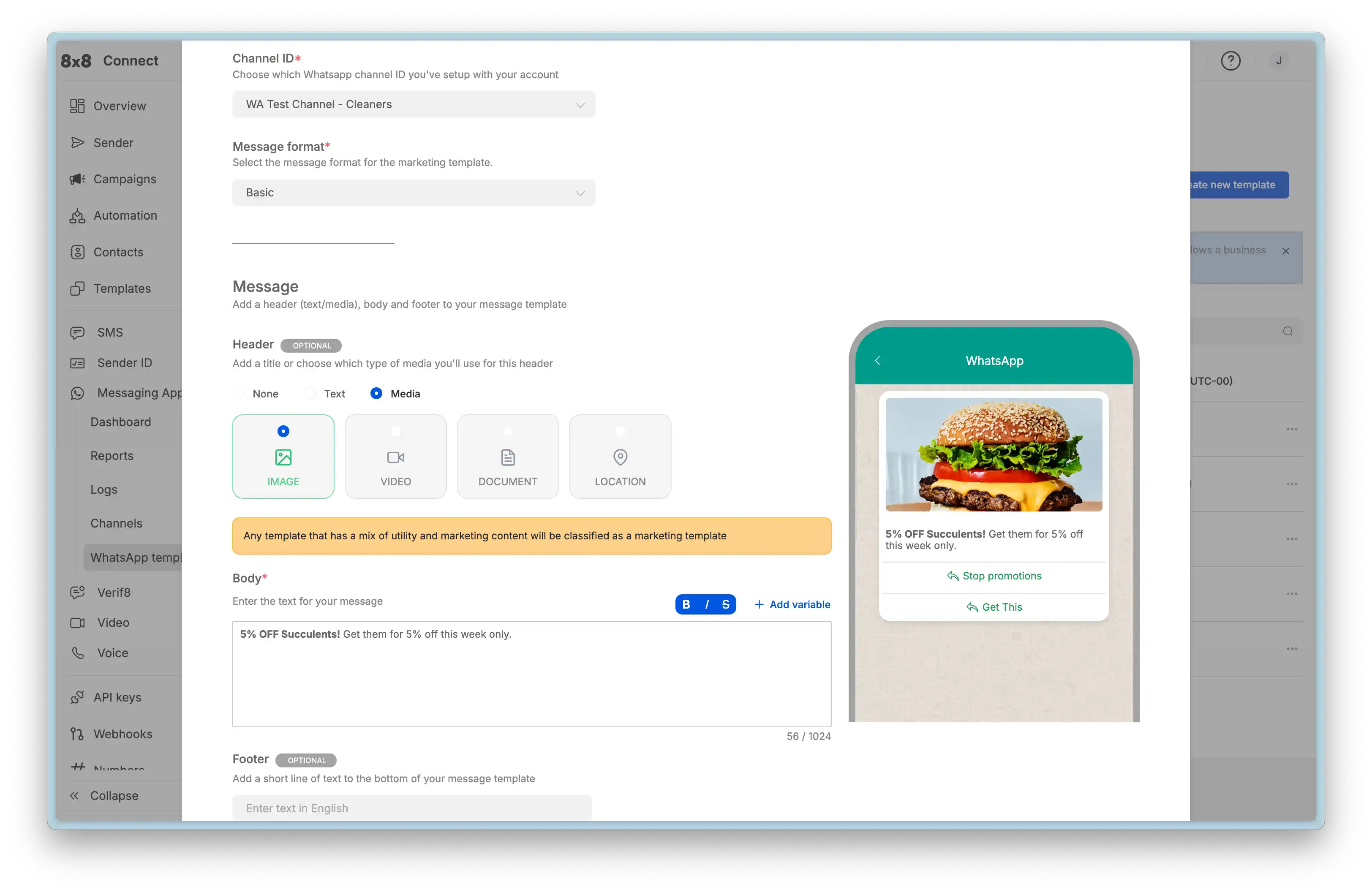
  • Retrieve SMS details

    Retrieve SMS details

    GET https://sms.8x8.com/api/v1/subaccounts/:subAccountId/messages/:umid

    This resource can be used to query message details like delivery status using the unique message identifier (UMID) of the message.

    URL

    You need to specify the sub-account id and the umid of the message in place of {subAccountId} and {umid} respectively. umid is the unique identifier you received when you submitted the message to the API.

    API Rate Limiting

    To protect the platform from being overloaded and maintain a high quality of service to all customers, we enforce API rate limits for this API endpoint.

    The limit is set to 1 request/second per subaccount.

    To safeguard your privacy, sensitive data such as message content and phone numbers are masked by default. Access to this information can be requested by contacting our support team.

    Request

    Path Parameters

      subAccountId stringrequired

      Possible values: >= 3 characters and <= 50 characters, Value must match regular expression ^[A-Za-z0-9\-._&]{3,50}$

      You must replace {subAccountId} with the subaccountid that you want to use. By default this is generated once you signed up with a new account at https://connect.8x8.com.

      umid stringrequired

      Unique message Id, generated by 8x8 API.

    Response returned with the message details if a message with the UMID is found for the specified sub account.

    Schema

      umidstringrequired

      Unique message ID automatically generated by 8x8.

      Example: dec02e44-c76f-4a0a-b69f-6ac2a4386eb9
      subAccountIdstringrequired

      Sub account id associated with the message.

      directionstringrequired

      Direction of the message (mobile terminated vs mobile originated). Possible values are

      • outbound: Mobile terminated.
      • inbound: Mobile originated.
      Example: outbound
      countrystring

      Two-letter country code.

      Example: SG

      status objectrequired

      Delivery status of the message. Status contains the following information.

      statestring

      General status of the message. Possible values are

      • unknown: Status is not known. This is an exceptional/intermediate status.
      • queued: The request is accepted and queued for processing
      • failed: The request has been rejected by the api and will not be processed.
      • sent: The message has been sent to the operator and we have not received an acknowledgment yet.
      • delivered: Message has been delivered to destination and we have received confirmation from the operator.
      • undelivered: We have received a delivery receipt from the operator that the message was not delivered.
      • read: Message was delivered and read.
      • ok: Operation was successful
      • error: An error occurred during operation
      Example: delivered
      detailstring
      • delivered_to_operator: The message has been delivered to the operator. Associated with delivered state
      • delivered_to_recipient: The message has been delivered to the recipient. Associated with delivered state.
      • rejected_by_operator: The message has been rejected by the operator. Associated with undelivered status.
      • undelivered_to_recipient: The message has been delivered but rejected by the target device. Associated with undelivered state.
      Example: delivered_to_carrier
      errorCodeinteger

      Error code for the operation

      errorMessagestring

      Description of the error.

      Example: Invalid message length
      timestampstring<date-time>

      Date and time when the status was observed expressed in ISO 8601 format.

      Example: 2020-06-17T04:17:21.06Z
      msisdnstringrequired

      Phone number (obfuscated to protect sensitive information) expressed in E.164 international format.

      Example: +63922110xxxx
      sourcestringrequired

      Message source.

      bodystringrequired

      Message content (obfuscated to protect sensitive information).

      Default value: **MASKED**
      Example: **MASKED**
      encodingstringrequired

      Message encoding. Possible values are GSM7, GSM8 or UCS2.

      Example: GSM8
      createdAtstringrequired

      Date and time the message was submitted to the api expressed in ISO 8601 format.

      Example: 2020-06-17T04:17:21.06Z
      smsCountintegerrequired

      Number of SMS segments in the messsage.

      Example: 2

      price objectrequired

      Price information of the message.

      totalnumberrequired

      Total price of the message which is equivalent to perSms x smsCount.

      Example: 0.0012
      perSmsnumberrequired

      Price per SMS.

      Example: 0.0012
      currencystringrequired

      Currency code of price information expressed in ISO 4217 format.

      Example: EUR
      clientMessageIdstring

      Client message identifier.

      clientBatchIdstring

      Client batch identifier.

      batchIdstring

      Universaly unique batch identifier (UUID).

      Example: c9c01382-38bf-4e27-8962-ae0684ab56c3
    {
    "umid":"dec02e44-c76f-4a0a-b69f-6ac2a4386eb9",
    "subAccountId":"string",
    "direction":"outbound",
    "country":"SG",
    "status":{
    "state":"delivered",
    "detail":"delivered_to_carrier",
    "errorCode":0,
    "errorMessage":"Invalid message length",
    "timestamp":"2020-06-17T04:17:21.06Z"
    },
    "msisdn":"+63922110xxxx",
    "source":"string",
    "body":"**MASKED**",
    "encoding":"GSM8",
    "createdAt":"2020-06-17T04:17:21.06Z",
    "smsCount":2,
    "price":{
    "total":0.0012,
    "perSms":0.0012,
    "currency":"EUR"
    },
    "clientMessageId":"string",
    "clientBatchId":"string",
    "batchId":"c9c01382-38bf-4e27-8962-ae0684ab56c3"
    }
    {
    "umid":"dec02e44-c76f-4a0a-b69f-6ac2a4386eb9",
    "subAccountId":"sub-account",
    "direction":"outbound",
    "country":"SG",
    "status":{
    "state":"delivered",
    "detail":"delivered_to_recipient",
    "timestamp":"2020-06-17T04:17:21.06Z"
    },
    "msisdn":"+63922110xxxx",
    "source":"Seller",
    "body":"**MASKED**",
    "encoding":"GSM8",
    "createdAt":"2020-06-17T04:17:21.06Z",
    "smsCount":2,
    "price":{
    "total":0.0024,
    "perSms":0.0012,
    "currency":"EUR"
    },
    "clientMessageId":"some-client-identifier"
    }

    This error response is returned if the request is invalid (e.g. umid is not a valid uuid).

    Schema

      codeinteger

      Error code.

      Example: 1000
      messagestring

      Error message.

      Example: Invalid umid.
      errorIdstring

      Unique error id auto-generated per request.

      Example: fbb239f1-2eb1-ea11-afa9-00155db6eaf4
      timestampstring

      Date and time of the error event.

      Example: 2020-06-18T06:42:57.20Z
    {
    "code":1000,
    "message":"Invalid umid.",
    "errorId":"fbb239f1-2eb1-ea11-afa9-00155db6eaf4",
    "timestamp":"2020-06-18T06:42:57.20Z"
    }
    {
    "code":1000,
    "message":"Invalid umid.",
    "errorId":"fbb239f1-2eb1-ea11-afa9-00155db6eaf4",
    "timestamp":"2020-06-18T06:42:57.20Z"
    }

    Request was not authenticated response

    Schema

      codeintegerrequired

      Error code

      messagestring

      Error description

      errorIdstring<uuid>required

      Unique id of error. You can use it as reference when sending enquiries to 8x8 support

      timestampstring<date-time>required

      Data and time of the error occurence

    {
    "code":1001,
    "message":"Provided subAccountId doesn't belongs to your account",
    "errorId":"91b106f0-c0da-4aba-a43a-7af9c5893a80",
    "timestamp":"2017-04-19T02:31:19.4297387+00:00"
    }
    {
    "code":1200,
    "message":"Request was not authenticated properly",
    "errorId":"db9dced4-3534-4d86-9d18-6b448af0d621",
    "timestamp":"2018-08-02T09:42:38.8988997+00:00"
    }

    This error response is returned if there is a message by the specified sub account and umid does not exist.

    Schema

      codeintegerrequired

      Error code.

      Example: 1300
      messagestringrequired

      Descriptive error message.

      Example: Message not found.
      errorIdstringrequired

      Unique error id auto-generated per request.

      Example: 1949a467-2db1-ea11-afa9-00155db6eaf4
      timestampstringrequired

      Date and time of the error event.

      Example: 2020-06-18T06:31:58.11Z
    {
    "code":1300,
    "message":"Message not found.",
    "errorId":"1949a467-2db1-ea11-afa9-00155db6eaf4",
    "timestamp":"2020-06-18T06:31:58.11Z"
    }
    {
    "code":1300,
    "message":"Message not found.",
    "errorId":"1949a467-2db1-ea11-afa9-00155db6eaf4",
    "timestamp":"2020-06-18T06:31:58.11Z"
    }

    Rate limiting quota exceeded error

    Schema

      codeintegerrequired

      Error code

      messagestring

      Error description

      errorIdstring<uuid>required

      Unique id of error. You can use it as reference when sending enquiries to 8x8 support

      timestampstring<date-time>required

      Data and time of the error occurence

    {
    "code":1001,
    "message":"Provided subAccountId doesn't belongs to your account",
    "errorId":"91b106f0-c0da-4aba-a43a-7af9c5893a80",
    "timestamp":"2017-04-19T02:31:19.4297387+00:00"
    }
    {
    "code":429,
    "message":"Quota exceeded. Please try again in 1 second(s).",
    "errorId":"c8a41b47-57bf-ea11-8273-00155d466a31",
    "timestamp":"2020-07-06T07:07:00.30Z"
    }

    Source: https://developer.8x8.com/connect/reference/get-sms-message-details · 8x8 CPaaS Developer Docs. Synced for support deflection.
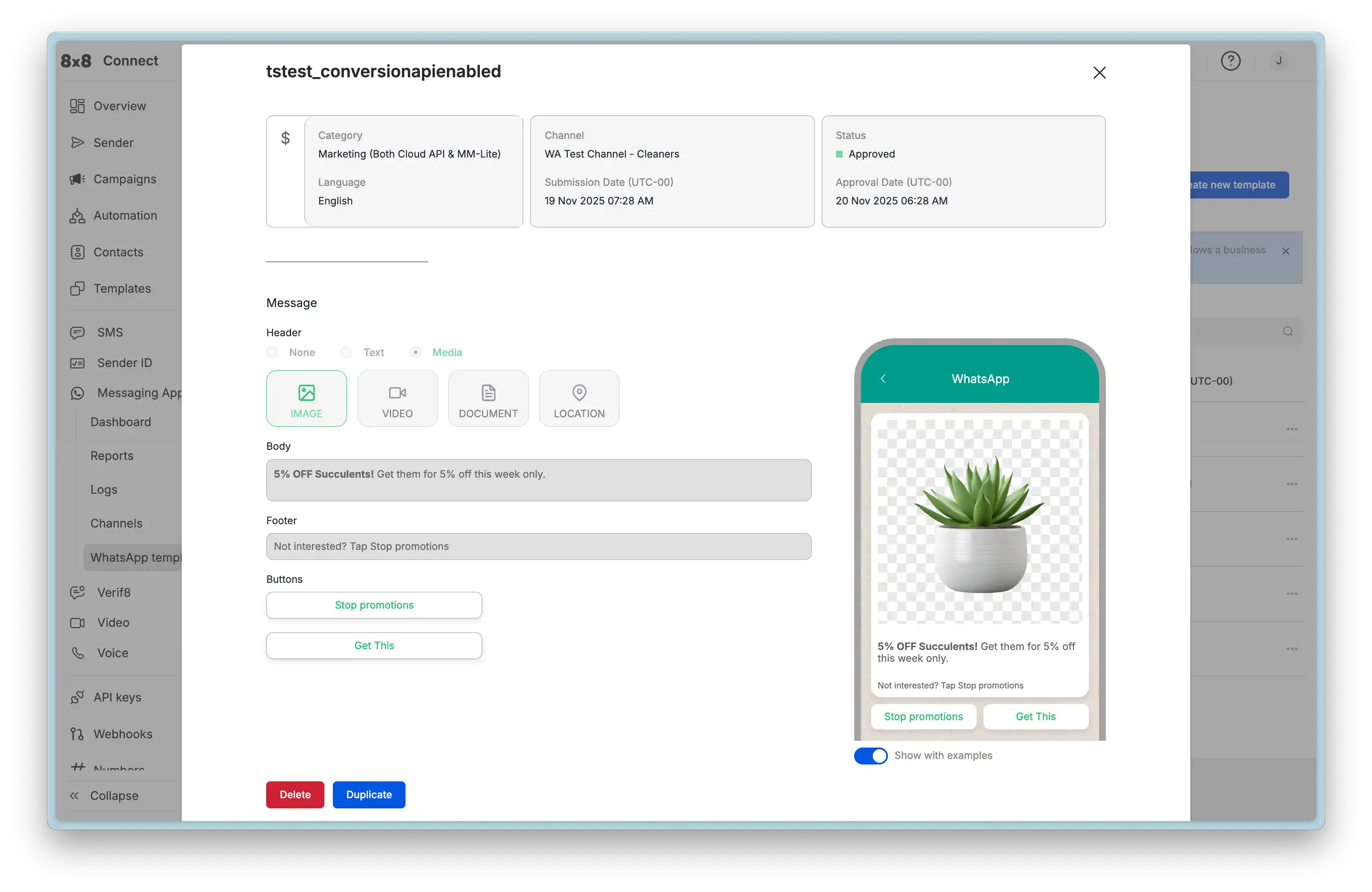
  • Get SMS price list

    Get SMS price list

    GET https://sms.8x8.com/api/v1/accounts/:accountId/prices
    • Sending a GET request on this endpoint allows to get prices based on different criteria.

    Request

    Path Parameters

      accountId stringrequired

      Possible values: >= 32 characters and <= 36 characters, Value must match regular expression ^[0-9A-Fa-f]{8}[-]?(?:[0-9A-Fa-f]{4}[-]?){3}[0-9A-Fa-f]{12}$

      You must replace {accountId} with the accountid that you want to use.

    Query Parameters

      country string

      Possible values: >= 2 characters and <= 2 characters

      Country code. Should be 2-letter (ISO 3166-1 alpha-2) code.

      mcc integer

      Mobile country code. MCC should always come in pair with MNC parameter.

      mnc integer

      Mobile network code. MNC should always come in pair with MCC parameter.

      direction string

      Possible values: [outbound, inbound]

      Direction: outbound or inbound.

      subAccountId string

      Filter price list by subaccount id.

    Price list response

    Schema

      subAccounts object[]

    • Array [
    • subAccountIdstring

      Sub account identifier

      outbound object[]

      The list of outbound prices

    • Array [
    • countries object[]

    • Array [
    • alpha2Codestring

      2-letter country code (ISO 3166-1 alpha-2).

      countryNamestring

      Country name

      dialingPrefixstring

      Country dial-in prefix. See list here.

      operators object[]

      List of operators

    • Array [
    • operatorNamestring

      Operator name

      operatorIdinteger

      Unique operator identifier

      hni object[]

      The HNI (Home Network Identity) is a combination of MCC and MNC.

    • Array [
    • mccstring

      Mobile Country Code

      Example: 01
      mncstring

      Mobile Network Code

      Example: 525
    • ]
    • price object

      Price

      amountnumber

      Price amount

      Example: 0.01
      currencystring

      3-letter currency code (ISO 4217)

    • ]
    • ]
    • ]
    • inbound object[]

      The list of inbound prices

    • Array [
    • alpha2Codestring

      2-letter country code (ISO 3166-1 alpha-2).

      countryNamestring

      Country name

      dialingPrefixstring

      Country dial-in prefix. See list here.

      numberTypes object[]

      Virtual number list

    • Array [
    • typestring

      Virtual number type

      Possible values: [longcode, shortCodePremium, shortCodeP2P, shortCodeFTEU, tollfree]

      defaultPrice object

      Price

      amountnumber

      Price amount

      Example: 0.01
      currencystring

      3-letter currency code (ISO 4217)

    • ]
    • ]
    • ]
    {
    "subAccounts":[
    {
    "subAccountId":"string",
    "outbound":[
    {
    "countries":[
    {
    "alpha2Code":"string",
    "countryName":"string",
    "dialingPrefix":"string",
    "operators":[
    {
    "operatorName":"string",
    "operatorId":0,
    "hni":[
    {
    "mcc":"01",
    "mnc":"525"
    }
    ],
    "price":{
    "amount":0.01,
    "currency":"string"
    }
    }
    ]
    }
    ]
    }
    ],
    "inbound":[
    {
    "alpha2Code":"string",
    "countryName":"string",
    "dialingPrefix":"string",
    "numberTypes":[
    {
    "type":"longcode",
    "defaultPrice":{
    "amount":0.01,
    "currency":"string"
    }
    }
    ]
    }
    ]
    }
    ]
    }

    Schema

    "{\n  \"subAccounts\": [\n    {\n      \"subAccountId\": \"example\",\n      \"outbound\": {\n        \"countries\": [\n          {\n            \"alpha2Code\": \"SG\",\n            \"countryName\": \"Singapore\",\n            \"dialingPrefix\": \"+65\",\n            \"operators\": [\n              {\n                \"operatorName\": \"SingTel\",\n                \"operatorId\": 525001,\n                \"hni\": [\n                  {\n                    \"mcc\": \"525\",\n                    \"mnc\": \"01\"\n                  },\n                  {\n                    \"mcc\": \"525\",\n                    \"mnc\": \"02\"\n                  },\n                  {\n                    \"mcc\": \"525\",\n                    \"mnc\": \"07\"\n                  }\n                ],\n                \"price\": {\n                  \"amount\": 0.0099171,\n                  \"currency\": \"SGD\"\n                }\n              },\n              {\n                \"operatorName\": \"MobileOne\",\n                \"operatorId\": 525003,\n                \"hni\": [\n                  {\n                    \"mcc\": \"525\",\n                    \"mnc\": \"03\"\n                  }\n                ],\n                \"price\": {\n                  \"amount\": 0.0099171,\n                  \"currency\": \"SGD\"\n                }\n              },\n              {\n                \"operatorName\": \"Starhub\",\n                \"operatorId\": 525005,\n                \"hni\": [\n                  {\n                    \"mcc\": \"525\",\n                    \"mnc\": \"05\"\n                  },\n                  {\n                    \"mcc\": \"525\",\n                    \"mnc\": \"06\"\n                  }\n                ],\n                \"price\": {\n                  \"amount\": 0.0099171,\n                  \"currency\": \"SGD\"\n                }\n              }\n            ]\n          }\n        ]\n      },\n      \"inbound\": {\n        \"countries\": [\n          {\n            \"alpha2Code\": \"SG\",\n            \"countryName\": \"Singapore\",\n            \"dialingPrefix\": \"+65\",\n            \"numberTypes\": [\n              {\n                \"type\": \"tollFree\",\n                \"defaultPrice\": {\n                  \"amount\": 0.01,\n                  \"currency\": \"SGD\"\n                }\n              },\n              {\n                \"type\": \"shortCodeP2P\",\n                \"defaultPrice\": {\n                  \"amount\": 0.123,\n                  \"currency\": \"SGD\"\n                }\n              }\n            ]\n          }\n        ]\n      }\n    }\n  ]\n}"
    {
    "subAccounts": [
    {
    "subAccountId": "example",
    "outbound": {
    "countries": [
    {
    "alpha2Code": "SG",
    "countryName": "Singapore",
    "dialingPrefix": "+65",
    "operators": [
    {
    "operatorName": "SingTel",
    "operatorId": 525001,
    "hni": [
    {
    "mcc": "525",
    "mnc": "01"
    },
    {
    "mcc": "525",
    "mnc": "02"
    },
    {
    "mcc": "525",
    "mnc": "07"
    }
    ],
    "price": {
    "amount": 0.0099171,
    "currency": "SGD"
    }
    },
    {
    "operatorName": "MobileOne",
    "operatorId": 525003,
    "hni": [
    {
    "mcc": "525",
    "mnc": "03"
    }
    ],
    "price": {
    "amount": 0.0099171,
    "currency": "SGD"
    }
    },
    {
    "operatorName": "Starhub",
    "operatorId": 525005,
    "hni": [
    {
    "mcc": "525",
    "mnc": "05"
    },
    {
    "mcc": "525",
    "mnc": "06"
    }
    ],
    "price": {
    "amount": 0.0099171,
    "currency": "SGD"
    }
    }
    ]
    }
    ]
    },
    "inbound": {
    "countries": [
    {
    "alpha2Code": "SG",
    "countryName": "Singapore",
    "dialingPrefix": "+65",
    "numberTypes": [
    {
    "type": "tollFree",
    "defaultPrice": {
    "amount": 0.01,
    "currency": "SGD"
    }
    },
    {
    "type": "shortCodeP2P",
    "defaultPrice": {
    "amount": 0.123,
    "currency": "SGD"
    }
    }
    ]
    }
    ]
    }
    }
    ]
    }

    Schema

    "{\n    \"subAccounts\": [\n        {\n            \"subAccountId\": \"example\",\n            \"outbound\": {\n                \"countries\": [\n                    {\n                        \"alpha2Code\": \"SG\",\n                        \"countryName\": \"Singapore\",\n                        \"dialingPrefix\": \"+65\",\n                        \"operators\": [\n                            {\n                                \"operatorName\": \"SingTel\",\n                                \"operatorId\": 525001,\n                                \"hni\": [\n                                    {\n                                        \"mcc\": \"525\",\n                                        \"mnc\": \"01\"\n                                    },\n                                    {\n                                        \"mcc\": \"525\",\n                                        \"mnc\": \"02\"\n                                    },\n                                    {\n                                        \"mcc\": \"525\",\n                                        \"mnc\": \"07\"\n                                    }\n                                ],\n                                \"price\": {\n                                    \"amount\": 0.0520648,\n                                    \"currency\": \"SGD\"\n                                }\n                            },\n                            {\n                                \"operatorName\": \"MobileOne\",\n                                \"operatorId\": 525003,\n                                \"hni\": [\n                                    {\n                                        \"mcc\": \"525\",\n                                        \"mnc\": \"03\"\n                                    }\n                                ],\n                                \"price\": {\n                                    \"amount\": 0.0421477,\n                                    \"currency\": \"SGD\"\n                                }\n                            },\n                            {\n                                \"operatorName\": \"Starhub\",\n                                \"operatorId\": 525005,\n                                \"hni\": [\n                                    {\n                                        \"mcc\": \"525\",\n                                        \"mnc\": \"05\"\n                                    },\n                                    {\n                                        \"mcc\": \"525\",\n                                        \"mnc\": \"06\"\n                                    }\n                                ],\n                                \"price\": {\n                                    \"amount\": 0.0495856,\n                                    \"currency\": \"SGD\"\n                                }\n                            }\n                        ]\n                    },\n                    {\n                        \"alpha2Code\": \"US\",\n                        \"countryName\": \"United States\",\n                        \"dialingPrefix\": \"+1\",\n                        \"operators\": [\n                            {\n                                \"operatorName\": \"Western Wireless\",\n                                \"operatorId\": 310012,\n                                \"hni\": [\n                                    {\n                                        \"mcc\": \"310\",\n                                        \"mnc\": \"03\"\n                                    },\n                                    {\n                                        \"mcc\": \"310\",\n                                        \"mnc\": \"12\"\n                                    }\n                                ],\n                                \"price\": {\n                                    \"amount\": 0.0161153,\n                                    \"currency\": \"SGD\"\n                                }\n                            }\n                        ]\n                    }\n                ]\n            }\n        },\n        {\n            \"subAccountId\": \"example2\",\n            \"outbound\": {\n                \"countries\": [\n                    {\n                        \"alpha2Code\": \"SG\",\n                        \"countryName\": \"Singapore\",\n                        \"dialingPrefix\": \"+65\",\n                        \"operators\": [\n                            {\n                                \"operatorName\": \"SingTel\",\n                                \"operatorId\": 525001,\n                                \"hni\": [\n                                    {\n                                        \"mcc\": \"525\",\n                                        \"mnc\": \"01\"\n                                    },\n                                    {\n                                        \"mcc\": \"525\",\n                                        \"mnc\": \"02\"\n                                    },\n                                    {\n                                        \"mcc\": \"525\",\n                                        \"mnc\": \"07\"\n                                    }\n                                ],\n                                \"price\": {\n                                    \"amount\": 0.0099171,\n                                    \"currency\": \"SGD\"\n                                }\n                            },\n                            {\n                                \"operatorName\": \"MobileOne\",\n                                \"operatorId\": 525003,\n                                \"hni\": [\n                                    {\n                                        \"mcc\": \"525\",\n                                        \"mnc\": \"03\"\n                                    }\n                                ],\n                                \"price\": {\n                                    \"amount\": 0.0099171,\n                                    \"currency\": \"SGD\"\n                                }\n                            },\n                            {\n                                \"operatorName\": \"Starhub\",\n                                \"operatorId\": 525005,\n                                \"hni\": [\n                                    {\n                                        \"mcc\": \"525\",\n                                        \"mnc\": \"05\"\n                                    },\n                                    {\n                                        \"mcc\": \"525\",\n                                        \"mnc\": \"06\"\n                                    }\n                                ],\n                                \"price\": {\n                                    \"amount\": 0.0099171,\n                                    \"currency\": \"SGD\"\n                                }\n                            }\n                        ]\n                    },\n                    {\n                        \"alpha2Code\": \"US\",\n                        \"countryName\": \"United States\",\n                        \"dialingPrefix\": \"+1\",\n                        \"operators\": [\n                            {\n                                \"operatorName\": \"Western Wireless\",\n                                \"operatorId\": 310012,\n                                \"hni\": [\n                                    {\n                                        \"mcc\": \"310\",\n                                        \"mnc\": \"03\"\n                                    },\n                                    {\n                                        \"mcc\": \"310\",\n                                        \"mnc\": \"12\"\n                                    }\n                                ],\n                                \"price\": {\n                                    \"amount\": 0.0136360,\n                                    \"currency\": \"SGD\"\n                                }\n                            },\n                            {\n                                \"operatorName\": \"T-Mobile (Cingular)\",\n                                \"operatorId\": 310490,\n                                \"hni\": [\n                                    {\n                                        \"mcc\": \"310\",\n                                        \"mnc\": \"490\"\n                                    }\n                                ],\n                                \"price\": {\n                                    \"amount\": 0.0136360,\n                                    \"currency\": \"SGD\"\n                                }\n                            }\n                        ]\n                    }\n                ]\n            },\n            \"inbound\": {\n                \"countries\": [\n                    {\n                        \"alpha2Code\": \"SG\",\n                        \"countryName\": \"Singapore\",\n                        \"dialingPrefix\": \"+65\",\n                        \"numberTypes\": [\n                            {\n                                \"type\": \"tollFree\",\n                                \"defaultPrice\": {\n                                    \"amount\": 0.0100000,\n                                    \"currency\": \"SGD\"\n                                }\n                            },\n                            {\n                                \"type\": \"shortCodeP2P\",\n                                \"defaultPrice\": {\n                                    \"amount\": 0.1230000,\n                                    \"currency\": \"SGD\"\n                                }\n                            }\n                        ]\n                    }\n                ]\n            }\n        }\n    ]\n}"
    {
    "subAccounts": [
    {
    "subAccountId": "example",
    "outbound": {
    "countries": [
    {
    "alpha2Code": "SG",
    "countryName": "Singapore",
    "dialingPrefix": "+65",
    "operators": [
    {
    "operatorName": "SingTel",
    "operatorId": 525001,
    "hni": [
    {
    "mcc": "525",
    "mnc": "01"
    },
    {
    "mcc": "525",
    "mnc": "02"
    },
    {
    "mcc": "525",
    "mnc": "07"
    }
    ],
    "price": {
    "amount": 0.0520648,
    "currency": "SGD"
    }
    },
    {
    "operatorName": "MobileOne",
    "operatorId": 525003,
    "hni": [
    {
    "mcc": "525",
    "mnc": "03"
    }
    ],
    "price": {
    "amount": 0.0421477,
    "currency": "SGD"
    }
    },
    {
    "operatorName": "Starhub",
    "operatorId": 525005,
    "hni": [
    {
    "mcc": "525",
    "mnc": "05"
    },
    {
    "mcc": "525",
    "mnc": "06"
    }
    ],
    "price": {
    "amount": 0.0495856,
    "currency": "SGD"
    }
    }
    ]
    },
    {
    "alpha2Code": "US",
    "countryName": "United States",
    "dialingPrefix": "+1",
    "operators": [
    {
    "operatorName": "Western Wireless",
    "operatorId": 310012,
    "hni": [
    {
    "mcc": "310",
    "mnc": "03"
    },
    {
    "mcc": "310",
    "mnc": "12"
    }
    ],
    "price": {
    "amount": 0.0161153,
    "currency": "SGD"
    }
    }
    ]
    }
    ]
    }
    },
    {
    "subAccountId": "example2",
    "outbound": {
    "countries": [
    {
    "alpha2Code": "SG",
    "countryName": "Singapore",
    "dialingPrefix": "+65",
    "operators": [
    {
    "operatorName": "SingTel",
    "operatorId": 525001,
    "hni": [
    {
    "mcc": "525",
    "mnc": "01"
    },
    {
    "mcc": "525",
    "mnc": "02"
    },
    {
    "mcc": "525",
    "mnc": "07"
    }
    ],
    "price": {
    "amount": 0.0099171,
    "currency": "SGD"
    }
    },
    {
    "operatorName": "MobileOne",
    "operatorId": 525003,
    "hni": [
    {
    "mcc": "525",
    "mnc": "03"
    }
    ],
    "price": {
    "amount": 0.0099171,
    "currency": "SGD"
    }
    },
    {
    "operatorName": "Starhub",
    "operatorId": 525005,
    "hni": [
    {
    "mcc": "525",
    "mnc": "05"
    },
    {
    "mcc": "525",
    "mnc": "06"
    }
    ],
    "price": {
    "amount": 0.0099171,
    "currency": "SGD"
    }
    }
    ]
    },
    {
    "alpha2Code": "US",
    "countryName": "United States",
    "dialingPrefix": "+1",
    "operators": [
    {
    "operatorName": "Western Wireless",
    "operatorId": 310012,
    "hni": [
    {
    "mcc": "310",
    "mnc": "03"
    },
    {
    "mcc": "310",
    "mnc": "12"
    }
    ],
    "price": {
    "amount": 0.0136360,
    "currency": "SGD"
    }
    },
    {
    "operatorName": "T-Mobile (Cingular)",
    "operatorId": 310490,
    "hni": [
    {
    "mcc": "310",
    "mnc": "490"
    }
    ],
    "price": {
    "amount": 0.0136360,
    "currency": "SGD"
    }
    }
    ]
    }
    ]
    },
    "inbound": {
    "countries": [
    {
    "alpha2Code": "SG",
    "countryName": "Singapore",
    "dialingPrefix": "+65",
    "numberTypes": [
    {
    "type": "tollFree",
    "defaultPrice": {
    "amount": 0.0100000,
    "currency": "SGD"
    }
    },
    {
    "type": "shortCodeP2P",
    "defaultPrice": {
    "amount": 0.1230000,
    "currency": "SGD"
    }
    }
    ]
    }
    ]
    }
    }
    ]
    }

    Schema

    "{\n    \"subAccounts\": [\n        {\n            \"subAccountId\": \"example\",\n            \"inbound\": {\n                \"countries\": [\n                    {\n                        \"alpha2Code\": \"SG\",\n                        \"countryName\": \"Singapore\",\n                        \"dialingPrefix\": \"+65\",\n                        \"numberTypes\": [\n                            {\n                                \"type\": \"tollFree\",\n                                \"defaultPrice\": {\n                                    \"amount\": 0.0100000,\n                                    \"currency\": \"SGD\"\n                                }\n                            },\n                            {\n                                \"type\": \"shortCodeP2P\",\n                                \"defaultPrice\": {\n                                    \"amount\": 0.1230000,\n                                    \"currency\": \"SGD\"\n                                }\n                            }\n                        ]\n                    }\n                ]\n            }\n        }\n    ]\n}"
    {
    "subAccounts": [
    {
    "subAccountId": "example",
    "inbound": {
    "countries": [
    {
    "alpha2Code": "SG",
    "countryName": "Singapore",
    "dialingPrefix": "+65",
    "numberTypes": [
    {
    "type": "tollFree",
    "defaultPrice": {
    "amount": 0.0100000,
    "currency": "SGD"
    }
    },
    {
    "type": "shortCodeP2P",
    "defaultPrice": {
    "amount": 0.1230000,
    "currency": "SGD"
    }
    }
    ]
    }
    ]
    }
    }
    ]
    }

    Bad request error response

    Schema

      codeintegerrequired

      Error code

      messagestring

      Error description

      errorIdstring<uuid>required

      Unique id of error. You can use it as reference when sending enquiries to 8x8 support

      timestampstring<date-time>required

      Data and time of the error occurence

    {
    "code":1001,
    "message":"Provided subAccountId doesn't belongs to your account",
    "errorId":"91b106f0-c0da-4aba-a43a-7af9c5893a80",
    "timestamp":"2017-04-19T02:31:19.4297387+00:00"
    }
    {
    "code":1002,
    "message":"Invalid MSISDN format (not E.164 international number)",
    "errorId":"b4478860-b76c-e811-814e-022a35cc1c71",
    "timestamp":"2018-08-04T09:25:40.9235752+00:00"
    }

    Request was not authenticated response

    Schema

      codeintegerrequired

      Error code

      messagestring

      Error description

      errorIdstring<uuid>required

      Unique id of error. You can use it as reference when sending enquiries to 8x8 support

      timestampstring<date-time>required

      Data and time of the error occurence

    {
    "code":1001,
    "message":"Provided subAccountId doesn't belongs to your account",
    "errorId":"91b106f0-c0da-4aba-a43a-7af9c5893a80",
    "timestamp":"2017-04-19T02:31:19.4297387+00:00"
    }
    {
    "code":1200,
    "message":"Request was not authenticated properly",
    "errorId":"db9dced4-3534-4d86-9d18-6b448af0d621",
    "timestamp":"2018-08-02T09:42:38.8988997+00:00"
    }

    Upgrade Required — client is using an unsupported TLS version

    Response Headers

      Upgrade
      Example: TLS/1.3

    Schema

      codeintegerrequired

      Error code

      messagestring

      Error description

      errorIdstring<uuid>required

      Unique id of error. You can use it as reference when sending enquiries to 8x8 support

      timestampstring<date-time>required

      Data and time of the error occurence

    {
    "code":1001,
    "message":"Provided subAccountId doesn't belongs to your account",
    "errorId":"91b106f0-c0da-4aba-a43a-7af9c5893a80",
    "timestamp":"2017-04-19T02:31:19.4297387+00:00"
    }
    {
    "code":1014,
    "message":"TLS 1.3+ is required for Singapore-bound messages. Detected: TLSv1.2",
    "errorId":"b4478860-b76c-e811-814e-022a35cc1c71",
    "timestamp":"2018-08-04T09:25:40.9235752+00:00"
    }

    Rate limiting quota exceeded error

    Schema

      codeintegerrequired

      Error code

      messagestring

      Error description

      errorIdstring<uuid>required

      Unique id of error. You can use it as reference when sending enquiries to 8x8 support

      timestampstring<date-time>required

      Data and time of the error occurence

    {
    "code":1001,
    "message":"Provided subAccountId doesn't belongs to your account",
    "errorId":"91b106f0-c0da-4aba-a43a-7af9c5893a80",
    "timestamp":"2017-04-19T02:31:19.4297387+00:00"
    }
    {
    "code":429,
    "message":"Quota exceeded. Please try again in 1 second(s).",
    "errorId":"c8a41b47-57bf-ea11-8273-00155d466a31",
    "timestamp":"2020-07-06T07:07:00.30Z"
    }

    Internal server error

    Schema

      codeintegerrequired

      Error code

      messagestring

      Error description

      errorIdstring<uuid>required

      Unique id of error. You can use it as reference when sending enquiries to 8x8 support

      timestampstring<date-time>required

      Data and time of the error occurence

    {
    "code":1001,
    "message":"Provided subAccountId doesn't belongs to your account",
    "errorId":"91b106f0-c0da-4aba-a43a-7af9c5893a80",
    "timestamp":"2017-04-19T02:31:19.4297387+00:00"
    }
    {
    "code":2000,
    "message":"Internal server error",
    "errorId":"db9dced4-3534-4d86-9d18-6b448af0d621",
    "timestamp":"2018-07-02T09:42:38.8988997+00:00"
    }

    Source: https://developer.8x8.com/connect/reference/get-price-list · 8x8 CPaaS Developer Docs. Synced for support deflection.
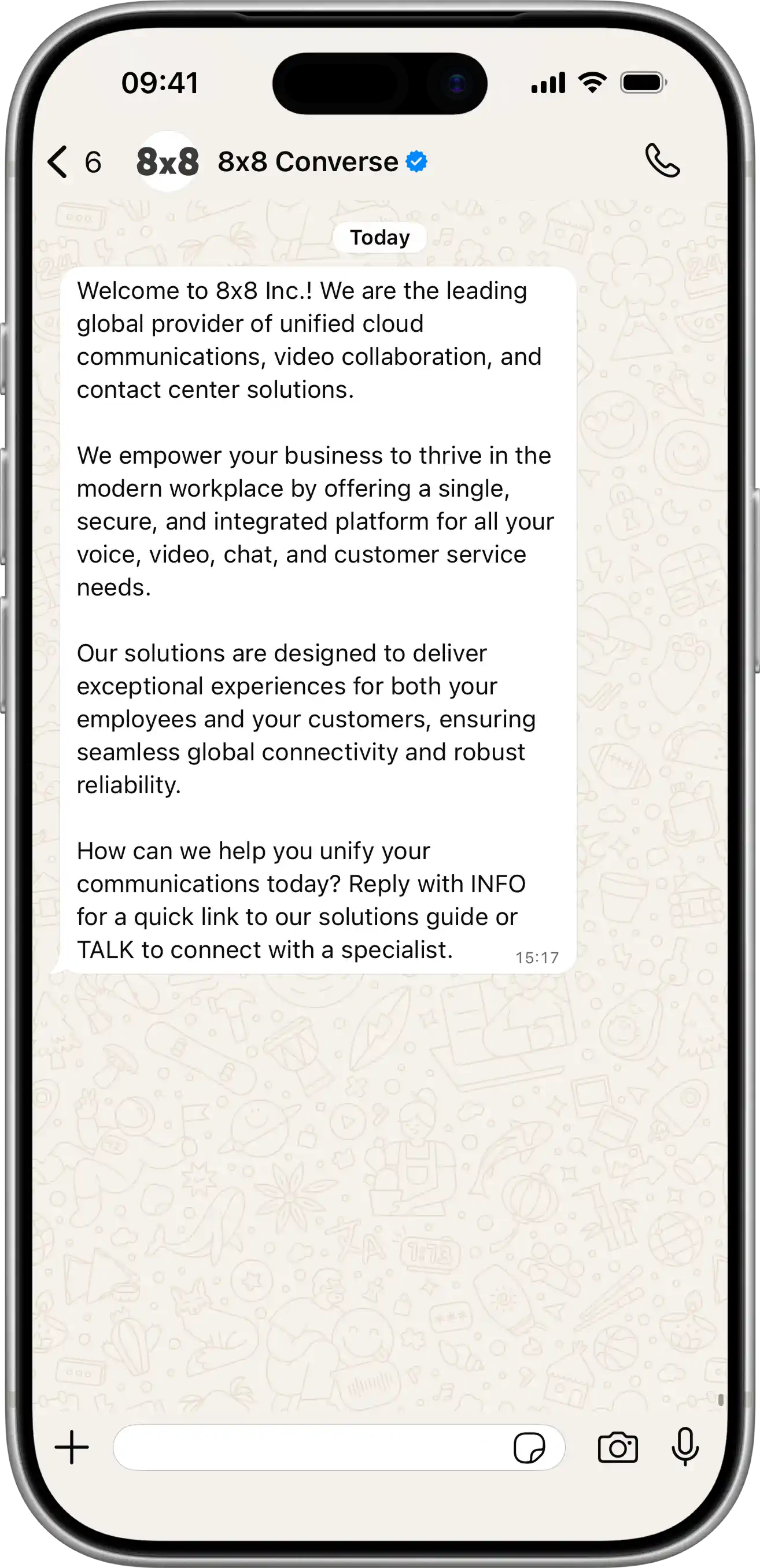
  • Get message usage

    Get message usage

    GET https://chatapps.8x8.com/api/v1/accounts/:accountId/usage/messages

    Returns monthly per-message usage totals for the specified billing period. Results can be filtered and grouped by subaccount, business account, channel, pricing category, and destination country.

    Currently, only WhatsApp is supported.

    Constraints:

    • Data is available from February 2026 onwards
    • Only closed billing periods can be queried
    • Maximum lookback: 6 months

    Grouping behavior:

    • If groupBy is omitted, a single aggregated total is returned
    • pricing is included when groupBy contains channel, businessAccountId, pricingCategory, and country

    Request

    Path Parameters

      accountId stringrequired

      You must replace {accountId} with the account ID that you want to use.

    Query Parameters

      billingPeriod stringrequired

      Possible values: Value must match regular expression ^\d{4}-(0[1-9]|1[0-2])$

      The billing month to query, in YYYY-MM format (e.g. 2026-03). Must be a closed billing period from February 2026 or later. Maximum lookback is 6 months.

      channel string

      Possible values: [whatsapp]

      Filter results by messaging channel. Currently, only whatsapp is supported. Defaults to whatsapp if omitted.

      groupBy string

      Comma-separated list of dimensions to group results by. When omitted, a single aggregated total is returned. pricing is included when groupBy contains channel, businessAccountId, pricingCategory, and country.

      Available values: subAccountId, channel, businessAccountId, pricingCategory, country.

    Successful response containing message usage data.

    Schema

      data object[]

      List of usage records, grouped according to the groupBy parameter.

    • Array [
    • subAccountIdstring

      Sub-account identifier. Present when subAccountId is included in groupBy.

      Example: umsg_AGG001
      channelstring

      Messaging channel. Present when channel is included in groupBy.

      Possible values: [whatsapp]

      Example: whatsapp
      countrystring

      ISO 3166-1 alpha-2 destination country code. Present when country is included in groupBy.

      Example: IN
      businessAccountIdstring

      Business account identifier associated with the messaging provider. For WhatsApp, this represents the WhatsApp Business Account (WABA) ID. Present when businessAccountId is included in groupBy.

      Example: 120xx01234567890
      pricingCategorystring

      Message pricing category. For WhatsApp: utility, marketing, authentication, authentication_international, service. Present when pricingCategory is included in groupBy.

      Example: utility

      volume object

      Message volume breakdown.

      deliveredinteger

      Total number of delivered messages.

      Example: 479100
      chargedinteger

      Number of messages that were charged.

      Example: 437900
      freeinteger

      Number of messages delivered at no charge.

      Example: 41200

      pricing object

      Pricing structure. Present when groupBy includes channel, businessAccountId, pricingCategory, and country.

      rateModelstring

      The pricing rate model applied to this combination.

      Possible values: [flat, tiered]

      Example: tiered

      tiers object[]

      Tier breakdown. Only present when rateModel is tiered.

    • Array [
    • frominteger

      Lower bound of this tier (inclusive).

      Example: 0
      tointeger

      Upper bound of this tier (inclusive). null indicates an openended bracket with no upper limit.

      Example: 250000
      quantityinteger

      Number of messages that fall within this tier.

      Example: 250000
      statusstring

      Indicates the tier was fully settled. Always completed since only closed billing periods can be queried.

      Possible values: [completed]

      Example: completed
    • ]
    • ]
    • meta object

      Metadata about the request and result set.

      accountIdstring

      The account ID used in the request.

      Example: bp-xxx

      billingPeriod object

      startstring<date>

      Start date of the billing period.

      Example: 2026-03-01
      endstring<date>

      End date of the billing period.

      Example: 2026-03-31
      statusstring

      The billing period status. Always closed since only closed billing periods can be queried.

      Possible values: [closed]

      Example: closed
      dataAsOfstring<date-time>

      Timestamp the final data snapshot for this billing period.

      Example: 2026-03-16T12:00:00Z
      groupBystring[]

      The groupBy dimensions applied to this query.

      Example: ["subAccountId","channel","businessAccountId","pricingCategory","country"]
      currencystring

      Currency used for pricing amounts (ISO 4217 code).

      Example: USD
    {
    "data":[
    {
    "subAccountId":"umsg_AGG001",
    "channel":"whatsapp",
    "country":"IN",
    "businessAccountId":"120xx01234567890",
    "pricingCategory":"utility",
    "volume":{
    "delivered":479100,
    "charged":437900,
    "free":41200
    },
    "pricing":{
    "rateModel":"tiered",
    "tiers":[
    {
    "from":0,
    "to":250000,
    "quantity":250000,
    "status":"completed"
    }
    ]
    }
    }
    ],
    "meta":{
    "accountId":"bp-xxx",
    "billingPeriod":{
    "start":"2026-03-01",
    "end":"2026-03-31",
    "status":"closed"
    },
    "dataAsOf":"2026-03-16T12:00:00Z",
    "groupBy":[
    "subAccountId",
    "channel",
    "businessAccountId",
    "pricingCategory",
    "country"
    ],
    "currency":"USD"
    }
    }

    Response with full groupBy (includes pricing)

    {
    "data":[
    {
    "subAccountId":"umsg_AGG001",
    "channel":"whatsapp",
    "country":"IN",
    "businessAccountId":"120xx01234567890",
    "pricingCategory":"utility",
    "volume":{
    "delivered":479100,
    "charged":437900,
    "free":41200
    },
    "pricing":{
    "rateModel":"tiered",
    "tiers":[
    {
    "from":0,
    "to":250000,
    "quantity":250000,
    "status":"completed"
    },
    {
    "from":250001,
    "to":500000,
    "quantity":187900,
    "status":"completed"
    }
    ]
    }
    },
    {
    "subAccountId":"umsg_AGG001",
    "channel":"whatsapp",
    "country":"IN",
    "businessAccountId":"120xx01234567890",
    "pricingCategory":"marketing",
    "volume":{
    "delivered":1234,
    "charged":1234,
    "free":0
    },
    "pricing":{
    "rateModel":"flat"
    }
    }
    ],
    "meta":{
    "accountId":"bp-xxx",
    "billingPeriod":{
    "start":"2026-03-01",
    "end":"2026-03-31",
    "status":"closed"
    },
    "dataAsOf":"2026-03-16T12:00:00Z",
    "groupBy":[
    "subAccountId",
    "channel",
    "businessAccountId",
    "pricingCategory",
    "country"
    ],
    "currency":"USD"
    }
    }

    Response without groupBy (aggregated volume only)

    {
    "data":[
    {
    "volume":{
    "delivered":480334,
    "charged":439134,
    "free":41200
    }
    }
    ],
    "meta":{
    "accountId":"bp-xxx",
    "billingPeriod":{
    "start":"2026-03-01",
    "end":"2026-03-31",
    "status":"closed"
    },
    "dataAsOf":"2026-03-16T12:00:00Z",
    "groupBy":[],
    "currency":"USD"
    }
    }

    Bad request. The billing period format is invalid, the period is not yet closed, the date is before February 2026, or the lookback exceeds 6 months.

    Schema

      codeintegerrequired

      Error code

      messagestring

      Error description

      errorIdstring<uuid>required

      Unique id of error. You can use it as reference when sending enquiries to 8x8 support

      timestampstring<date-time>required

      Data and time of the error occurence

    {
    "code":1001,
    "message":"Provided subAccountId doesn't belongs to your account",
    "errorId":"91b106f0-c0da-4aba-a43a-7af9c5893a80",
    "timestamp":"2017-04-19T02:31:19.4297387+00:00"
    }

    Request was not authenticated.

    Schema

      codeintegerrequired

      Error code

      messagestring

      Error description

      errorIdstring<uuid>required

      Unique id of error. You can use it as reference when sending enquiries to 8x8 support

      timestampstring<date-time>required

      Data and time of the error occurence

    {
    "code":1001,
    "message":"Provided subAccountId doesn't belongs to your account",
    "errorId":"91b106f0-c0da-4aba-a43a-7af9c5893a80",
    "timestamp":"2017-04-19T02:31:19.4297387+00:00"
    }

    Source: https://developer.8x8.com/connect/reference/get-message-usage · 8x8 CPaaS Developer Docs. Synced for support deflection.
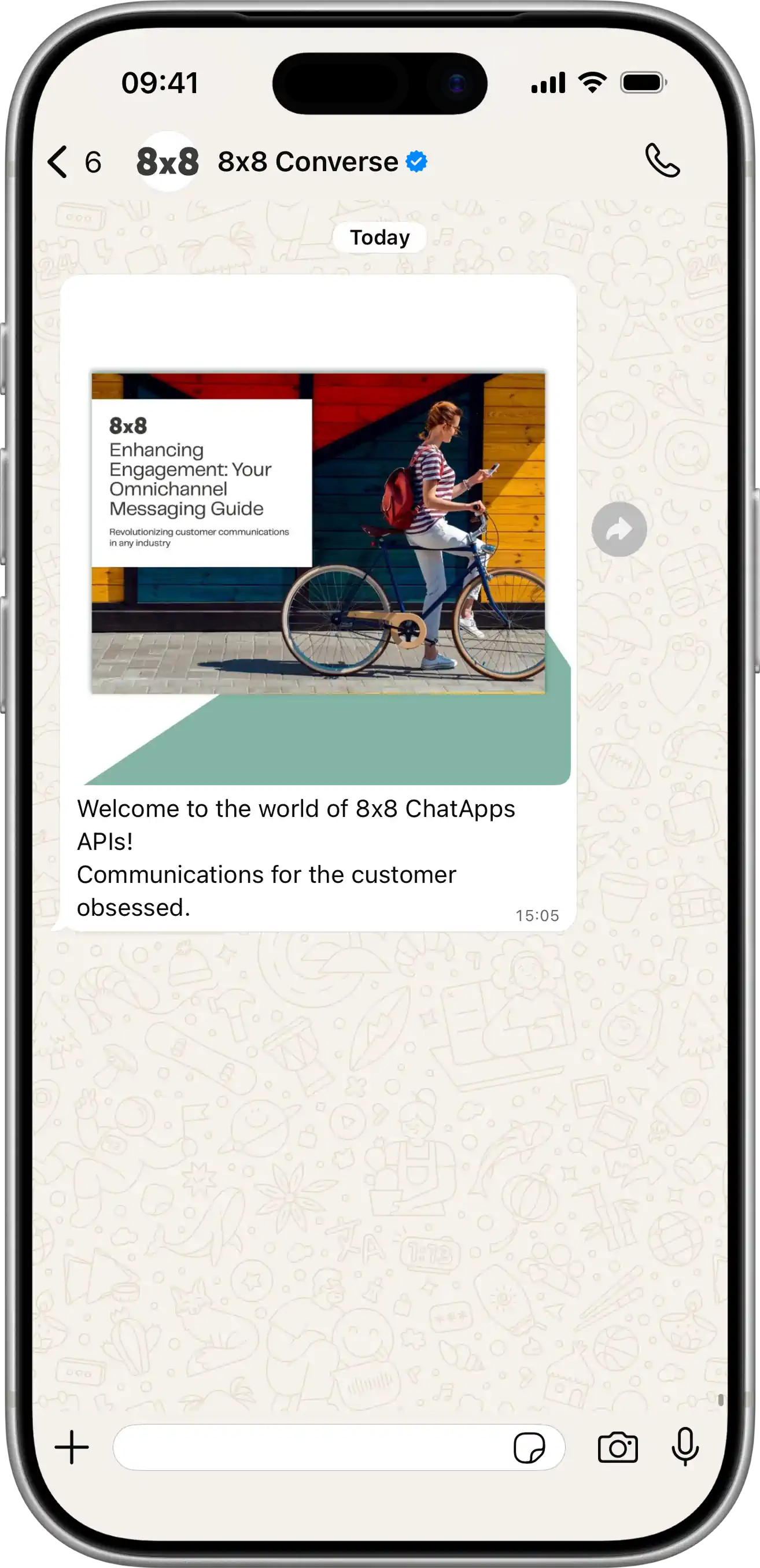
  • Cancel the scheduled message

    Cancel the scheduled message

    DELETE https://chatapps.8x8.com/api/v1/subaccounts/:subAccountId/messages/:umid

    This resource can be used to cancel a scheduled message that has not been sent yet using the unique message identifier (UMID) of the message.

    URL

    You need to specify the sub-account id and the umid of the message in place of {subAccountId} and {umid} respectively. umid is the unique identifier you received when you submitted the message to the API.

    Request

    Path Parameters

      subAccountId stringrequired

      Possible values: >= 3 characters and <= 50 characters, Value must match regular expression ^[A-Za-z0-9\-._&]{3,50}$

      You must replace {subAccountId} with the subaccountid that you want to use. By default this is generated once you signed up with a new account at https://connect.8x8.com.

      umid stringrequired

      Unique message Id, generated by 8x8 API.

    Successful operation

    Schema

      cancelledCountintegerrequired

      Number of cancelled messages

    {
    "cancelledCount":0
    }
    {
    "cancelledCount":1
    }

    This error response is returned if the request is invalid (e.g. umid is not a valid uuid).

    Schema

      codeintegerrequired

      Error code

      messagestring

      Error description

      errorIdstring<uuid>required

      Unique id of error. You can use it as reference when sending enquiries to 8x8 support

      timestampstring<date-time>required

      Data and time of the error occurence

    {
    "code":1001,
    "message":"Provided subAccountId doesn't belongs to your account",
    "errorId":"91b106f0-c0da-4aba-a43a-7af9c5893a80",
    "timestamp":"2017-04-19T02:31:19.4297387+00:00"
    }
    {
    "code":1000,
    "message":"Invalid umid.",
    "errorId":"fbb239f1-2eb1-ea11-afa9-00155db6eaf4",
    "timestamp":"2020-06-18T06:42:57.20Z"
    }

    Request was not authenticated response

    Schema

      codeintegerrequired

      Error code

      messagestring

      Error description

      errorIdstring<uuid>required

      Unique id of error. You can use it as reference when sending enquiries to 8x8 support

      timestampstring<date-time>required

      Data and time of the error occurence

    {
    "code":1001,
    "message":"Provided subAccountId doesn't belongs to your account",
    "errorId":"91b106f0-c0da-4aba-a43a-7af9c5893a80",
    "timestamp":"2017-04-19T02:31:19.4297387+00:00"
    }
    {
    "code":1200,
    "message":"Request was not authenticated properly",
    "errorId":"db9dced4-3534-4d86-9d18-6b448af0d621",
    "timestamp":"2018-08-02T09:42:38.8988997+00:00"
    }

    This error response is returned if there is a message by the specified sub account and umid does not exist.

    Schema

      codeintegerrequired

      Error code

      messagestring

      Error description

      errorIdstring<uuid>required

      Unique id of error. You can use it as reference when sending enquiries to 8x8 support

      timestampstring<date-time>required

      Data and time of the error occurence

    {
    "code":1001,
    "message":"Provided subAccountId doesn't belongs to your account",
    "errorId":"91b106f0-c0da-4aba-a43a-7af9c5893a80",
    "timestamp":"2017-04-19T02:31:19.4297387+00:00"
    }
    {
    "code":1300,
    "message":"Message not found.",
    "errorId":"1949a467-2db1-ea11-afa9-00155db6eaf4",
    "timestamp":"2020-06-18T06:31:58.11Z"
    }

    Source: https://developer.8x8.com/connect/reference/cancel-scheduled-message-1 · 8x8 CPaaS Developer Docs. Synced for support deflection.
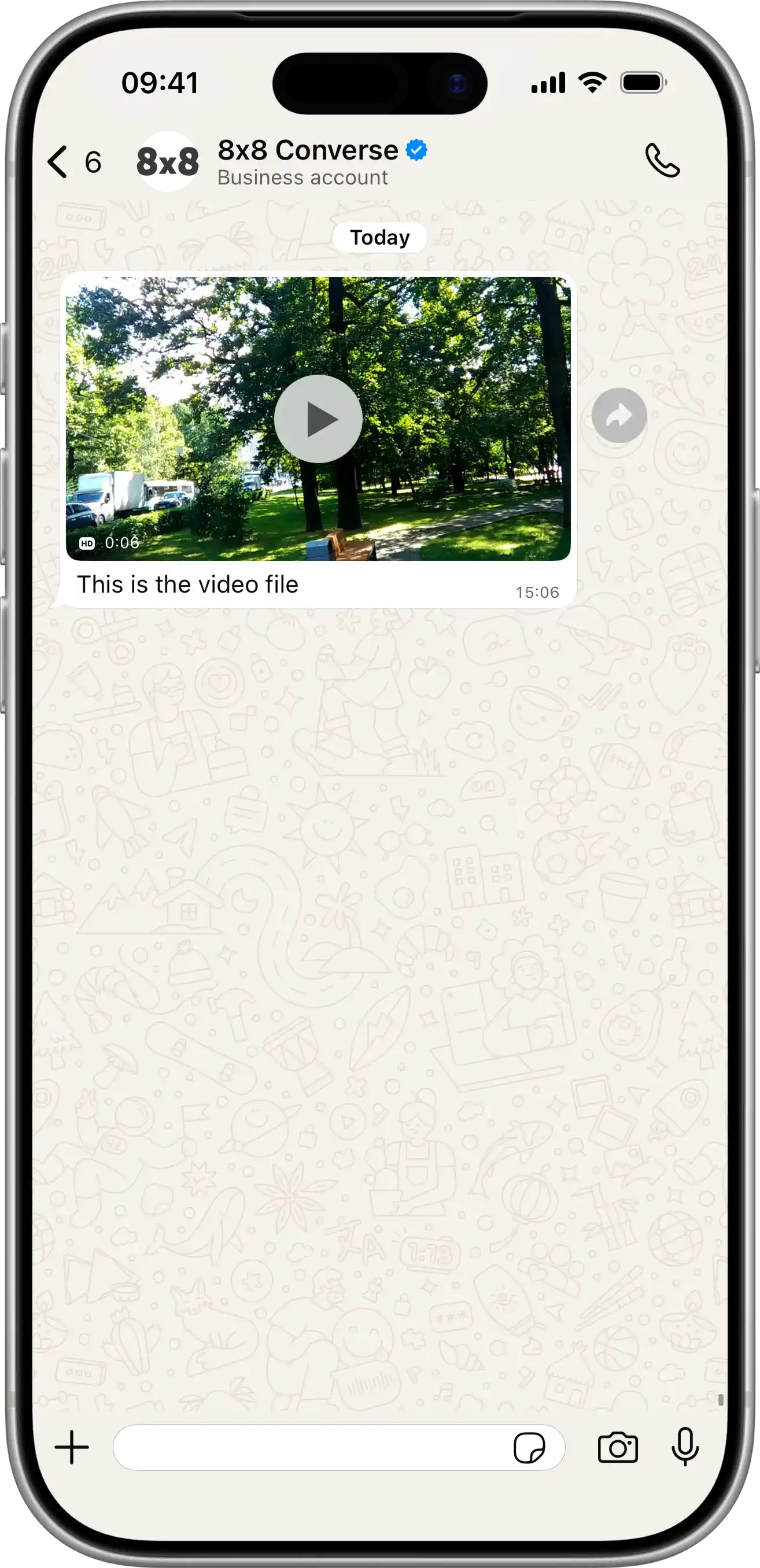
  • Cancel batch of scheduled SMS

    Cancel batch of scheduled SMS

    DELETE https://sms.8x8.com/api/v1/subaccounts/:subAccountId/messages/batch/:batchId
    • Sending a DELETE request on this this endpoint allows to cancel a batch of scheduled messages that has not been sent yet.
    • This method should be used to cancel a batch of scheduled messages sent by previously submitting a POST request to either the "many" or "many compact" endpoint.
    • To cancel a batch of scheduled messages, use its batchId to target it.

    URL

    • In the original POST request used to schedule the batch of messages, you used a specific subaccountid and the API responded with a batchID.
    • You need to use both as path parameters in order to send your DELETE request successfully as shown below: https://sms.8x8.com/api/v1/subaccounts/{subAccountId}/messages/batch/{batchId}

    You must replace {subAccountId} and {batchId} in the URL above with the subaccountid you used to schedule the messages in the first place and the batchId you got in response.

    Request

    Path Parameters

      subAccountId stringrequired

      Possible values: >= 3 characters and <= 50 characters, Value must match regular expression ^[A-Za-z0-9\-._&]{3,50}$

      You must replace {subAccountId} with the subaccountid that you want to use. By default this is generated once you signed up with a new account at https://connect.8x8.com.

      batchId stringrequired

    Schema

      cancelledCountinteger

      Number of cancelled messages

    {
    "cancelledCount":0
    }
    {
    "cancelledCount":10
    }

    Bad request error response

    Schema

      codeintegerrequired

      Error code

      messagestring

      Error description

      errorIdstring<uuid>required

      Unique id of error. You can use it as reference when sending enquiries to 8x8 support

      timestampstring<date-time>required

      Data and time of the error occurence

    {
    "code":1001,
    "message":"Provided subAccountId doesn't belongs to your account",
    "errorId":"91b106f0-c0da-4aba-a43a-7af9c5893a80",
    "timestamp":"2017-04-19T02:31:19.4297387+00:00"
    }
    {
    "code":1002,
    "message":"Invalid MSISDN format (not E.164 international number)",
    "errorId":"b4478860-b76c-e811-814e-022a35cc1c71",
    "timestamp":"2018-08-04T09:25:40.9235752+00:00"
    }

    Request was not authenticated response

    Schema

      codeintegerrequired

      Error code

      messagestring

      Error description

      errorIdstring<uuid>required

      Unique id of error. You can use it as reference when sending enquiries to 8x8 support

      timestampstring<date-time>required

      Data and time of the error occurence

    {
    "code":1001,
    "message":"Provided subAccountId doesn't belongs to your account",
    "errorId":"91b106f0-c0da-4aba-a43a-7af9c5893a80",
    "timestamp":"2017-04-19T02:31:19.4297387+00:00"
    }
    {
    "code":1200,
    "message":"Request was not authenticated properly",
    "errorId":"db9dced4-3534-4d86-9d18-6b448af0d621",
    "timestamp":"2018-08-02T09:42:38.8988997+00:00"
    }

    Upgrade Required — client is using an unsupported TLS version

    Response Headers

      Upgrade
      Example: TLS/1.3

    Schema

      codeintegerrequired

      Error code

      messagestring

      Error description

      errorIdstring<uuid>required

      Unique id of error. You can use it as reference when sending enquiries to 8x8 support

      timestampstring<date-time>required

      Data and time of the error occurence

    {
    "code":1001,
    "message":"Provided subAccountId doesn't belongs to your account",
    "errorId":"91b106f0-c0da-4aba-a43a-7af9c5893a80",
    "timestamp":"2017-04-19T02:31:19.4297387+00:00"
    }
    {
    "code":1014,
    "message":"TLS 1.3+ is required for Singapore-bound messages. Detected: TLSv1.2",
    "errorId":"b4478860-b76c-e811-814e-022a35cc1c71",
    "timestamp":"2018-08-04T09:25:40.9235752+00:00"
    }

    Internal server error

    Schema

      codeintegerrequired

      Error code

      messagestring

      Error description

      errorIdstring<uuid>required

      Unique id of error. You can use it as reference when sending enquiries to 8x8 support

      timestampstring<date-time>required

      Data and time of the error occurence

    {
    "code":1001,
    "message":"Provided subAccountId doesn't belongs to your account",
    "errorId":"91b106f0-c0da-4aba-a43a-7af9c5893a80",
    "timestamp":"2017-04-19T02:31:19.4297387+00:00"
    }
    {
    "code":2000,
    "message":"Internal server error",
    "errorId":"db9dced4-3534-4d86-9d18-6b448af0d621",
    "timestamp":"2018-07-02T09:42:38.8988997+00:00"
    }

    Source: https://developer.8x8.com/connect/reference/cancel-many-sms-messages · 8x8 CPaaS Developer Docs. Synced for support deflection.
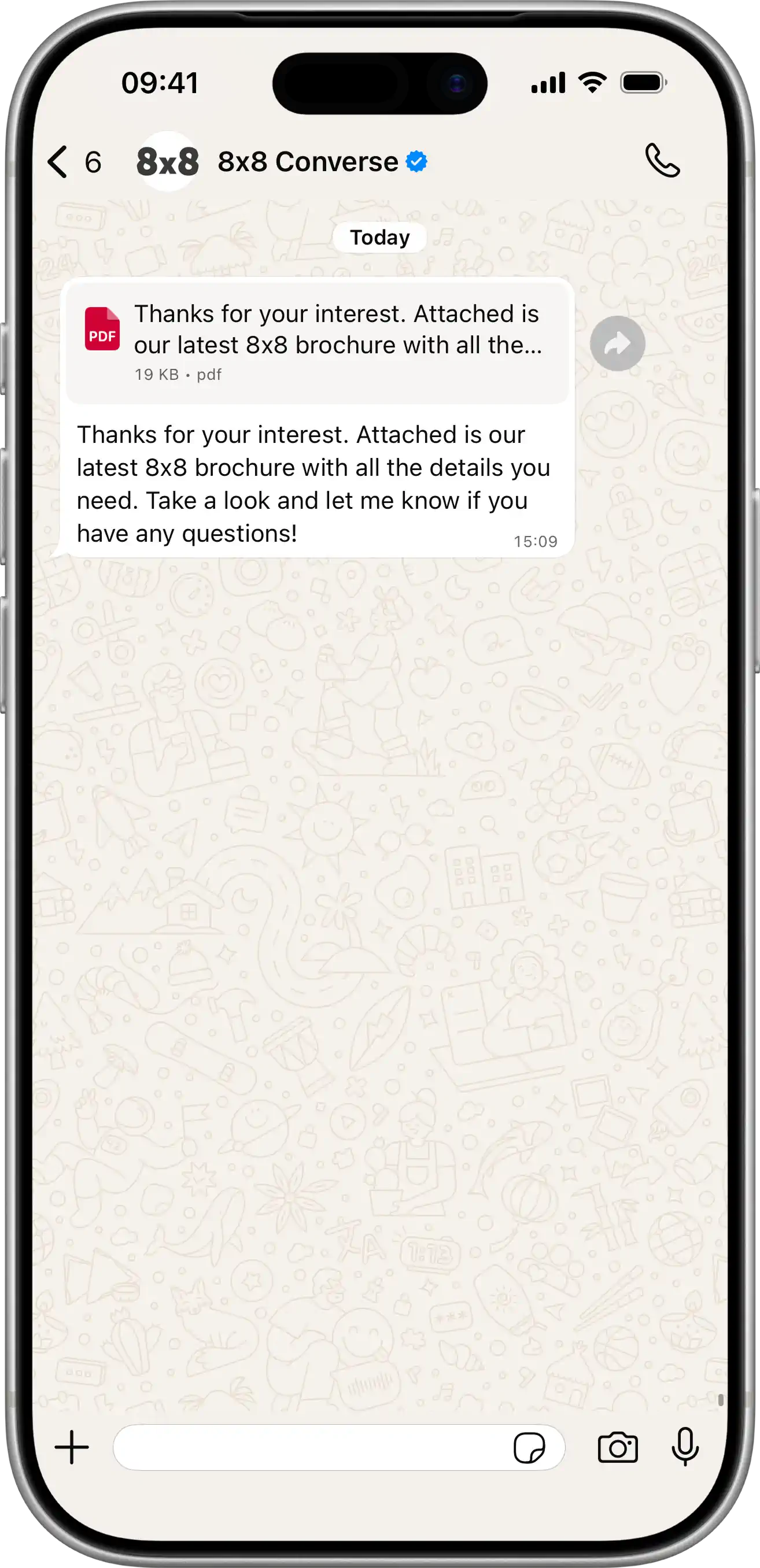
  • Cancel the scheduled SMS

    Cancel the scheduled SMS

    DELETE https://sms.8x8.com/api/v1/subaccounts/:subAccountId/messages/:umid

    This resource can be used to cancel a scheduled message that has not been sent yet using the unique message identifier (UMID) of the message.

    URL

    You need to specify the sub-account id and the umid of the message in place of {subAccountId} and {umid} respectively. umid is the unique identifier you received when you submitted the message to the API.

    Request

    Path Parameters

      subAccountId stringrequired

      Possible values: >= 3 characters and <= 50 characters, Value must match regular expression ^[A-Za-z0-9\-._&]{3,50}$

      You must replace {subAccountId} with the subaccountid that you want to use. By default this is generated once you signed up with a new account at https://connect.8x8.com.

      umid stringrequired

      Unique message Id, generated by 8x8 API.

    Successful operation

    Schema

      cancelledCountintegerrequired

      Number of cancelled messages

    {
    "cancelledCount":0
    }
    {
    "cancelledCount":1
    }

    This error response is returned if the request is invalid (e.g. umid is not a valid uuid).

    Schema

      codeinteger

      Error code.

      Example: 1000
      messagestring

      Error message.

      Example: Invalid umid.
      errorIdstring

      Unique error id auto-generated per request.

      Example: fbb239f1-2eb1-ea11-afa9-00155db6eaf4
      timestampstring

      Date and time of the error event.

      Example: 2020-06-18T06:42:57.20Z
    {
    "code":1000,
    "message":"Invalid umid.",
    "errorId":"fbb239f1-2eb1-ea11-afa9-00155db6eaf4",
    "timestamp":"2020-06-18T06:42:57.20Z"
    }
    {
    "code":1000,
    "message":"Invalid umid.",
    "errorId":"fbb239f1-2eb1-ea11-afa9-00155db6eaf4",
    "timestamp":"2020-06-18T06:42:57.20Z"
    }

    Request was not authenticated response

    Schema

      codeintegerrequired

      Error code

      messagestring

      Error description

      errorIdstring<uuid>required

      Unique id of error. You can use it as reference when sending enquiries to 8x8 support

      timestampstring<date-time>required

      Data and time of the error occurence

    {
    "code":1001,
    "message":"Provided subAccountId doesn't belongs to your account",
    "errorId":"91b106f0-c0da-4aba-a43a-7af9c5893a80",
    "timestamp":"2017-04-19T02:31:19.4297387+00:00"
    }
    {
    "code":1200,
    "message":"Request was not authenticated properly",
    "errorId":"db9dced4-3534-4d86-9d18-6b448af0d621",
    "timestamp":"2018-08-02T09:42:38.8988997+00:00"
    }

    This error response is returned if there is a message by the specified sub account and umid does not exist.

    Schema

      codeintegerrequired

      Error code.

      Example: 1300
      messagestringrequired

      Descriptive error message.

      Example: Message not found.
      errorIdstringrequired

      Unique error id auto-generated per request.

      Example: 1949a467-2db1-ea11-afa9-00155db6eaf4
      timestampstringrequired

      Date and time of the error event.

      Example: 2020-06-18T06:31:58.11Z
    {
    "code":1300,
    "message":"Message not found.",
    "errorId":"1949a467-2db1-ea11-afa9-00155db6eaf4",
    "timestamp":"2020-06-18T06:31:58.11Z"
    }
    {
    "code":1300,
    "message":"Message not found.",
    "errorId":"1949a467-2db1-ea11-afa9-00155db6eaf4",
    "timestamp":"2020-06-18T06:31:58.11Z"
    }

    Upgrade Required — client is using an unsupported TLS version

    Response Headers

      Upgrade
      Example: TLS/1.3

    Schema

      codeintegerrequired

      Error code

      messagestring

      Error description

      errorIdstring<uuid>required

      Unique id of error. You can use it as reference when sending enquiries to 8x8 support

      timestampstring<date-time>required

      Data and time of the error occurence

    {
    "code":1001,
    "message":"Provided subAccountId doesn't belongs to your account",
    "errorId":"91b106f0-c0da-4aba-a43a-7af9c5893a80",
    "timestamp":"2017-04-19T02:31:19.4297387+00:00"
    }
    {
    "code":1014,
    "message":"TLS 1.3+ is required for Singapore-bound messages. Detected: TLSv1.2",
    "errorId":"b4478860-b76c-e811-814e-022a35cc1c71",
    "timestamp":"2018-08-04T09:25:40.9235752+00:00"
    }

    Source: https://developer.8x8.com/connect/reference/cancel-scheduled-message · 8x8 CPaaS Developer Docs. Synced for support deflection.
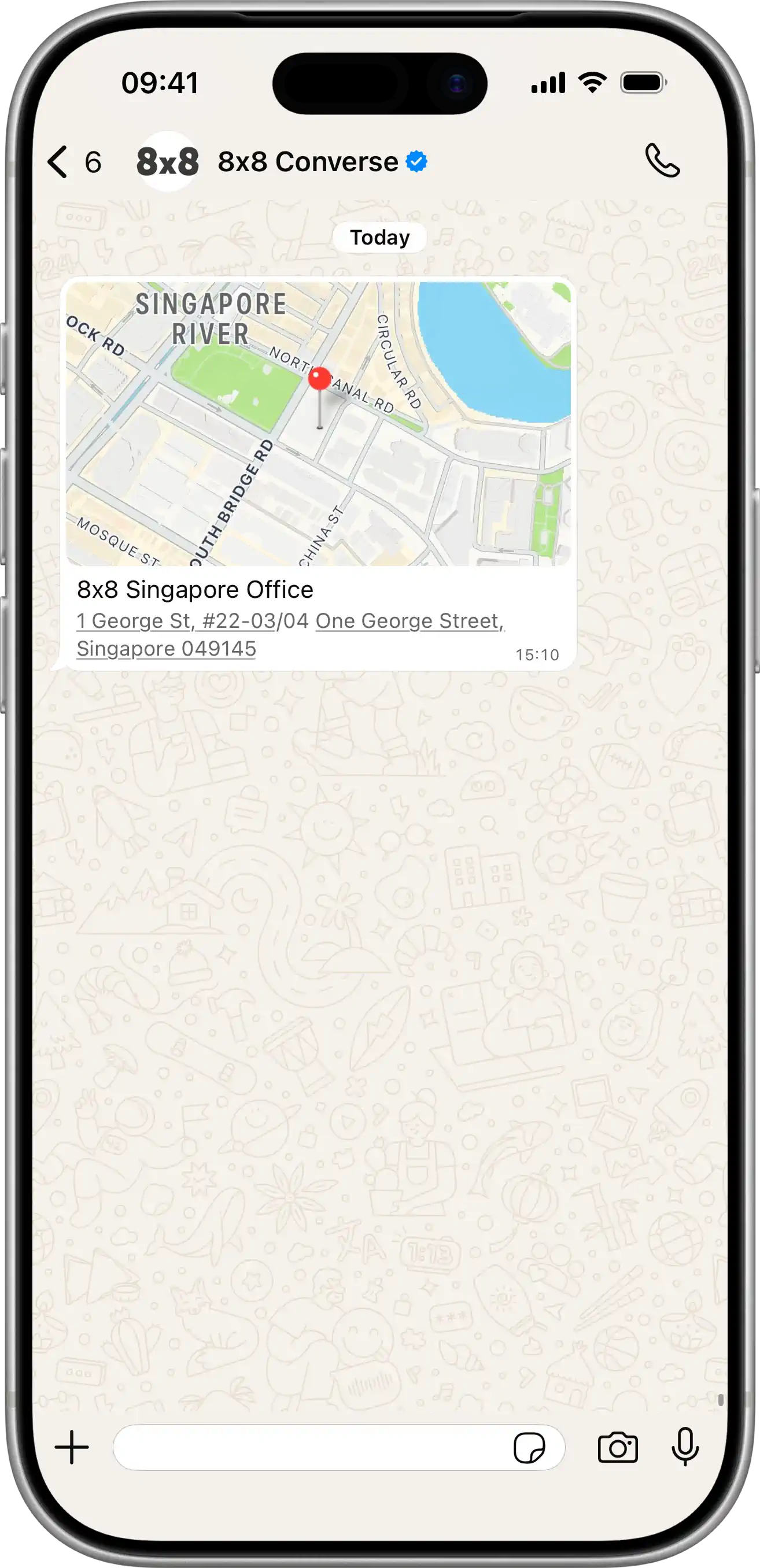
  • SMS Success Feedback

    SMS Success Feedback

    POST https://sms.8x8.com/api/v1/subaccounts/:subAccountId/messages/:umid/feedback

    About SMS Feedback

    Most of the time, programmatic SMS are meant to trigger a specific outcome (ex: authenticate a user via OTP). When the outcome does not happen it can have any number of user-related cause but what we seek to avoid is for SMS deliverability or latency to be the reason for failure. To avoid this, use this endpoint to transmit the outcome to 8x8 and let 8x8 monitor your SMS performance for you. It benefits you by allowing 8x8 to:

    • Monitor your application QoS for any SMS-related failure happening in your workflows
    • Act faster to restore the quality of service you experiment
    • Prevent any further issue
    • Provide more advanced analytics by displaying SMS outcome performance and latency metrics

    About the API endpoint / method

    • Sending a POST request on this endpoint allows to convey the outcome of an SMS to 8x8.
    • Sharing that feedback with 8x8 is straightforward, your POST request only has to contain:
      1. The 8x8 UMID - Unique Message ID (included in the API response when sending the SMS)
      2. A status for the outcome
      3. For more accuracy and to get latency information: the timestamp of the event triggered by the SMS

    URL

    Complete endpoint URL:https://sms.8x8.com/api/v1/subaccounts/{subAccountId}/messages/{umid}/feedback

    You must replace {subAccountId} in the URL above with the subaccountid that you used originally to send the SMS.

    Request

    Path Parameters

      subAccountId stringrequired

      Possible values: >= 3 characters and <= 50 characters, Value must match regular expression ^[A-Za-z0-9\-._&]{3,50}$

      You must replace {subAccountId} with the subaccountid that you want to use. By default this is generated once you signed up with a new account at https://connect.8x8.com.

      umid stringrequired

      Unique message Id, generated by 8x8 API.

    Body

      outcomestringrequired

      Did the expected action of sending the message happen? Send a feedback to 8x8 by sending "success" or "failure". This field is mandatory.

      Possible values: [success, failure]

      timestampstring<date-time>

      The timestamp when the expected action of the message was performed

    Bad request error response

    Schema

      codeintegerrequired

      Error code

      messagestring

      Error description

      errorIdstring<uuid>required

      Unique id of error. You can use it as reference when sending enquiries to 8x8 support

      timestampstring<date-time>required

      Data and time of the error occurence

    {
    "code":1001,
    "message":"Provided subAccountId doesn't belongs to your account",
    "errorId":"91b106f0-c0da-4aba-a43a-7af9c5893a80",
    "timestamp":"2017-04-19T02:31:19.4297387+00:00"
    }
    {
    "code":1002,
    "message":"Invalid MSISDN format (not E.164 international number)",
    "errorId":"b4478860-b76c-e811-814e-022a35cc1c71",
    "timestamp":"2018-08-04T09:25:40.9235752+00:00"
    }

    Request was not authenticated response

    Schema

      codeintegerrequired

      Error code

      messagestring

      Error description

      errorIdstring<uuid>required

      Unique id of error. You can use it as reference when sending enquiries to 8x8 support

      timestampstring<date-time>required

      Data and time of the error occurence

    {
    "code":1001,
    "message":"Provided subAccountId doesn't belongs to your account",
    "errorId":"91b106f0-c0da-4aba-a43a-7af9c5893a80",
    "timestamp":"2017-04-19T02:31:19.4297387+00:00"
    }
    {
    "code":1200,
    "message":"Request was not authenticated properly",
    "errorId":"db9dced4-3534-4d86-9d18-6b448af0d621",
    "timestamp":"2018-08-02T09:42:38.8988997+00:00"
    }

    Internal server error

    Schema

      codeintegerrequired

      Error code

      messagestring

      Error description

      errorIdstring<uuid>required

      Unique id of error. You can use it as reference when sending enquiries to 8x8 support

      timestampstring<date-time>required

      Data and time of the error occurence

    {
    "code":1001,
    "message":"Provided subAccountId doesn't belongs to your account",
    "errorId":"91b106f0-c0da-4aba-a43a-7af9c5893a80",
    "timestamp":"2017-04-19T02:31:19.4297387+00:00"
    }
    {
    "code":2000,
    "message":"Internal server error",
    "errorId":"db9dced4-3534-4d86-9d18-6b448af0d621",
    "timestamp":"2018-07-02T09:42:38.8988997+00:00"
    }

    Source: https://developer.8x8.com/connect/reference/api-sms-feedback · 8x8 CPaaS Developer Docs. Synced for support deflection.
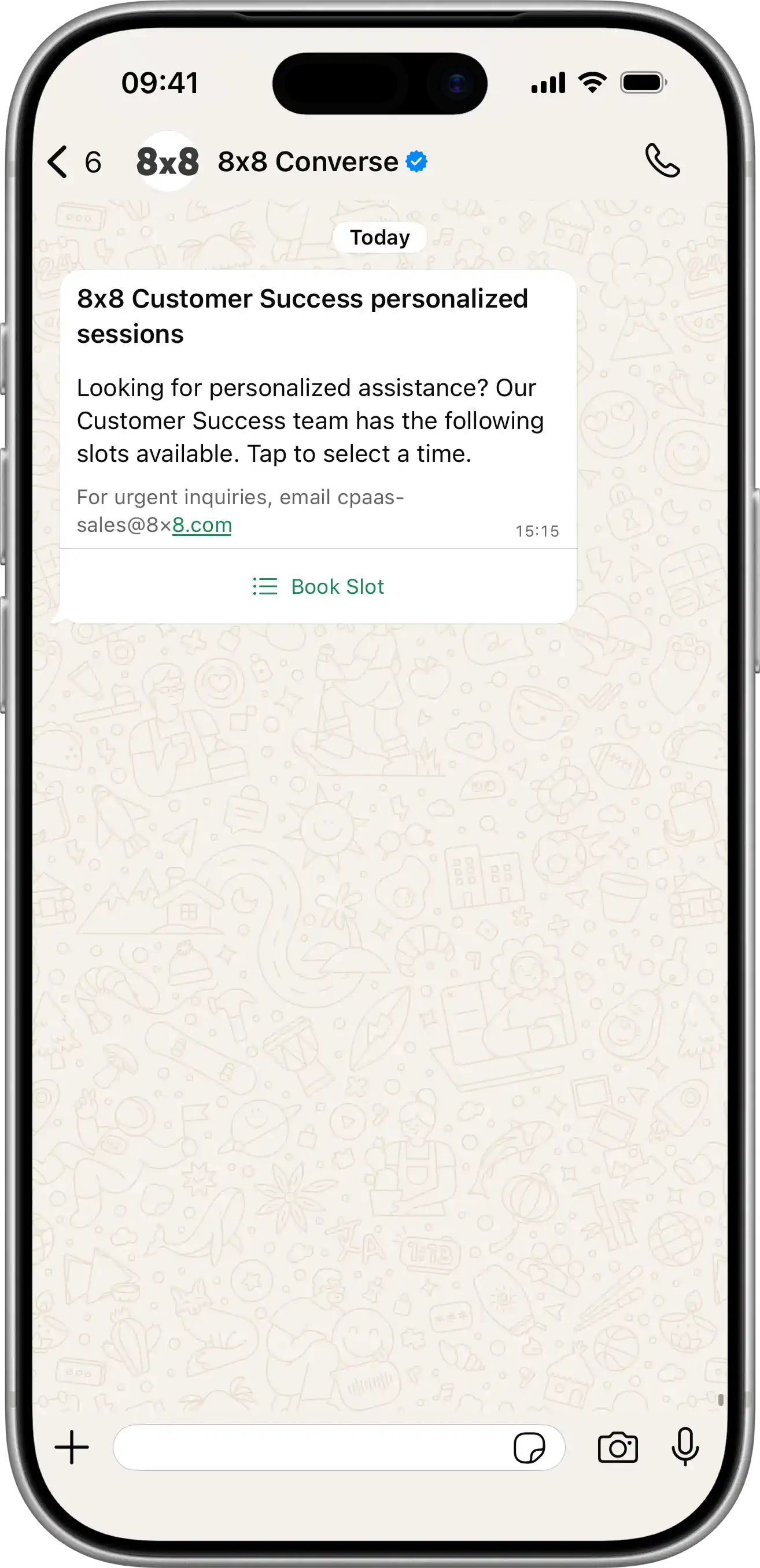
  • WhatsApp SMS Fallback

    WhatsApp SMS Fallback

    Ensure your critical messages always reach customers by configuring SMS fallback for WhatsApp messages. When a WhatsApp message cannot be delivered, such as when a customer doesn't have WhatsApp installed or their device is offline, the message automatically falls back to SMS delivery.


    Overview

    The 8x8 platform supports two approaches for configuring fallback delivery:

    1. Subaccount-Level Configuration: Fallback rules configured at the subaccount level by the 8x8 team (requires contacting your account manager)
    2. API-Level Configuration: Fallback rules specified per message in the API request (overrides subaccount settings)

    This guide focuses on implementing SMS fallback for WhatsApp messages using the API approach, providing you with flexible, per-message control over fallback behavior.

    📘 Need More Advanced Fallback Options?

    For complex multi-channel fallback orchestration (WhatsApp → Viber → SMS), timing controls, and status-based fallback triggers, see the comprehensive Messaging Apps Fallback Management guide.


    Why Use SMS Fallback?

    SMS fallback ensures message delivery in scenarios where WhatsApp is unavailable:

    • User doesn't have WhatsApp: Automatically deliver via SMS instead
    • WhatsApp account inactive: Reach users who have uninstalled or deactivated WhatsApp
    • Device offline: Deliver via SMS when the recipient's device is unreachable on WhatsApp
    • Network issues: Bypass WhatsApp delivery failures due to connectivity problems
    • Template rejection: Fall back to SMS if WhatsApp template delivery fails

    Common Use Cases:

    • One-time passwords (OTP) and authentication codes
    • Delivery notifications and order confirmations
    • Appointment reminders and booking confirmations
    • Time-sensitive alerts and notifications

    Configuring SMS Fallback for Template Messages

    To add SMS fallback to a WhatsApp template message, include the fallbackText and sms configuration within the content object of your API request.

    Basic SMS Fallback Example

    {
    "user":{
    "msisdn":"+6511111111"
    },
    "type":"template",
    "content":{
    "template":{
    "language":"en_US",
    "name":"order_confirmation",
    "components":[
    {
    "type":"body",
    "parameters":[
    {
    "type":"text",
    "text":"John"
    },
    {
    "type":"text",
    "text":"ABC-123"
    }
    ]
    }
    ]
    },
    "fallbackText":"Hi John, your order ABC-123 has been confirmed. Thank you for shopping with us!",
    "sms":{
    "encoding":"AUTO",
    "source":"YourBrand"
    }
    }
    }

    Key Parameters

    Parameter Description Required
    fallbackText The SMS message text that will be sent if WhatsApp delivery fails. This replaces the WhatsApp template body. Max length depends on encoding (160 chars for GSM-7, 70 for Unicode). Yes
    sms.encoding SMS encoding format: AUTO (recommended), GSM, or UNICODE. AUTO automatically selects the most efficient encoding. Yes
    sms.source Your SMS Sender ID. This appears as the sender when delivered via SMS. Must be registered and approved for your account. Yes

    📘 SMS Sender ID

    Learn more about SMS Sender IDs and registration requirements in the Getting Started guide.


    Configuring SMS Fallback for Interactive Messages

    Interactive WhatsApp messages (buttons, lists, location) can also have SMS fallback. Since interactive elements cannot be rendered in SMS, you should provide clear, text-based alternatives in the fallbackText.

    Interactive Button Message with SMS Fallback

    {
    "user":{
    "msisdn":"+6511111111"
    },
    "type":"interactive",
    "content":{
    "interactive":{
    "type":"button",
    "body":{
    "text":"Thank you for your order! Would you like to track your delivery or contact support?"
    },
    "action":{
    "buttons":[
    {
    "type":"reply",
    "reply":{
    "id":"track_order",
    "title":"Track Order"
    }
    },
    {
    "type":"reply",
    "reply":{
    "id":"contact_support",
    "title":"Contact Support"
    }
    }
    ]
    }
    },
    "fallbackText":"Thank you for your order! Track your delivery: https://example.com/track or contact support: +6512345678",
    "sms":{
    "encoding":"AUTO",
    "source":"YourBrand"
    }
    }
    }

    Interactive List Message with SMS Fallback

    {
    "user":{
    "msisdn":"+6511111111"
    },
    "type":"interactive",
    "content":{
    "interactive":{
    "type":"list",
    "header":{
    "type":"text",
    "text":"Appointment Booking"
    },
    "body":{
    "text":"Please select your preferred appointment slot:"
    },
    "action":{
    "button":"View Slots",
    "sections":[
    {
    "title":"Available Slots",
    "rows":[
    {
    "id":"slot_1",
    "title":"Mon 10:00 AM",
    "description":"January 15, 2024"
    },
    {
    "id":"slot_2",
    "title":"Tue 2:00 PM",
    "description":"January 16, 2024"
    }
    ]
    }
    ]
    }
    },
    "fallbackText":"Appointment Booking - Available slots: 1) Mon Jan 15 10:00 AM, 2) Tue Jan 16 2:00 PM. Reply with slot number to book.",
    "sms":{
    "encoding":"AUTO",
    "source":"HealthClinic"
    }
    }
    }

    Best Practices for Interactive Message Fallback

    1. Include Action URLs: Provide direct links in the SMS fallback text so users can still take action
    2. List Options Clearly: When falling back from list/button messages, enumerate options clearly (e.g., "1) Option A, 2) Option B")
    3. Provide Contact Info: Include phone numbers or email addresses for support as alternatives
    4. Keep It Concise: SMS has character limits—prioritize the most important information
    5. Test Fallback Text: Ensure your fallback message makes sense as a standalone SMS without WhatsApp context

    Coordinating Fallback Timing with WhatsApp Template TTL

    WhatsApp Utility and Authentication templates support configurable Time-To-Live (TTL) settings, which define how long WhatsApp will attempt to deliver a message before it expires. To prevent duplicate message delivery, your SMS fallback timing must be carefully coordinated with the template TTL.

    Understanding the Timing Challenge

    Consider this scenario:

    1. You send a WhatsApp Authentication template with a 10-minute TTL
    2. You configure SMS fallback with a 60-second delay
    3. Problem: SMS is sent after 60 seconds, but WhatsApp continues attempting delivery for 10 minutes
    4. Result: The customer may receive both the WhatsApp message and the SMS, creating a poor user experience

    Solution: Align Fallback Timing with TTL

    Rule of Thumb: Set your fallbackAfter duration to exceed the WhatsApp template's TTL.

    {
    "channels":[
    {
    "channel":"WhatsApp",
    "fallbackAfter":900,
    "successStatus":"Delivered"
    },
    {
    "channel":"SMS"
    }
    ],
    "user":{
    "msisdn":"+6511111111"
    },
    "type":"template",
    "content":{
    "template":{
    "language":"en_US",
    "name":"otp_authentication",
    "components":[
    {
    "type":"body",
    "parameters":[
    {
    "type":"text",
    "text":"123456"
    }
    ]
    },
    {
    "type":"button",
    "subType":"url",
    "index":"0",
    "parameters":[
    {
    "type":"text",
    "text":"123456"
    }
    ]
    }
    ]
    },
    "fallbackText":"Your verification code is: 123456",
    "sms":{
    "encoding":"AUTO",
    "source":"YourApp"
    }
    }
    }

    In this example:

    • WhatsApp Template TTL: 10 minutes (600 seconds)
    • Fallback Delay: 15 minutes (900 seconds)
    • Result: WhatsApp has its full 10-minute delivery window before SMS fallback is triggered

    Timing Configuration Diagram

    WhatsApp TTL and SMS Fallback Timing

    Flow Explanation:

    1. Send WhatsApp Template: Message sent with 10-minute TTL
    2. WhatsApp Delivery Window: WhatsApp attempts delivery for up to 10 minutes
    3. TTL Expires: If not delivered within 10 minutes, message expires
    4. Fallback Trigger: After 15 minutes (exceeding TTL), SMS fallback is sent
    5. SMS Delivery: Message delivered via SMS as fallback

    📘 Learn More About WhatsApp TTL

    For detailed guidance on configuring WhatsApp template validity periods, see the WhatsApp Template Validity Period (TTL) Guide.


    Simple SMS Fallback (Without Channels Array)

    For basic use cases where you want automatic SMS fallback without complex timing or channel orchestration, you can omit the channels array and simply include the fallbackText and sms configuration.

    {
    "user":{
    "msisdn":"+6511111111"
    },
    "type":"template",
    "content":{
    "template":{
    "language":"en_US",
    "name":"delivery_notification",
    "components":[
    {
    "type":"body",
    "parameters":[
    {
    "type":"text",
    "text":"Sarah"
    },
    {
    "type":"text",
    "text":"ORD-789"
    }
    ]
    }
    ]
    },
    "fallbackText":"Hi Sarah, your order ORD-789 is out for delivery and will arrive today.",
    "sms":{
    "encoding":"AUTO",
    "source":"ShopName"
    }
    }
    }

    In this simple configuration:

    • The platform uses subaccount-level fallback settings configured by the 8x8 team
    • SMS fallback happens automatically when WhatsApp delivery fails
    • No need to specify timing or success status parameters

    📘 Subaccount-Level Configuration

    To configure default fallback rules at the subaccount level (channel priority, timing, success criteria), contact your account manager or 8x8 Support.


    Testing Your Fallback Configuration

    To verify your SMS fallback is working correctly:

    1. Test with Non-WhatsApp Number: Send to a phone number that doesn't have WhatsApp installed

      • Expected: SMS should be delivered immediately or after the configured delay
    2. Test with Expired Template: Use an expired or disabled WhatsApp template

      • Expected: SMS fallback should trigger when WhatsApp delivery fails
    3. Monitor Message Status: Track message status via webhooks or the Messages API

      • Watch for WhatsApp failure events followed by SMS delivery events
    4. Verify SMS Content: Confirm the fallbackText appears correctly in SMS

      • Check for character encoding issues (special characters, emojis)
      • Ensure message fits within SMS length limits

    Sample Webhook Events

    When fallback occurs, you'll receive webhook events showing the channel transition:

    {
    "messageId":"abc123",
    "channel":"WhatsApp",
    "status":"Failed",
    "timestamp":"2024-01-15T10:00:00Z"
    }

    Followed by:

    {
    "messageId":"abc123",
    "channel":"SMS",
    "status":"Delivered",
    "timestamp":"2024-01-15T10:15:00Z"
    }

    Error Codes Related to Fallback

    When implementing fallback, you may encounter these error codes:

    Error Code Description Resolution
    3017 Too long Fallback text Reduce the fallbackText length to fit within SMS limits (160 chars GSM-7, 70 chars Unicode)
    3022 Invalid Fallback Channel Check that the channel name is correctly specified (e.g., "SMS", not "sms")
    3023 Invalid Fallback Delay range Ensure fallbackAfter is a positive integer within acceptable limits
    3024 Invalid Fallback Status Verify successStatus is one of: Accepted, Sent, Delivered, or Read
    3027 Invalid Fallback SubAccount Channel The specified fallback channel is not configured for your subaccount—contact support
    3051 Invalid Fallback ChannelID Check that the channel ID is valid and accessible to your account

    For a complete list of API error codes, see the API Error Codes Reference.


    Frequently Asked Questions

    Can I use different message content for WhatsApp vs. SMS?

    Yes! The WhatsApp message uses your template content, while the SMS uses the fallbackText you specify. This lets you adapt the message for SMS constraints and remove WhatsApp-specific formatting.

    How long should I set the fallback delay?

    For time-sensitive messages (OTP, alerts):

    • With TTL: Set fallbackAfter to exceed the template TTL (e.g., TTL=600s, fallback=900s)
    • Without TTL: Set 120-300 seconds for reasonable WhatsApp delivery attempt time

    For non-urgent messages (marketing, updates):

    • Consider longer delays (15-30 minutes) to give WhatsApp maximum delivery opportunity

    Does SMS fallback cost extra?

    Yes. SMS fallback will incur standard SMS pricing in addition to the WhatsApp message attempt. The WhatsApp message attempt is charged even if it fails, and the fallback SMS is charged separately.

    Can I fallback to multiple channels (WhatsApp → Viber → SMS)?

    Yes! For multi-channel fallback orchestration, use the advanced channels array configuration. See the Messaging Apps Fallback Management guide for details.

    Will users receive both WhatsApp and SMS if fallback timing is wrong?

    Yes, this is possible if fallbackAfter is less than the template TTL. WhatsApp may deliver after the SMS has already been sent, resulting in duplicate messages. Always ensure fallback timing exceeds TTL.

    Can I configure fallback for session messages (non-template)?

    Yes. Session messages (sent within the 24-hour customer service window) can have SMS fallback configured the same way as template messages.


    Related Resources

    • Messaging Apps Fallback Management - Advanced multi-channel fallback orchestration
    • WhatsApp Template Validity Period (TTL) - Configure template TTL settings
    • Message Types & Templates - WhatsApp template structure and components
    • Getting Started with SMS API - SMS Sender ID registration and configuration
    • Message Status Reference - Understanding message delivery statuses
    • Supported Messaging Apps - Complete list of available channels

    ❗️ Need Help?

    Contact your account manager or 8x8 Support for assistance with:

    • Subaccount-level fallback configuration
    • Channel setup and activation
    • SMS Sender ID registration
    • Fallback timing optimization

    Source: https://developer.8x8.com/connect/docs/whatsapp/whatsapp-sms-fallback · 8x8 CPaaS Developer Docs. Synced for support deflection.
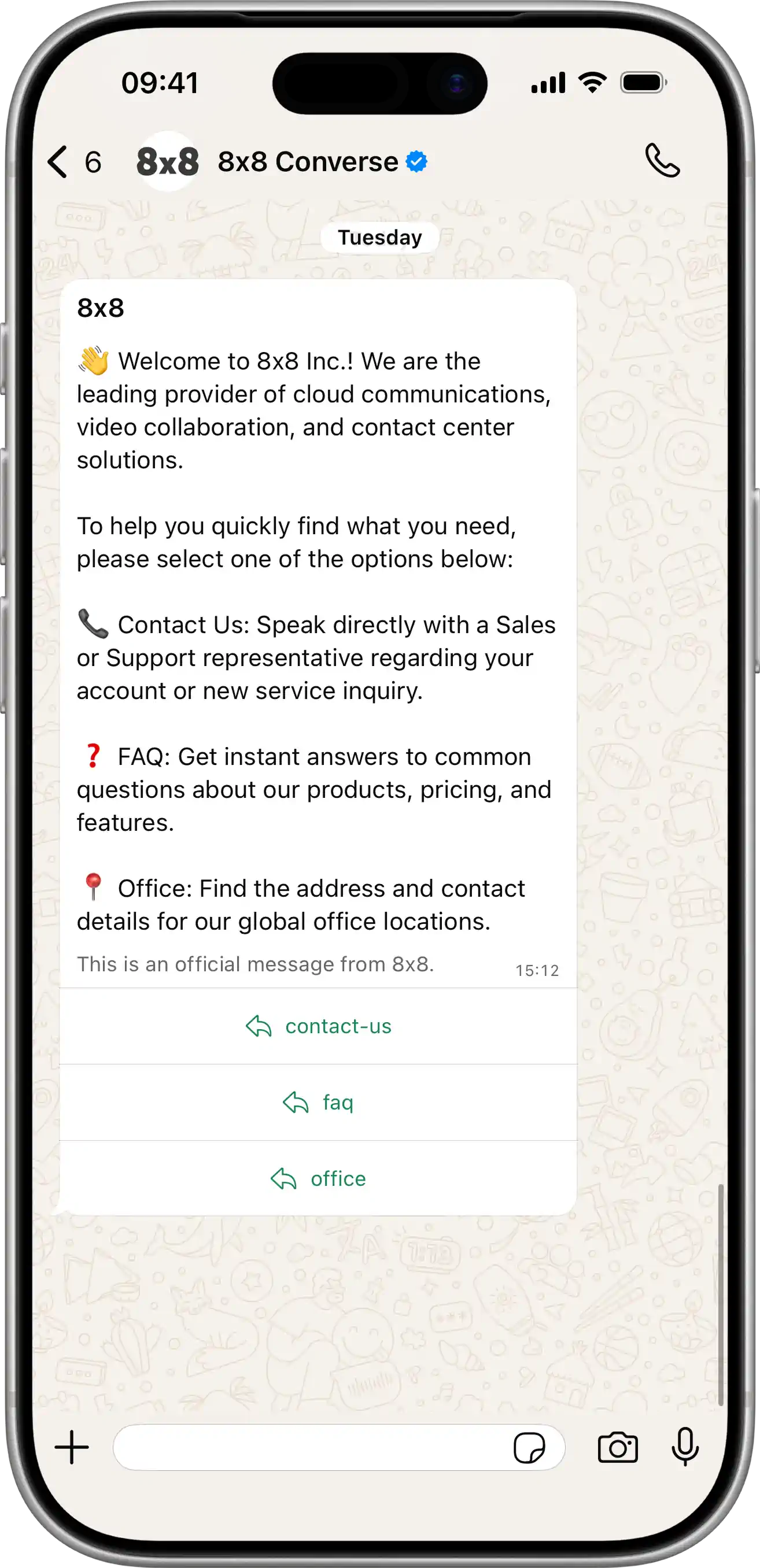
  • WhatsApp Template Message API Library

    WhatsApp Template Message API Library

    This page provides a comprehensive library of WhatsApp template API payloads for both creating and sending templates.

    Template Type API Payloads

    Authentication (OTP)

    WhatsApp Authentication OTP Example

    Create Template: POST https://chatapps.8x8.com/api/v1/accounts/{accountId}/channels/{channelId}/templates

    Creates an AUTHENTICATION template with a COPY_CODE button.

    View JSON

    {
    "language":"en_US",
    "name":"authentication_template_demo",
    "category":"AUTHENTICATION",
    "components":[
    {
    "type":"BODY",
    "add_security_recommendation":true
    },
    {
    "type":"FOOTER",
    "code_expiration_minutes":5
    },
    {
    "type":"BUTTONS",
    "buttons":[
    {
    "type":"OTP",
    "text":"Copy Code",
    "otp_type":"COPY_CODE"
    }
    ]
    }
    ]
    }

    Send Template: POST https://chatapps.8x8.com/api/v1/subaccounts/{subAccountId}/messages

    Sends the template, populating the body parameter and the copyCode parameter with the OTP.

    View JSON

    {
    "user":{
    "msisdn":"+15551234567"
    },
    "type":"template",
    "content":{
    "template":{
    "language":"en_US",
    "name":"authentication_template_demo",
    "components":[
    {
    "type":"body",
    "parameters":[
    {
    "type":"text",
    "text":"123456"
    }
    ]
    },
    {
    "type":"Button",
    "subType":1,
    "index":0,
    "parameters":[
    {
    "type":"text",
    "text":"123456"
    }
    ]
    }
    ]
    }
    }
    }

    Media Header (Image)

    WhatsApp Image Header Template Example

    Create Template: POST https://chatapps.8x8.com/api/v1/accounts/{accountId}/channels/{channelId}/templates

    Creates a MARKETING template with an IMAGE header and a dynamic URL button.

    View JSON

    {
    "language":"en_US",
    "name":"marketing_template_demo",
    "category":"MARKETING",
    "components":[
    {
    "type":"HEADER",
    "format":"image",
    "examples":[
    "https://iili.io/KtDO5BV.jpg"
    ]
    },
    {
    "type":"BODY",
    "text":"Hi {{1}}, ready to elevate your customer communications? Discover the power of 8x8 CPaaS.",
    "examples":[
    "Tony"
    ]
    },
    {
    "type":"FOOTER",
    "text":"Powered by 8x8"
    },
    {
    "type":"BUTTONS",
    "buttons":[
    {
    "type":"URL",
    "text":"Discover all channels",
    "url":"https://cpaas.8x8.com/en/products/{{1}}",
    "examples":[
    "omnichannel-messaging"
    ]
    },
    {
    "type":"quick_reply",
    "text":"Talk to Sales"
    }
    ]
    }
    ]
    }

    Send Template: POST https://chatapps.8x8.com/api/v1/subaccounts/{subAccountId}/messages

    Sends the template, providing the url for the image, the text for the body, and the dynamic part of the url button.

    View JSON

    {
    "user":{
    "msisdn":"+15551234567"
    },
    "type":"template",
    "content":{
    "template":{
    "language":"en_US",
    "name":"marketing_template_demo",
    "components":[
    {
    "type":"header",
    "parameters":[
    {
    "type":"image",
    "url":"https://iili.io/KtDO5BV.jpg"
    }
    ]
    },
    {
    "type":"body",
    "parameters":[
    {
    "type":"text",
    "text":"Tony"
    }
    ]
    },
    {
    "type":"button",
    "index":"0",
    "subType":"url",
    "parameters":[
    {
    "type":"text",
    "text":"omnichannel-messaging"
    }
    ]
    }
    ]
    }
    }
    }

    Media Header (Video)

    WhatsApp Video Header Template Example

    Create Template: POST https://chatapps.8x8.com/api/v1/accounts/{accountId}/channels/{channelId}/templates

    Creates a UTILITY template with a VIDEO header.

    View JSON

    {
    "language":"en_US",
    "name":"video_template_demo",
    "category":"UTILITY",
    "components":[
    {
    "type":"HEADER",
    "format":"Video",
    "examples":[
    "https://samplelib.com/lib/preview/mp4/sample-5s.mp4"
    ]
    },
    {
    "type":"BODY",
    "text":"Hi {{1}}, this is the video.",
    "examples":[
    "Alex"
    ]
    },
    {
    "type":"FOOTER",
    "text":"Powered by 8x8"
    },
    {
    "type":"BUTTONS",
    "buttons":[
    {
    "type":"URL",
    "text":"Download",
    "url":"https://cpaas.8x8.com/en/products/{{1}}",
    "examples":[
    "omnichannel-messaging"
    ]
    }
    ]
    }
    ]
    }

    Send Template: POST https://chatapps.8x8.com/api/v1/subaccounts/{subAccountId}/messages

    Sends the template, providing the url for the video and the text for the body parameter.

    View JSON

    {
    "user":{
    "msisdn":"+15551234567"
    },
    "type":"template",
    "content":{
    "template":{
    "language":"en_US",
    "name":"video_template_demo",
    "components":[
    {
    "type":"header",
    "parameters":[
    {
    "type":"video",
    "url":"https://samplelib.com/lib/preview/mp4/sample-5s.mp4"
    }
    ]
    },
    {
    "type":"body",
    "parameters":[
    {
    "type":"text",
    "text":"Alex"
    }
    ]
    },
    {
    "type":"button",
    "index":"0",
    "subType":"url",
    "parameters":[
    {
    "type":"text",
    "text":"omnichannel-messaging"
    }
    ]
    }
    ]
    }
    }
    }

    Media Header (Document)

    WhatsApp Document Header Template Example

    Create Template: POST https://chatapps.8x8.com/api/v1/accounts/{accountId}/channels/{channelId}/templates

    Creates a UTILITY template with a DOCUMENT header.

    View JSON

    {
    "language":"en_US",
    "name":"document_template_demo",
    "category":"UTILITY",
    "components":[
    {
    "type":"HEADER",
    "format":"Document",
    "examples":[
    "https://pdfobject.com/pdf/sample.pdf"
    ]
    },
    {
    "type":"BODY",
    "text":"Hi {{1}}, this is the document.",
    "examples":[
    "Alex"
    ]
    },
    {
    "type":"FOOTER",
    "text":"Powered by 8x8"
    },
    {
    "type":"BUTTONS",
    "buttons":[
    {
    "type":"URL",
    "text":"Download",
    "url":"https://cpaas.8x8.com/en/products/{{1}}",
    "examples":[
    "omnichannel-messaging"
    ]
    }
    ]
    }
    ]
    }

    Send Template: POST https://chatapps.8x8.com/api/v1/subaccounts/{subAccountId}/messages

    Sends the template, providing the url for the document and the text for the body parameter.

    View JSON

    {
    "user":{
    "msisdn":"+15551234567"
    },
    "type":"template",
    "content":{
    "template":{
    "language":"en_US",
    "name":"document_template_demo",
    "components":[
    {
    "type":"header",
    "parameters":[
    {
    "type":"document",
    "url":"https://pdfobject.com/pdf/sample.pdf"
    }
    ]
    },
    {
    "type":"body",
    "parameters":[
    {
    "type":"text",
    "text":"Alex"
    }
    ]
    },
    {
    "type":"button",
    "index":"0",
    "subType":"url",
    "parameters":[
    {
    "type":"text",
    "text":"omnichannel-messaging"
    }
    ]
    }
    ]
    }
    }
    }

    Location Header

    WhatsApp Location Header Template Example

    Create Template: POST https://chatapps.8x8.com/api/v1/accounts/{accountId}/channels/{channelId}/templates

    Creates a UTILITY template with a LOCATION header. Note: No example is needed at creation.

    View JSON

    {
    "language":"en_US",
    "name":"order_tracking_template_demo",
    "category":"UTILITY",
    "components":[
    {
    "type":"HEADER",
    "format":"Location"
    },
    {
    "type":"BODY",
    "text":"Hi {{1}}, your delivery is on the way, you can track your delivery effectively.",
    "examples":[
    "Alex"
    ]
    },
    {
    "type":"FOOTER",
    "text":"Powered by 8x8"
    },
    {
    "type":"BUTTONS",
    "buttons":[
    {
    "type":"URL",
    "text":"Track delivery",
    "url":"https://cpaas.8x8.com/en/products/{{1}}",
    "examples":[
    "omnichannel-messaging"
    ]
    },
    {
    "type":"PHONE_NUMBER",
    "text":"Request address change",
    "phoneNumber":"62211521",
    "country":"SG"
    },
    {
    "type":"quick_reply",
    "text":"Change delivery time"
    }
    ]
    }
    ]
    }

    Send Template: POST https://chatapps.8x8.com/api/v1/subaccounts/{subAccountId}/messages

    Sends the template, providing the full location object (lat, lon, name, address) in the header parameters.

    View JSON

    {
    "user":{
    "msisdn":"+15551234567"
    },
    "type":"template",
    "content":{
    "template":{
    "language":"en_US",
    "name":"order_tracking_template_demo",
    "components":[
    {
    "type":"header",
    "parameters":[
    {
    "type":"location",
    "location":{
    "latitude":"1.2857",
    "longitude":"103.8479",
    "name":"8x8 Singapore Office",
    "address":"1 George St, #22-03/04 One George Street, Singapore 049145"
    }
    }
    ]
    },
    {
    "type":"body",
    "parameters":[
    {
    "type":"text",
    "text":"Alex"
    }
    ]
    },
    {
    "type":"button",
    "index":"0",
    "subType":"url",
    "parameters":[
    {
    "type":"text",
    "text":"omnichannel-messaging"
    }
    ]
    }
    ]
    }
    }
    }

    Carousel Template

    WhatsApp Carousel Template Example

    Create Template: POST https://chatapps.8x8.com/api/v1/accounts/{accountId}/channels/{channelId}/templates

    Creates a MARKETING template with a CAROUSEL component containing multiple cards.

    View JSON

    {
    "language":"en_US",
    "name":"cpaas_features_carousel_demo",
    "category":"MARKETING",
    "components":[
    {
    "type":"body",
    "text":"Hi {{1}}, swipe through to discover the power of 8x8 CPaaS. Book a demo and get {{2}} in free API credits!",
    "examples":[
    "Alex",
    "$100"
    ]
    },
    {
    "type":"carousel",
    "cards":[
    {
    "components":[
    {
    "type":"header",
    "format":"image",
    "examples":[
    "https://iili.io/KtDO5BV.jpg"
    ]
    },
    {
    "type":"body",
    "text":"Engage on every channel your customers love."
    },
    {
    "type":"buttons",
    "buttons":[
    {
    "type":"url",
    "text":"See All Channels",
    "url":"https://www.8x8.com/cpaas/{{1}}",
    "examples":[
    "channels"
    ]
    },
    {
    "type":"quick_reply",
    "text":"Talk to Sales"
    }
    ]
    }
    ]
    },
    {
    "components":[
    {
    "type":"header",
    "format":"image",
    "examples":[
    "https://iili.io/KtDO5BV.jpg"
    ]
    },
    {
    "type":"body",
    "text":"Connect globally, instantly with 99.99% uptime."
    },
    {
    "type":"buttons",
    "buttons":[
    {
    "type":"url",
    "text":"Explore Our Network",
    "url":"https://www.8x8.com/cpaas/{{1}}",
    "examples":[
    "global-network"
    ]
    },
    {
    "type":"quick_reply",
    "text":"Talk to Sales"
    }
    ]
    }
    ]
    }
    ]
    }
    ]
    }

    Send Template: POST https://chatapps.8x8.com/api/v1/subaccounts/{subAccountId}/messages

    Sends the template, populating the main body parameters and the dynamic parameters for each card's header (image) and button (url).

    View JSON

    {
    "user":{
    "msisdn":"+15551234567"
    },
    "type":"template",
    "content":{
    "template":{
    "language":"en_US",
    "name":"cpaas_features_carousel_demo",
    "components":[
    {
    "type":"body",
    "parameters":[
    {
    "type":"text",
    "text":"Alex"
    },
    {
    "type":"text",
    "text":"$100"
    }
    ]
    },
    {
    "type":"carousel",
    "cards":[
    {
    "cardIndex":0,
    "components":[
    {
    "type":"header",
    "parameters":[
    {
    "type":"image",
    "url":"https://iili.io/KtDO5BV.jpg"
    }
    ]
    },
    {
    "type":"button",
    "index":0,
    "subType":"url",
    "parameters":[
    {
    "type":"text",
    "text":"channels"
    }
    ]
    }
    ]
    },
    {
    "cardIndex":1,
    "components":[
    {
    "type":"header",
    "parameters":[
    {
    "type":"image",
    "url":"https://iili.io/KtDO5BV.jpg"
    }
    ]
    },
    {
    "type":"button",
    "index":0,
    "subType":"url",
    "parameters":[
    {
    "type":"text",
    "text":"global-network"
    }
    ]
    }
    ]
    }
    ]
    }
    ]
    }
    }
    }

    Flow Template

    WhatsApp Flow Template Example

    Create Template: POST https://chatapps.8x8.com/api/v1/accounts/{accountId}/channels/{channelId}/templates

    Creates a UTILITY template with a FLOW button. The Flow must be published before creating the template.

    View JSON

    {
    "name":"appointment_booking_template_190126",
    "language":"en_US",
    "category":"MARKETING",
    "components":[
    {
    "type":"HEADER",
    "format":"image",
    "examples":[
    "https://iili.io/KtDO5BV.jpg"
    ]
    },
    {
    "type":"BODY",
    "text":"Hello! Ready to transform your customer engagement? Schedule a demo with our 8x8 sales team to explore our SMS, Voice, and Video APIs."
    },
    {
    "type":"FOOTER",
    "text":"Empowering global communications."
    },
    {
    "type":"BUTTONS",
    "buttons":[
    {
    "type":"FLOW",
    "text":"Schedule now",
    "flowId":"1633450807827276"
    }
    ]
    }
    ]
    }

    Send Template: POST https://chatapps.8x8.com/api/v1/subaccounts/{subAccountId}/messages

    Sends the template with the Flow button. When users tap the button, the WhatsApp Flow opens in-app.

    View JSON

    {
    "user":{
    "msisdn":"+15551234567"
    },
    "type":"template",
    "content":{
    "template":{
    "language":"en_US",
    "name":"appointment_booking_template_190126",
    "components":[
    {
    "type":"header",
    "parameters":[
    {
    "type":"image",
    "url":"https://iili.io/KtDO5BV.jpg"
    }
    ]
    },
    {
    "type":"button",
    "subType":"flow",
    "index":0,
    "parameters":[
    {
    "type":"action"
    }
    ]
    }
    ]
    }
    }
    }
    tip

    Learn more about building and sending WhatsApp Flows in the WhatsApp Flows guide.

    Button Combination

    WhatsApp Button Combination Template Example

    Create Template: POST https://chatapps.8x8.com/api/v1/accounts/{accountId}/channels/{channelId}/templates

    Creates a MARKETING template with an IMAGE header and a combination of 1 COPY_CODE button, 2 URL buttons, 1 PHONE_NUMBER button, 1 FLOW button, and 6 quick_reply buttons.

    View JSON

    {
    "language":"en_US",
    "name":"button_combination_template_demo",
    "category":"MARKETING",
    "components":[
    {
    "type":"HEADER",
    "format":"image",
    "examples":[
    "https://iili.io/KtDO5BV.jpg"
    ]
    },
    {
    "type":"BODY",
    "text":"Hi {{1}}, ready to elevate your customer communications? Discover the power of 8x8 CPaaS. We provide the tools to connect with your customers on their favorite channels, seamlessly and reliably. ",
    "examples":[
    "Tony"
    ]
    },
    {
    "type":"FOOTER",
    "text":"Powered by 8x8"
    },
    {
    "type":"BUTTONS",
    "buttons":[
    {
    "type":"COPY_CODE",
    "examples":[
    "250FF"
    ]
    },
    {
    "type":"URL",
    "text":"Discover all omnichannels",
    "url":"https://cpaas.8x8.com/en/products/{{1}}",
    "examples":[
    "omnichannel-messaging"
    ]
    },
    {
    "type":"URL",
    "text":"Discover all channels",
    "url":"https://cpaas.8x8.com/en/products/{{1}}",
    "examples":[
    "channels"
    ]
    },
    {
    "type":"PHONE_NUMBER",
    "text":"Request address change",
    "phoneNumber":"62211521",
    "country":"SG"
    },
    {
    "type":"FLOW",
    "text":"Book Appointment",
    "flowId":"1234567890123456"
    },
    {
    "type":"quick_reply",
    "text":"Want to know more"
    },
    {
    "type":"quick_reply",
    "text":"Talk to Sales"
    },
    {
    "type":"quick_reply",
    "text":"Call me"
    },
    {
    "type":"quick_reply",
    "text":"Schedule demo"
    },
    {
    "type":"quick_reply",
    "text":"Get service quotation"
    },
    {
    "type":"quick_reply",
    "text":"Get support"
    }
    ]
    }
    ]
    }

    Send Template: POST https://chatapps.8x8.com/api/v1/subaccounts/{subAccountId}/messages

    Sends the template, providing the url for the image, the text for the body, the couponCode for the COPY_CODE button, the dynamic parts of the url buttons, and the optional Flow parameters. Note: COPY_CODE, URL, and FLOW buttons need to be specified in the send request; quick_reply and PHONE_NUMBER buttons are static.

    View JSON

    {
    "user":{
    "msisdn":"+15551234567"
    },
    "type":"template",
    "content":{
    "template":{
    "language":"en_US",
    "name":"button_combination_template_demo",
    "components":[
    {
    "type":"header",
    "parameters":[
    {
    "type":"image",
    "url":"https://iili.io/KtDO5BV.jpg"
    }
    ]
    },
    {
    "type":"body",
    "parameters":[
    {
    "type":"text",
    "text":"Jason"
    }
    ]
    },
    {
    "type":"button",
    "index":"0",
    "subType":"copyCode",
    "parameters":[
    {
    "type":"couponCode",
    "couponCode":"25OFF"
    }
    ]
    },
    {
    "type":"button",
    "index":"1",
    "subType":"url",
    "parameters":[
    {
    "type":"text",
    "text":"omnichannel-messaging"
    }
    ]
    },
    {
    "type":"button",
    "index":"2",
    "subType":"url",
    "parameters":[
    {
    "type":"text",
    "text":"channel"
    }
    ]
    },
    {
    "type":"button",
    "index":"4",
    "subType":"flow",
    "parameters":[
    {
    "type":"action",
    "action":"navigate",
    "navigateScreen":"APPOINTMENT_SCREEN",
    "flowActionData":{
    "customerName":"Jason",
    "preferredDate":"2024-02-15"
    }
    }
    ]
    }
    ]
    }
    }
    }

    Source: https://developer.8x8.com/connect/docs/whatsapp/template-message-api-library · 8x8 CPaaS Developer Docs. Synced for support deflection.
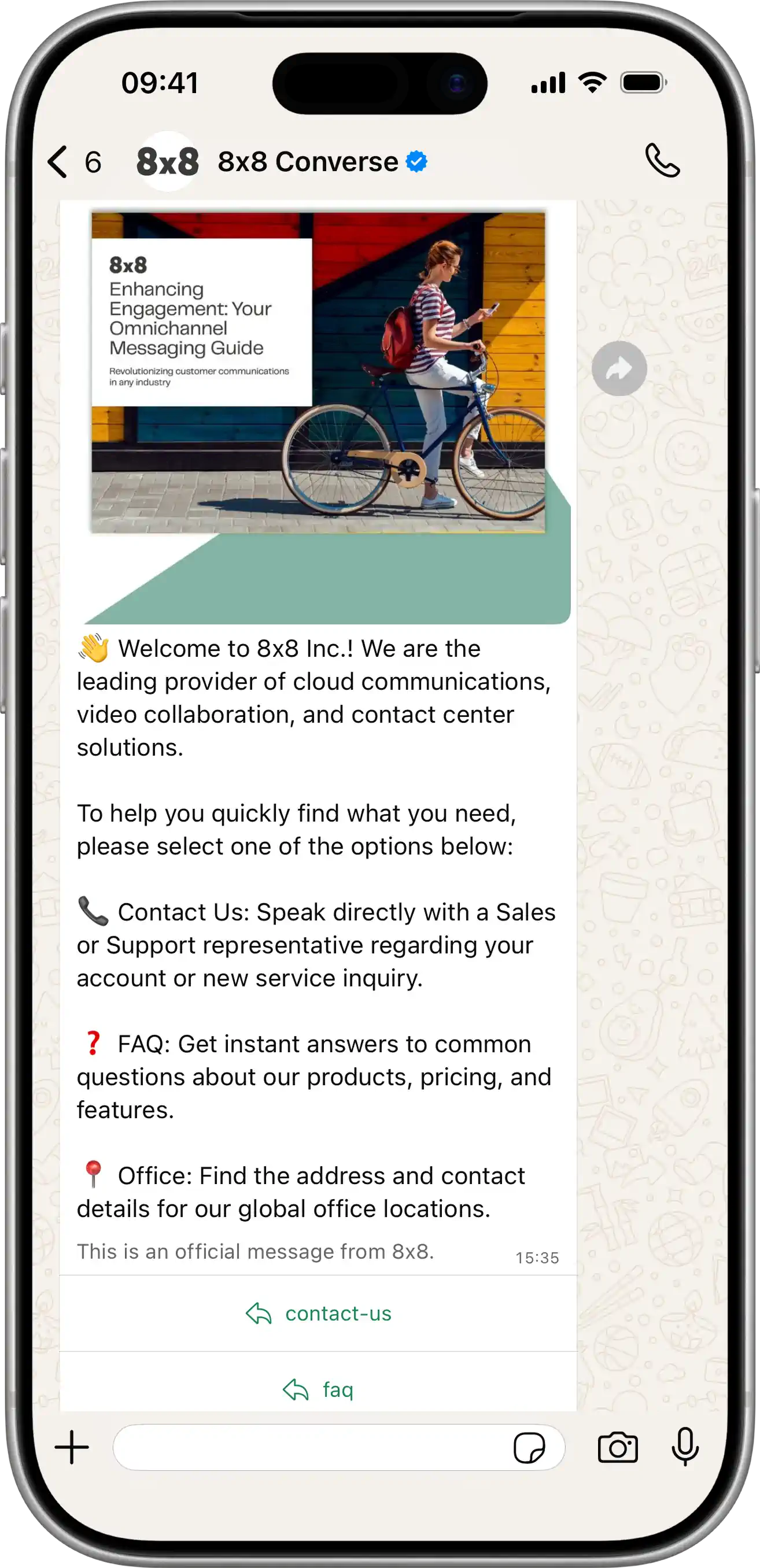
  • Message Types & Templates

    Message Types & Templates

    This section covers the most important component of business-initiated conversations: Message Templates. You will learn what they are, how they are structured, and how to create and manage them using both the 8x8 Connect portal and the 8x8 Messaging App API.

    Template Categories & Use Cases

    All templates must be assigned a category that describes their purpose. This category determines how the message is treated (and billed) by Meta.

    Category Description Common Use Cases
    Authentication Enables you to send one-time passcodes (OTPs) to authenticate users. User login, account verification, password reset, integrity checks.
    Marketing Used for promotions, offers, or announcements to drive customer engagement and sales. New product alerts, sale notifications, re-engagement campaigns.
    Utility Facilitates a specific, agreed-upon request, transaction, or update for an existing customer. Order confirmations, delivery status, appointment reminders, account statements.

    Template Anatomy & General Rules

    A template is a structured message format composed of different components. You must follow this structure for your template to be approved.

    Core Requirements

    Component Description Required?
    name A unique name for your template. Max 512 characters; allowed characters are lowercase alphanumeric and underscores (e.g., order_confirmation_v2). Yes
    language The language code for the template (e.g., en_US, es). Yes
    category The template's purpose (AUTHENTICATION, MARKETING, or UTILITY). Yes
    components An array of objects that define the message content. Yes (Must contain at least a BODY)

    Platform-wide Template Limits

    • Template Count Limit:

      • Unverified Meta Business Portfolio: Up to 250 templates per WABA.

      • Verified Meta Business Portfolio (with at least one number with an approved display name): Up to 6,000 templates per WABA.

    • Creation Rate Limit: You can create up to 100 templates per WABA per hour.

    Creating & Managing Templates in the Portal

    The 8x8 Connect portal provides a visual interface for managing the entire template lifecycle.

    1. Viewing Templates

    You can view, filter, and search all existing templates associated with your WhatsApp channels.

    1. Navigate to Messaging Apps > WhatsApp Templates in the 8x8 Connect portal.

    2. The list displays the template's Name, Category, Language, Status (e.g., Approved, Rejected, Pending), and Last Updated date.

    WhatsApp Template List

    2. Creating a New Template

    1. From the WhatsApp Templates page, click the "Create new template" button.

    2. A pop-up will guide you through defining all the necessary components:

      • Name, Category, Language, and Channel ID (the sender phone number).

      • Header (Text, Image, Video, or Document).

      • Body (This is where you add your text and {{1}} placeholders).

      • Footer (Optional text).

      • Buttons (Quick Reply, Call to Action, or OTP).

    3. Submit the template for approval by Meta. This process can take from a few minutes to several hours.

    4. You can monitor the status of your submission on the main template page.

    WhatsApp Template Creation

    3. Editing Templates

    While templates cannot be edited directly within the 8x8 Connect portal, you can edit approved templates in the Meta WhatsApp Manager Dashboard. Be aware that edits must be re-submitted for approval by Meta.

    4. Duplicating Templates

    To save time, the 8x8 Connect portal allows you to duplicate an existing template.

    1. Find the template you wish to copy in the template list.

    2. Click the duplicate button.

    3. This will open the "Create new template" modal, pre-filled with all the components (Header, Body, Buttons, etc.) from the template you selected.

    4. You can then make your changes (e.g., adjust wording, add a new button) and give it a new, unique name before submitting it for approval.

    WhatsApp Template Duplication

    5. Deleting Templates

    You can delete a template by hovering over it in the list and selecting the delete button.

    Managing Templates via API

    You can also create templates programmatically using the 8x8 Messaging App API. This is useful for automating template creation or integrating it into your own content management system.

    To create a template, you send a POST request to the create template endpoint:

    POST https://chatapps.8x8.com/api/v1/accounts/{accountId}/channels/{channelId}/templates

    For detailed API documentation and examples:

    • Creating a Template via API - API endpoint and example payload
    • Template Components Reference - Detailed component specifications
    • Template Message API Library - Complete create & send payload examples

    API Resources & Developer References

    For developers integrating template functionality via the API, these resources provide detailed technical specifications and examples:

    Component Specifications:

    • Template Components Reference - Complete technical specifications for all template components (headers, body, buttons, carousels) including character limits, format requirements, and parameter rules

    API Payloads & Examples:

    • Template Message API Library - Comprehensive collection of Create and Send payload examples for every template type
    • WhatsApp over 8x8 API - API authentication, endpoints, and integration guide

    Related Guides:

    • Governance, Security & Compliance - Meta's template policies and approval guidelines
    • Operations, Monitoring & Troubleshooting - Template rejection reasons, debugging, and monitoring

    Source: https://developer.8x8.com/connect/docs/whatsapp/message-types-templates · 8x8 CPaaS Developer Docs. Synced for support deflection.
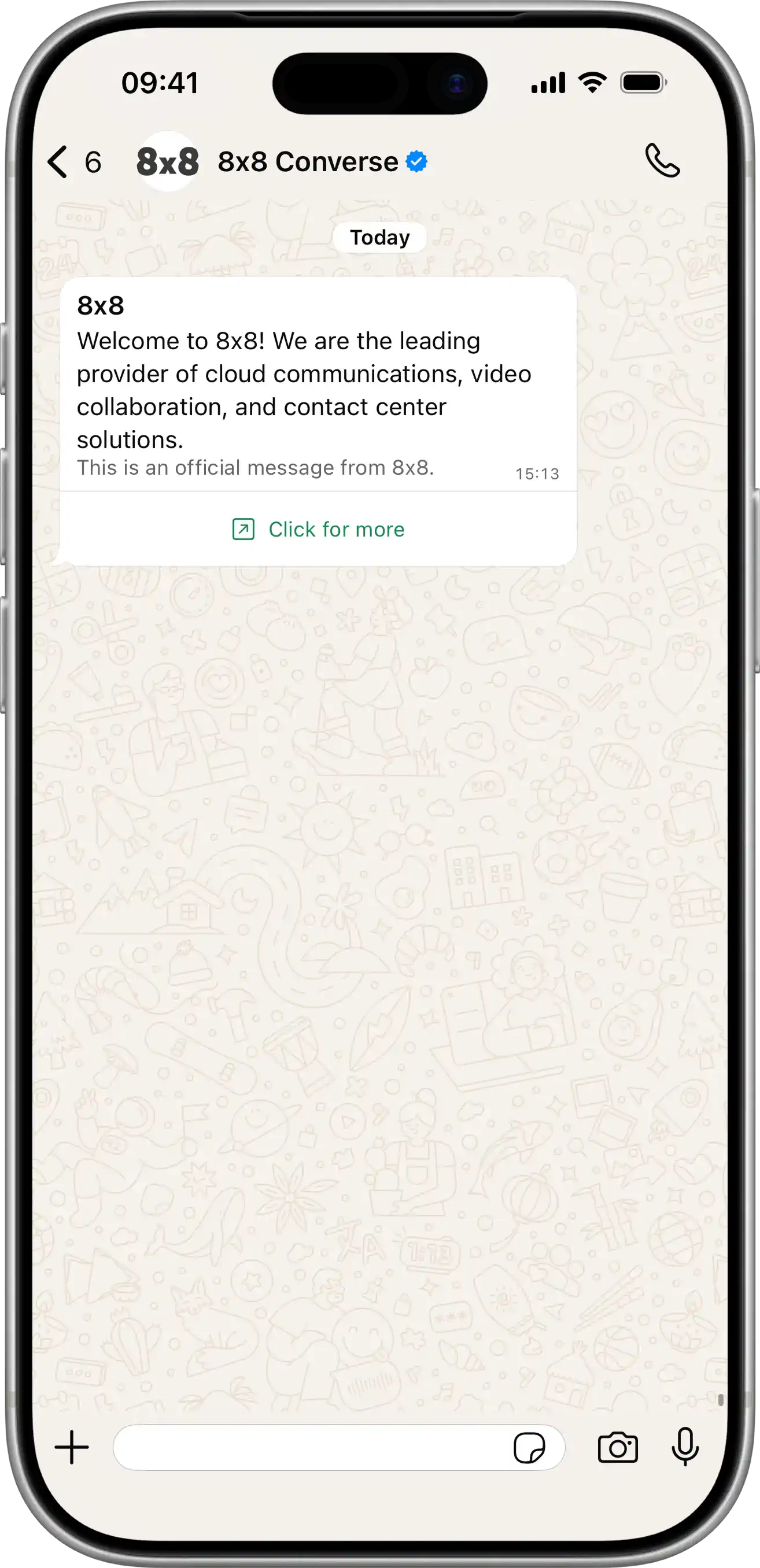
  • WhatsApp Interactive Message API Library

    WhatsApp Interactive Message API Library

    This page provides a comprehensive library of WhatsApp interactive and freeform message API payloads. Unlike template messages, these do not require Meta approval and can be sent during active conversation windows.

    Message Type API Payload

    Text Message

    WhatsApp Text Message Example

    Send Message: POST https://chatapps.8x8.com/api/v1/subaccounts/{subAccountId}/messages

    Sends a plain text message to the user.

    View JSON

    {
    "user":{
    "msisdn":"+15551234567"
    },
    "type":"text",
    "content":{
    "text":"Welcome to 8x8 Inc.! We are the leading global provider of unified cloud communications, video collaboration, and contact center solutions.\n\nWe empower your business to thrive in the modern workplace by offering a single, secure, and integrated platform for all your voice, video, chat, and customer service needs.\n\nOur solutions are designed to deliver exceptional experiences for both your employees and your customers, ensuring seamless global connectivity and robust reliability.\n\nHow can we help you unify your communications today? Reply with INFO for a quick link to our solutions guide or TALK to connect with a specialist."
    }
    }

    Image Message

    WhatsApp Image Message Example

    Send Message: POST https://chatapps.8x8.com/api/v1/subaccounts/{subAccountId}/messages

    Sends an image from a URL with optional text caption.

    View JSON

    {
    "user":{
    "msisdn":"+15551234567"
    },
    "type":"Image",
    "content":{
    "url":"https://chatapps.8x8.com/files/7723febafb67440b89c6872e9d72efdd.jpeg?token=CfDJ8LwbBIzqYzxMo4VXraj4E8kbpPbOLHNZ3GfGzhGDm3ajqPMrbjJONU3UAtPsnv00QjW7FYXfmj5QMjTz9hbcVRMnhy-jJWfHshe83bNAzbZjJwkaf-31Ok2UXF7C6fyAOPTKVPOnUU3ERQcgvkE7GC-NZf9vJnt7_cDoHKjawoPyxrodvh7LRtIqVKR-TDysUg",
    "text":"Welcome to the world of 8x8 ChatApps APIs!\nCommunications for the customer obsessed."
    }
    }

    Video Message

    WhatsApp Video Message Example

    Send Message: POST https://chatapps.8x8.com/api/v1/subaccounts/{subAccountId}/messages

    Sends a video from a URL with optional text caption.

    View JSON

    {
    "user":{
    "msisdn":"+15551234567"
    },
    "type":"video",
    "content":{
    "url":"https://samplelib.com/lib/preview/mp4/sample-5s.mp4",
    "text":"This is the video file"
    }
    }

    Document Message

    WhatsApp Document Message Example

    Send Message: POST https://chatapps.8x8.com/api/v1/subaccounts/{subAccountId}/messages

    Sends a document from a URL with optional filename and caption.

    View JSON

    {
    "user":{
    "msisdn":"+15551234567"
    },
    "type":"File",
    "content":{
    "url":"https://pdfobject.com/pdf/sample.pdf",
    "text":"Thanks for your interest. Attached is our latest 8x8 brochure with all the details you need. Take a look and let me know if you have any questions!"
    }
    }

    Location Message

    WhatsApp Location Message Example

    Send Message: POST https://chatapps.8x8.com/api/v1/subaccounts/{subAccountId}/messages

    Sends a location message with latitude, longitude, name, and address.

    View JSON

    {
    "user":{
    "msisdn":"+15551234567"
    },
    "type":"location",
    "content":{
    "location":{
    "latitude":"1.2857",
    "longitude":"103.8479",
    "name":"8x8 Singapore Office",
    "address":"1 George St, #22-03/04 One George Street, Singapore 049145"
    }
    }
    }

    Interactive List Menu

    WhatsApp Interactive List Example

    Send Message: POST https://chatapps.8x8.com/api/v1/subaccounts/{subAccountId}/messages

    Creates a list menu with multiple options organized in sections.

    View JSON

    {
    "user":{
    "msisdn":"+15551234567"
    },
    "type":"interactive",
    "content":{
    "interactive":{
    "type":"list",
    "header":{
    "type":"text",
    "text":"8x8 Customer Success personalized sessions"
    },
    "body":{
    "text":"Looking for personalized assistance? Our Customer Success team has the following slots available. Tap to select a time."
    },
    "footer":{
    "text":"For urgent inquiries, email cpaas-sales@8×8.com"
    },
    "action":{
    "button":"Book Slot",
    "sections":[
    {
    "title":"Oct 9, 2024",
    "rows":[
    {
    "id":"slot-1",
    "title":"Monday, Oct 9",
    "description":"9:00 AM - 10:00 AM"
    },
    {
    "id":"slot-2",
    "title":"Monday, Oct 9",
    "description":"11:00 AM - 12:00 PM"
    }
    ]
    },
    {
    "title":"Oct 10, 2024",
    "rows":[
    {
    "id":"slot-3",
    "title":"Tuesday, Oct 10",
    "description":"2:00 PM - 3:00 PM"
    },
    {
    "id":"slot-4",
    "title":"Tuesday, Oct 10",
    "description":"4:00 PM - 5:00 PM"
    }
    ]
    }
    ]
    }
    }
    }
    }

    Interactive Reply Buttons

    WhatsApp Interactive Buttons Example

    Send Message: POST https://chatapps.8x8.com/api/v1/subaccounts/{subAccountId}/messages

    Creates an interactive message with up to 3 reply buttons. Users can tap a button to send a quick reply.

    View JSON

    {
    "user":{
    "msisdn":"+15551234567"
    },
    "type":"interactive",
    "content":{
    "interactive":{
    "type":"button",
    "header":{
    "type":"text",
    "text":"8x8"
    },
    "body":{
    "text":"👋 Welcome to 8x8 Inc.! We are the leading provider of cloud communications, video collaboration, and contact center solutions.\n\nTo help you quickly find what you need, please select one of the options below:\n\n📞 Contact Us: Speak directly with a Sales or Support representative regarding your account or new service inquiry.\n\n❓ FAQ: Get instant answers to common questions about our products, pricing, and features.\n\n📍 Office: Find the address and contact details for our global office locations."
    },
    "footer":{
    "text":"This is an official message from 8x8."
    },
    "action":{
    "buttons":[
    {
    "type":"reply",
    "reply":{
    "title":"contact-us",
    "id":"option-1"
    }
    },
    {
    "type":"reply",
    "reply":{
    "title":"faq",
    "id":"option-2"
    }
    },
    {
    "type":"reply",
    "reply":{
    "title":"office",
    "id":"option-3"
    }
    }
    ]
    }
    }
    }
    }

    Interactive Reply Buttons (Image Header)

    WhatsApp Interactive Buttons with Image Header Example

    Send Message: POST https://chatapps.8x8.com/api/v1/subaccounts/{subAccountId}/messages

    Creates an interactive message with an image header and up to 3 reply buttons.

    View JSON

    {
    "user":{
    "msisdn":"+15551234567"
    },
    "type":"interactive",
    "content":{
    "interactive":{
    "type":"cta_url",
    "header":{
    "type":"image",
    "image":{
    "link":"https://chatapps.8x8.com/files/991c9667f7644584acf91aa8dd9fba60.png?token=CfDJ8LwbBIzqYzxMo4VXraj4E8k4uW4Kjsnx2rTsG0O-bgz0v3CXHYwHi8BVTm1jLn6tSswTva_BhILXyvFi2DmZZQOcYmEn60cOdB2mvtEEBvd3lEA6f1P1kL2K8TpWIOaTcca70UdUtOZTnmNfdHBrJugXjasrG4Zu7WW5JOEbPF4kDOynKUulYQdVqRIR-DU9lw"
    }
    },
    "body":{
    "text":"Welcome to 8x8 Inc. How may we help?"
    },
    "footer":{
    "text":"This is an official message from 8x8."
    },
    "action":{
    "parameters":{
    "display_text":"Click for more",
    "url":"https://developers.facebook.com/docs/whatsapp/cloud-api/messages/interactive-cta-url-messages"
    }
    }
    }
    }
    }

    Interactive CTA Button

    WhatsApp CTA Button Example

    Send Message: POST https://chatapps.8x8.com/api/v1/subaccounts/{subAccountId}/messages

    Creates a message with a single CTA button that can open a URL or initiate a phone call.

    View JSON

    {
    "user":{
    "msisdn":"+15551234567"
    },
    "type":"interactive",
    "content":{
    "interactive":{
    "type":"cta_url",
    "header":{
    "type":"text",
    "text":"8x8"
    },
    "body":{
    "text":"Welcome to 8x8! We are the leading provider of cloud communications, video collaboration, and contact center solutions.\n\n"
    },
    "footer":{
    "text":"This is an official message from 8x8."
    },
    "action":{
    "parameters":{
    "display_text":"Click for more",
    "url":"https://developers.facebook.com/docs/whatsapp/cloud-api/messages/interactive-cta-url-messages"
    }
    }
    }
    }
    }

    Interactive Flow

    WhatsApp Interactive Flow Example

    Send Message: POST https://chatapps.8x8.com/api/v1/subaccounts/{subAccountId}/messages

    Sends an interactive message that opens a WhatsApp Flow when tapped. Flows enable structured data collection through guided forms within WhatsApp. Can only be sent within the 24-hour customer service window.

    View JSON

    {
    "user":{
    "msisdn":"+15551234567"
    },
    "type":"Interactive",
    "content":{
    "interactive":{
    "type":"flow",
    "header":{
    "type":"image",
    "image":{
    "link":"https://iili.io/KtDO5BV.jpg"
    }
    },
    "body":{
    "text":"Hello! Ready to transform your customer engagement? Schedule a demo with our 8x8 sales team to explore our SMS, Voice, and Video APIs."
    },
    "footer":{
    "text":"Empowering global communications."
    },
    "action":{
    "parameters":{
    "flowId":"1633450807827276",
    "flowCta":"Schedule now"
    }
    }
    }
    }
    }

    Note: The Flow must be published before sending. Use the Flow Configuration API to create and publish Flows. See WhatsApp Flows for complete documentation.

    Product Message (Single)

    WhatsApp Single Product Example

    Send Message: POST https://chatapps.8x8.com/api/v1/subaccounts/{subAccountId}/messages

    Displays a single product from your WhatsApp Business catalog.

    View JSON

    {
    "user":{
    "msisdn":"+15551234567"
    },
    "type":"interactive",
    "content":{
    "interactive":{
    "type":"product",
    "body":{
    "text":"Check out this amazing product from our store!"
    },
    "footer":{
    "text":"Limited stock available"
    },
    "action":{
    "catalog_id":"YOUR_CATALOG_ID",
    "product_retailer_id":"PRODUCT_SKU_123"
    }
    }
    }
    }

    Product List Message

    WhatsApp Product List Example

    Send Message: POST https://chatapps.8x8.com/api/v1/subaccounts/{subAccountId}/messages

    Displays multiple products from your WhatsApp Business catalog in sections.

    View JSON

    {
    "user":{
    "msisdn":"+15551234567"
    },
    "type":"interactive",
    "content":{
    "interactive":{
    "type":"product_list",
    "header":{
    "type":"text",
    "text":"Featured Products"
    },
    "body":{
    "text":"Browse our latest collection of products."
    },
    "footer":{
    "text":"Free shipping on orders over $50"
    },
    "action":{
    "catalog_id":"YOUR_CATALOG_ID",
    "sections":[
    {
    "title":"Best Sellers",
    "product_items":[
    {
    "product_retailer_id":"PRODUCT_SKU_1"
    },
    {
    "product_retailer_id":"PRODUCT_SKU_2"
    }
    ]
    },
    {
    "title":"New Arrivals",
    "product_items":[
    {
    "product_retailer_id":"PRODUCT_SKU_3"
    },
    {
    "product_retailer_id":"PRODUCT_SKU_4"
    }
    ]
    }
    ]
    }
    }
    }
    }

    Source: https://developer.8x8.com/connect/docs/whatsapp/interactive-message-api-library · 8x8 CPaaS Developer Docs. Synced for support deflection.
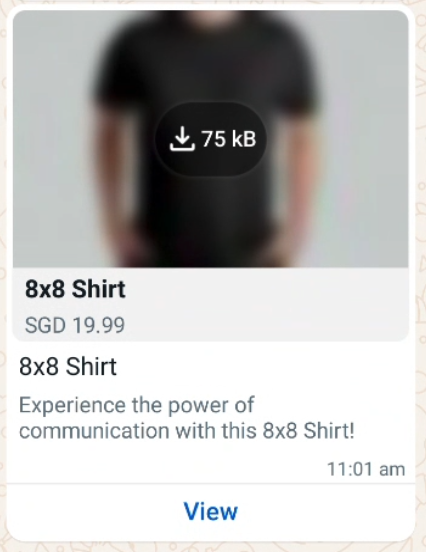
  • SMS Feedback API

    SMS Feedback API

    To ensure the efficient delivery of SMS verification codes to users' mobile devices, 8x8 provides our customers with the Success Feedback API (not applicable to SMPP).

    The Success Feedback API provides 8x8 insight into the success of your OTP verification code (by your OTP Generator) sent using our SMS API. For users who need an OTP Generator, may consider using 8x8 Verification API( generate OTP and validate OTP message conversion).

    With 8x8 being aware of the conversion rate, it activates the Omni Shield for your subaccount. 8x8 will be able to detect any abnormal conversion rate proactively. The intelligent routing feature of the 8x8 platform is automatically triggered, seamlessly switching to pre-configured backup routes to carriers. Furthermore, 8x8's 24-hour technical operations team monitors network health around the clock, ensuring uninterrupted and smooth customer business operations 24/7.


    Prerequisites

    • Command line interface compatible with CURL
    • 8x8 account with SMS actovated with your subaccount.
    • apiKey (Bearer token)
    • 8x8 CPaaS subaccountid

    1. Tracking the Results on SMS API

    image

    1. Sending the Outcome of OTP Conversion using Feedback API
    2. Success Feedback is a POST request
    3. There are four parameters three of which are mandatory— subAccountId, umid, and outcome (success or failure) which are highlighted in red. The optional Parameter is the timestamp which provides time (UTC) and date reference which allows 8x8 Omni Shield to work promptly.

    📘 Validity Period

    The Success Feedback API call should be made within 15 minutes of the original message being sent. If the API call is not made during this timeframe then the data we receive may not accurately reflect your real conversion rate.

    image

    1. Successful Post Request of Success Feedback API

    Upon successfully pushing the Success Feedback API, it is normal for the HTTP 200 response to have no content returned.

    image


    Source: https://developer.8x8.com/connect/docs/tutorial-sms-feedback-api · 8x8 CPaaS Developer Docs. Synced for support deflection.
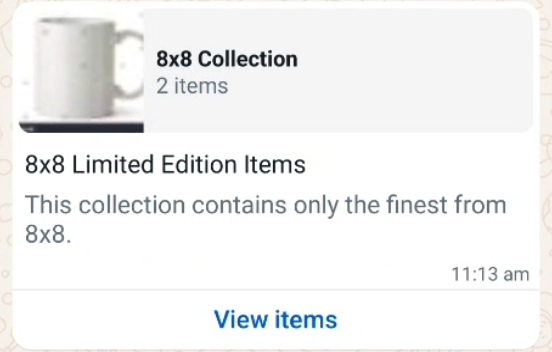
  • SMS Engage

    SMS Engage

    Introduction

    8x8 offers API methods that allow you to send SMS Engage programmatically.

    In this tutorial, we will cover how to send a single SMS Engage: Send SMS Engage survey and multiple SMS Engage: Send SMS Engage surveys as batch in one command.


    Video Demo

    This video below will take you through a demo of SMS Engage including: sending a survey via API, filling out a survey and viewing the responses on the Connect Dashboard.

    Prerequisites

    • 8x8 Account with an SMS Engage form created
      • If you do not have an SMS engage form, see the SMS Engage Form section below on how to obtain one.
    • 8x8 API Key
      • Please see this page on how to create API Keys if you do not have an existing one.

    SMS Engage Form

    You must have at least one SMS Engage form created for you by 8x8. SMS Engage forms are created based on your use-cases. Once they are created, 8x8 will provide you a surveyId and *_url_ac*.

    • Please note that the variable url is your default SMS Engage link which 8x8 has set up for you (e.g. http://smstoweb.net?sid=1234). The url is shortened once the message has been sent.
      • The shortened url is always 21 characters in length.
    • If you want to get the data via Webhooks, simply provide us a specific url where we will post the data.
    • For more information on how to create an SMS engage form please contact your account manager or send an email to 8x8 Support.

    image


    Send Single SMS Engage Survey

    The 8x8 SMS Engage survey method expects requests sent by developers to respect a specific format.

    In the following section, we are going to go over the different elements of the request:

    • URL format
    • Authentication
    • Data payload

    At the end of the section, we will generate a cURL command to send an SMS Engage directly from the command line.

    Request URL

    • As detailed in the Send SMS Engage survey , the URL is defined by the following pattern: https://sms.8x8.com/api/v1/subaccounts/{subAccountId}/surveys/{surveyId}/messages
      • The {subAccountID} should be replaced by your own 8x8 Subaccount ID and the {surveyId} should be replaced by your Survey ID in a request.

    Authentication

    Use your API Key in the Authorization header of your HTTP request, this is denoted with the variable below.

    curl --location 'https://sms.8x8.com/api/v1/subaccounts/<subaccount>/surveys/<surveyId>/messages' \
    --header 'Content-Type: application/json' \
    --header 'Authorization: <apiKey>' \

    Data payload

    The API expects to receive a structured request containing the SMS data in a specific format. As detailed in the documentation, the data that we have to submit should be a JSON object.

    To send a single SMS Engage message here is an example of a data payload:

    {
    "destination":"<mobileNumber>",
    "templateBody":"Hello {{firstName}}, your order is {{order_nr}}. {{url}} Please check and confirm if your scheduled delivery time is ok.",
    "templateVariables":{
    "firstName":"James",
    "order_nr":"ABC1000"
    },
    "source":"<sourceVnOrSenderId>"
    }

    The JSON parameters are explained in the table below:

    Parameter Description Example Value
    destination Mobile Number in international format +6512345678
    templateBody Template of message to user. It should have the variable {{url}}, this variable will be substituted in the SMS by the link set for you by 8x8. Hello {{firstName}}, your order is {{order_nr}}. {{url}} Please check and confirm if your scheduled delivery time is ok.
    templateVariables Variables or pre-defined fields used inside the templateBody. Your url should have the value or link set for you by 8x8. "templateVariables": {
    "firstName": "James",
    "order_nr": "ABC1000"
    },
    Source The Sender ID or Virtual Number to send the SMS from. Acme

    Sending the API Request

    Now that the API request is setup correctly you need, let’s try this by using cURL. If you are running Mac OS, cURL is already installed. Just run the Terminal app (Located under Applications->Utilities).

    For Windows based machines click here on how to install curl.

    Alternatively you can use Postman if you are familiar with the tool as well to send this request.

    For cURL the command should look as follows, which can also be adapted into Postman.

    curl --location 'https://sms.8x8.com/api/v1/subaccounts/<subaccount>/surveys/<surveyId>/messages' \
    --header 'Content-Type: application/json' \
    --header 'Authorization: <apiKey>' \
    --data '{
    "destination": "<mobileNumber>",
    "templateBody": "Hello {{firstName}}, your order is {{order_nr}}. {{url}} Please check and confirm if your scheduled delivery time is ok.",
    "templateVariables": {
    "firstName": "James",
    "order_nr": "ABC1000"
    },
    "source": "8x8"
    }'

    Remember to replace the , and values above. The {{url}} value does not need to be included in the templateVariables and will be automatically substituted by 8x8.

    This should result in a SMS being sent similar to the one below with the URL replacing the {{url}} parameter's place in the SMS Body.

    image

    A successful request should return an 200 OK HTTP Response Code and the Response Body should appear as below:

    {
    "umid":"<umid>",
    "clientMessageId":null,
    "destination":"<mobileNumber>",
    "encoding":"GSM7",
    "status":{
    "code":"QUEUED",
    "description":"SMS is accepted and queued for processing"
    }
    }

    Note that mobileNumber and umid's values will be replaced with your request's unique values.

    Send Batch SMS Engage Survey

    Now that we have covered how to send a Single SMS Engage Survey, there may also be times that it is appropriate to send multiple SMS Engage Surveys in a single API request. For those use cases, we can use the SMS Engage Batch API Endpoint.

    In the following section, we are going to go over the different elements of the request:

    • URL format
    • Authentication
    • Data payload

    At the end of the section, we will generate a cURL command to send an SMS Engage directly from the command line.

    Request URL

    • As detailed in the Send SMS Engage survey , the URL is defined by the following pattern: https://sms.8x8.com/api/v1/subaccounts/{subAccountId}/surveys/{surveyId}/messages/batch
      • The {subAccountID} should be replaced by your own 8x8 Subaccount ID and the {surveyId} should be replaced by your Survey ID in a request.

    Authentication

    Use your API Key in the Authorization header of your HTTP request, this is denoted with the variable below.

    curl --location 'https://sms.8x8.com/api/v1/subaccounts/<subaccount>/surveys/<surveyId>/messages/batch' \
    --header 'Content-Type: application/json' \
    --header 'Authorization: <apiKey>' \

    Data payload

    The API expects to receive a structured request containing the SMS data in a specific format. As detailed in the documentation, the data that we have to submit should be a JSON object.

    To send a batch SMS Engage message here is an example of a data payload:

    {
    "messages":[
    {
    "templateVariables":{
    "firstName":"Igor",
    "order_nr":"1010101",
    "age":24
    },
    "destination":"<mobileNumber>"
    },
    {
    "templateVariables":{
    "firstName":"Petr",
    "order_nr":"1010104",
    "age":20
    },
    "destination":"<mobileNumber>"
    },
    {
    "templateVariables":{
    "firstName":"Vasia",
    "order_nr":"1010102",
    "age":22
    },
    "destination":"<mobileNumber>"
    }
    ],
    "template":{
    "source":"YourBrand",
    "templateBody":"Hello {{firstName}}, your order is {{order_nr}}. Please check and confirm if your scheduled delivery time is ok: {{url}}"
    },
    "clientBatchId":"MyBatch00001",
    "includeMessagesInResponse":true
    }

    The JSON parameters are explained in the table below:

    Parameter Description Example Value
    messages Contains an array of at minimum templateVariables and destinations {
    "templateVariables": {
    "firstName": "Petr",
    "order_nr": "1010104",
    "age": 20
    },
    "destination": ""
    },
    template Template of message to user. It is required to contain a templateBody that should have the variable {{url}}, this variable will be substituted in the SMS by the link set for you by 8x8.

    Source should also be included which is the Sender ID or 8x8 Virtual Number to send the SMS from.
    "template": {
    "source": "YourBrand",
    "templateBody": "Hello {{firstName}}, your order is {{order_nr}}. Please check and confirm if your scheduled delivery time is ok: {{url}}"
    },
    clientBatchId Custom string to associate with this batch of messages. MyBatch001
    includeMessagesInResponse Whether to include the details of each individual message in the HTTP Response. True

    Sending the API Request

    Now that the API request is setup correctly you need, let’s try this by using cURL. If you are running Mac OS, cURL is already installed. Just run the Terminal app (Located under Applications->Utilities).

    For Windows based machines click here on how to install curl.

    Alternatively you can use Postman if you are familiar with the tool as well to send this request.

    For cURL the command should look as follows, which can also be adapted into Postman.

    curl --location 'https://sms.8x8.com/api/v1/subaccounts/<subaccount>/surveys/<surveyId>/messages/batch' \
    --header 'Content-Type: application/json' \
    --header 'Authorization: <apiKey>' \
    --data '{
    "messages": [
    {
    "templateVariables": {
    "firstName": "Igor",
    "order_nr": "1010101",
    "age": 24
    },
    "destination": "<mobileNumber>"
    },
    {
    "templateVariables": {
    "firstName": "Petr",
    "order_nr": "1010104",
    "age": 20
    },
    "destination": "<mobileNumber>"
    },
    {
    "templateVariables": {
    "firstName": "Vasia",
    "order_nr": "1010102",
    "age": 22
    },
    "destination": "<mobileNumber>"
    }
    ],
    "template": {
    "source": "YourBrand",
    "templateBody": "Hello {{firstName}}, your order is {{order_nr}}. Please check and confirm if your scheduled delivery time is ok: {{url}}"
    },
    "clientBatchId": "<batchId>",
    "includeMessagesInResponse": true
    }'

    Remember to replace the , , and values above. The {{url}} value does not need to be included in the templateVariables and will be automatically substituted by 8x8.

    This should result in a SMS being sent similar to the one below with the URL replacing the {{url}} parameter's place in the SMS Body.

    image

    A successful request should return an 200 OK HTTP Response Code and the Response Body should appear as below.

    HTTP Response

    {
    "batchId":"<batchUmid>",
    "clientBatchId":"<batchId>",
    "acceptedCount":3,
    "rejectedCount":0,
    "messages":[
    {
    "umid":"<umid>",
    "clientMessageId":"<batchId>/<mobileNumber>",
    "destination":"<mobileNumber>",
    "encoding":"GSM7",
    "status":{
    "code":"QUEUED",
    "description":"SMS is accepted and queued for processing"
    }
    },
    {
    "umid":"<umid>",
    "clientMessageId":"<batchId>/<mobileNumber>",
    "destination":"<mobileNumber>",
    "encoding":"GSM7",
    "status":{
    "code":"QUEUED",
    "description":"SMS is accepted and queued for processing"
    }
    },
    {
    "umid":"<umid>",
    "clientMessageId":"<batchId>/<mobileNumber>",
    "destination":"<mobileNumber>",
    "encoding":"GSM7",
    "status":{
    "code":"QUEUED",
    "description":"SMS is accepted and queued for processing"
    }
    }
    ]
    }

    You should receive multiple messages in the messages array assuming you set includeMessagesInResponse as true in the request body. If it was set to false then the messages array will be null.

    Note that the batchUmid, batchId, mobileNumber and umid's values will be replaced with your request's unique values.

    Survey Appearance

    The webpages for the surveys are built by the 8x8 team for each customer based on their inputs. A few example pages are included below as they would appear in a mobile browser. They can include both text box and multiple choice type of questions.

    Survey Initial PageSurvey Initial Page

    1-5 Rating Type Question1-5 Rating Type Question

    Long response type questionLong response type question

    The web pages are only examples, a survey webpage will be built by 8x8 as part of onboarding to SMS Engage that can be customised in terms of appearance and questions. please contact your account manager or send an email to 8x8 Support.

    Reports

    Reports related to SMS engage, you can check the Reports section of the Connect Dashboard.

    For a given time period, reports will include the following information

    Term Description
    Total Messages The number of surveys sent by SMS engage.
    Clicks The number of Surveys sent out that had the URL clicked.
    Responses The number of participants who successfully completed the survey and sent back their responses.
    Click Rate The percentage of total survey URLs that were clicked by recipients. Calculated as (Clicks / Total Messages) * 100.
    Response Rate The percentage of total survey URLs that resulted in a completed survey response. Calculated as (Responses / Total Messages) * 100.
    Average Click Time The average time between when an SMS message was sent and the time the survey URL was clicked.
    Average Response Time The average time between when an SMS message was sent and the time a completed survey response was submitted.

    image

    For each survey response, clicking View response in the associated row will bring up the actual responses from the customer.

    image

    The Export button on the same page will give you the option to email a CSV file of the responses in the survey.

    image


    Source: https://developer.8x8.com/connect/docs/tutorial-sms-engage · 8x8 CPaaS Developer Docs. Synced for support deflection.
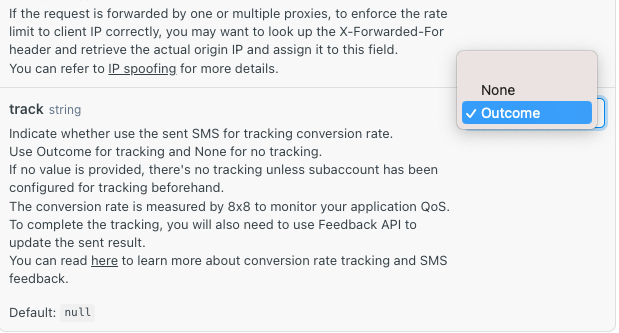
  • Single SMS

    Single SMS

    Tutorial: Learn how to use API for sending single SMS

    Introduction

    8x8 offers different API methods that allow you to send SMS programmatically.

    In this tutorial, we are going to cover the simplest method: Send SMS

    It is used to send SMS one by one.

    We also offer bulk methods that allow sending multiple SMS in one command - for more information, check the following methods in the documentation:

    Send Many SMS

    If you follow the different steps of this tutorial, you will get to send an SMS directly from your command line utility using a simple curl command.

    Index

    • Learn how to use the method for sending single SMS
    • Prerequisites
    • Account and credentials
    • Signing-up
    • Finding your apiKey bearer token (for API authentication)
    • Identifying your Subaccountid
    • API request
    • Preparing the URL
    • Preparing the authentication
    • Preparing the data payload
    • Putting it together and posting the curl request
    • Going further
    • API response
    • API errors

    In this tutorial, we are going to send the text “Bob, a special present for you from Santa” to the mobile phone number 12345678 registered on a Singaporean network (+65) using curl.

    For this, we are going to use an 8x8 account created with our email amazingdeveloperr@gmail.com .

    We are going to use our subaccountid acme_corp.

    The apiKey for our account is 5DhZxZRILVPKjXuFWsd7QGZ**********31n19pYmg.

    Prerequisites

    • Command line interface compatible with CURL
    • 8x8 CPaaS account
    • apiKey (Bearer token)
    • 8x8 CPaaS subaccountid
    • Destination phone number
    • SMS Body

    Account and credentials

    You will need to sign-up to use the API. The following steps will guide you through this process and highlight the information to keep aside.

    I. Signing-up

    1. Head to 8x8 Connect sign-up page
    2. Enter your email and follow the instructions to define your password and finalize your account (by default, API password and account password are the same, you can modify this from your account settings)
    3. Confirm your email address by clicking on the validation link you received in the activation email to activate your account.

    Signup 8x8 connect

    II. Finding your apiKey bearer token (for API authentication)

    1. Head to 8x8 Connect Login Page.
    2. Click on LOG IN.
    3. Enter your email address and password to get access to your account dashboard.
    4. Head over to the side menu > API keys section
    5. Create an API key if empty and then keep the API Key value, here: 5DhZxZR*************9pYmg

    image

    III. Identifying your Subaccountid

    1. Head over to the pricing section and use the subaccountid list to retrieve the subaccountid that you want to use
    2. By default, your account comes with only one subaccountid for your high-quality service. It is designated by your accountid and the suffix _hq.
    3. Note down this value, you will need it later.
    4. In that example, the subaccountid is acme_corp

    image


    API Request

    The 8x8 SMS single method expects requests sent by developers to respect a specific format.

    In the following parts, we are going to go over the different elements of the request:

    • the URL format
    • the authentication
    • the data payload.

    At the end of the section, we will generate a curl command to send an SMS directly from the command line.

    I. Preparing the request URL

    Remarks
    • We are going to send a POST request to the 8x8 API single URL endpoint.
    • As detailed in the Send SMS , the URL is defined by the following pattern: https://sms.8x8.com/api/v1/subaccounts/{subAccountId}/messages
    Tutorial URL
    • In order to create the URL to use, we are going to replace {subaccountid} in the pattern above by acme_corp, the subaccountid that we are using in this tutorial
    • In that example, the URL that we are going to send the request to is: https://sms.8x8.com/api/v1/subaccounts/acme_corp/messages
    Platform Deployment Region
    • To ensure the use of the correct platform deployment region, it is necessary to modify the base URL to correspond with the provisioned region of your account. Refer to the table below for the appropriate base URL associated with each platform region:
    URL Region
    https://sms.8x8.com Asia Pacific (default)
    https://sms.us.8x8.com North America
    https://sms.8x8.uk Europe
    https://sms.8x8.id Indonesia
    • For more information on platform deployment regions, please visit the following page.
    curl
    • In curl, we will have to indicate that we want to do a POST request to this URL by using the following command:
    curl -X "POST" https://sms.8x8.com/api/v1/subaccounts/acme_corp/messages

    II. Preparing the request authentication

    Remarks

    • As explained in the Authentication Docs, the API authentication uses an apiKey bearer token method.

    Tutorial authentication

    • In this tutorial, the apiKey for our account is 5DhZxZRILVPKjXuFWsd7QGZ**********31n19pYmg.

    curl

    • In a curl request, bearer tokens must be passed as a header like so: -H "Authorization: Bearer {token}"
    • We just have to replace our {token} placeholder by our apiKey
    • The authorization header will then look like that: -H "Authorization: Bearer 5DhZxZRILVPKjXuFWsd7QGZ**********31n19pYmg"

    III. Preparing the request data payload

    • The API expects to receive a structured request containing the SMS data in a specific format.
    • As detailed in the documentation, the data that we have to submit should be a JSON object structured as follows:

    image

    Tutorial request data payload

    • The API expects to receive a structured request containing the SMS details and parameters. The format of the request is JSON and it can accept both optional and required parameters.

    • For simplicity sake, we are going to use only the most important of the parameters (the others are detailed in the documentation):

      • Source:

        • this parameter defines the SMS SenderID, let’s use "Acme Corp" 😎
      • Destination:

        • this is the phone number that we want to reach. As mentioned in the introduction, we want to send a message to 12345678 and it is a phone number registered in Singapore, which uses the international prefix +65.
        • For the destination parameter, we are going to use the value "+6512345678"
      • Text:

        • This is the content of the message.
        • To invoke a festive season feeling, let’s use the value: “Bob, a special present for you from Santa.”
      • Encoding:

      • This parameter tells the destination handset which encoding to use to display the SMS. Our text only contains GSM7bit characters which is the most standard encoding but for the sake of safety let’s use "AUTO"

      • it means that the API will automatically detect the characters used in the text and select the best encoding.

      • It allows preventing the message from showing up as “ ⃞ ⃞ ⃞ ⃞, ⃞ ⃞ ⃞ ⃞” in the case where we would have used special characters or another alphabet.

      Our final JSON object that we are going to send as the request data payload is then:

    {
    "source":"Acme Corp",
    "destination":"+6512345678",
    "text":"Bob, a special present for you from Santa",
    "encoding":"AUTO"
    }

    curl

    • In curl, we will transmit the JSON data inline and indicate that the data payload is in JSON format using the following commands:
    -H "Content-Type: application/json" 
    -d $'{
    "source": "Acme Corp",
    "destination": "+6512345678",
    "text": "Bob, a special present for you from Santa",
    "encoding": "AUTO"
    }'

    IV. Putting it together and posting the curl request

    • If we wrap up all the elements prepared in the steps above, we should put together the 3 elements of our request: URL + Authentication + Data Payload
    • To send the API request to the SMS API endpoint with our message we should use the following command in our command line utility:
    curl -X "POST" https://sms.8x8.com/api/v1/subaccounts/acme_corp/messages \
    -H "Authorization: Bearer 5DhZxZRILVPKjXuFWsd7QGZ**********31n19pYmg" \
    -H "Content-Type: application/json" \
    -d $'{ "source": "Acme Corp", "destination": "+6512345678", "text": "Bob, a special present for you from Santa", "encoding": "AUTO" }'
    • And that’s it! Here is the result:

    437

    Going further

    I. API response

    • When sending the curl command above from your command line utility, you notice that the API sends back a response that shows up in your terminal, for example in this tutorial:
    {
    "umid":"f9eaeb51-24fd-e611-813c-06ed3428fe67",
    "clientMessageId":null,
    "destination":"6512345678",
    "encoding":"GSM7",
    "status":{
    "code":"QUEUED",
    "description":"SMS is accepted and queued for processing"
    }
    }
    • The API response is used to provide feedback about the expected result of the API request (sending an SMS) and various additional information.
    • If we take some time to analyze the different elements there, we can identify the following:
      • umid: it stands for unique message id, it is the unique id associated with this SMS by the 8x8 CPaaS platform.
      • clientmessageid: here, it is null because no value has been specified in the request but you have the possibility to attribute your own custom ids to your messages.
      • destination: this is the phone number to which the SMS was sent.
      • encoding: this is the encoding used to send the message, it depends on the character set to use for the content. Here GSM7 is the standard when no UNICODE character is required.
      • status: this array contains 2 elements: the status of the message and the description of this status
    • For more information, check the dedicated section of the Send SMS, "Response" section in the right panel.

    II. API errors

    • A developer World without error would not be funny!
    • If ever you send malformed requests to the API, it will let you know by using some specific error codes in the response.
    • You can find the different codes and their meanings in the SMS Delivery receipts error codes for delivery related errors as well as API Error codes for error codes that apply to all 8x8 CPaaS APIs.

    Source: https://developer.8x8.com/connect/docs/tutorial-single-sms · 8x8 CPaaS Developer Docs. Synced for support deflection.
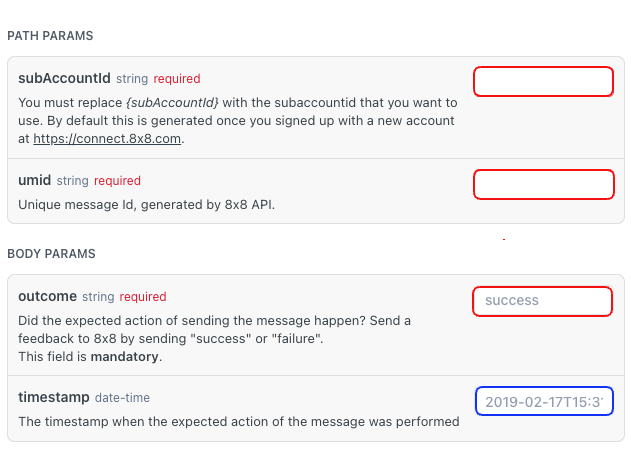
  • Tutorial: Opt Out Keyword (SMS) for Third-Party System

    Tutorial: Opt Out Keyword (SMS) for Third-Party System

    Overview

    This tutorial will show you how to use Automation Builder to build an opt-out flow for SMS.

    This workflow in automation builder will perform these steps:

    1. Listen for a keyword sent via SMS to a specific number attached to your subaccount
    2. Send a HTTP request to your server with information regarding the customer’s phone number and the keyword they specified so that your server can perform opt-out logic
    3. Send a follow up SMS to let the customer know they have opted out.

    8x8 has already pre-built an Automation Builder template which allows you to add a keyword which will allow customers to opt out of further communications. We will use this template as the basis of the tutorial.

    Pre-Built Template

    First go to the Automation Builder page (https://connect.8x8.com/automation) and select the blue button for "Create Custom Workflow"

    image

    Opt-Out Template

    From the pop up in the next page, select the "Opt-Out" template to use as our base.

    image

    Building the Workflow

    In the next page the workflow should be pre-populated with steps, click on the "Trigger" step which is the first step in the flow. Select the subaccount which has the shortcode number that you wish to associate with this opt-out flow. Once it is selected click "Update" to save it to the step.

    image

    Deciding the Keyword

    The keyword is controlled by the "Branch" Step in red, in this example it is set to STOP but you can modify this if you wish to change the condition to trigger the opt out.

    Opt Out Flow Part 1 of 2

    Opt Out Flow Part 2 of 2

    📘 The branch step has a limit of 5 choices in the Automation Builder UI. You can create additional workflows with additional choices if you need them at the top level of your menu. Another option is to look into the Automation Builder API to build this workflow instead which can support more than 5 choices.

    Add Contact to Opt Out Group

    Once that is done, you can move on to modifying the HTTP Request itself. In the examples the URL and the headers should be substituted for the URL and headers (if required) of your server endpoint instead.

    image

    Field Value
    Step Name Any Value
    URL POST to your URL endpoint to handle the request.
    Header - Content Type application/json
    Header - Authorisation
    Note: Your API key can be obtained from the API Keys section of the Connect Dashboard.
    Bearer
    Request Body (Example, this will include the phone number that sent the SMS message to your 8x8 number from {{data.payload.source}}. The text that the user inputted will be in {{data.payload.content.text}}.
    The example will send a JSON response body to your API endpoint that will be similar to.
    {
    "msisdn": "+6512345678",
    "subaccount": "SAMPLE_SUBACCOUNT"
    }
    {
    "msisdn": "{{data.payload.source}}",
    "subaccount": "{{data.payload.content.text}}"
    }

    Opt Out Message

    You can replace the message with a custom message to your users. Make sure to again select the correct subaccount for your short code that you want to send the SMS from.

    image

    Field Example Value
    Step Name Any Value
    Please select a new subaccount Your 8x8 Subaccount
    Sender ID Your 8x8 Sender ID
    Destination {{data.payload.source}}
    Message We're sorry to see you go, but confirm you have been unsubscribed and will no longer receive SMS from us.

    After saving these changes, the opt out flow can be enabled by enabling the button at the top left and saving. It will activate immediately and any message that contains the keyword will result in a user being added to the opt-out group.

    ![image(../images/3fd8cd6-image.png)

    Testing

    Once the automation workflow is in place, you can test it by sending the opt-out keyword via SMS to the phone number attached to your subaccount.

    Note you will need to build a URL endpoint to accept the HTTP request that will come from the Automation Builder workflow which is outside the scope of this guide.

    Removing from Opt out list

    You can reverse this logic to implement something like a resubscribe or an opt-in so that customers can resubscribed if needed.


    Source: https://developer.8x8.com/connect/docs/tutorial-opt-out-keyword-messaging-apps-whatsapp-for-third-party-system · 8x8 CPaaS Developer Docs. Synced for support deflection.
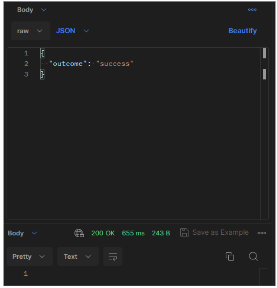
  • Tutorial: Customer Survey via SMS

    Tutorial: Customer Survey via SMS

    Introduction

    In this tutorial, you'll learn how to create an SMS-based chatbot that prompts users with survey questions and sends their responses to Google Sheets. This process can also be adapted for other survey tools like Qualtrics or SurveyMonkey.

    The default tutorial includes three questions, but you can customize it with your own questions and modify the workflow as needed. Use this tutorial as a foundation to develop your own tailored customer surveys.

    Prerequisites

    Ensure you have:

    • An 8x8 account with a subaccount setup.
    • An 8x8 Virtual Number to use to send SMS that is already registered with 8x8.
    • Access to Google Sheets and its API (or another sheet/survey tool)
    • Pipedream account (or a similar API connector tool like Zapier, Make, or your own API server)

    If you do not have an 8x8 account or virtual number, reach out to your 8x8 account manager or email cpaas_sales@8x8.com.

    Video Demo

    This is a accompanying video meant to show the SMS Customer Survey as a demo.

    Step 1: Setup the Automation Builder Workflow

    You can find an example Automation Workflow workflow below, which you can use to import into the Automation Builder UI in Connect.

    While we will not explain the different components of the tutorial here, if you need a refresher please see our section on Automation Builder Steps and Triggers.

    📘 Note

    Please change the mobile number in the JSON below and the keywords as necessary.

    tutorial_sms_survey.json

    {
    "definition":{
    "id":"75f9d264-8d6a-428d-989d-2093343b3f12",
    "name":"RS SMS Survey Demo",
    "version":14,
    "steps":[
    {
    "stepType":"Branch",
    "id":"branch_7588",
    "do":[],
    "nextStepId":null,
    "inputs":{},
    "outputs":{},
    "selectNextStep":{
    "sms_9310":"{{stringContains(data.payload.body, 'rssmssd', true)}}"
    }
    },
    {
    "stepType":"SMS",
    "id":"sms_9310",
    "do":[],
    "nextStepId":"waitforreply_4914",
    "inputs":{
    "subAccountId":"InternalDemoCPaaS_8dD15_DemoNumber3",
    "source":"+6599999999",
    "destination":"{{data.payload.source}}",
    "text":"Welcome to the 8x8 Customer Satisfication Survey. You will be asked 3 questions regarding our 8x8 Products.\n\nQuestion 1: What 8x8 Products do you Use?"
    },
    "outputs":{},
    "selectNextStep":{}
    },
    {
    "stepType":"WaitForReply",
    "id":"waitforreply_4914",
    "do":[],
    "nextStepId":null,
    "inputs":{
    "from":"{{data.payload.source}}",
    "channel":"sms",
    "timeout":"0.00:01:00"
    },
    "outputs":{
    "waitforreply_4914_step_body":"{{step.reply.payload.body}}"
    },
    "selectNextStep":{
    "sms_6631":"{{ step.reply != null }}",
    "sms_3283":"{{ step.reply == null }}"
    }
    },
    {
    "stepType":"SMS",
    "id":"sms_6631",
    "do":[],
    "nextStepId":"waitforreply_3053",
    "inputs":{
    "subAccountId":"InternalDemoCPaaS_8dD15_DemoNumber3",
    "source":"+6599999999",
    "destination":"{{data.payload.source}}",
    "text":"Question 2: How would you rate your overall experience from a scale of 10 to 1? \n\n10 being the best experience and 1 being the worst experience."
    },
    "outputs":{},
    "selectNextStep":{}
    },
    {
    "stepType":"SMS",
    "id":"sms_3283",
    "do":[],
    "nextStepId":null,
    "inputs":{
    "subAccountId":"InternalDemoCPaaS_8dD15_DemoNumber3",
    "source":"+6599999999",
    "destination":"{{data.payload.source}}",
    "text":"No responses in allotted time, ending the survey. Your responses have not been recorded."
    },
    "outputs":{},
    "selectNextStep":{}
    },
    {
    "stepType":"WaitForReply",
    "id":"waitforreply_3053",
    "do":[],
    "nextStepId":null,
    "inputs":{
    "from":"{{data.payload.source}}",
    "channel":"sms",
    "timeout":"0.00:01:00"
    },
    "outputs":{
    "waitforreply_3053_step_body":"{{step.reply.payload.body}}"
    },
    "selectNextStep":{
    "sms_2464":"{{ step.reply != null }}",
    "sms_0587":"{{ step.reply == null }}"
    }
    },
    {
    "stepType":"SMS",
    "id":"sms_2464",
    "do":[],
    "nextStepId":"waitforreply_8091",
    "inputs":{
    "subAccountId":"InternalDemoCPaaS_8dD15_DemoNumber3",
    "source":"+6599999999",
    "destination":"{{data.payload.source}}",
    "text":"Question 3: What are the major issues that you faced with 8x8 Products?"
    },
    "outputs":{},
    "selectNextStep":{}
    },
    {
    "stepType":"SMS",
    "id":"sms_0587",
    "do":[],
    "nextStepId":null,
    "inputs":{
    "subAccountId":"InternalDemoCPaaS_8dD15_DemoNumber3",
    "source":"+6599999999",
    "destination":"{{data.payload.source}}",
    "text":"No responses in allotted time, ending the survey. Your responses have not been recorded."
    },
    "outputs":{},
    "selectNextStep":{}
    },
    {
    "stepType":"WaitForReply",
    "id":"waitforreply_8091",
    "do":[],
    "nextStepId":null,
    "inputs":{
    "from":"{{data.payload.source}}",
    "channel":"sms",
    "timeout":"0.00:01:00"
    },
    "outputs":{
    "waitforreply_8091_step_body":"{{step.reply.payload.body}}"
    },
    "selectNextStep":{
    "sms_7820":"{{ step.reply != null }}",
    "sms_3235":"{{ step.reply == null }}"
    }
    },
    {
    "stepType":"SMS",
    "id":"sms_7820",
    "do":[],
    "nextStepId":"httprequest_5514",
    "inputs":{
    "subAccountId":"InternalDemoCPaaS_8dD15_DemoNumber3",
    "source":"+6599999999",
    "destination":"{{data.payload.source}}",
    "text":"Thank you for your responses to our survey! Your responses are being recorded."
    },
    "outputs":{},
    "selectNextStep":{}
    },
    {
    "stepType":"SMS",
    "id":"sms_3235",
    "do":[],
    "nextStepId":null,
    "inputs":{
    "subAccountId":"InternalDemoCPaaS_8dD15_DemoNumber3",
    "source":"+6583390627",
    "destination":"{{data.payload.source}}",
    "text":"No responses in allotted time, ending the survey. Your responses have not been recorded."
    },
    "outputs":{},
    "selectNextStep":{}
    },
    {
    "stepType":"HttpRequest",
    "id":"httprequest_5514",
    "do":[],
    "nextStepId":null,
    "inputs":{
    "headers":{
    "content-Type":"application/json"
    },
    "method":"POST",
    "url":"https://eo4yuu59vzo9m6.m.pipedream.net",
    "parameters":{},
    "body":{
    "response1":"{{data.waitforreply_4914_step_body}}",
    "response2":"{{data.waitforreply_3053_step_body}}",
    "response3":"{{data.waitforreply_8091_step_body}}",
    "mobileNumber":"{{data.payload.source}}"
    },
    "timeoutSeconds":30
    },
    "outputs":{},
    "selectNextStep":{}
    }
    ]
    },
    "subAccountId":"InternalDemoCPaaS_8dD15_DemoNumber3",
    "trigger":"inbound_sms",
    "status":"enabled"
    }

    Once the workflow is imported, it should appear within Automation Builder similar to the one below.

    Workflow Part 1 of 2Workflow Part 1 of 2

    Workflow Part 2 of 2.Workflow Part 2 of 2.

    It is comprised of Send SMS Step, Branch Step, Wait for Reply Step and a single HTTP Request Step. If you choose to modify the flow you may also need to modify the request body to Pipedream at the end depending on the questions that you ask.

    Step 2: Setup Google Sheet

    Setup a Google Sheet with the following columns on your Google Account which we will use later within Pipedream to populate.

    image

    Here is an example table that you can be copy/pasted to your Google Sheet.

    Mobile Number Response 1:
    What 8x8 Products do you Use?
    Response 2: How would you rate your overall experience from a scale of 10 to 1? Response 3: What are the major issues that you faced with 8x8 Products?

    Step 3: Setup Pipedream

    Setup a new workflow with an HTTP Trigger followed by a Google Sheets: Add Single Row Step

    image

    The HTTP Trigger should have these following configurations:

    image

    Within the HTTP Trigger, go to Generate Test Event and use the following JSON as the Test Event's input. This will allow us to correctly populate the values for the following Google Sheet step.

    image

    {
    "response1":"WhatsApp, SMS",
    "response2":"10",
    "response3":"No Issues!",
    "mobileNumber":"+6599999999"
    }

    The Google Sheets Step should have the following configuration.

    image

    Within Pipedream, you should be able to see the HTTP responses sent by Automation Builder which may be useful in case any debugging is required.

    image

    Step 4: Send SMS

    After setting up the above, you should be able to send a SMS message to your Virtual Number tied to 8x8 and receive responses back prompting you to complete the survey as outlined below.

    image

    This should result in a row being added to your Google Sheet with the response.

    image

    Conclusion

    While we use Google Sheets in this tutorial, the same idea can be extended to a dedicated Customer Survey software like Qualtrics, SurveyMonkey, Alchemer, etc. Similarly while we used Pipedream for this tutorial, another tool that offers similar HTTP Trigger and Google Sheet Integration capabilities can also be used in it's place.

    Expanded Explanation

    • Increased Response Rate: Reduces friction, making it easier for users to participate.
    • Higher Engagement Levels: Uses interactive features to keep respondents interested.
    • Enhanced Reach and Accessibility: Broadens audience reach due to SMS near ubiquitous reach.
    • Reduced Technical Issues: Minimizes problems like slow loading and compatibility issues.

    We encourage to take this tutorial as a template and try it out with your own systems to craft a survey using automation builder.


    Source: https://developer.8x8.com/connect/docs/tutorial-customer-survey-via-sms · 8x8 CPaaS Developer Docs. Synced for support deflection.
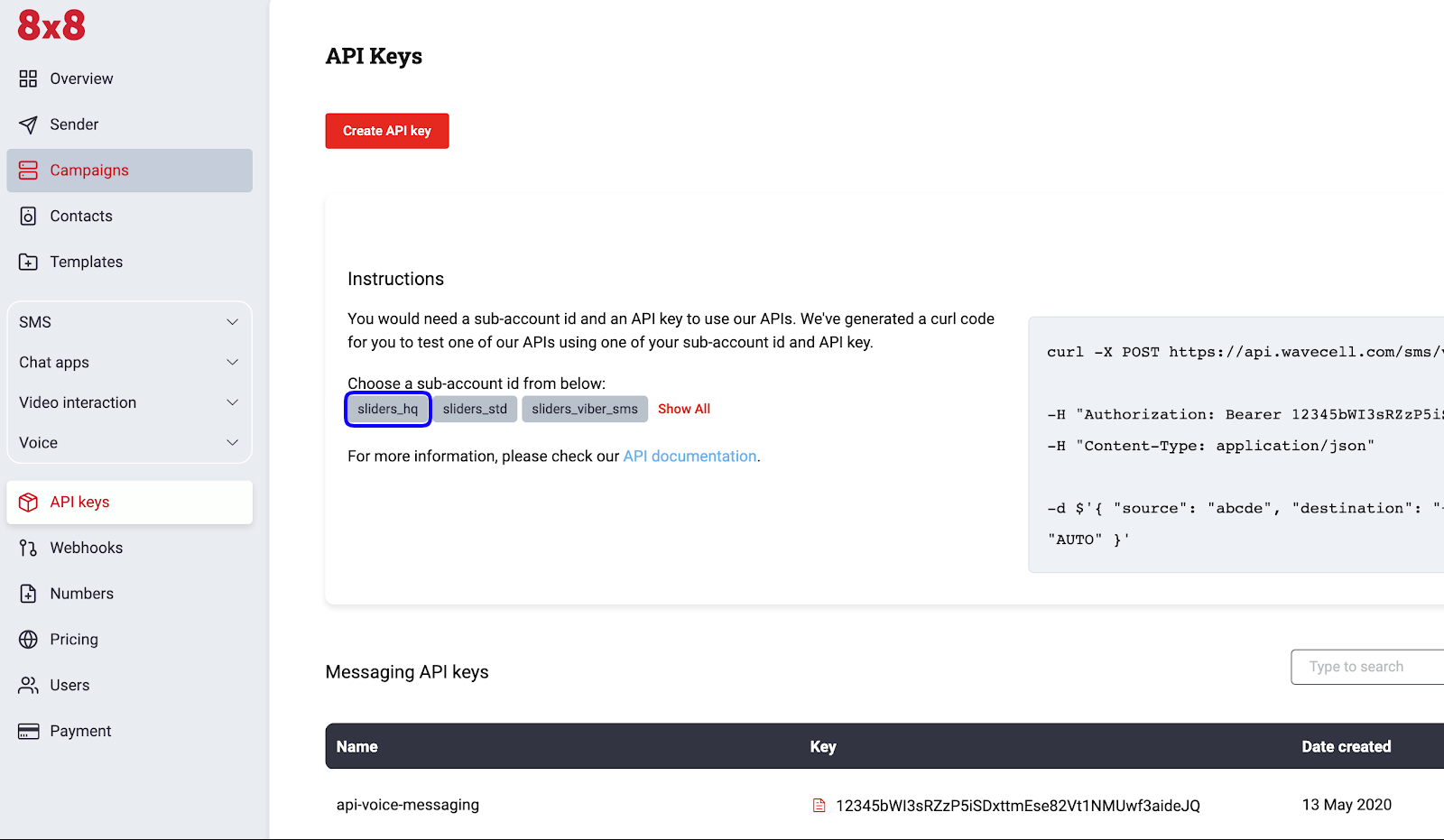
  • Batch SMS

    Batch SMS

    Tutorial: Learn how to use API for batch SMS

    Introduction

    8x8 offers different API methods that allow you to send SMS programmatically.

    In this tutorial, we are going to cover the bulk SMS method: Send SMS batch.

    You can also send a single SMS in one command - for more information, check the following methods in the documentation: Send SMS API

    If you follow the different steps of this tutorial, you will get to send a batch of SMS directly from your command line utility using a simple curl command.

    Index

    • Learn how to use the method for sending batch SMS
    • Prerequisites
    • Account and credentials
    • Signing-up
    • Finding your apiKey bearer token (for API authentication)
    • Identifying your 8x8 SubaccountId
    • API request
    • Preparing the URL
    • Preparing the authentication
    • Preparing the data payload
    • Putting it together and posting the curl request
    • Going further
    • API response
    • API errors

    In this tutorial, we are going to send a (small) batch of SMS at once by contacting two recipients in one API request using curl.

    For this, we are going to use an 8x8 account created with our email: user@example.com.

    We are going to use our subaccountid acme_corp.

    The apiKey for our account is 5DhZxZRILVPKjXuFWsd7QGZ**********31n19pYmg.

    Prerequisites

    • Command line interface compatible with CURL
    • 8x8 CPaaS account
    • apiKey (Bearer token)
    • 8x8 CPaaS subaccountid
    • Destination phone number
    • SMS Body

    Account and credentials

    You will need to sign-up to use the API. The following steps will guide you through this process and highlight the information to keep aside.

    I. Signing-up

    1. Head to 8x8 Connect sign-up page
    2. Enter your email and follow the instructions to define your password and finalize your account (by default, API password and account password are the same, you can modify this from your account settings)
    3. Confirm your email address by clicking on the validation link you received in the activation email to activate your account.

    Signup 8x8 connect

    II. Finding your apiKey bearer token (for API authentication)

    1. Head to https://connect.8x8.com .
    2. Click on LOG IN.
    3. Enter your email address and password to get access to your account dashboard.
    4. Head over to the side menu > API keys section
    5. Create an API key if empty and then keep the API Key value, here: 5DhZxZRILVPKjXuFWsd7QGZ**********31n19pYmg

    image

    III. Identifying your Subaccountid

    1. Head over to the pricing section and use the subaccountid list to retrieve the subaccountid that you want to use
    2. By default, your account comes with only one subaccountid for your high-quality service. It is designated by your accountid and the suffix _hq.
    3. Note down this value, you will need it later.
    4. In that example, the subaccountid is acme_corp

    image


    API Request

    The 8x8 SMS batch method expects requests sent by developers to respect a specific format.

    In the following parts, we are going to go over the different elements of the request:

    • the URL format
    • the authentication
    • the data payload.

    At the end of the section, we will generate a curl command to send an SMS directly from the command line.

    I. Preparing the request URL

    Remarks
    • We are going to send a POST request to the 8x8 API batch URL endpoint.
    • As detailed in the Send SMS batch, the URL is defined by the following pattern: https://sms.8x8.com/api/v1/subaccounts/{subAccountId}/messages/batch
    Tutorial URL
    • In order to create the URL to use, we are going to replace {subaccountid} in the pattern above by acme_corp, the subaccountid that we are using in this tutorial
    • In that example, the URL that we are going to send the request to is: https://sms.8x8.com/api/v1/subaccounts/acme_corp/messages/batch
    Platform Deployment Region
    • To ensure the use of the correct platform deployment region, it is necessary to modify the base URL to correspond with the provisioned region of your account. Refer to the table below for the appropriate base URL associated with each platform region:
    URL Region
    https://sms.8x8.com Asia Pacific (default)
    https://sms.us.8x8.com North America
    https://sms.8x8.uk Europe
    https://sms.8x8.id Indonesia
    • For more information on platform deployment regions, please visit the following page.
    curl
    • In curl, we will have to indicate that we want to do a POST request to this URL by using the following command:
    curl -X "POST" https://sms.8x8.com/api/v1/subaccounts/acme_corp/messages/batch

    II. Preparing the request authentication

    Remarks

    • As explained in the Authentication, the API authentication uses an apiKey bearer token method.

    Tutorial authentication

    • In this tutorial, the apiKey for our account is 5DhZxZRILVPKjXuFWsd7QGZ**********31n19pYmg.

    curl

    • In a curl request, bearer tokens must be passed as a header like so: -H "Authorization: Bearer {token}"
    • We just have to replace our {token} placeholder by our apiKey
    • The authorization header will then look like that: -H "Authorization: Bearer 5DhZxZRILVPKjXuFWsd7QGZ**********31n19pYmg"

    III. Preparing the request data payload

    • The API expects to receive a structured request containing the SMS data in a specific format.
    • As detailed in the documentation, the data that we have to submit should be a JSON object structured as follow:

    image

    Tutorial request data payload

    • The API expects to receive a structured request containing the SMS details and parameters. The format of the request is JSON and it can accept both optional and required parameters.

    • For simplicity sake, we are going to use only the most important of the parameters (the others are detailed in the documentation):

      • Messages:
        • Array containing multiple SmsRequest objects (see Single doc)
      • Here we're going to send one template message and one non-template message
      • For the template message, only the destination is mandatory, the source and text can be found below in the Template object
      • For the non-template message, we specify the text "Bob, special present for you from Santa" which differs from the text in the Template
      • Template:
      • Object applying common properties to the SmsRequest objects in messages
      • For a generic greeting, let’s use the value: "Happy New Year!"
      • Encoding:
      • This parameter tells the destination handset which encoding to use to display the SMS. Our text only contains GSM7bit characters which is the most standard encoding but for the sake of safety let’s use "AUTO"
        • it means that the API will automatically detect the characters used in the text and select the best encoding.
        • It prevents the message from showing up as “ ⃞ ⃞ ⃞ ⃞, ⃞ ⃞ ⃞ ⃞” in the case where we would have used special characters or another alphabet.Our final JSON object that we are going to send as the request data payload is then:
    {
    "messages":[
    {
    "destination":"+6500000000",
    },
    {
    "destination":"+6500000001",
    "text":"Bob, special present for you from Santa"
    }
    ],
    "template":{
    "source":"Acme Corp",
    "text":"Happy New Year!",
    "encoding":"AUTO"
    }
    }

    curl

    • In curl, we will transmit the JSON data inline and indicate that the data payload is in JSON format using the following commands:
    -H "Content-Type: application/json" 
    -d $'{
    "messages": [
    {
    "destination": "+6500000000",
    },
    {
    "destination": "+6500000001",
    "text": "Bob, a special present for you from Santa"
    }
    ],
    "template": {
    "source": "Acme Corp",
    "text": "Happy New Year!",
    "encoding": "AUTO"
    }
    }'

    IV. Putting it together and posting the curl request

    • If we wrap up all the elements prepared in the steps above, we should put together the 3 elements of our request: URL + Authentication + Data Payload
    • To send the API request to 8x8 API batch endpoint with our message we should use the following command in our command line utility:
    curl -X "POST" https://sms.8x8.com/api/v1/subaccounts/amazing_hq/messages/batch
    -H "Authorization: Bearer 5DhZxZRILVPKjXuFWsd7QGZ**********31n19pYmg"
    -H "Content-Type:application/json"
    -d $'{
    "messages": [{"destination": "+6500000000"}, {"destination": "+6500000001","text": "Bob, special present for you from Santa"}], "template": { "source": "Acme Corp", "text": "Happy New Year!","encoding": "AUTO" } }'
    • And that’s it! Here is the result:

    image

    Going further

    I. API response

    • When sending the curl command above from your command line utility, you notice that the 8x8 API sends back a response that shows up in your terminal, for example in this tutorial:
    {
    "batchId":"1328cb94-e714-eb11-8278-00155d9f27ac",
    "clientBatchId":null,
    "acceptedCount":2,
    "rejectedCount":0,
    "messages":null
    }
    • The API response is used to provide feedback about the expected result of the API request (sending an SMS) and various additional information.
    • If we take some time to analyze the different elements there, we can identify the following:
      • umid: it stands for unique message id, it is the unique id associated with this SMS by 8x8 CPaaS platform.
      • clientmessageid: here, it is null because no value has been specified in the request but you have the possibility to attribute your own custom ids to your messages.
      • destination: this is the phone number to which the SMS was sent.
      • status: this array contains 2 elements: the status of the message and the description of this status
    • For more information, check the dedicated section of the Send SMS batch, "Responses" section

    II. API errors

    • A developer World without error would not be funny!
    • If ever you send malformed requests to the API, it will let you know by using some specific error codes in the response.
    • You can find the different codes and their meanings in the API Error codes

    Source: https://developer.8x8.com/connect/docs/tutorial-batch-sms · 8x8 CPaaS Developer Docs. Synced for support deflection.
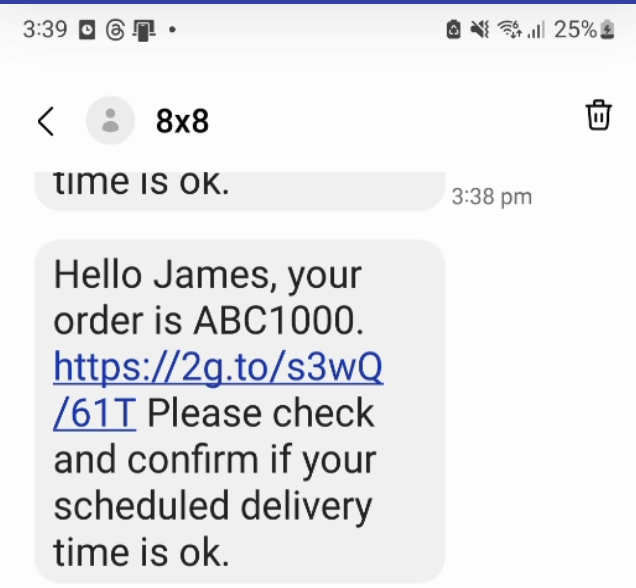
  • Tutorial: Opt Out Keyword (SMS)

    Tutorial: Opt Out Keyword (SMS)

    Overview

    This tutorial will show you how to use Automation Builder to build an opt-out flow for SMS.

    Limitations

    Contacts API operates at the Account-level

    The Contacts API is designed to function at the Account-level and does NOT support operation at the Subaccount level. Contacts added to blacklist groups will be blacklisted across the entire Account, affecting all Subaccounts hence it is not recommended for use cases where you may need to manage separate opt out lists per subaccount. If you need opt-out management at the Subaccount level, you'll have to handle it separately using a third-party system. Please see this related tutorial for ideas on how to integrate with third-party systems.

    Contacts API blacklist syncs hourly

    The Contacts API's blacklist sync occurs hourly. Consequently, customers added to a blacklist group may continue to receive messages until the sync process updates our system.

    Tutorial Steps

    8x8 has already pre-built an Automation Builder template which allows you to add a keyword which will allow customers to opt out of further communications. We will use this template as the basis of the tutorial.

    There is setup work we need to do which is covered in the tutorial such as creating the opt-out group via Contacts and obtaining the opt-out group's ID via the Contact API.

    Create Opt-Out Group

    Visit the Contacts page in Connect where we will create a new group. Once on this page below, click into "Contact Groups" and hit the red Create Group button.

    image

    We should be seeing the screen below, you can fill in any values for the Group Name and Description, but ensure that "Blacklisted" is checked since this controls whether the user is sent messages after being added to the group.

    image

    Get Opt Out group ID

    Once the group is created, we will need to find the Group ID. The Group ID can be obtained via the Contacts API. You can use the group name to search for it. Please see the documentation for the "Search for Groups" endpoint for further information.

    The URL for the request should be similar to this format with account name and full or partial group name substituted with your values.

    https://contacts.8x8.com/api/v1/accounts/<Account Name>/groups?name=<full or partial group name>

    image

    image

    The response body will contain a JSON object, the first item in the array should contain your new group, note down the id which in this case is 11344 but may be different. Note down what your group id is for subsequent steps.

    Pre-Built Template

    First go to the Automation Builder page and select the blue button for "Create Custom Workflow"

    image

    Opt-Out Template

    From the pop up in the next page, select "Opt-Out"

    image

    Building the Workflow

    In the next page the workflow should be pre-populated with steps, click on the "Trigger" step which is the first step in the flow. Select the subaccount which has the Messaging Apps (Previously known as Chat Apps) number or account that you wish to associate with this opt-out flow. Once it is selected click "Update" to save it to the step.

    image

    Deciding the Keyword

    The keyword is controlled by the "Branch" Step in red, you can modify this if you wish to change the condition to trigger the opt out.

    image

    📘 Note: The default workflow will try to detect the presence of "STOP" in every message and it is case sensitive.

    Once the keyword for opt-out is decided the next step will show the HTTP Request to add a Contact to the blacklisted contact group.

    Add Contact to Contact Group

    Once that is done, you can move on to modifying the HTTP Request itself.

    image

    The values should mostly be in place, however you will need to replace the request body with the version below which has the Group ID that you saved earlier substituted.

    Field Value
    Step Name Any Value
    URL POST https://contacts.8x8.com/api/v1/accounts/contacts
    Header - Content Type application/json
    Header - Authorisation Bearer
    Request Body {
    "groups": [
    {
    "id":
    }
    ],
    "addresses": {
    "msisdn": "{{data.payload.recipient.channelId}}"
    }
    }

    Note as usual your API key can be obtained from the API Keys section of the Connect Dashboard.

    Opt Out Message

    For Opt Out Messaging, the default message only mentions SMS, however the contact blacklist works across SMS and Messaging Apps (formerly Chat Apps) so you can replace the message with the channels that you use to communicate with the customer.

    image

    After saving these changes, the opt out flow can be enabled by enabling the button at the top left and saving. It will activate immediately and any message that contains the keyword will result in a user being added to the opt-out group.

    image

    Testing

    Once the automation workflow is in place, you can test it by sending the opt-out keyword via SMS to the phone number attached to your subaccount.

    Removing from Group

    In order to remove a customer from a blacklist, you can either manually remove them by visiting the Contact Groups page by visiting their contact details and change their groups.

    image

    Another option is you can use the API to remove a contact from a group.

    In either case after removing the contact from the Opt-Out group, you can shortly begin sending messages to them again.


    Source: https://developer.8x8.com/connect/docs/tutorial-add-an-opt-out-keyword-sms · 8x8 CPaaS Developer Docs. Synced for support deflection.
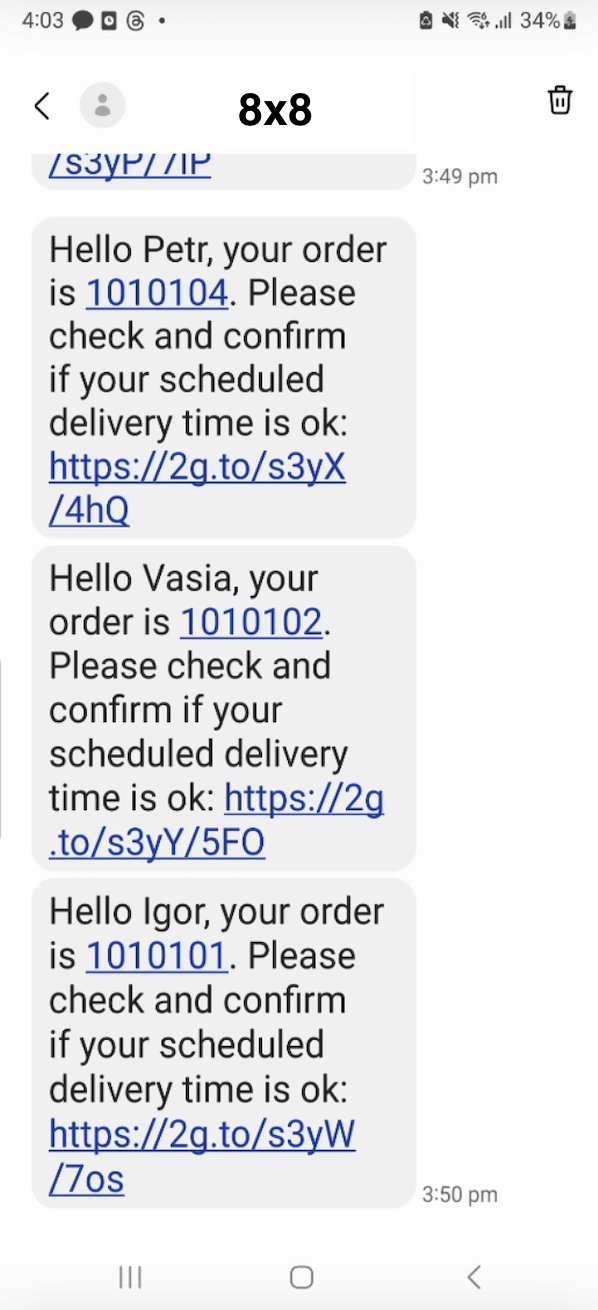
  • Send SMS Engage surveys as batch

    Send SMS Engage surveys as batch

    POST https://sms.8x8.com/api/v1/subaccounts/:subAccountId/surveys/:surveyId/messages/batch
    • Sending a POST request on this endpoint allows to send SMS Engage surveys by batch (multiple messages per request).
    • It is ideal when you want to send a batch of surveys on a recurring manner or based on time parameters (eg: Order collection at the end of the month)

    URL

    • The 8x8 subaccountid to use is defined in the URL where you send your POST request as shown below: https://sms.8x8.com/api/v1/subaccounts/{subAccountId}/surveys/{surveyId}/messages/batch

    Request

    Path Parameters

      subAccountId stringrequired

      Possible values: >= 3 characters and <= 50 characters, Value must match regular expression ^[A-Za-z0-9\-._&]{3,50}$

      You must replace {subAccountId} with the subaccountid that you want to use. By default this is generated once you signed up with a new account at https://connect.8x8.com.

      surveyId stringrequired

      The surveyId will be provided to you by 8x8. This Id is a unique name of your SMS-to-Form which 8x8 creates based on the use-cases you defined.

    Header Parameters

      Authorization password
      • 8x8 SMS API accepts an ApiKey Bearer Token authentication method.
        • You can generate apiKey tokens from your customer portal https://connect.8x8.com/
        • You need to include the following header in your requests: Authorization: Bearer {apiKey}
          • NB: (replace the {api=key} placeholder with the key generated from the customer portal)

      If you haven't created your account yet, please go to 8x8 website https://connect.8x8.com to sign up.

      Default value: {$$.env.Authorization}

    Body

      clientBatchIdstring

      Client managed id for this batch of messages : your own unique reference

      Possible values: <= 20 characters

      messages object[]required

      Possible values: >= 1, <= 10000

    • Array [
    • destinationstringrequired

      MSISDN (destination mobile phone number). We accept both international and national formats (for national you have to specify country in the dedicated field).

      Possible values: Value must match regular expression ^\+{0,1}[1-9]{1}[0-9]{6,14}$

      countrystring

      Optional country code of Destination number(ISO 3166-1 alpha-2), if you know it. It will help to convert number from national to international format

      Possible values: >= 2 characters and <= 2 characters

      templateBodystring

      Template of message to user. It should have the variable {{url:}} which is the default link set for you by 8x8

      templateVariables object

      variables or pre-defined fields used inside the templateBody

      object
      sourcestring

      Source number (SenderId) - "From:" field for the SMS

      Possible values: <= 16 characters

      clientMessageIdstring

      Client managed id for the message: your own unique reference

      Possible values: <= 350 characters

      encodingstring

      Encoding for the text of the message

      Possible values: [AUTO, GSM7, UCS2]

      Default value: AUTO
      scheduledstring<date-time>

      Date and time when a schedule delivery of the message must happen

      expirystring<date-time>

      Date and time after which a message cannot be sent

      dlrCallbackUrlstring<uri>

      Webhook URL where delivery status for the SMS will be posted (Overwrites your default account callback URL).

    • ]
    • template object

      templateBodystringrequired

      Template message body

      sourcestring

      Alphanumeric or numeric string used as Sender ID for the template

      Possible values: <= 16 characters

      encodingstring

      Encoding of the message text. In most cases just useAUTO. 8x8 SMS platform will automatically identify the required encoding.

      Possible values: [AUTO, GSM7, UCS2]

      Default value: AUTO
      scheduledstring<date-time>

      Date and time when a schedule delivery of the message must happen.

      expirystring<date-time>

      Date and time after which a message will be discarded if it is still in processing.

      dlrCallbackUrlstring<uri>

      Webhook URL where delivery status for the SMS will be posted (Overwrites your default account callback URL).

      includeMessagesInResponseboolean

      Determines whether the reponse should include individual details for each message sent

    OK

    Schema

      batchIdstring<uuid>required

      Unique batch id (guid) generated by 8x8 SMS platform upon batch submission

      clientBatchIdstring

      Client managed id for this batch of messages : your own unique reference

      acceptedCountintegerrequired

      Amount of accepted messages

      rejectedCountintegerrequired

      Amount of rejected messages

      messages object[]

      List of processed messages (if flag includeMessagesInResponse=true)

    • Array [
    • umidstringrequired

      Unique message id (guid) generated by 8x8 SMS platform upon message submission

      destinationstringrequired

      Mobile phone number (MSISDN) to which the SMS was sent

      Possible values: Value must match regular expression ^\+?\d{7,15}$

      status objectrequired

      codestringrequired

      Code for the SMS delivery status.

      Possible values: [QUEUED, REJECTED]

      descriptionstringrequired

      Explanation for code.

      encodingstringrequired

      Detected message encoding. Useful when sending initial request with encoding=AUTO

      Possible values: [AUTO, GSM7, UCS2]

      clientMessageIdstring

      Your custom identifier for the message

    • ]
    {
    "batchId":"f1ea5276-a824-e711-8146-022a22cc1c71",
    "clientBatchId":"SmsApi-Demo1",
    "acceptedCount":3,
    "rejectedCount":1,
    "messages":[
    {
    "umid":"f2ea5276-a824-e711-8146-022a22cc1c71",
    "clientMessageId":"SmsApi-Demo1/6500000001",
    "destination":"6500000001",
    "encoding":"GSM7",
    "status":{
    "code":"QUEUED",
    "description":"SMS is accepted and queued for processing"
    }
    },
    {
    "umid":"f3ea5276-a824-e711-8146-022a22cc1c71",
    "clientMessageId":"SmsApi-Demo1/6500000002",
    "destination":"6500000002",
    "encoding":"GSM7",
    "status":{
    "code":"QUEUED",
    "description":"SMS is accepted and queued for processing"
    }
    },
    {
    "umid":"f3ea5276-a824-e711-8146-022a22cc1c71",
    "clientMessageId":"SmsApi-Demo1/6500000003",
    "destination":"6500000003",
    "encoding":"GSM7",
    "status":{
    "code":"QUEUED",
    "description":"SMS is accepted and queued for processing"
    }
    }
    ]
    }
    {
    "batchId":"f1ea5276-a824-e711-8146-022a22cc1c71",
    "clientBatchId":"Demo#1001",
    "acceptedCount":3,
    "rejectedCount":1,
    "messages":[
    {
    "umid":"f2ea5276-a824-e711-8146-022a22cc1c71",
    "clientMessageId":"Demo#1001/6598760001",
    "destination":"6598760001",
    "encoding":"GSM7",
    "status":{
    "code":"QUEUED",
    "description":"SMS is accepted and queued for processing"
    }
    },
    {
    "umid":"f3ea5276-a824-e711-8146-022a22cc1c71",
    "clientMessageId":"id_100001",
    "destination":"659876002",
    "encoding":"GSM7",
    "status":{
    "code":"QUEUED",
    "description":"SMS is accepted and queued for processing"
    }
    },
    {
    "umid":"f3ea5276-a824-e711-8146-022a22cc1c71",
    "clientMessageId":"id_100002",
    "destination":"33509750003",
    "encoding":"UCS2",
    "status":{
    "code":"QUEUED",
    "description":"SMS is accepted and queued for processing"
    }
    },
    {
    "umid":"f3ea5276-a824-e711-8146-022a22cc1c71",
    "clientMessageId":"id_100003",
    "destination":"+12025550127",
    "encoding":"GSM7",
    "status":{
    "code":"REJECTED",
    "description":"Invalid MSISDN format (not E.164 international number)"
    }
    }
    ]
    }

    Bad request error response

    Schema

      codeintegerrequired

      Error code

      messagestring

      Error description

      errorIdstring<uuid>required

      Unique id of error. You can use it as reference when sending enquiries to 8x8 support

      timestampstring<date-time>required

      Data and time of the error occurence

    {
    "code":1001,
    "message":"Provided subAccountId doesn't belongs to your account",
    "errorId":"91b106f0-c0da-4aba-a43a-7af9c5893a80",
    "timestamp":"2017-04-19T02:31:19.4297387+00:00"
    }
    {
    "code":1002,
    "message":"Invalid MSISDN format (not E.164 international number)",
    "errorId":"b4478860-b76c-e811-814e-022a35cc1c71",
    "timestamp":"2018-08-04T09:25:40.9235752+00:00"
    }

    Request was not authenticated response

    Schema

      codeintegerrequired

      Error code

      messagestring

      Error description

      errorIdstring<uuid>required

      Unique id of error. You can use it as reference when sending enquiries to 8x8 support

      timestampstring<date-time>required

      Data and time of the error occurence

    {
    "code":1001,
    "message":"Provided subAccountId doesn't belongs to your account",
    "errorId":"91b106f0-c0da-4aba-a43a-7af9c5893a80",
    "timestamp":"2017-04-19T02:31:19.4297387+00:00"
    }
    {
    "code":1200,
    "message":"Request was not authenticated properly",
    "errorId":"db9dced4-3534-4d86-9d18-6b448af0d621",
    "timestamp":"2018-08-02T09:42:38.8988997+00:00"
    }

    Internal server error

    Schema

      codeintegerrequired

      Error code

      messagestring

      Error description

      errorIdstring<uuid>required

      Unique id of error. You can use it as reference when sending enquiries to 8x8 support

      timestampstring<date-time>required

      Data and time of the error occurence

    {
    "code":1001,
    "message":"Provided subAccountId doesn't belongs to your account",
    "errorId":"91b106f0-c0da-4aba-a43a-7af9c5893a80",
    "timestamp":"2017-04-19T02:31:19.4297387+00:00"
    }
    {
    "code":2000,
    "message":"Internal server error",
    "errorId":"db9dced4-3534-4d86-9d18-6b448af0d621",
    "timestamp":"2018-07-02T09:42:38.8988997+00:00"
    }

    Source: https://developer.8x8.com/connect/docs/survey-send-many · 8x8 CPaaS Developer Docs. Synced for support deflection.
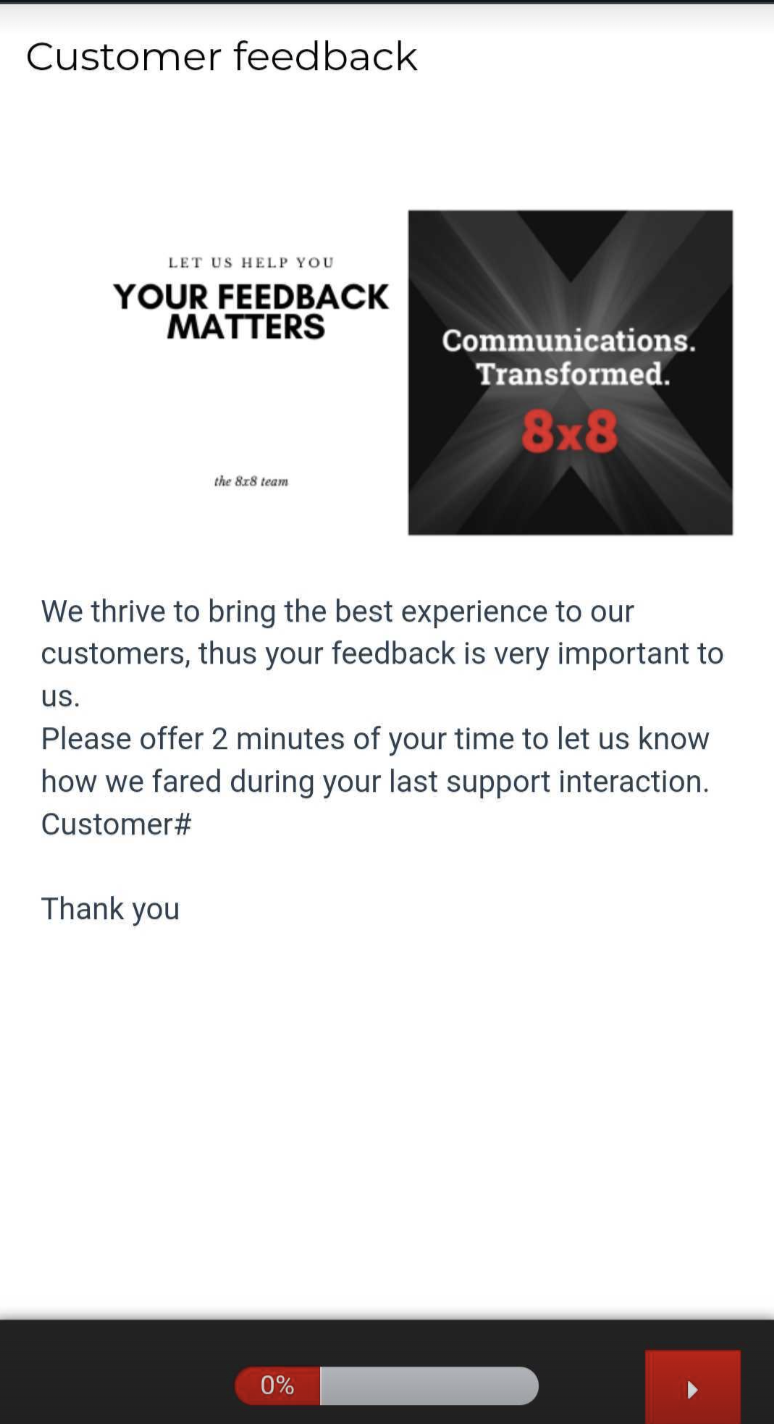
  • SMS Template Management

    SMS Template Management

    Templates is a feature within 8x8's Platform that will allow you to create message templates for later use, this page specifically covers SMS templates, although there are separate templates for our Messaging Apps functionality.

    Templates can have simple pre-filled messages beforehand or complex messages with parameters that can be customized to every message recipient.

    Video Guide

    We have created a video guide below to accompany this documentation page which will take you through creating SMS Templates.

    Creating Templates

    To create a template, go to the Templates page of the Connect Dashboard.

    Templates is located in the 8x8 Connect DashboardTemplates is located in the 8x8 Connect Dashboard
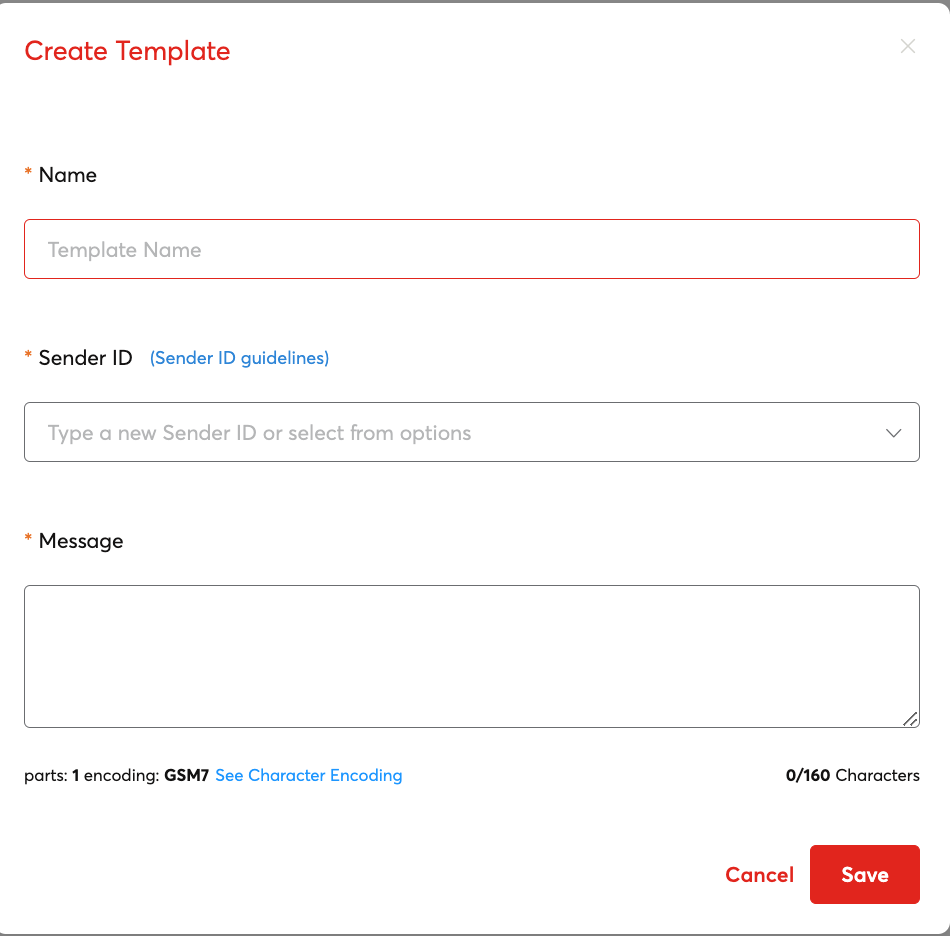
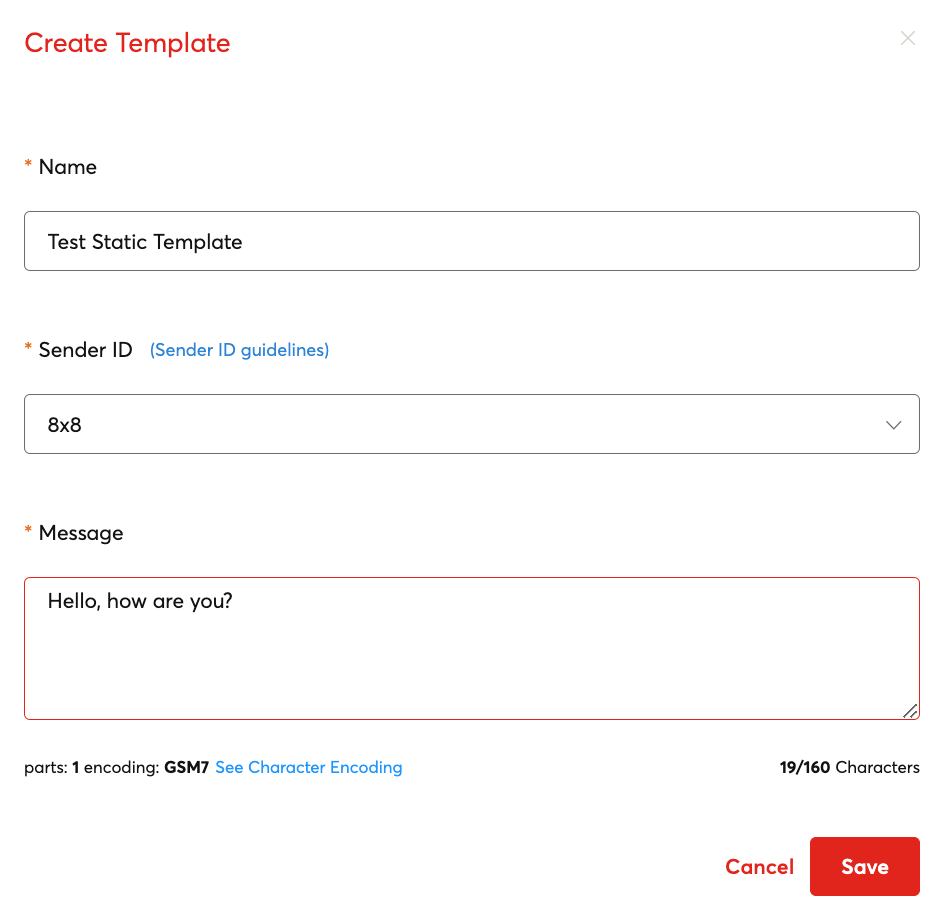
    Afterwards click Create new template which will pop up a dialog box.

    image

    Name: A template name which you can use to search for and identify the template.

    Sender ID: Choose an SMS Sender ID to associate the template to.

    Message: Message Body of the template. This can either be a static message body or a variable message body.

    Message body types

    Message body types can either be static or dynamic.

    This is a static message type with a fixed message that cannot be modified or changed.

    Static Message Body

    This is a dynamic message type with a parameters {{FirstName}} and {{date}} that are designed to be overwritten with actual values when sent through 8x8.

    Dynamic Message Body

    How these are sent are covered in the Multi-Channel Sender Section.

    Deleting Templates

    To delete a template, you can find a template in the list and then click the Trash icon, this will bring up a confirmation dialog to delete the template.

    image Delete Template Dialog

    Editing Templates

    To edit existing templates, first find your template in the list either by the search functionality or by manually scrolling.

    When you have found your template you can click the Pencil Icon to edit and make any changes.

    image Edit Template Dialog


    Source: https://developer.8x8.com/connect/docs/template-management · 8x8 CPaaS Developer Docs. Synced for support deflection.

  • 1
  • 2
  • ›
  • »
8x8 Logo
  • 8x8 YouTube
  • 8x8 Facebook
  • 8x8 Twitter
  • 8x8 Blog
  • 8x8 LinkedIn
  • 8x8 Instagram

Company

  • About Us
  • Careers
  • Contact Us

Our Products

  • SMS
  • Chat Apps
  • Video Interaction
  • Voice
  • Pricing

Media

  • Customer Success Stories
  • News
  • Events
  • Blog

Resources

  • Documentation
  • Service Status
  • Ask for support
Privacy Policy | Terms of Use | Acceptable Use Policy
© 2025 8x8, Inc. All rights reserved.