See Details
Logo CPaaS Help Center Developer Premium Support Status
Sign in Contact Support
  1. 8x8 CPaaS Help Center
  2. 04 · Chat Apps (WhatsApp, Viber…)

04 · Chat Apps (WhatsApp, Viber…)

  • Update WhatsApp Flow

    Update WhatsApp Flow

    PUT https://chatapps.8x8.com/api/v1/accounts/:accountId/channels/:channelId/flows/:flowId

    This endpoint is used to update an existing WhatsApp Flow. The flow must be in draft state.

    WhatsApp Flows are interactive experiences that businesses can use to collect information from customers through WhatsApp conversations. This endpoint allows you to update flow properties including name, categories, flow JSON definition, endpoint URI, and application ID.

    At least one property must be present in the request body.

    Request

    Path Parameters

      accountId stringrequired

      Possible values: >= 32 characters and <= 36 characters, Value must match regular expression ^[0-9A-Fa-f]{8}[-]?(?:[0-9A-Fa-f]{4}[-]?){3}[0-9A-Fa-f]{12}$

      You must replace {accountId} with the accountid that you want to use.

      channelId stringrequired

      Channel identifier

      flowId stringrequired

      Flow identifier

    Body

    Request body for updating a WhatsApp Flow. At least one property must be present.

      namestring

      Flow name

      Example: Example Flow - Updated
      categoriesstring[]

      Flow categories

      Possible values: [SIGN_UP, SIGN_IN, APPOINTMENT_BOOKING, LEAD_GENERATION, CONTACT_US, CUSTOMER_SUPPORT, SURVEY, OTHER]

      Example: ["OTHER"]
      publishboolean

      Whether to publish the flow immediately

      Default value: false
      Example: false
      flowJsonstring

      Flow JSON definition as a string

      Example: {"version":"5.0","screens":[{"id":"WELCOME_SCREEN","layout":{"type":"SingleColumnLayout","children":[{"type":"TextHeading","text":"Hello World!"},{"type":"Footer","label":"Complete","on-click-action":{"name":"complete","payload":{}}}]},"title":"Welcome","terminal":true,"success":true,"data":{}}]}
      cloneFlowIdstring

      Optional flow ID to clone from. If provided, the flow will be updated with content from the specified flow.

      Example: 1145805540595505
      endPointUristring<uri>

      Optional endpoint URI for the flow. This is the URL that will receive flow completion data.

      Example: https://example.com/webhook/flow-completion
      applicationIdstring

      Application ID associated with the flow

      Example: 123456789

    Flow updated successfully

    Schema

      idstring

      Created flow ID

      Example: 866937862658913
      successboolean

      Indicates if the operation was successful

      Example: true

      validationErrors object[]

      List of validation errors (only present if there are errors in the flow JSON)

    • Array [
    • errorstring

      Error code

      Example: INVALID_PROPERTY_VALUE
      errorTypestring

      Type of error

      Example: FLOW_JSON_ERROR
      messagestring

      Error message

      Example: Invalid value found for property 'type'.
      lineStartinteger

      Starting line number of the error

      Example: 1
      lineEndinteger

      Ending line number of the error

      Example: 1
      columnStartinteger

      Starting column number of the error

      Example: 84
      columnEndinteger

      Ending column number of the error

      Example: 92

      pointers object[]

      Array of error pointers

    • Array [
    • lineStartinteger
      Example: 1
      lineEndinteger
      Example: 1
      columnStartinteger
      Example: 84
      columnEndinteger
      Example: 92
      pathstring

      Path to the property with the error

      Example: screens[0].layout.children[0].children[0].type
    • ]
    • ]
    {
    "id":"866937862658913",
    "success":true,
    "validationErrors":[
    {
    "error":"INVALID_PROPERTY_VALUE",
    "errorType":"FLOW_JSON_ERROR",
    "message":"Invalid value found for property 'type'.",
    "lineStart":1,
    "lineEnd":1,
    "columnStart":84,
    "columnEnd":92,
    "pointers":[
    {
    "lineStart":1,
    "lineEnd":1,
    "columnStart":84,
    "columnEnd":92,
    "path":"screens[0].layout.children[0].children[0].type"
    }
    ]
    }
    ]
    }

    Flow updated with validation errors

    {
    "id":"866937862658913",
    "success":true,
    "validationErrors":[
    {
    "error":"INVALID_PROPERTY_VALUE",
    "errorType":"FLOW_JSON_ERROR",
    "message":"Invalid value found for property 'type'.",
    "lineStart":1,
    "lineEnd":1,
    "columnStart":84,
    "columnEnd":92,
    "pointers":[
    {
    "lineStart":1,
    "lineEnd":1,
    "columnStart":84,
    "columnEnd":92,
    "path":"screens[0].layout.children[0].children[0].type"
    }
    ]
    }
    ]
    }

    Flow updated successfully without errors

    {
    "id":"866937862658913",
    "success":true
    }

    Bad request error response

    Schema

      codeintegerrequired

      Error code

      messagestring

      Error description

      errorIdstring<uuid>required

      Unique id of error. You can use it as reference when sending enquiries to 8x8 support

      timestampstring<date-time>required

      Data and time of the error occurence

    {
    "code":1001,
    "message":"Provided subAccountId doesn't belongs to your account",
    "errorId":"91b106f0-c0da-4aba-a43a-7af9c5893a80",
    "timestamp":"2017-04-19T02:31:19.4297387+00:00"
    }
    {
    "code":1002,
    "message":"Invalid MSISDN format (not E.164 international number)",
    "errorId":"b4478860-b76c-e811-814e-022a35cc1c71",
    "timestamp":"2018-08-04T09:25:40.9235752+00:00"
    }

    Request was not authenticated response

    Schema

      codeintegerrequired

      Error code

      messagestring

      Error description

      errorIdstring<uuid>required

      Unique id of error. You can use it as reference when sending enquiries to 8x8 support

      timestampstring<date-time>required

      Data and time of the error occurence

    {
    "code":1001,
    "message":"Provided subAccountId doesn't belongs to your account",
    "errorId":"91b106f0-c0da-4aba-a43a-7af9c5893a80",
    "timestamp":"2017-04-19T02:31:19.4297387+00:00"
    }
    {
    "code":1200,
    "message":"Request was not authenticated properly",
    "errorId":"db9dced4-3534-4d86-9d18-6b448af0d621",
    "timestamp":"2018-08-02T09:42:38.8988997+00:00"
    }

    Internal server error

    Schema

      codeintegerrequired

      Error code

      messagestring

      Error description

      errorIdstring<uuid>required

      Unique id of error. You can use it as reference when sending enquiries to 8x8 support

      timestampstring<date-time>required

      Data and time of the error occurence

    {
    "code":1001,
    "message":"Provided subAccountId doesn't belongs to your account",
    "errorId":"91b106f0-c0da-4aba-a43a-7af9c5893a80",
    "timestamp":"2017-04-19T02:31:19.4297387+00:00"
    }
    {
    "code":2000,
    "message":"Internal server error",
    "errorId":"db9dced4-3534-4d86-9d18-6b448af0d621",
    "timestamp":"2018-07-02T09:42:38.8988997+00:00"
    }

    Source: https://developer.8x8.com/connect/reference/update-whatsapp-flow · 8x8 CPaaS Developer Docs. Synced for support deflection.
  • Submit WhatsApp Direct Send Sample

    Submit WhatsApp Direct Send Sample

    POST https://chatapps.8x8.com/api/v1/whatsapp/subaccounts/:subAccountId/channels/:channelId/directSend/sample

    This endpoint is used to submit a sample of a WhatsApp Direct Send message to Meta for review and classification.

    Direct Send auto-creates WhatsApp templates on the fly and matches incoming messages against them. Submitting sample messages will ensure that the messages you send through Direct Send are accurately classified and transformed into templates that are useful for your use cases.

    The response indicates whether the sample was processed successfully and the category Meta assigned to it. Possible categories are UTILITY, MARKETING, and AUTHENTICATION.

    Samples can be of two types:

    • text — a plain text body.
    • interactive — an interactive message with a call-to-action URL (cta_url) or reply buttons (button).

    Request

    Path Parameters

      subAccountId stringrequired

      Sub-account identifier

      channelId stringrequired

      Channel identifier

    Bodyrequired

    Sample message to submit to Meta for review.

      typestringrequired

      Sample type. Must be either text or interactive.

      Possible values: [text, interactive]

      Example: interactive

      text object

      Required when type is text.

      bodystringrequired

      The text body of the sample message. Must not be empty.

      Example: Hello! This is a sample message.

      interactive object

      Required when type is interactive.

      typestringrequired

      Interactive type. Must be either cta_url (call-to-action URL) or button (reply buttons).

      Possible values: [cta_url, button]

      Example: cta_url

      header object

      Optional header for the interactive message.

      typestringrequired

      Header type. Only text is supported.

      Possible values: [text]

      Example: text
      textstringrequired

      Header text. Must not exceed 60 characters.

      Possible values: <= 60 characters

      Example: Welcome

      body objectrequired

      Body of the interactive message.

      textstringrequired

      Body text. Must not be empty and must not exceed 1024 characters.

      Possible values: <= 1024 characters

      Example: Tap the button below to visit our store.

      footer object

      Optional footer for the interactive message.

      textstringrequired

      Footer text. Must not exceed 60 characters.

      Possible values: <= 60 characters

      Example: Powered by 8x8

      action objectrequired

      Action object. The required fields depend on the interactive.type:

      • For cta_url, name must be cta_url and parameters is required.
      • For button, buttons is required.
      namestring

      Required when interactive.type is cta_url. Must be cta_url.

      Possible values: [cta_url]

      Example: cta_url

      parameters object

      Required when interactive.type is cta_url.

      display_textstringrequired

      Text displayed on the call-to-action button. Must not be empty.

      Example: Visit store
      urlstring<uri>required

      Destination URL for the call-to-action. Must be a valid http or https URL.

      Example: https://example.com/store

      buttons object[]

      Required when interactive.type is button. Must contain at most 10 reply buttons.

      Possible values: <= 10

    • Array [
    • typestringrequired

      Button type. Only reply is supported.

      Possible values: [reply]

      Example: reply

      reply objectrequired

      idstringrequired

      Unique identifier for the button. Must not be empty.

      Example: btn-yes
      titlestringrequired

      Button label. Must not be empty and must not exceed 20 characters.

      Possible values: <= 20 characters

      Example: Yes
    • ]

    Sample submitted successfully

    Schema

      successboolean

      Indicates whether the sample was accepted by Meta.

      Example: true
      categorystring

      Category assigned by Meta to the submitted sample.

      Possible values: [UTILITY, MARKETING, AUTHENTICATION]

      Example: UTILITY
    {
    "success":true,
    "category":"UTILITY"
    }

    Sample accepted and categorized

    {
    "success":true,
    "category":"UTILITY"
    }

    Bad request error response

    Schema

      codeintegerrequired

      Error code

      messagestring

      Error description

      errorIdstring<uuid>required

      Unique id of error. You can use it as reference when sending enquiries to 8x8 support

      timestampstring<date-time>required

      Data and time of the error occurence

    {
    "code":1001,
    "message":"Provided subAccountId doesn't belongs to your account",
    "errorId":"91b106f0-c0da-4aba-a43a-7af9c5893a80",
    "timestamp":"2017-04-19T02:31:19.4297387+00:00"
    }
    {
    "code":1002,
    "message":"Invalid MSISDN format (not E.164 international number)",
    "errorId":"b4478860-b76c-e811-814e-022a35cc1c71",
    "timestamp":"2018-08-04T09:25:40.9235752+00:00"
    }

    Request was not authenticated response

    Schema

      codeintegerrequired

      Error code

      messagestring

      Error description

      errorIdstring<uuid>required

      Unique id of error. You can use it as reference when sending enquiries to 8x8 support

      timestampstring<date-time>required

      Data and time of the error occurence

    {
    "code":1001,
    "message":"Provided subAccountId doesn't belongs to your account",
    "errorId":"91b106f0-c0da-4aba-a43a-7af9c5893a80",
    "timestamp":"2017-04-19T02:31:19.4297387+00:00"
    }
    {
    "code":1200,
    "message":"Request was not authenticated properly",
    "errorId":"db9dced4-3534-4d86-9d18-6b448af0d621",
    "timestamp":"2018-08-02T09:42:38.8988997+00:00"
    }

    Request was not authenticated response

    Schema

      codeintegerrequired

      Error code

      messagestring

      Error description

      errorIdstring<uuid>required

      Unique id of error. You can use it as reference when sending enquiries to 8x8 support

      timestampstring<date-time>required

      Data and time of the error occurence

    {
    "code":1001,
    "message":"Provided subAccountId doesn't belongs to your account",
    "errorId":"91b106f0-c0da-4aba-a43a-7af9c5893a80",
    "timestamp":"2017-04-19T02:31:19.4297387+00:00"
    }
    {
    "code":1200,
    "message":"Request was not authenticated properly",
    "errorId":"db9dced4-3534-4d86-9d18-6b448af0d621",
    "timestamp":"2018-08-02T09:42:38.8988997+00:00"
    }

    Internal server error

    Schema

      codeintegerrequired

      Error code

      messagestring

      Error description

      errorIdstring<uuid>required

      Unique id of error. You can use it as reference when sending enquiries to 8x8 support

      timestampstring<date-time>required

      Data and time of the error occurence

    {
    "code":1001,
    "message":"Provided subAccountId doesn't belongs to your account",
    "errorId":"91b106f0-c0da-4aba-a43a-7af9c5893a80",
    "timestamp":"2017-04-19T02:31:19.4297387+00:00"
    }
    {
    "code":2000,
    "message":"Internal server error",
    "errorId":"db9dced4-3534-4d86-9d18-6b448af0d621",
    "timestamp":"2018-07-02T09:42:38.8988997+00:00"
    }

    Source: https://developer.8x8.com/connect/reference/submit-whatsapp-direct-send-sample · 8x8 CPaaS Developer Docs. Synced for support deflection.
  • Remove WhatsApp template

    Remove WhatsApp template

    DELETE https://chatapps.8x8.com/api/v1/accounts/:accountId/channels/:channelId/templates/:templateName

    This endpoint is used to remove an existing WhatsApp message template.

    WhatsApp Message Templates are message formats for common reusable messages a business may want to send. Businesses must use Message Templates for sending notifications to customers. Any message sent outside the 24h customer service window, needs to be a template message, to be delivered. Advertising, marketing, or promotional messages are not permitted.

    Request

    Path Parameters

      accountId stringrequired
      channelId stringrequired
      templateName stringrequired

    Schema

      object
    {}

    Bad request error response

    Schema

      codeintegerrequired

      Error code

      messagestring

      Error description

      errorIdstring<uuid>required

      Unique id of error. You can use it as reference when sending enquiries to 8x8 support

      timestampstring<date-time>required

      Data and time of the error occurence

    {
    "code":1001,
    "message":"Provided subAccountId doesn't belongs to your account",
    "errorId":"91b106f0-c0da-4aba-a43a-7af9c5893a80",
    "timestamp":"2017-04-19T02:31:19.4297387+00:00"
    }
    {
    "code":1002,
    "message":"Invalid MSISDN format (not E.164 international number)",
    "errorId":"b4478860-b76c-e811-814e-022a35cc1c71",
    "timestamp":"2018-08-04T09:25:40.9235752+00:00"
    }

    Request was not authenticated response

    Schema

      codeintegerrequired

      Error code

      messagestring

      Error description

      errorIdstring<uuid>required

      Unique id of error. You can use it as reference when sending enquiries to 8x8 support

      timestampstring<date-time>required

      Data and time of the error occurence

    {
    "code":1001,
    "message":"Provided subAccountId doesn't belongs to your account",
    "errorId":"91b106f0-c0da-4aba-a43a-7af9c5893a80",
    "timestamp":"2017-04-19T02:31:19.4297387+00:00"
    }
    {
    "code":1200,
    "message":"Request was not authenticated properly",
    "errorId":"db9dced4-3534-4d86-9d18-6b448af0d621",
    "timestamp":"2018-08-02T09:42:38.8988997+00:00"
    }

    Internal server error

    Schema

      codeintegerrequired

      Error code

      messagestring

      Error description

      errorIdstring<uuid>required

      Unique id of error. You can use it as reference when sending enquiries to 8x8 support

      timestampstring<date-time>required

      Data and time of the error occurence

    {
    "code":1001,
    "message":"Provided subAccountId doesn't belongs to your account",
    "errorId":"91b106f0-c0da-4aba-a43a-7af9c5893a80",
    "timestamp":"2017-04-19T02:31:19.4297387+00:00"
    }
    {
    "code":2000,
    "message":"Internal server error",
    "errorId":"db9dced4-3534-4d86-9d18-6b448af0d621",
    "timestamp":"2018-07-02T09:42:38.8988997+00:00"
    }

    Source: https://developer.8x8.com/connect/reference/remove-wa-template · 8x8 CPaaS Developer Docs. Synced for support deflection.
  • Publish WhatsApp Flow

    Publish WhatsApp Flow

    POST https://chatapps.8x8.com/api/v1/accounts/:accountId/channels/:channelId/flows/:flowId/publish

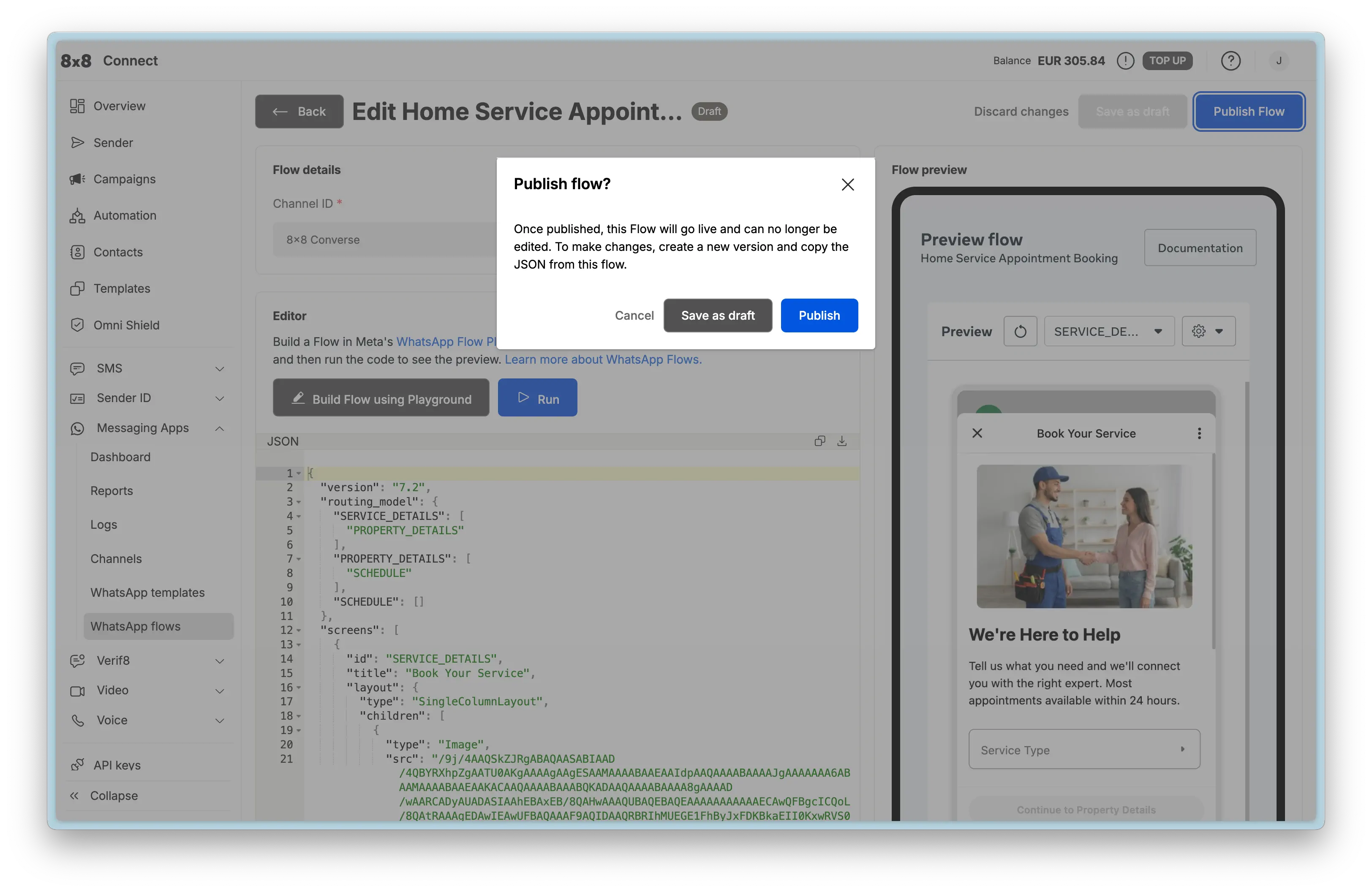
    This endpoint is used to publish a WhatsApp Flow.

    Publishing a flow makes it available for use in WhatsApp conversations. Once published, the flow can be sent to customers through WhatsApp messages(Template message and Interactive messages). A flow must be in DRAFT status and pass all validations before it can be published.

    Request

    Path Parameters

      accountId stringrequired

      Possible values: >= 32 characters and <= 36 characters, Value must match regular expression ^[0-9A-Fa-f]{8}[-]?(?:[0-9A-Fa-f]{4}[-]?){3}[0-9A-Fa-f]{12}$

      You must replace {accountId} with the accountid that you want to use.

      channelId stringrequired

      Channel identifier

      flowId stringrequired

      Flow identifier

    Flow published successfully. No response body is returned.

    Bad request error response

    Schema

      codeintegerrequired

      Error code

      messagestring

      Error description

      errorIdstring<uuid>required

      Unique id of error. You can use it as reference when sending enquiries to 8x8 support

      timestampstring<date-time>required

      Data and time of the error occurence

    {
    "code":1001,
    "message":"Provided subAccountId doesn't belongs to your account",
    "errorId":"91b106f0-c0da-4aba-a43a-7af9c5893a80",
    "timestamp":"2017-04-19T02:31:19.4297387+00:00"
    }
    {
    "code":1002,
    "message":"Invalid MSISDN format (not E.164 international number)",
    "errorId":"b4478860-b76c-e811-814e-022a35cc1c71",
    "timestamp":"2018-08-04T09:25:40.9235752+00:00"
    }

    Request was not authenticated response

    Schema

      codeintegerrequired

      Error code

      messagestring

      Error description

      errorIdstring<uuid>required

      Unique id of error. You can use it as reference when sending enquiries to 8x8 support

      timestampstring<date-time>required

      Data and time of the error occurence

    {
    "code":1001,
    "message":"Provided subAccountId doesn't belongs to your account",
    "errorId":"91b106f0-c0da-4aba-a43a-7af9c5893a80",
    "timestamp":"2017-04-19T02:31:19.4297387+00:00"
    }
    {
    "code":1200,
    "message":"Request was not authenticated properly",
    "errorId":"db9dced4-3534-4d86-9d18-6b448af0d621",
    "timestamp":"2018-08-02T09:42:38.8988997+00:00"
    }

    Internal server error

    Schema

      codeintegerrequired

      Error code

      messagestring

      Error description

      errorIdstring<uuid>required

      Unique id of error. You can use it as reference when sending enquiries to 8x8 support

      timestampstring<date-time>required

      Data and time of the error occurence

    {
    "code":1001,
    "message":"Provided subAccountId doesn't belongs to your account",
    "errorId":"91b106f0-c0da-4aba-a43a-7af9c5893a80",
    "timestamp":"2017-04-19T02:31:19.4297387+00:00"
    }
    {
    "code":2000,
    "message":"Internal server error",
    "errorId":"db9dced4-3534-4d86-9d18-6b448af0d621",
    "timestamp":"2018-07-02T09:42:38.8988997+00:00"
    }

    Source: https://developer.8x8.com/connect/reference/publish-whatsapp-flow · 8x8 CPaaS Developer Docs. Synced for support deflection.
  • Preview WhatsApp Flow

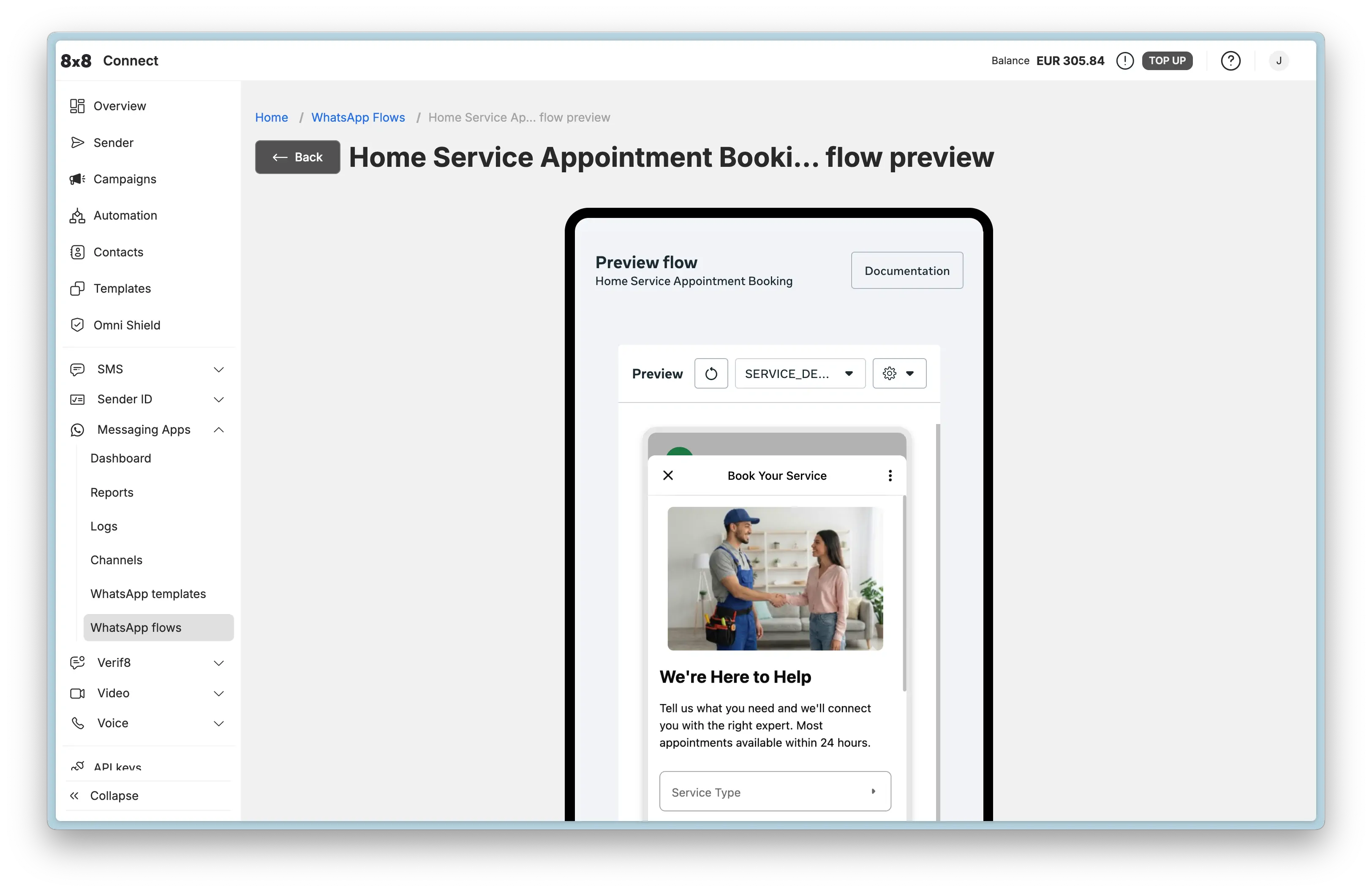
    Preview WhatsApp Flow

    GET https://chatapps.8x8.com/api/v1/accounts/:accountId/channels/:channelId/flows/:flowId/preview

    This endpoint is used to generate a preview URL for a WhatsApp Flow.

    The preview allows you to visualize and interact with your flow before publishing it. You can force regeneration of the preview by setting the refresh query parameter to true.

    For interactive previews with custom parameters, you can add query parameters to the generated preview URL. For a list of supported query parameters, refer to the 'Visualizing and interacting with your Flow using the Web Preview' section of the WhatsApp Flows API documentation.

    Request

    Path Parameters

      accountId stringrequired

      Possible values: >= 32 characters and <= 36 characters, Value must match regular expression ^[0-9A-Fa-f]{8}[-]?(?:[0-9A-Fa-f]{4}[-]?){3}[0-9A-Fa-f]{12}$

      You must replace {accountId} with the accountid that you want to use.

      channelId stringrequired

      Channel identifier

      flowId stringrequired

      Flow identifier

    Query Parameters

      refresh boolean

      Set to true to force Meta to regenerate the preview. Defaults to false.

      Default value: false

    Preview URL generated successfully

    Schema

      idstring

      Flow ID

      Example: 833178916081311
      preview_urlstring<uri>

      URL to access the flow preview. You can add query parameters to this URL for interactive previews.

      Example: https://business.facebook.com/wa/manage/flows/833178916081311/preview/?token=0836260f-9b1e-4a78-b02b-aaad5c173278
      expires_atstring<date-time>

      Expiration timestamp of the preview URL in ISO 8601 format

      Example: 2025-12-13T05:49:59+0000
    {
    "id":"833178916081311",
    "preview_url":"https://business.facebook.com/wa/manage/flows/833178916081311/preview/?token=0836260f-9b1e-4a78-b02b-aaad5c173278",
    "expires_at":"2025-12-13T05:49:59+0000"
    }

    Preview URL generated

    {
    "id":"833178916081311",
    "preview_url":"https://business.facebook.com/wa/manage/flows/833178916081311/preview/?token=0836260f-9b1e-4a78-b02b-aaad5c173278",
    "expires_at":"2025-12-13T05:49:59+0000"
    }

    Bad request error response

    Schema

      codeintegerrequired

      Error code

      messagestring

      Error description

      errorIdstring<uuid>required

      Unique id of error. You can use it as reference when sending enquiries to 8x8 support

      timestampstring<date-time>required

      Data and time of the error occurence

    {
    "code":1001,
    "message":"Provided subAccountId doesn't belongs to your account",
    "errorId":"91b106f0-c0da-4aba-a43a-7af9c5893a80",
    "timestamp":"2017-04-19T02:31:19.4297387+00:00"
    }
    {
    "code":1002,
    "message":"Invalid MSISDN format (not E.164 international number)",
    "errorId":"b4478860-b76c-e811-814e-022a35cc1c71",
    "timestamp":"2018-08-04T09:25:40.9235752+00:00"
    }

    Request was not authenticated response

    Schema

      codeintegerrequired

      Error code

      messagestring

      Error description

      errorIdstring<uuid>required

      Unique id of error. You can use it as reference when sending enquiries to 8x8 support

      timestampstring<date-time>required

      Data and time of the error occurence

    {
    "code":1001,
    "message":"Provided subAccountId doesn't belongs to your account",
    "errorId":"91b106f0-c0da-4aba-a43a-7af9c5893a80",
    "timestamp":"2017-04-19T02:31:19.4297387+00:00"
    }
    {
    "code":1200,
    "message":"Request was not authenticated properly",
    "errorId":"db9dced4-3534-4d86-9d18-6b448af0d621",
    "timestamp":"2018-08-02T09:42:38.8988997+00:00"
    }

    Internal server error

    Schema

      codeintegerrequired

      Error code

      messagestring

      Error description

      errorIdstring<uuid>required

      Unique id of error. You can use it as reference when sending enquiries to 8x8 support

      timestampstring<date-time>required

      Data and time of the error occurence

    {
    "code":1001,
    "message":"Provided subAccountId doesn't belongs to your account",
    "errorId":"91b106f0-c0da-4aba-a43a-7af9c5893a80",
    "timestamp":"2017-04-19T02:31:19.4297387+00:00"
    }
    {
    "code":2000,
    "message":"Internal server error",
    "errorId":"db9dced4-3534-4d86-9d18-6b448af0d621",
    "timestamp":"2018-07-02T09:42:38.8988997+00:00"
    }

    Source: https://developer.8x8.com/connect/reference/preview-whatsapp-flow · 8x8 CPaaS Developer Docs. Synced for support deflection.
  • Get WhatsApp templates

    Get WhatsApp templates

    GET https://chatapps.8x8.com/api/v1/accounts/:accountId/channels/:channelId/templates

    This endpoint is used to get your registered WhatsApp message template and their approval status.

    WhatsApp Message Templates are message formats for common reusable messages a business may want to send. Businesses must use Message Templates for sending notifications to customers. Any message sent outside the 24h customer service window, needs to be a template message, to be delivered. Advertising, marketing, or promotional messages are not permitted.

    Request

    Path Parameters

      accountId stringrequired

      Possible values: >= 32 characters and <= 36 characters, Value must match regular expression ^[0-9A-Fa-f]{8}[-]?(?:[0-9A-Fa-f]{4}[-]?){3}[0-9A-Fa-f]{12}$

      You must replace {accountId} with the accountid that you want to use.

      channelId stringrequired

      Channel identifier

    Schema

      templates object[]

    • Array [
    • channelIdstring<uuid>

      Channel ID

      Example: ec36a867-3dd4-e911-814a-02d85f55fce8
      channelNamestring

      Channel User-friendly name

      Possible values: <= 36 characters

      Example: My WhatsApp Instance
      templateNamestring

      Template name

      Possible values: <= 200 characters

      Example: test1
      languagestring

      Template languate code

      Possible values: <= 5 characters

      Example: en_US
      languageNamestring

      User-friendly language name

      Example: English (US)

      components object[]

      Template components

    • Array [
    • typestringrequired

      Component type

      Possible values: [HEADER, BODY, FOOTER, BUTTONS]

      Default value: BODY
      formatstring

      Component type. Required for HEADER component type.

      Possible values: [Text, Image, Video, Document, Location]

      Example: Image
      textstring

      Component text. Required for BODY and FOOTER types

      Example: You can pickup your delivery at {{1}}

      buttons object[]

    • Array [
    • typestringrequired

      Button type

      Possible values: [PHONE_NUMBER, URL, QUICK_REPLY, OTP, COPY_CODE, FLOW, VOICE_CALL]

      textstringrequired

      The text to be displayed on the button (except VOICE_CALL, where it is optional).

      Possible values: non-empty and <= 20 characters

      phoneNumberstring

      Required for type "PHONE_NUMBER".

      The phone number that will be called on clicking the button.

      countrystring

      Optional country code of phone number (ISO 3166-1 alpha-2). Required if the phone number in the national format.

      Possible values: >= 2 characters and <= 2 characters

      Example: US
      urlstring<uri>

      Required for type "URL".

      The URL that will be visited on clicking the button Variables can be used to create dynamic links.

      Example: https://website.com/{{1}}
      examplestring[]

      To help WhatsApp moderators during the review and approval process, you can include example data. This can help WhatsApp understand what kind of message you plan to send and showcase the customer experience.

      For example, you could include an image that could represent a customer's profile picture to personalize the experience.

      Make sure these are examples and do not include any confidential or personal information.

      flowIdstring

      Required for type "FLOW".

      The ID of the WhatsApp Flow to launch when the button is clicked.

      Example: 859504979861628
      flowActionstring

      Optional for type "FLOW".

      The action to perform when launching the flow. Defaults to "navigate" if not provided.

      Possible values: [navigate, data_exchange]

      Default value: navigate
      Example: navigate
      navigateScreenstring

      Optional for type "FLOW".

      The screen ID to navigate to when launching the flow. Used when flowAction is "navigate". Defaults to "FIRST_ENTRY_SCREEN" if not provided.

      Default value: FIRST_ENTRY_SCREEN
      Example: RECOMMEND
      ttlMinutesinteger

      Optional property for type "VOICE_CALL" only.

      The time-to-live in minutes for the voice call button. If provided, must be between 1440 mins (1 day) and 43200 mins (30 days), inclusive.

      Possible values: >= 1440 and <= 43200

      Example: 1440
    • ]
    • example object

      Example data provided for the template

      headerTextstring[]

      Header text examples

      bodyTextstring[]

      Body text examples

      headerHandlestring[]

      Header images, docs or videos examples

    • ]
    • categorystring

      template category enumeration

      Example: UTILITY
      categoryNamestring

      User-friendly category name

      Example: Utility
      statusstring

      Template status enumeration

      Example: APPROVED
      statusNamestring

      User-friendly status name

      Example: Approved
      createdAtstring<date-time>

      Template creation timestamp

      Example: 2019-08-26T04:50:47.38Z
      updatedAtstring<date-time>

      Template last update timestamp

      Example: 2019-09-26T04:50:47.38Z
    • ]
    {
    "templates":[
    {
    "channelId":"ec36a867-3dd4-e911-814a-02d85f55fce8",
    "channelName":"My WhatsApp Instance",
    "templateName":"test1",
    "language":"en_US",
    "languageName":"English (US)",
    "components":[
    {
    "type":"BODY",
    "format":"Image",
    "text":"You can pickup your delivery at {{1}}",
    "buttons":[
    {
    "type":"PHONE_NUMBER",
    "text":"string",
    "phoneNumber":"string",
    "country":"US",
    "url":"https://website.com/{{1}}",
    "example":[
    "string"
    ],
    "flowId":"859504979861628",
    "flowAction":"navigate",
    "navigateScreen":"RECOMMEND",
    "ttlMinutes":1440
    }
    ],
    "example":{
    "headerText":[
    "string"
    ],
    "bodyText":[
    "string"
    ],
    "headerHandle":[
    "string"
    ]
    }
    }
    ],
    "category":"UTILITY",
    "categoryName":"Utility",
    "status":"APPROVED",
    "statusName":"Approved",
    "createdAt":"2019-08-26T04:50:47.38Z",
    "updatedAt":"2019-09-26T04:50:47.38Z"
    }
    ]
    }
    {
    "templates":[
    {
    "channelId":"ec36a867-3dd4-e911-814a-02d85f55fce8",
    "channelName":"My WhatsApp instance",
    "templateName":"ticket_created",
    "language":"en",
    "languageName":"English",
    "components":[
    {
    "type":"BODY",
    "text":"Hi, your booking have been confirmed. Here is your new booking information {{1}}"
    }
    ],
    "category":"UTILITY",
    "categoryName":"Utility",
    "status":"APPROVED",
    "statusName":"Approved",
    "createdAt":"2019-11-19T07:51:38.09Z",
    "updatedAt":"2019-11-28T02:16:42.82Z"
    },
    {
    "channelId":"ec36a867-3dd4-e911-814a-02d85f55fce8",
    "channelName":"My WhatsApp instance",
    "templateName":"ticket_closed",
    "language":"en",
    "languageName":"English",
    "components":[
    {
    "type":"HEADER",
    "format":"Image"
    },
    {
    "type":"BODY",
    "text":"Your ticket {{1}} was closed."
    },
    {
    "type":"FOOTER",
    "text":"Support Team"
    }
    ],
    "category":"UTILITY",
    "categoryName":"Utility",
    "status":"APPROVED",
    "statusName":"Approved",
    "createdAt":"2019-11-14T07:17:57.16Z",
    "updatedAt":"2019-11-28T02:16:42.82Z"
    }
    ]
    }

    Request was not authenticated response

    Schema

      codeintegerrequired

      Error code

      messagestring

      Error description

      errorIdstring<uuid>required

      Unique id of error. You can use it as reference when sending enquiries to 8x8 support

      timestampstring<date-time>required

      Data and time of the error occurence

    {
    "code":1001,
    "message":"Provided subAccountId doesn't belongs to your account",
    "errorId":"91b106f0-c0da-4aba-a43a-7af9c5893a80",
    "timestamp":"2017-04-19T02:31:19.4297387+00:00"
    }
    {
    "code":1200,
    "message":"Request was not authenticated properly",
    "errorId":"db9dced4-3534-4d86-9d18-6b448af0d621",
    "timestamp":"2018-08-02T09:42:38.8988997+00:00"
    }

    Internal server error

    Schema

      codeintegerrequired

      Error code

      messagestring

      Error description

      errorIdstring<uuid>required

      Unique id of error. You can use it as reference when sending enquiries to 8x8 support

      timestampstring<date-time>required

      Data and time of the error occurence

    {
    "code":1001,
    "message":"Provided subAccountId doesn't belongs to your account",
    "errorId":"91b106f0-c0da-4aba-a43a-7af9c5893a80",
    "timestamp":"2017-04-19T02:31:19.4297387+00:00"
    }
    {
    "code":2000,
    "message":"Internal server error",
    "errorId":"db9dced4-3534-4d86-9d18-6b448af0d621",
    "timestamp":"2018-07-02T09:42:38.8988997+00:00"
    }

    Source: https://developer.8x8.com/connect/reference/get-whatsapp-templates · 8x8 CPaaS Developer Docs. Synced for support deflection.
  • Get WhatsApp Flows

    Get WhatsApp Flows

    GET https://chatapps.8x8.com/api/v1/accounts/:accountId/channels/:channelId/flows

    This endpoint is used to retrieve the list of WhatsApp Flows and their status for the channel.

    Request

    Path Parameters

      accountId stringrequired

      Possible values: >= 32 characters and <= 36 characters, Value must match regular expression ^[0-9A-Fa-f]{8}[-]?(?:[0-9A-Fa-f]{4}[-]?){3}[0-9A-Fa-f]{12}$

      You must replace {accountId} with the accountid that you want to use.

      channelId stringrequired

      Channel identifier

    Query Parameters

      limit integer

      Possible values: >= 1 and <= 1000

      Maximum number of flows to return

      Default value: 100

    Successful response

    Schema

      flows object[]

    • Array [
    • idstring

      Flow ID

      Example: 1145805540595505
      namestring

      Flow name

      Example: Loan Collection
      statusstring

      Flow status

      Possible values: [DRAFT, PUBLISHED, DEPRECATED]

      Example: DRAFT
    • ]
    {
    "flows":[
    {
    "id":"1145805540595505",
    "name":"Loan Collection",
    "status":"DRAFT"
    }
    ]
    }
    {
    "flows":[
    {
    "id":"1145805540595505",
    "name":"Loan Collection",
    "status":"DRAFT"
    },
    {
    "id":"802610292468882",
    "name":"2025-10-08T15:17:51.241+08:00",
    "status":"PUBLISHED"
    }
    ]
    }

    Request was not authenticated response

    Schema

      codeintegerrequired

      Error code

      messagestring

      Error description

      errorIdstring<uuid>required

      Unique id of error. You can use it as reference when sending enquiries to 8x8 support

      timestampstring<date-time>required

      Data and time of the error occurence

    {
    "code":1001,
    "message":"Provided subAccountId doesn't belongs to your account",
    "errorId":"91b106f0-c0da-4aba-a43a-7af9c5893a80",
    "timestamp":"2017-04-19T02:31:19.4297387+00:00"
    }
    {
    "code":1200,
    "message":"Request was not authenticated properly",
    "errorId":"db9dced4-3534-4d86-9d18-6b448af0d621",
    "timestamp":"2018-08-02T09:42:38.8988997+00:00"
    }

    Internal server error

    Schema

      codeintegerrequired

      Error code

      messagestring

      Error description

      errorIdstring<uuid>required

      Unique id of error. You can use it as reference when sending enquiries to 8x8 support

      timestampstring<date-time>required

      Data and time of the error occurence

    {
    "code":1001,
    "message":"Provided subAccountId doesn't belongs to your account",
    "errorId":"91b106f0-c0da-4aba-a43a-7af9c5893a80",
    "timestamp":"2017-04-19T02:31:19.4297387+00:00"
    }
    {
    "code":2000,
    "message":"Internal server error",
    "errorId":"db9dced4-3534-4d86-9d18-6b448af0d621",
    "timestamp":"2018-07-02T09:42:38.8988997+00:00"
    }

    Source: https://developer.8x8.com/connect/reference/get-whatsapp-flows · 8x8 CPaaS Developer Docs. Synced for support deflection.
  • Get WhatsApp Flow details

    Get WhatsApp Flow details

    GET https://chatapps.8x8.com/api/v1/accounts/:accountId/channels/:channelId/flows/:flowId

    This endpoint is used to retrieve details of a specific WhatsApp Flow.

    WhatsApp Flows are interactive experiences that businesses can use to collect information from customers through WhatsApp conversations. This endpoint returns comprehensive information about a flow including its current status, validation errors, and flow JSON URL.

    Request

    Path Parameters

      accountId stringrequired

      Possible values: >= 32 characters and <= 36 characters, Value must match regular expression ^[0-9A-Fa-f]{8}[-]?(?:[0-9A-Fa-f]{4}[-]?){3}[0-9A-Fa-f]{12}$

      You must replace {accountId} with the accountid that you want to use.

      channelId stringrequired

      Channel identifier

      flowId stringrequired

      Flow identifier

    Flow details retrieved successfully

    Schema

      flowIdstring

      Flow ID

      Example: 822625023859371
      flowJsonUrlstring<uri>

      URL to download the flow JSON definition

      Example: https://mmg.whatsapp.net/m1/v/t24/An-a1LjKk34-zpvJMd&_nc_sid=471
      namestring

      Flow name

      Example: Example flow
      statusstring

      Flow status

      Possible values: [DRAFT, PUBLISHED, DEPRECATED]

      Example: DRAFT
      categoriesstring[]

      Flow categories

      Possible values: [SIGN_UP, SIGN_IN, APPOINTMENT_BOOKING, LEAD_GENERATION, CONTACT_US, CUSTOMER_SUPPORT, SURVEY, OTHER]

      Example: ["OTHER"]

      validationErrors object[]

      List of validation errors (only present if there are errors in the flow JSON)

    • Array [
    • errorstring

      Error code

      Example: INVALID_PROPERTY_VALUE
      errorTypestring

      Type of error

      Example: FLOW_JSON_ERROR
      messagestring

      Error message

      Example: Invalid value found for property 'type'.
      lineStartinteger

      Starting line number of the error

      Example: 1
      lineEndinteger

      Ending line number of the error

      Example: 1
      columnStartinteger

      Starting column number of the error

      Example: 84
      columnEndinteger

      Ending column number of the error

      Example: 92

      pointers object[]

      Array of error pointers

    • Array [
    • lineStartinteger
      Example: 1
      lineEndinteger
      Example: 1
      columnStartinteger
      Example: 84
      columnEndinteger
      Example: 92
      pathstring

      Path to the property with the error

      Example: screens[0].layout.children[0].children[0].type
    • ]
    • ]
    {
    "flowId":"822625023859371",
    "flowJsonUrl":"https://mmg.whatsapp.net/m1/v/t24/An-a1LjKk34-zpvJMd&_nc_sid=471",
    "name":"Example flow",
    "status":"DRAFT",
    "categories":[
    "OTHER"
    ],
    "validationErrors":[
    {
    "error":"INVALID_PROPERTY_VALUE",
    "errorType":"FLOW_JSON_ERROR",
    "message":"Invalid value found for property 'type'.",
    "lineStart":1,
    "lineEnd":1,
    "columnStart":84,
    "columnEnd":92,
    "pointers":[
    {
    "lineStart":1,
    "lineEnd":1,
    "columnStart":84,
    "columnEnd":92,
    "path":"screens[0].layout.children[0].children[0].type"
    }
    ]
    }
    ]
    }

    Flow with validation errors

    {
    "flowId":"822625023859371",
    "flowJsonUrl":"https://mmg.whatsapp.net/m1/v/t24/An-a1LjKk34-zpvJMd&_nc_sid=471",
    "name":"Example flow",
    "status":"DRAFT",
    "categories":[
    "OTHER"
    ],
    "validationErrors":[
    {
    "error":"INVALID_PROPERTY_VALUE",
    "errorType":"FLOW_JSON_ERROR",
    "message":"Invalid value found for property 'type'.",
    "lineStart":1,
    "lineEnd":1,
    "columnStart":84,
    "columnEnd":92,
    "pointers":[
    {
    "lineStart":1,
    "lineEnd":1,
    "columnStart":84,
    "columnEnd":92,
    "path":"screens[0].layout.children[0].children[0].type"
    }
    ]
    }
    ]
    }

    Flow without errors

    {
    "flowId":"822625023859371",
    "flowJsonUrl":"https://mmg.whatsapp.net/m1/v/t24/An-a1LjKk34-zpvJMd&_nc_sid=471",
    "name":"Example flow",
    "status":"PUBLISHED",
    "categories":[
    "OTHER"
    ]
    }

    Bad request error response

    Schema

      codeintegerrequired

      Error code

      messagestring

      Error description

      errorIdstring<uuid>required

      Unique id of error. You can use it as reference when sending enquiries to 8x8 support

      timestampstring<date-time>required

      Data and time of the error occurence

    {
    "code":1001,
    "message":"Provided subAccountId doesn't belongs to your account",
    "errorId":"91b106f0-c0da-4aba-a43a-7af9c5893a80",
    "timestamp":"2017-04-19T02:31:19.4297387+00:00"
    }
    {
    "code":1002,
    "message":"Invalid MSISDN format (not E.164 international number)",
    "errorId":"b4478860-b76c-e811-814e-022a35cc1c71",
    "timestamp":"2018-08-04T09:25:40.9235752+00:00"
    }

    Request was not authenticated response

    Schema

      codeintegerrequired

      Error code

      messagestring

      Error description

      errorIdstring<uuid>required

      Unique id of error. You can use it as reference when sending enquiries to 8x8 support

      timestampstring<date-time>required

      Data and time of the error occurence

    {
    "code":1001,
    "message":"Provided subAccountId doesn't belongs to your account",
    "errorId":"91b106f0-c0da-4aba-a43a-7af9c5893a80",
    "timestamp":"2017-04-19T02:31:19.4297387+00:00"
    }
    {
    "code":1200,
    "message":"Request was not authenticated properly",
    "errorId":"db9dced4-3534-4d86-9d18-6b448af0d621",
    "timestamp":"2018-08-02T09:42:38.8988997+00:00"
    }

    Internal server error

    Schema

      codeintegerrequired

      Error code

      messagestring

      Error description

      errorIdstring<uuid>required

      Unique id of error. You can use it as reference when sending enquiries to 8x8 support

      timestampstring<date-time>required

      Data and time of the error occurence

    {
    "code":1001,
    "message":"Provided subAccountId doesn't belongs to your account",
    "errorId":"91b106f0-c0da-4aba-a43a-7af9c5893a80",
    "timestamp":"2017-04-19T02:31:19.4297387+00:00"
    }
    {
    "code":2000,
    "message":"Internal server error",
    "errorId":"db9dced4-3534-4d86-9d18-6b448af0d621",
    "timestamp":"2018-07-02T09:42:38.8988997+00:00"
    }

    Source: https://developer.8x8.com/connect/reference/get-whatsapp-flow-details · 8x8 CPaaS Developer Docs. Synced for support deflection.
  • Retrieve message details

    Retrieve message details

    GET https://chatapps.8x8.com/api/v1/subaccounts/:subAccountId/messages/:umid

    This resource can be used to query message details like delivery status using the UMID of the message. You need to specify the sub account id and the umid of the message in place of {subAccountId} and {umid} respectively. umid is the unique identifier (in the form of a uuid) you received when you submitted the message to the api.

    API Rate Limiting

    To protect the platform from being overloaded and maintain a high quality of service to all customers, we enforce API rate limits for this API endpoint.

    The limit is set to 1 request/second per subaccount.

    To safeguard your privacy, sensitive data such as message content and phone numbers are masked by default. Access to this information can be requested by contacting our support team.

    Request

    Path Parameters

      subAccountId stringrequired

      Possible values: >= 3 characters and <= 50 characters, Value must match regular expression ^[A-Za-z0-9\-._&]{3,50}$

      You must replace {subAccountId} with the subaccountid that you want to use. By default this is generated once you signed up with a new account at https://connect.8x8.com.

      umid stringrequired

      Unique message Id, generated by 8x8 API.

    The success response returned with the message details of the message specified by the umid. Since channel fallback is supported, a single message umid may have multiple message details records depending on the number of channels attempted.

    Schema

      data object[]required

    • Array [
    • umidstringrequired

      Unique message ID automatically generated by 8x8.

      Example: dec02e44-c76f-4a0a-b69f-6ac2a4386eb9
      subAccountIdstringrequired

      Sub account id with which the message is associated with.

      channelstringrequired

      Name of the channel used to send the message. Possible values are SMS, WhatsApp, RCS, Viber, Line, Facebook, WeChat, Zalo or Kakao.

      Example: WhatsApp
      channelIdstringrequired

      Unique channel identifier. This property uniquely identifies the channel used to send the message when multiple channels of the same type are associated with one sub account.

      Example: 8e4d1303-5754-e911-8154-020897df5459
      directionstringrequired

      Direction of the message. Possible values are

      • outbound: Mobile terminated.
      • inbound: Mobile originated.
      Example: outbound
      countrystring

      Two-letter ISO 3166 country code associated with the message.

      Example: SG

      status objectrequired

      Delivery status of the message. Status contains the following information.

      statestring

      General status of the message. Possible values are

      • unknown: Status is not known. This is an exceptional/intermediate status.
      • queued: The request is accepted and queued for processing
      • failed: The request has been rejected by the api and will not be processed.
      • sent: The message has been sent to the operator and we have not received an acknowledgment yet.
      • delivered: Message has been delivered to destination and we have received confirmation from the operator.
      • undelivered: We have received a delivery receipt from the operator that the message was not delivered.
      • read: Message was delivered and read.
      • ok: Operation was successful
      • error: An error occurred during operation
      Example: delivered
      detailstring
      • delivered_to_operator: The message has been delivered to the operator. Associated with delivered state
      • delivered_to_recipient: The message has been delivered to the recipient. Associated with delivered state.
      • rejected_by_operator: The message has been rejected by the operator. Associated with undelivered status.
      • undelivered_to_recipient: The message has been delivered but rejected by the target device. Associated with undelivered state.
      Example: delivered_to_carrier
      errorCodeinteger

      Error code for the operation

      errorMessagestring

      Description of the error.

      Example: Invalid message length
      timestampstring<date-time>

      Date and time when the status was observed expressed in ISO 8601 format.

      Example: 2020-06-17T04:17:21.06Z

      user object

      Information about the user the message is associated with.

      msisdnstring

      Phone number (obfuscated to protect sensitive information) expressed in E.164 international format.

      Example: +63922110xxxx
      channelUserIdstring

      Channel user identifier (obfuscated to protect sensitive data).

      contentTypestringrequired

      Content type of the message. Possible values are Text, Audio, Video, Image, Location, File, Carousel, List, Buttons or Template.

      Example: Text
      contentstring

      Message content (obfuscated to protect sensitive information).

      Example: **MASKED**
      createdAtstringrequired

      Date and time the message was submitted to the api expressed in ISO 8601 format.

      Example: 2020-06-17T04:17:21.06Z
      clientMessageIdstring

      Client message identifier.

      clientBatchIdstring

      Client batch identifier.

      batchIdstring

      Universaly unique batch identifier (UUID).

      Example: c9c01382-38bf-4e27-8962-ae0684ab56c3
      stepintegerrequired

      Indicates the attempt on which the channel was used. For instance, a message delivery may be failed via Viber and a fallback channel like WhatsApp may be attempted next. In this case, step 1 will contain message details for Viber and step 2 will contain the message details for WhatsApp.

      Example: 1
    • ]
    {
    "data":[
    {
    "umid":"dec02e44-c76f-4a0a-b69f-6ac2a4386eb9",
    "subAccountId":"string",
    "channel":"WhatsApp",
    "channelId":"8e4d1303-5754-e911-8154-020897df5459",
    "direction":"outbound",
    "country":"SG",
    "status":{
    "state":"delivered",
    "detail":"delivered_to_carrier",
    "errorCode":0,
    "errorMessage":"Invalid message length",
    "timestamp":"2020-06-17T04:17:21.06Z"
    },
    "user":{
    "msisdn":"+63922110xxxx",
    "channelUserId":"string"
    },
    "contentType":"Text",
    "content":"**MASKED**",
    "createdAt":"2020-06-17T04:17:21.06Z",
    "clientMessageId":"string",
    "clientBatchId":"string",
    "batchId":"c9c01382-38bf-4e27-8962-ae0684ab56c3",
    "step":1
    }
    ]
    }
    {
    "data":[
    {
    "umid":"dec02e44-c76f-4a0a-b69f-6ac2a4386eb9",
    "subAccountId":"sub_account_id",
    "channel":"WhatsApp",
    "channelId":"904d1303-5754-e911-8154-020897df5459",
    "direction":"Outbound",
    "status":{
    "state":"read",
    "timestamp":"2020-06-17T04:25:21.06Z"
    },
    "contentType":"Text",
    "createdAt":"2020-06-17T04:15:21.06Z",
    "step":2,
    "country":"SG",
    "user":{
    "msisdn":"+63922110xxxx"
    },
    "content":"**MASKED**",
    "clientMessageId":"client message id",
    "clientBatchId":"client batch id",
    "batchId":"c9c01382-38bf-4e27-8962-ae0684ab56c3"
    }
    ]
    }

    Bad request error response

    Schema

      codeintegerrequired

      Error code

      messagestring

      Error description

      errorIdstring<uuid>required

      Unique id of error. You can use it as reference when sending enquiries to 8x8 support

      timestampstring<date-time>required

      Data and time of the error occurence

    {
    "code":1001,
    "message":"Provided subAccountId doesn't belongs to your account",
    "errorId":"91b106f0-c0da-4aba-a43a-7af9c5893a80",
    "timestamp":"2017-04-19T02:31:19.4297387+00:00"
    }
    {
    "code":1002,
    "message":"Invalid MSISDN format (not E.164 international number)",
    "errorId":"b4478860-b76c-e811-814e-022a35cc1c71",
    "timestamp":"2018-08-04T09:25:40.9235752+00:00"
    }

    Request was not authenticated response

    Schema

      codeintegerrequired

      Error code

      messagestring

      Error description

      errorIdstring<uuid>required

      Unique id of error. You can use it as reference when sending enquiries to 8x8 support

      timestampstring<date-time>required

      Data and time of the error occurence

    {
    "code":1001,
    "message":"Provided subAccountId doesn't belongs to your account",
    "errorId":"91b106f0-c0da-4aba-a43a-7af9c5893a80",
    "timestamp":"2017-04-19T02:31:19.4297387+00:00"
    }
    {
    "code":1200,
    "message":"Request was not authenticated properly",
    "errorId":"db9dced4-3534-4d86-9d18-6b448af0d621",
    "timestamp":"2018-08-02T09:42:38.8988997+00:00"
    }

    The entity doesn't exist

    Schema

      codeintegerrequired

      Error code

      messagestring

      Error description

      errorIdstring<uuid>required

      Unique id of error. You can use it as reference when sending enquiries to 8x8 support

      timestampstring<date-time>required

      Data and time of the error occurence

    {
    "code":1001,
    "message":"Provided subAccountId doesn't belongs to your account",
    "errorId":"91b106f0-c0da-4aba-a43a-7af9c5893a80",
    "timestamp":"2017-04-19T02:31:19.4297387+00:00"
    }
    {
    "code":4018,
    "message":"Invalid jobId",
    "errorId":"aa400d4b-fffe-ea11-8277-00155d4ff7ed",
    "timestamp":"2020-09-25T07:18:22.78Z"
    }

    Rate limiting quota exceeded error

    Schema

      codeintegerrequired

      Error code

      messagestring

      Error description

      errorIdstring<uuid>required

      Unique id of error. You can use it as reference when sending enquiries to 8x8 support

      timestampstring<date-time>required

      Data and time of the error occurence

    {
    "code":1001,
    "message":"Provided subAccountId doesn't belongs to your account",
    "errorId":"91b106f0-c0da-4aba-a43a-7af9c5893a80",
    "timestamp":"2017-04-19T02:31:19.4297387+00:00"
    }
    {
    "code":429,
    "message":"Quota exceeded. Please try again in 1 second(s).",
    "errorId":"c8a41b47-57bf-ea11-8273-00155d466a31",
    "timestamp":"2020-07-06T07:07:00.30Z"
    }

    Source: https://developer.8x8.com/connect/reference/get-chatapps-message-details · 8x8 CPaaS Developer Docs. Synced for support deflection.
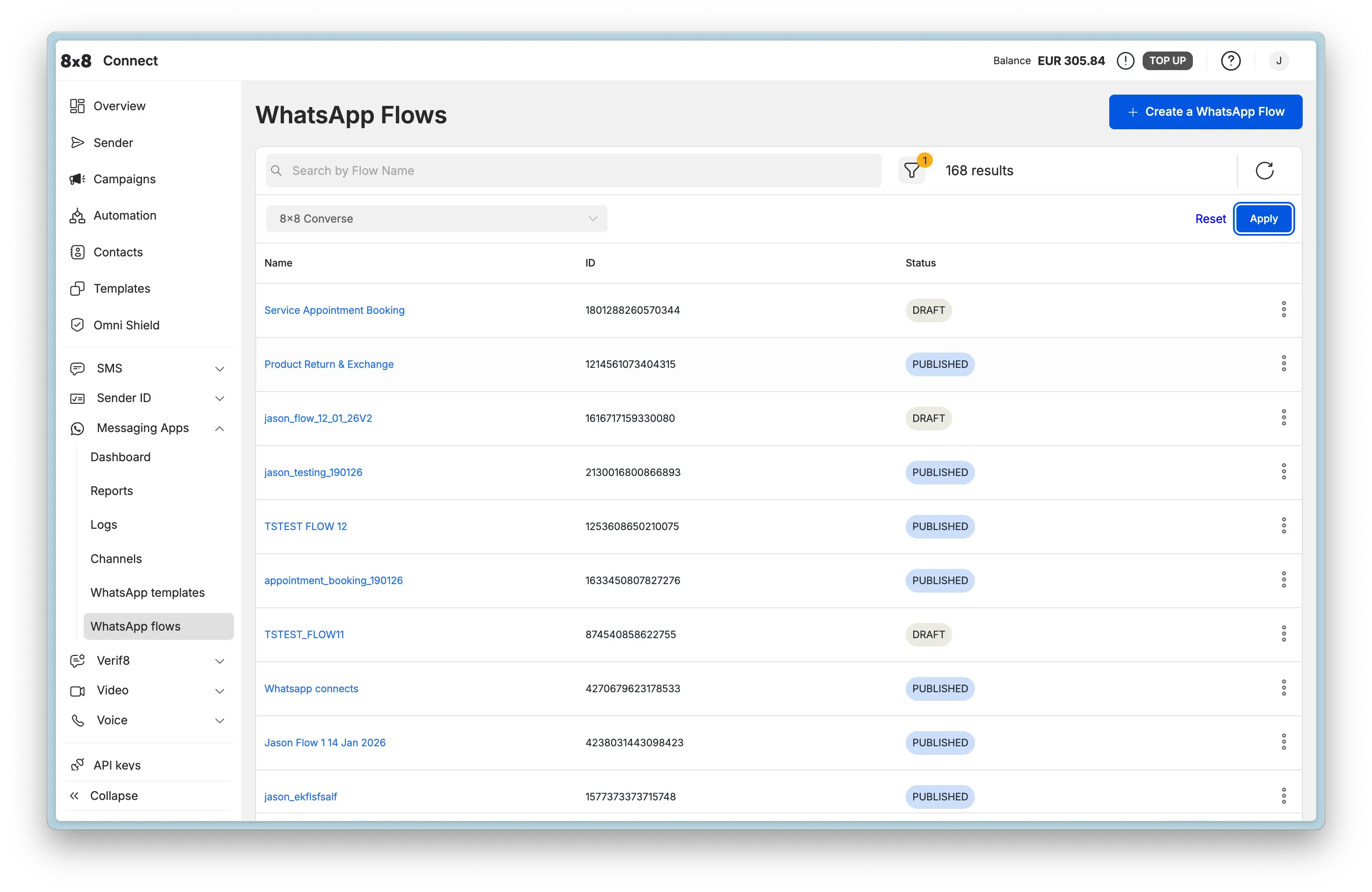
  • Delete WhatsApp Flow

    Delete WhatsApp Flow

    DELETE https://chatapps.8x8.com/api/v1/accounts/:accountId/channels/:channelId/flows/:flowId

    This endpoint is used to delete a WhatsApp Flow.

    Only flows that are not published can be deleted. If a flow has been published, it cannot be deleted and the API will return an error. This operation is permanent and cannot be undone.

    Request

    Path Parameters

      accountId stringrequired

      Possible values: >= 32 characters and <= 36 characters, Value must match regular expression ^[0-9A-Fa-f]{8}[-]?(?:[0-9A-Fa-f]{4}[-]?){3}[0-9A-Fa-f]{12}$

      You must replace {accountId} with the accountid that you want to use.

      channelId stringrequired

      Channel identifier

      flowId stringrequired

      Flow identifier

    Flow deleted successfully. No response body is returned.

    Bad request error response

    Schema

      codeintegerrequired

      Error code

      messagestring

      Error description

      errorIdstring<uuid>required

      Unique id of error. You can use it as reference when sending enquiries to 8x8 support

      timestampstring<date-time>required

      Data and time of the error occurence

    {
    "code":1001,
    "message":"Provided subAccountId doesn't belongs to your account",
    "errorId":"91b106f0-c0da-4aba-a43a-7af9c5893a80",
    "timestamp":"2017-04-19T02:31:19.4297387+00:00"
    }
    {
    "code":1002,
    "message":"Invalid MSISDN format (not E.164 international number)",
    "errorId":"b4478860-b76c-e811-814e-022a35cc1c71",
    "timestamp":"2018-08-04T09:25:40.9235752+00:00"
    }

    Request was not authenticated response

    Schema

      codeintegerrequired

      Error code

      messagestring

      Error description

      errorIdstring<uuid>required

      Unique id of error. You can use it as reference when sending enquiries to 8x8 support

      timestampstring<date-time>required

      Data and time of the error occurence

    {
    "code":1001,
    "message":"Provided subAccountId doesn't belongs to your account",
    "errorId":"91b106f0-c0da-4aba-a43a-7af9c5893a80",
    "timestamp":"2017-04-19T02:31:19.4297387+00:00"
    }
    {
    "code":1200,
    "message":"Request was not authenticated properly",
    "errorId":"db9dced4-3534-4d86-9d18-6b448af0d621",
    "timestamp":"2018-08-02T09:42:38.8988997+00:00"
    }

    Internal server error

    Schema

      codeintegerrequired

      Error code

      messagestring

      Error description

      errorIdstring<uuid>required

      Unique id of error. You can use it as reference when sending enquiries to 8x8 support

      timestampstring<date-time>required

      Data and time of the error occurence

    {
    "code":1001,
    "message":"Provided subAccountId doesn't belongs to your account",
    "errorId":"91b106f0-c0da-4aba-a43a-7af9c5893a80",
    "timestamp":"2017-04-19T02:31:19.4297387+00:00"
    }
    {
    "code":2000,
    "message":"Internal server error",
    "errorId":"db9dced4-3534-4d86-9d18-6b448af0d621",
    "timestamp":"2018-07-02T09:42:38.8988997+00:00"
    }

    Source: https://developer.8x8.com/connect/reference/delete-whatsapp-flow · 8x8 CPaaS Developer Docs. Synced for support deflection.
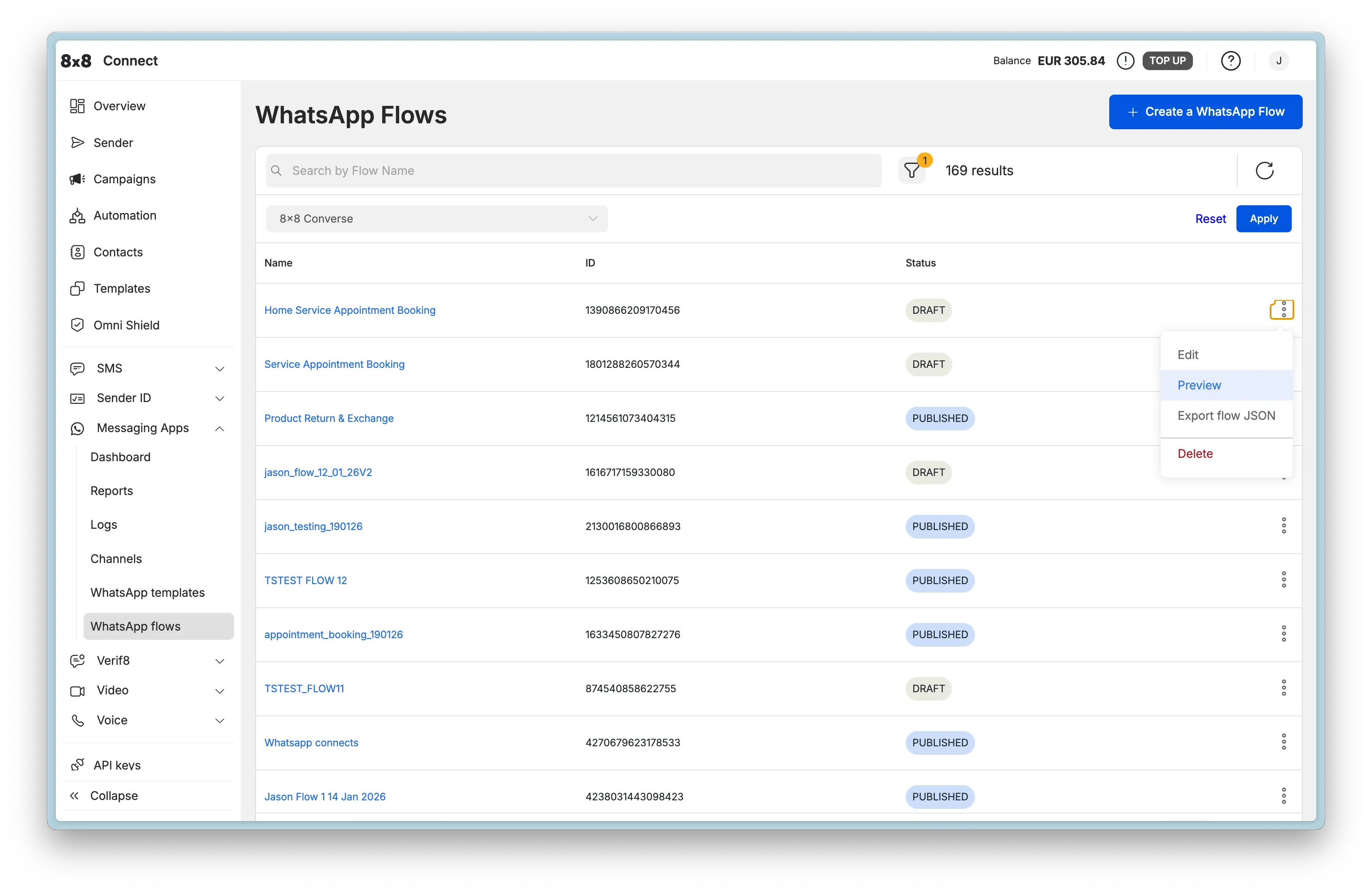
  • Deprecate WhatsApp Flow

    Deprecate WhatsApp Flow

    POST https://chatapps.8x8.com/api/v1/accounts/:accountId/channels/:channelId/flows/:flowId/deprecate

    This endpoint is used to deprecate a WhatsApp Flow.

    Deprecating a flow marks it as no longer recommended for use, but keeps it accessible for existing integrations. This allows you to phase out a flow gracefully without breaking active implementations. Once deprecated, the flow status will be updated to reflect its deprecated state.

    Request

    Path Parameters

      accountId stringrequired

      Possible values: >= 32 characters and <= 36 characters, Value must match regular expression ^[0-9A-Fa-f]{8}[-]?(?:[0-9A-Fa-f]{4}[-]?){3}[0-9A-Fa-f]{12}$

      You must replace {accountId} with the accountid that you want to use.

      channelId stringrequired

      Channel identifier

      flowId stringrequired

      Flow identifier

    Flow deprecated successfully. No response body is returned.

    Bad request error response

    Schema

      codeintegerrequired

      Error code

      messagestring

      Error description

      errorIdstring<uuid>required

      Unique id of error. You can use it as reference when sending enquiries to 8x8 support

      timestampstring<date-time>required

      Data and time of the error occurence

    {
    "code":1001,
    "message":"Provided subAccountId doesn't belongs to your account",
    "errorId":"91b106f0-c0da-4aba-a43a-7af9c5893a80",
    "timestamp":"2017-04-19T02:31:19.4297387+00:00"
    }
    {
    "code":1002,
    "message":"Invalid MSISDN format (not E.164 international number)",
    "errorId":"b4478860-b76c-e811-814e-022a35cc1c71",
    "timestamp":"2018-08-04T09:25:40.9235752+00:00"
    }

    Request was not authenticated response

    Schema

      codeintegerrequired

      Error code

      messagestring

      Error description

      errorIdstring<uuid>required

      Unique id of error. You can use it as reference when sending enquiries to 8x8 support

      timestampstring<date-time>required

      Data and time of the error occurence

    {
    "code":1001,
    "message":"Provided subAccountId doesn't belongs to your account",
    "errorId":"91b106f0-c0da-4aba-a43a-7af9c5893a80",
    "timestamp":"2017-04-19T02:31:19.4297387+00:00"
    }
    {
    "code":1200,
    "message":"Request was not authenticated properly",
    "errorId":"db9dced4-3534-4d86-9d18-6b448af0d621",
    "timestamp":"2018-08-02T09:42:38.8988997+00:00"
    }

    Internal server error

    Schema

      codeintegerrequired

      Error code

      messagestring

      Error description

      errorIdstring<uuid>required

      Unique id of error. You can use it as reference when sending enquiries to 8x8 support

      timestampstring<date-time>required

      Data and time of the error occurence

    {
    "code":1001,
    "message":"Provided subAccountId doesn't belongs to your account",
    "errorId":"91b106f0-c0da-4aba-a43a-7af9c5893a80",
    "timestamp":"2017-04-19T02:31:19.4297387+00:00"
    }
    {
    "code":2000,
    "message":"Internal server error",
    "errorId":"db9dced4-3534-4d86-9d18-6b448af0d621",
    "timestamp":"2018-07-02T09:42:38.8988997+00:00"
    }

    Source: https://developer.8x8.com/connect/reference/deprecate-whatsapp-flow · 8x8 CPaaS Developer Docs. Synced for support deflection.
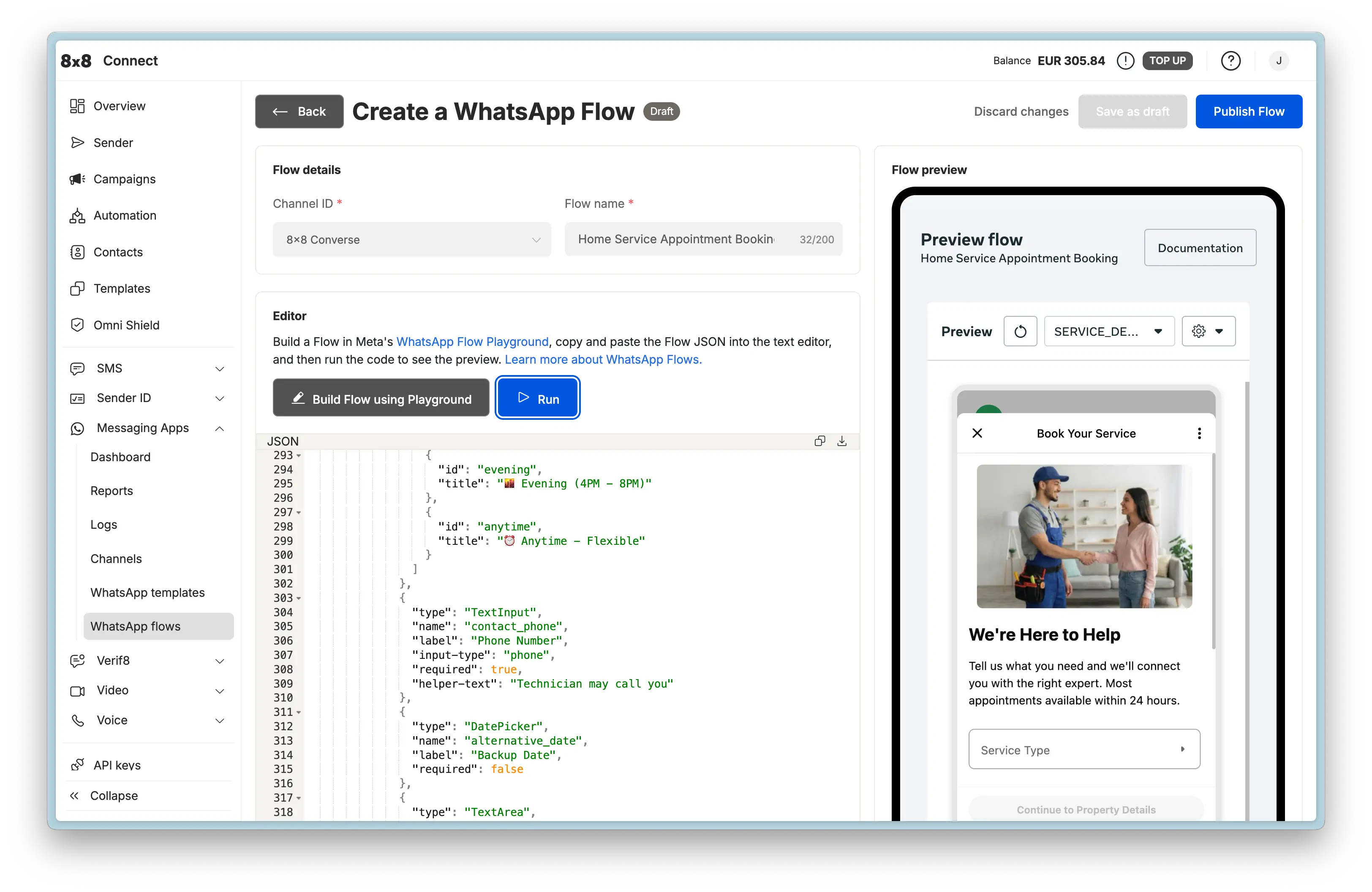
  • Create WhatsApp Flow

    Create WhatsApp Flow

    POST https://chatapps.8x8.com/api/v1/accounts/:accountId/channels/:channelId/flows

    This endpoint is used to create a new WhatsApp Flow.

    WhatsApp Flows are interactive experiences that businesses can use to collect information from customers through WhatsApp conversations. Flows provide a structured way to guide users through multi-step processes like booking appointments, collecting feedback, or processing orders.

    Request

    Path Parameters

      accountId stringrequired

      Possible values: >= 32 characters and <= 36 characters, Value must match regular expression ^[0-9A-Fa-f]{8}[-]?(?:[0-9A-Fa-f]{4}[-]?){3}[0-9A-Fa-f]{12}$

      You must replace {accountId} with the accountid that you want to use.

      channelId stringrequired

      Channel identifier

    Body

    Request body for creating a WhatsApp Flow

      namestringrequired

      Flow name

      Example: Example Flow
      categoriesstring[]required

      Flow categories

      Possible values: [SIGN_UP, SIGN_IN, APPOINTMENT_BOOKING, LEAD_GENERATION, CONTACT_US, CUSTOMER_SUPPORT, SURVEY, OTHER]

      Example: ["OTHER"]
      publishboolean

      Whether to publish the flow immediately

      Default value: false
      Example: false
      flowJsonstring

      Flow JSON definition as a string

      Example: {"version":"5.0","screens":[{"id":"WELCOME_SCREEN","layout":{"type":"SingleColumnLayout","children":[{"type":"TextHeading","text":"Hello World"},{"type":"Footer","label":"Complete","on-click-action":{"name":"complete","payload":{}}}]},"title":"Welcome","terminal":true,"success":true,"data":{}}]}
      cloneFlowIdstring

      Optional flow ID to clone from. If provided, the new flow will be created as a copy of the specified flow.

      Example: 1145805540595505
      endPointUristring<uri>

      Optional endpoint URI for the flow. This is the URL that will receive flow completion data.

      Example: https://example.com/webhook/flow-completion

    Flow created successfully

    Schema

      idstring

      Created flow ID

      Example: 866937862658913
      successboolean

      Indicates if the operation was successful

      Example: true

      validationErrors object[]

      List of validation errors (only present if there are errors in the flow JSON)

    • Array [
    • errorstring

      Error code

      Example: INVALID_PROPERTY_VALUE
      errorTypestring

      Type of error

      Example: FLOW_JSON_ERROR
      messagestring

      Error message

      Example: Invalid value found for property 'type'.
      lineStartinteger

      Starting line number of the error

      Example: 1
      lineEndinteger

      Ending line number of the error

      Example: 1
      columnStartinteger

      Starting column number of the error

      Example: 84
      columnEndinteger

      Ending column number of the error

      Example: 92

      pointers object[]

      Array of error pointers

    • Array [
    • lineStartinteger
      Example: 1
      lineEndinteger
      Example: 1
      columnStartinteger
      Example: 84
      columnEndinteger
      Example: 92
      pathstring

      Path to the property with the error

      Example: screens[0].layout.children[0].children[0].type
    • ]
    • ]
    {
    "id":"866937862658913",
    "success":true,
    "validationErrors":[
    {
    "error":"INVALID_PROPERTY_VALUE",
    "errorType":"FLOW_JSON_ERROR",
    "message":"Invalid value found for property 'type'.",
    "lineStart":1,
    "lineEnd":1,
    "columnStart":84,
    "columnEnd":92,
    "pointers":[
    {
    "lineStart":1,
    "lineEnd":1,
    "columnStart":84,
    "columnEnd":92,
    "path":"screens[0].layout.children[0].children[0].type"
    }
    ]
    }
    ]
    }

    Flow created with validation errors

    {
    "id":"866937862658913",
    "success":true,
    "validationErrors":[
    {
    "error":"INVALID_PROPERTY_VALUE",
    "errorType":"FLOW_JSON_ERROR",
    "message":"Invalid value found for property 'type'.",
    "lineStart":1,
    "lineEnd":1,
    "columnStart":84,
    "columnEnd":92,
    "pointers":[
    {
    "lineStart":1,
    "lineEnd":1,
    "columnStart":84,
    "columnEnd":92,
    "path":"screens[0].layout.children[0].children[0].type"
    }
    ]
    }
    ]
    }

    Flow created successfully without errors

    {
    "id":"866937862658913",
    "success":true
    }

    Bad request error response

    Schema

      codeintegerrequired

      Error code

      messagestring

      Error description

      errorIdstring<uuid>required

      Unique id of error. You can use it as reference when sending enquiries to 8x8 support

      timestampstring<date-time>required

      Data and time of the error occurence

    {
    "code":1001,
    "message":"Provided subAccountId doesn't belongs to your account",
    "errorId":"91b106f0-c0da-4aba-a43a-7af9c5893a80",
    "timestamp":"2017-04-19T02:31:19.4297387+00:00"
    }
    {
    "code":1002,
    "message":"Invalid MSISDN format (not E.164 international number)",
    "errorId":"b4478860-b76c-e811-814e-022a35cc1c71",
    "timestamp":"2018-08-04T09:25:40.9235752+00:00"
    }

    Request was not authenticated response

    Schema

      codeintegerrequired

      Error code

      messagestring

      Error description

      errorIdstring<uuid>required

      Unique id of error. You can use it as reference when sending enquiries to 8x8 support

      timestampstring<date-time>required

      Data and time of the error occurence

    {
    "code":1001,
    "message":"Provided subAccountId doesn't belongs to your account",
    "errorId":"91b106f0-c0da-4aba-a43a-7af9c5893a80",
    "timestamp":"2017-04-19T02:31:19.4297387+00:00"
    }
    {
    "code":1200,
    "message":"Request was not authenticated properly",
    "errorId":"db9dced4-3534-4d86-9d18-6b448af0d621",
    "timestamp":"2018-08-02T09:42:38.8988997+00:00"
    }

    Internal server error

    Schema

      codeintegerrequired

      Error code

      messagestring

      Error description

      errorIdstring<uuid>required

      Unique id of error. You can use it as reference when sending enquiries to 8x8 support

      timestampstring<date-time>required

      Data and time of the error occurence

    {
    "code":1001,
    "message":"Provided subAccountId doesn't belongs to your account",
    "errorId":"91b106f0-c0da-4aba-a43a-7af9c5893a80",
    "timestamp":"2017-04-19T02:31:19.4297387+00:00"
    }
    {
    "code":2000,
    "message":"Internal server error",
    "errorId":"db9dced4-3534-4d86-9d18-6b448af0d621",
    "timestamp":"2018-07-02T09:42:38.8988997+00:00"
    }

    Source: https://developer.8x8.com/connect/reference/create-whatsapp-flow · 8x8 CPaaS Developer Docs. Synced for support deflection.
  • Cancel batch of scheduled message

    Cancel batch of scheduled message

    DELETE https://chatapps.8x8.com/api/v1/subaccounts/:subAccountId/messages/batch/:batchId
    • Sending a DELETE request on this this endpoint allows to cancel a batch of scheduled messages that has not been sent yet.
    • This method should be used to cancel a batch of scheduled messages sent by previously submitting a POST request to either the "many" or "many compact" endpoint.
    • To cancel a batch of scheduled messages, use its batchId to target it.

    URL

    • In the original POST request used to schedule the batch of messages, you used a specific subaccountid and the API responded with a batchID.
    • You need to use both as path parameters in order to send your DELETE request successfully as shown below: https://chatapps.8x8.com/api/v1/subaccounts/{subAccountId}/messages/batch/{batchId}

    You must replace {subAccountId} and {batchId} in the URL above with the subaccountid you used to schedule the messages in the first place and the batchId you got in response.

    Request

    Path Parameters

      subAccountId stringrequired

      Possible values: >= 3 characters and <= 50 characters, Value must match regular expression ^[A-Za-z0-9\-._&]{3,50}$

      You must replace {subAccountId} with the subaccountid that you want to use. By default this is generated once you signed up with a new account at https://connect.8x8.com.

      batchId stringrequired

    Schema

      cancelledCountinteger

      Number of cancelled messages

    {
    "cancelledCount":0
    }
    {
    "cancelledCount":10
    }

    Bad request error response

    Schema

      codeintegerrequired

      Error code

      messagestring

      Error description

      errorIdstring<uuid>required

      Unique id of error. You can use it as reference when sending enquiries to 8x8 support

      timestampstring<date-time>required

      Data and time of the error occurence

    {
    "code":1001,
    "message":"Provided subAccountId doesn't belongs to your account",
    "errorId":"91b106f0-c0da-4aba-a43a-7af9c5893a80",
    "timestamp":"2017-04-19T02:31:19.4297387+00:00"
    }
    {
    "code":1002,
    "message":"Invalid MSISDN format (not E.164 international number)",
    "errorId":"b4478860-b76c-e811-814e-022a35cc1c71",
    "timestamp":"2018-08-04T09:25:40.9235752+00:00"
    }

    Request was not authenticated response

    Schema

      codeintegerrequired

      Error code

      messagestring

      Error description

      errorIdstring<uuid>required

      Unique id of error. You can use it as reference when sending enquiries to 8x8 support

      timestampstring<date-time>required

      Data and time of the error occurence

    {
    "code":1001,
    "message":"Provided subAccountId doesn't belongs to your account",
    "errorId":"91b106f0-c0da-4aba-a43a-7af9c5893a80",
    "timestamp":"2017-04-19T02:31:19.4297387+00:00"
    }
    {
    "code":1200,
    "message":"Request was not authenticated properly",
    "errorId":"db9dced4-3534-4d86-9d18-6b448af0d621",
    "timestamp":"2018-08-02T09:42:38.8988997+00:00"
    }

    Internal server error

    Schema

      codeintegerrequired

      Error code

      messagestring

      Error description

      errorIdstring<uuid>required

      Unique id of error. You can use it as reference when sending enquiries to 8x8 support

      timestampstring<date-time>required

      Data and time of the error occurence

    {
    "code":1001,
    "message":"Provided subAccountId doesn't belongs to your account",
    "errorId":"91b106f0-c0da-4aba-a43a-7af9c5893a80",
    "timestamp":"2017-04-19T02:31:19.4297387+00:00"
    }
    {
    "code":2000,
    "message":"Internal server error",
    "errorId":"db9dced4-3534-4d86-9d18-6b448af0d621",
    "timestamp":"2018-07-02T09:42:38.8988997+00:00"
    }

    Source: https://developer.8x8.com/connect/reference/cancel-many-chat-apps-messages · 8x8 CPaaS Developer Docs. Synced for support deflection.
  • Add WhatsApp template

    Add WhatsApp template

    POST https://chatapps.8x8.com/api/v1/accounts/:accountId/channels/:channelId/templates

    This endpoint is used to register new WhatsApp message template.

    Please note that special html entities should be unescaped.

    WhatsApp Message Templates are message formats for common reusable messages a business may want to send. Businesses must use Message Templates for sending notifications to customers. Any message sent outside the 24h customer service window, needs to be a template message, to be delivered. Advertising, marketing, or promotional messages are not permitted.

    Request

    Path Parameters

      accountId stringrequired

      Possible values: >= 32 characters and <= 36 characters, Value must match regular expression ^[0-9A-Fa-f]{8}[-]?(?:[0-9A-Fa-f]{4}[-]?){3}[0-9A-Fa-f]{12}$

      You must replace {accountId} with the accountid that you want to use.

      channelId stringrequired

      Channel identifier

    Body

      languagestringrequired

      Template language code

      Example: en_US
      namestringrequired

      Template name

      Example: ticket_update_en_US
      categorystringrequired

      Template category.

      Templates containing a VOICE_CALL button are only allowed in MARKETING or UTILITY categories.

      Example: UTILITY

      components object[]required

      Registered template components

    • Array [
    • typestringrequired

      Component type

      Possible values: [HEADER, BODY, FOOTER, BUTTONS, CAROUSEL, CALL_PERMISSION_REQUEST]

      Default value: BODY
      formatstring

      Component type. Required for HEADER component type.
      Note: Gifs are currently only available for Marketing Messages API for WhatsApp.

      Possible values: [Text, Image, Gif, Video, Document, Location]

      Example: Image
      textstring

      Component text. Required for BODY and FOOTER types

      Example: You can pickup your delivery at {{1}}

      buttons object[]

    • Array [
    • typestringrequired

      Button type

      Possible values: [PHONE_NUMBER, URL, QUICK_REPLY, OTP, COPY_CODE, FLOW, VOICE_CALL]

      textstringrequired

      The text to be displayed on the button (except VOICE_CALL, where it is optional).

      Possible values: non-empty and <= 20 characters

      phoneNumberstring

      Required for type "PHONE_NUMBER".

      The phone number that will be called on clicking the button.

      countrystring

      Optional country code of phone number (ISO 3166-1 alpha-2). Required if the phone number in the national format.

      Possible values: >= 2 characters and <= 2 characters

      Example: US
      urlstring<uri>

      Required for type "URL".

      The URL that will be visited on clicking the button Variables can be used to create dynamic links.

      Example: https://website.com/{{1}}
      examplestring[]

      To help WhatsApp moderators during the review and approval process, you can include example data. This can help WhatsApp understand what kind of message you plan to send and showcase the customer experience.

      For example, you could include an image that could represent a customer's profile picture to personalize the experience.

      Make sure these are examples and do not include any confidential or personal information.

      flowIdstring

      Required for type "FLOW".

      The ID of the WhatsApp Flow to launch when the button is clicked.

      Example: 859504979861628
      flowActionstring

      Optional for type "FLOW".

      The action to perform when launching the flow. Defaults to "navigate" if not provided.

      Possible values: [navigate, data_exchange]

      Default value: navigate
      Example: navigate
      navigateScreenstring

      Optional for type "FLOW".

      The screen ID to navigate to when launching the flow. Used when flowAction is "navigate". Defaults to "FIRST_ENTRY_SCREEN" if not provided.

      Default value: FIRST_ENTRY_SCREEN
      Example: RECOMMEND
      ttlMinutesinteger

      Optional property for type "VOICE_CALL" only.

      The time-to-live in minutes for the voice call button. If provided, must be between 1440 mins (1 day) and 43200 mins (30 days), inclusive.

      Possible values: >= 1440 and <= 43200

      Example: 1440
    • ]
    • examplesstring[]

      To help WhatsApp moderators during the review and approval process, you can include example data. This can help WhatsApp understand what kind of message you plan to send and showcase the customer experience.

      For example, you could include an image that could represent a customer's profile picture to personalize the experience.

      Make sure these are examples and do not include any confidential or personal information.

      add_security_recommendationboolean

      Only for BODY component with AUTHENTICATION template category

      code_expiration_minutesinteger

      Only for FOOTER component with AUTHENTICATION template category

      Default value: 5

      cards object[]

      Required only for CAROUSEL type. You can create up to 10 cards.

    • Array [
    • typestringrequired

      Component type

      Possible values: [HEADER, BODY, BUTTONS]

      Default value: BODY
      formatstring

      Component type. Required for HEADER component type.

      Possible values: [Image, Video]

      Example: Image
      textstring

      Component text. Required for BODY and FOOTER types

      Example: You can pickup your delivery at {{1}}

      buttons object[]

    • Array [
    • typestringrequired

      Button type

      Possible values: [PHONE_NUMBER, URL, QUICK_REPLY, OTP, COPY_CODE]

      textstringrequired

      The text to be displayed on the button.

      Possible values: non-empty and <= 20 characters

      phoneNumberstring

      Required for type "PHONE_NUMBER".

      The phone number that will be called on clicking the button.

      countrystring

      Optional country code of phone number (ISO 3166-1 alpha-2). Required if the phone number in the national format.

      Possible values: >= 2 characters and <= 2 characters

      Example: US
      urlstring<uri>

      Required for type "URL".

      The URL that will be visited on clicking the button Variables can be used to create dynamic links.

      Example: https://website.com/{{1}}
      examplestring[]

      To help WhatsApp moderators during the review and approval process, you can include example data. This can help WhatsApp understand what kind of message you plan to send and showcase the customer experience.

      For example, you could include an image that could represent a customer's profile picture to personalize the experience.

      Make sure these are examples and do not include any confidential or personal information.

    • ]
    • examplesstring[]

      To help WhatsApp moderators during the review and approval process, you can include example data. This can help WhatsApp understand what kind of message you plan to send and showcase the customer experience.

      For example, you could include an image that could represent a customer's profile picture to personalize the experience.

      Make sure these are examples and do not include any confidential or personal information.

    • ]
    • ]
    • allow_category_changeboolean

      set to true to allow whatsapp to automatically assign a category. If omitted, the template may be rejected due to mis-categorization.

      Default value: true
      Example: false
      message_send_ttl_secondsinteger

      Custom time-to-live (TTL) for message delivery in seconds. If a message cannot be delivered within this time, it will be dropped.
      Valid ranges: Authentication templates (30-900 seconds or -1 for 30 days), Utility templates (30-43200 seconds or -1 for 30 days), Marketing templates (43200-2592000 seconds).
      Default TTL: Authentication=10 minutes (600 seconds), Utility/Marketing=30 days.

      Example: 300

    Schema

      object
    {}

    Bad request error response

    Schema

      codeintegerrequired

      Error code

      messagestring

      Error description

      errorIdstring<uuid>required

      Unique id of error. You can use it as reference when sending enquiries to 8x8 support

      timestampstring<date-time>required

      Data and time of the error occurence

    {
    "code":1001,
    "message":"Provided subAccountId doesn't belongs to your account",
    "errorId":"91b106f0-c0da-4aba-a43a-7af9c5893a80",
    "timestamp":"2017-04-19T02:31:19.4297387+00:00"
    }
    {
    "code":1002,
    "message":"Invalid MSISDN format (not E.164 international number)",
    "errorId":"b4478860-b76c-e811-814e-022a35cc1c71",
    "timestamp":"2018-08-04T09:25:40.9235752+00:00"
    }

    Request was not authenticated response

    Schema

      codeintegerrequired

      Error code

      messagestring

      Error description

      errorIdstring<uuid>required

      Unique id of error. You can use it as reference when sending enquiries to 8x8 support

      timestampstring<date-time>required

      Data and time of the error occurence

    {
    "code":1001,
    "message":"Provided subAccountId doesn't belongs to your account",
    "errorId":"91b106f0-c0da-4aba-a43a-7af9c5893a80",
    "timestamp":"2017-04-19T02:31:19.4297387+00:00"
    }
    {
    "code":1200,
    "message":"Request was not authenticated properly",
    "errorId":"db9dced4-3534-4d86-9d18-6b448af0d621",
    "timestamp":"2018-08-02T09:42:38.8988997+00:00"
    }

    Template name cannot be reused within 30 days of deletion

    Schema

      codeintegerrequired

      Error code

      messagestring

      Error description

      errorIdstring<uuid>required

      Unique id of error. You can use it as reference when sending enquiries to 8x8 support

      timestampstring<date-time>required

      Data and time of the error occurence

    {
    "code":1001,
    "message":"Provided subAccountId doesn't belongs to your account",
    "errorId":"91b106f0-c0da-4aba-a43a-7af9c5893a80",
    "timestamp":"2017-04-19T02:31:19.4297387+00:00"
    }
    {
    "code":3060,
    "message":"New Indonesian content can't be added while the existing Indonesian content is being deleted. Try again in 4 weeks or consider creating a new message template.",
    "errorId":"a1b2c3d4-e5f6-7890-abcd-ef1234567890",
    "timestamp":"2024-02-16T10:30:00.00Z"
    }

    Internal server error

    Schema

      codeintegerrequired

      Error code

      messagestring

      Error description

      errorIdstring<uuid>required

      Unique id of error. You can use it as reference when sending enquiries to 8x8 support

      timestampstring<date-time>required

      Data and time of the error occurence

    {
    "code":1001,
    "message":"Provided subAccountId doesn't belongs to your account",
    "errorId":"91b106f0-c0da-4aba-a43a-7af9c5893a80",
    "timestamp":"2017-04-19T02:31:19.4297387+00:00"
    }
    {
    "code":2000,
    "message":"Internal server error",
    "errorId":"db9dced4-3534-4d86-9d18-6b448af0d621",
    "timestamp":"2018-07-02T09:42:38.8988997+00:00"
    }

    Source: https://developer.8x8.com/connect/reference/add-whatsapp-template · 8x8 CPaaS Developer Docs. Synced for support deflection.
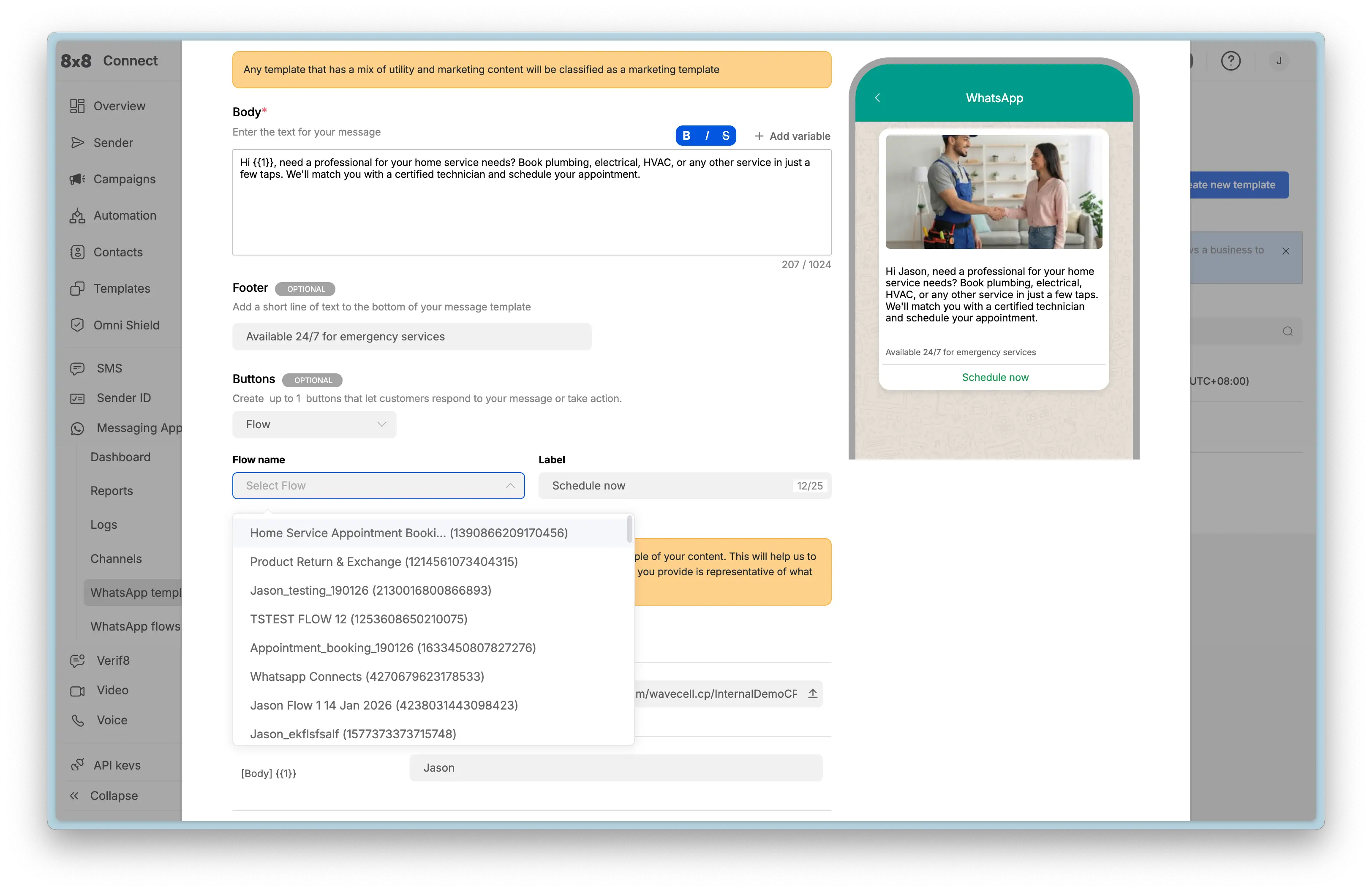
  • WhatsApp Webhooks Reference

    WhatsApp Webhooks Reference

    Webhooks enable real-time, event-driven communication between the 8x8 platform and your application. When specific events occur (such as receiving a message, delivery confirmation, or template status change), 8x8 sends an HTTP POST request to your configured webhook URL with event details in JSON format.

    Configuration

    You can configure your webhook URLs in the 8x8 Connect portal under Webhooks.

    8x8 Connect Webhook Configuration

    Key Requirements:

    • Your webhook endpoint must be publicly accessible via HTTPS
    • Your server should respond with HTTP 200 within 5 seconds
    • Failed webhook deliveries will be retried with exponential backoff

    Inbound Messages

    Fires when a user sends a message to your WhatsApp number. This is the primary webhook for enabling two-way chat and building conversational applications.

    • Event Type: inbound_message_received

    Use Cases:

    • Respond to customer inquiries automatically
    • Trigger workflows based on user input
    • Route messages to appropriate agents or systems
    • Process button/list selections from interactive messages

    Inbound Message Types

    The inbound message webhook structure varies based on the message type. Below are examples for the most common types.

    Text Message

    Sample JSON Payload:

    {
    "namespace":"ChatApps",
    "eventType":"inbound_message_received",
    "description":"ChatApps inbound message",
    "payload":{
    "umid":"<UNIQUE_MESSAGE_ID>",
    "subAccountId":"<SUBACCOUNT_ID>",
    "timestamp":"2025-12-02T07:05:51Z",
    "user":{
    "msisdn":"+15551234567",
    "channelUserId":"15551234567",
    "name":"<USER_NAME>"
    },
    "recipient":{
    "channel":"whatsapp",
    "channelId":"<CHANNEL_ID>"
    },
    "type":"Text",
    "content":{
    "text":"Hello"
    }
    }
    }

    Key Fields:

    • type: "Text"
    • content.text: The text message content sent by the user

    Media Message (Image, Video, Audio, Document)

    Sample JSON Payload (Image):

    {
    "namespace":"ChatApps",
    "eventType":"inbound_message_received",
    "description":"ChatApps inbound message",
    "payload":{
    "umid":"<UNIQUE_MESSAGE_ID>",
    "subAccountId":"<SUBACCOUNT_ID>",
    "timestamp":"2025-12-02T07:07:19Z",
    "user":{
    "msisdn":"+15551234567",
    "channelUserId":"15551234567",
    "name":"<USER_NAME>"
    },
    "recipient":{
    "channel":"whatsapp",
    "channelId":"<CHANNEL_ID>"
    },
    "type":"Image",
    "content":{
    "url":"<MEDIA_FILE_URL>"
    }
    }
    }

    Key Fields:

    • type: Message type - "Image", "Video", "Audio", "Document"
    • content.url: Pre-signed URL to download the media file (expires after 24 hours)

    Media Type Values:

    • Image: Customer sent a photo
    • Video: Customer sent a video
    • Audio: Customer sent a voice message or audio file
    • Document: Customer sent a document (PDF, Word, Excel, etc.)

    Interactive Message (Button Reply)

    When a user responds to an interactive button or list, the payload includes the interactive response details.

    Sample JSON Payload:

    {
    "namespace":"ChatApps",
    "eventType":"inbound_message_received",
    "description":"ChatApps inbound message",
    "payload":{
    "umid":"<UNIQUE_MESSAGE_ID>",
    "subAccountId":"<SUBACCOUNT_ID>",
    "timestamp":"2025-12-02T06:58:50Z",
    "user":{
    "msisdn":"+15551234567",
    "channelUserId":"15551234567",
    "name":"<USER_NAME>"
    },
    "recipient":{
    "channel":"whatsapp",
    "channelId":"<CHANNEL_ID>"
    },
    "type":"Interactive",
    "content":{
    "interactive":{
    "type":"button_reply",
    "button_reply":{
    "id":"option-2",
    "title":"FAQ"
    }
    }
    },
    "replyToUmid":"<ORIGINAL_MESSAGE_UMID>"
    }
    }

    Key Fields:

    • type: "Interactive"
    • content.interactive.type: "button_reply" or "list_reply"
    • content.interactive.button_reply.id: The button ID you defined
    • content.interactive.button_reply.title: The button text the user saw
    • replyToUmid: The UMID of your original interactive message

    Interactive Response Types:

    • button_reply: User tapped a quick-reply button
    • list_reply: User selected an item from an interactive list

    Flow Submission (nfmReply)

    When a user completes a WhatsApp Flow, the submission is delivered as a special type of interactive message.

    Sample JSON Payload:

    {
    "namespace":"ChatApps",
    "eventType":"inbound_message_received",
    "description":"ChatApps inbound message",
    "payload":{
    "umid":"abc123-def456-ghi789",
    "subAccountId":"your-subaccount-id",
    "timestamp":"2026-01-15T10:30:00.000Z",
    "user":{
    "msisdn":"+15551234567",
    "channelUserId":"15551234567"
    },
    "recipient":{
    "channel":"whatsapp",
    "channelId":"your-channel-id"
    },
    "type":"Interactive",
    "content":{
    "interactive":{
    "type":"nfmReply",
    "nfmReply":{
    "responseJson":"{\"customer_name\":\"Jane Smith\",\"email\":\"jane@example.com\",\"feedback\":\"Excellent service!\",\"flow_token\":\"<FLOW_TOKEN>\"}"
    }
    }
    }
    }
    }

    Key Fields:

    • type: "Interactive"
    • content.interactive.type: "nfmReply" (indicates a Flow submission)
    • content.interactive.nfmReply.responseJson: JSON string containing the submitted form data

    Parsing Flow Submissions:

    The responseJson field contains a stringified JSON object. Always parse it before processing:

    // Extract the response JSON string
    const responseJsonString = payload.content.interactive.nfmReply.responseJson;
    // Parse to object
    const submissionData =JSON.parse(responseJsonString);
    // Access submitted fields
    console.log(submissionData.customer_name);// "Jane Smith"
    console.log(submissionData.email);// "jane@example.com"
    console.log(submissionData.feedback);// "Excellent service!"

    Important:

    • Always validate and sanitize submission data before processing
    • Store umid and flow_token for traceability
    • Respond with a confirmation message within seconds
    • Handle JSON parsing errors gracefully

    See: WhatsApp Flows API - Webhook Integration for complete Flow submission handling guidance and examples.

    Common Fields (All Message Types)

    These fields appear in every inbound message webhook:

    • umid: Unique message identifier for this inbound message
    • subAccountId: Your subaccount identifier
    • timestamp: ISO 8601 timestamp when message was received
    • user.msisdn: Customer's phone number (E.164 format)
    • user.channelUserId: Customer's WhatsApp ID (phone without +)
    • user.name: Customer's WhatsApp display name (if available)
    • recipient.channel: Always "whatsapp"
    • recipient.channelId: Your WhatsApp channel (phone number) ID
    • type: Message type determines content structure
    • replyToUmid: Present if customer replied to a specific message

    Outbound Delivery Receipts

    Fires when the status of an outbound message changes. Status updates include sent, delivered, read, and failure states. Read receipt checks continue for up to 10 days after message delivery.

    • Event Type: outbound_message_status_changed

    Use Cases:

    • Track message delivery success rates
    • Retry failed messages
    • Measure customer engagement (read receipts)
    • Update CRM systems with delivery status

    Possible Status States:

    • sent: Message successfully sent to WhatsApp
    • delivered: Message delivered to recipient's device
    • read: Recipient opened and read the message
    • undelivered: Message failed to deliver

    Sample JSON Payload (Delivered):

    {
    "namespace":"ChatApps",
    "eventType":"outbound_message_status_changed",
    "description":"ChatApps outbound message delivery receipt",
    "payload":{
    "umid":"<UNIQUE_MESSAGE_ID>",
    "subAccountId":"<SUBACCOUNT_ID>",
    "channel":"whatsapp",
    "user":{
    "msisdn":"+6512345678",
    "channelUserId":"6512345678"
    },
    "status":{
    "state":"delivered",
    "detail":"delivered_to_recipient",
    "timestamp":"2025-05-05T09:15:57.00Z"
    }
    }
    }

    Sample JSON Payload (Read):

    {
    "namespace":"ChatApps",
    "eventType":"outbound_message_status_changed",
    "description":"ChatApps outbound message delivery receipt",
    "payload":{
    "umid":"<UNIQUE_MESSAGE_ID>",
    "subAccountId":"<SUBACCOUNT_ID>",
    "channel":"whatsApp",
    "user":{
    "msisdn":"+6512345678",
    "channelUserId":"6512345678"
    },
    "status":{
    "state":"read",
    "timestamp":"2025-05-17T06:27:52.45Z"
    }
    }
    }

    Sample JSON Payload (Undelivered):

    {
    "namespace":"ChatApps",
    "eventType":"outbound_message_status_changed",
    "description":"ChatApps outbound message delivery receipt",
    "payload":{
    "umid":"<UNIQUE_MESSAGE_ID>",
    "subAccountId":"<SUBACCOUNT_ID>",
    "channel":"whatsapp",
    "user":{
    "msisdn":"+6512345678",
    "channelUserId":"+6512345678"
    },
    "status":{
    "state":"undelivered",
    "detail":"rejected_by_operator",
    "timestamp":"2016-01-01T00:00:00Z",
    "errorCode":15,
    "errorMessage":"Invalid destination"
    }
    }
    }

    Key Fields:

    • umid: Unique message identifier matching your original send request
    • status.state: Current delivery state
    • status.detail: Additional context about the status
    • errorCode & errorMessage: Present only for failed messages

    Template Status Updates

    Fires when your template's approval status changes. Meta reviews all templates before they can be used, and this webhook notifies you of approval, rejection, pausing, or disabling.

    • Event Type: template_status_update

    Use Cases:

    • Monitor template approval workflow
    • Alert team when templates are rejected
    • Track when templates are paused due to quality issues
    • Automate template resubmission after fixing issues

    Possible Status Values:

    • APPROVED: Template approved and ready to send
    • REJECTED: Template failed review (check reason field)
    • PENDING: Under Meta review (up to 24 hours)
    • PAUSED: Temporarily disabled due to quality score
    • DISABLED: Permanently disabled after multiple pauses

    Sample JSON Payload (Status Update - Rejected):

    {
    "eventId":"0f88f5c4-fae7-4dcf-8ff2-b2990133edea",
    "timestamp":"2025-01-01T00:00:00.00Z",
    "provider":"WhatsApp",
    "businessAccountId":"<BusinessAccountId>",
    "accountId":"<AccountId>",
    "eventType":"template_status_update",
    "eventDetails":{
    "templateId":"<TEMPLATE_ID>",
    "templateName":"<TEMPLATE_NAME>",
    "templateLanguage":"<TEMPLATE_LANGUAGE>",
    "meta":{
    "status":"REJECTED",
    "reason":"INCORRECT_CATEGORY"
    }
    }
    }

    Common Rejection Reasons:

    • INCORRECT_CATEGORY: Template submitted in wrong category (e.g., promotional content in UTILITY)
    • INVALID_FORMAT: Parameter formatting issues or missing samples
    • ABUSIVE_CONTENT: Violates Meta's content policies
    • SCAM: Appears to be fraudulent or misleading

    Key Fields:

    • templateName & templateLanguage: Identifies which template changed
    • meta.status: New status value
    • meta.reason: Rejection reason (present only when status is REJECTED)

    Template Quality Updates

    Fires when Meta updates the quality score for your template based on user feedback (blocks, reports). Quality scores affect whether templates get paused or disabled.

    • Event Type: template_quality_update

    Use Cases:

    • Monitor template performance in real-time
    • Alert teams when quality degrades
    • Pause campaigns using low-quality templates
    • Correlate quality changes with campaign timing

    Quality Score Values:

    • GREEN (High): Good user feedback, no issues
    • YELLOW (Medium): Some negative feedback, monitor closely
    • RED (Low): Poor feedback, template may be auto-paused
    • UNKNOWN: New template with insufficient data

    Sample JSON Payload (Quality Update):

    {
    "eventId":"0f88f5c4-fae7-4dcf-8ff2-b2990133edea",
    "timestamp":"2025-01-01T00:00:00.00Z",
    "provider":"WhatsApp",
    "businessAccountId":"<BusinessAccountId>",
    "accountId":"<AccountId>",
    "eventType":"template_quality_update",
    "eventDetails":{
    "templateId":"<TEMPLATE_ID>",
    "templateName":"<TEMPLATE_NAME>",
    "templateLanguage":"<TEMPLATE_LANGUAGE>",
    "meta":{
    "previousQualityScore":"UNKNOWN",
    "newQualityScore":"GREEN"
    }
    }
    }

    Key Fields:

    • meta.previousQualityScore: Previous quality rating
    • meta.newQualityScore: Updated quality rating

    Quality-Based Pausing:

    • 1st RED score: Paused for 3 hours
    • 2nd RED score: Paused for 6 hours
    • 3rd RED score: Permanently disabled

    Phone Number Quality & Messaging Limit Updates

    Fires when your phone number's quality rating changes or when Meta adjusts your account's messaging tier limits based on sending patterns and quality.

    • Event Type: phone_number_quality_update

    Use Cases:

    • Monitor account health and reputation
    • Track messaging limit increases as you scale
    • Alert on limit downgrades due to quality issues
    • Plan capacity based on current tier

    Messaging Tier Limits:

    • TIER_250: 250 unique users per 24 hours (new accounts)
    • TIER_1K: 1,000 unique users per 24 hours
    • TIER_10K: 10,000 unique users per 24 hours
    • TIER_100K: 100,000 unique users per 24 hours
    • UNLIMITED: No daily limit

    Sample JSON Payload (Messaging Limit Upgrade):

    {
    "eventId":"0f88f5c4-fae7-4dcf-8ff2-b2990133edea",
    "timestamp":"2025-01-01T00:00:00.00Z",
    "provider":"WhatsApp",
    "businessAccountId":"<BusinessAccountId>",
    "accountId":"<AccountId>",
    "eventType":"phone_number_quality_update",
    "eventDetails":{
    "displayPhoneNumber":"15550783881",
    "meta":{
    "event":"UPGRADE",
    "currentLimit":"TIER_10K",
    "oldLimit":"TIER_1K"
    }
    }
    }

    Sample JSON Payload (Quality Downgrade):

    {
    "eventId":"0f88f5c4-fae7-4dcf-8ff2-b2990133edea",
    "timestamp":"2025-01-01T00:00:00.00Z",
    "provider":"WhatsApp",
    "businessAccountId":"<BusinessAccountId>",
    "accountId":"<AccountId>",
    "eventType":"phone_number_quality_update",
    "eventDetails":{
    "displayPhoneNumber":"15550783881",
    "meta":{
    "event":"FLAGGED",
    "reason":"QUALITY_DECREASE"
    }
    }
    }

    Key Fields:

    • displayPhoneNumber: Which phone number is affected
    • meta.event: Type of change (UPGRADE, DOWNGRADE, FLAGGED)
    • meta.currentLimit & meta.oldLimit: Tier change for limit updates
    • meta.reason: Reason for quality flags

    Event Types:

    • UPGRADE: Messaging limit increased (good sending history)
    • DOWNGRADE: Messaging limit decreased (quality issues)
    • FLAGGED: Phone number quality issue detected

    Webhook Security Best Practices

    Verify Webhook Origin

    Always verify that webhook requests come from 8x8:

    1. IP Whitelisting: Configure your firewall to accept webhooks only from 8x8's IP ranges
    2. Signature Verification: Check the X-8x8-Signature header (if provided)
    3. HTTPS Only: Never accept webhooks over unencrypted HTTP

    Handle Retries Gracefully

    8x8 retries failed webhooks with exponential backoff:

    • Make your webhook endpoint idempotent (safe to call multiple times)
    • Use the umid or eventId to deduplicate events
    • Return HTTP 200 quickly, then process asynchronously

    Error Handling

    // Example webhook handler (Node.js/Express)
    app.post('/webhooks/whatsapp',async(req, res)=>{
    // Return 200 immediately
    res.status(200).send('OK');
    // Process asynchronously
    try{
    const event = req.body;
    awaitprocessWebhook(event);
    }catch(error){
    console.error('Webhook processing failed:', error);
    // Log for manual review, don't fail the request
    }
    });

    Testing Webhooks

    Local Development

    Use tools like ngrok to expose your local server for webhook testing:

    ngrok http 3000
    # Use the generated HTTPS URL in webhook configuration

    Webhook Logs

    The 8x8 Connect portal provides webhook delivery logs:

    • View recent webhook attempts
    • See response codes and timing
    • Retry failed deliveries manually

    Related Resources

    • WhatsApp over 8x8 API - Main API guide
    • Operations, Monitoring & Troubleshooting - Error handling and debugging
    • Governance, Security & Compliance - Security best practices

    Source: https://developer.8x8.com/connect/docs/whatsapp/whatsapp-webhooks · 8x8 CPaaS Developer Docs. Synced for support deflection.
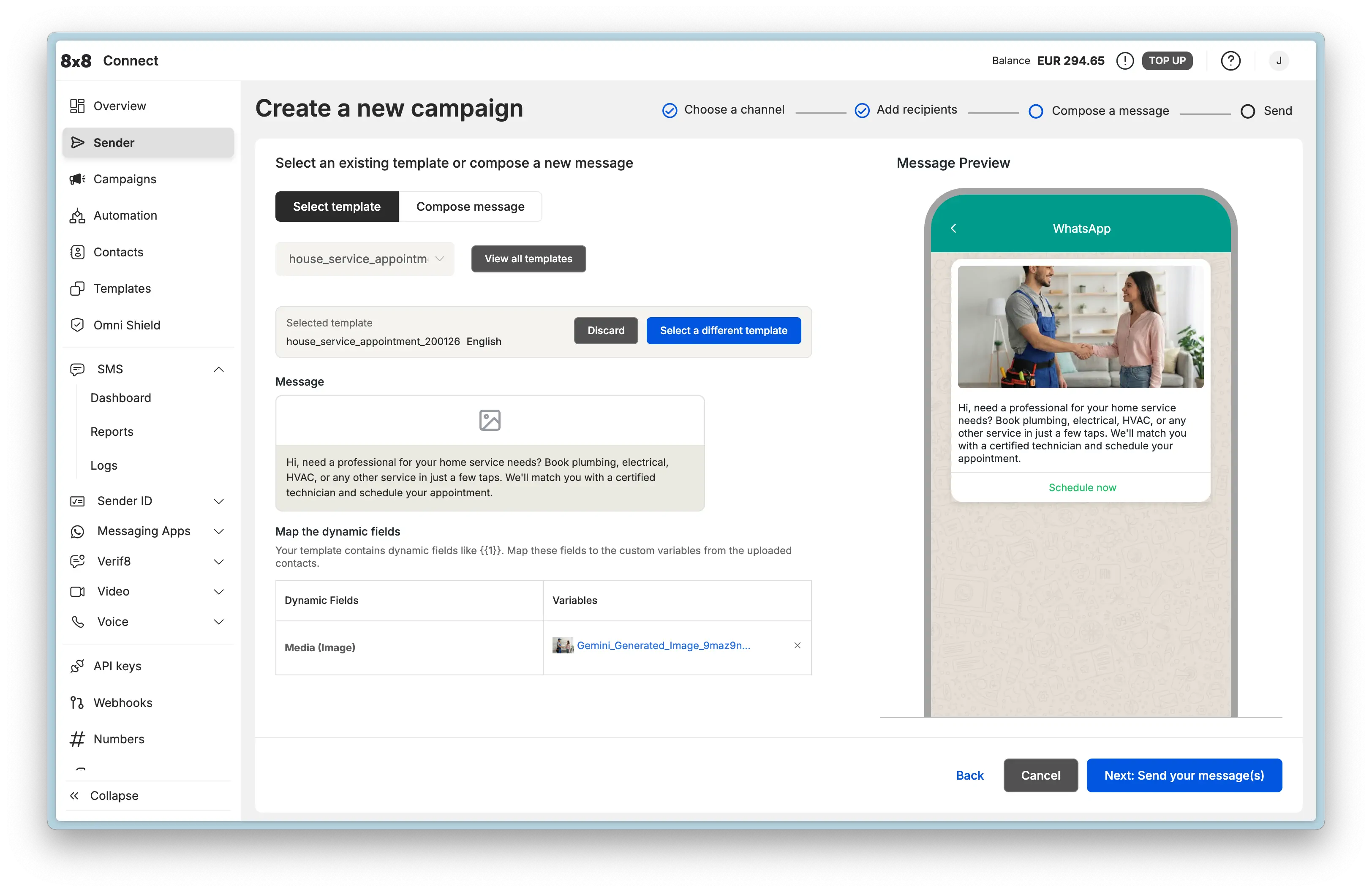
  • WhatsApp over 8x8 API

    WhatsApp over 8x8 API

    This guide provides the technical foundation for integrating the 8x8 Messaging App API for WhatsApp into your applications, CRMs, and backend systems. While the 8x8 Connect portal is ideal for managing campaigns and support, the API provides the power and flexibility for full automation and custom workflows.

    Authentication

    All API requests are authenticated using a Bearer Token. Include an Authorization header with every API request, using the API Key generated from the 8x8 Connect portal.

    Header Format:

    Authorization: Bearer YOUR_API_KEY

    Generate API Keys:

    You can generate and manage your API keys in the 8x8 Connect portal under API keys.

    8x8 Connect API Key

    Security Best Practices:

    • Store API keys securely in environment variables (never hardcode)
    • Rotate keys regularly
    • Use IP whitelisting for additional security (configure in portal)

    Business-initiated Conversations: Templates

    Templates are pre-approved message formats required to start a conversation with a customer. Using templates via the API is a two-step process:

    1. Create the template (registers with Meta for approval)
    2. Send the template (delivers to customers after approval)

    These are two different API calls with different endpoints and requirements.

    Why Templates Are Required

    WhatsApp requires templates for business-initiated messages to:

    • Prevent spam and maintain platform quality
    • Ensure messages follow Meta's content policies
    • Provide consistent user experience
    • Support multiple languages with standardized formats

    Key Concept: You cannot send freeform messages to initiate a conversation. You must start with an approved template. Once the customer replies, a 24-hour window opens for freeform messaging.

    Creating a Template via API

    Creating a template registers it with a specific WhatsApp Channel (phone number) and submits it to Meta for approval. Approval typically takes up to 24 hours.

    Endpoint:

    POST https://chatapps.8x8.com/api/v1/accounts/{accountId}/channels/{channelId}/templates

    Path Parameters:

    • {accountId}: Your main 8x8 Account ID
    • {channelId}: The specific WhatsApp Channel ID (phone number) for this template

    Template Categories:

    You must specify one of three categories:

    • UTILITY: Account updates, order status, appointments (non-promotional)
    • MARKETING: Promotional offers, new products, retargeting
    • AUTHENTICATION: One-time passcodes (OTP) for verification only

    Standard Example (Marketing Template with Image Header & Buttons):

    This payload creates a MARKETING template with an image header, a variable in the body, a footer, and two buttons (one URL button with a variable and one Quick Reply).

    View JSON

    {
    "language":"en_US",
    "name":"marketing_image_template_demo",
    "category":"MARKETING",
    "components":[
    {
    "type":"HEADER",
    "format":"image",
    "examples":[
    "https://chatapps.8x8.com/files/991c9667f7644584acf91aa8dd9fba60.png?token=..."
    ]
    },
    {
    "type":"BODY",
    "text":"Hi {{1}}, ready to elevate your customer communications? Discover the power of 8x8 CPaaS.",
    "examples":[
    "Tony"
    ]
    },
    {
    "type":"FOOTER",
    "text":"Powered by 8x8"
    },
    {
    "type":"BUTTONS",
    "buttons":[
    {
    "type":"URL",
    "text":"Discover all channels",
    "url":"https://cpaas.8x8.com/en/products/{{1}}",
    "examples":[
    "omnichannel-messaging"
    ]
    },
    {
    "type":"quick_reply",
    "text":"Talk to Sales"
    }
    ]
    }
    ]
    }

    Key Fields:

    • language: Template language code (e.g., en_US, es_MX)
    • name: Unique identifier (lowercase, underscores only)
    • category: Template category (affects approval and usage rules)
    • components: Array of component objects (BODY required, HEADER/FOOTER/BUTTONS optional)

    Component Constraints:

    • Header media (IMAGE, VIDEO, DOCUMENT) can be uploaded via Upload Media API or self-hosted
    • Each parameter ({{1}}, {{2}}) requires sample values in examples array
    • Button text limited to 25 characters, URL limited to 2000 characters

    For detailed component specifications (character limits, format requirements, button types), see:

    • Template Components Reference - Complete technical specifications

    For more template examples (authentication OTP, videos, carousels, locations, etc.), see:

    • Template Message API Library - All template type examples

    Sending a Template Message via API

    Once a template is approved (status: APPROVED), you can send it to customers to initiate conversations.

    Endpoint:

    POST https://chatapps.8x8.com/api/v1/subaccounts/{subAccountId}/messages

    Path Parameters:

    • {subAccountId}: The Subaccount ID that owns the channel

    Standard Example (Sending the Marketing Template Above):

    This payload sends the marketing template we created above, providing actual values for the header image, body variable, and button URL parameter.

    View JSON

    {
    "user":{
    "msisdn":"+15551234567"
    },
    "type":"template",
    "content":{
    "template":{
    "language":"en_US",
    "name":"marketing_image_template_demo",
    "components":[
    {
    "type":"header",
    "parameters":[
    {
    "type":"image",
    "url":"https://chatapps.8x8.com/files/991c9667f7644584acf91aa8dd9fba60.png?token=..."
    }
    ]
    },
    {
    "type":"body",
    "parameters":[
    {
    "type":"text",
    "text":"Jason"
    }
    ]
    },
    {
    "type":"button",
    "index":"0",
    "subType":"url",
    "parameters":[
    {
    "type":"text",
    "text":"omnichannel-messaging"
    }
    ]
    }
    ]
    }
    }
    }

    Key Concepts:

    • Parameter order must match template variables: {{1}}, {{2}}, {{3}}
    • Use the exact name and language from your approved template
    • Header media requires url parameter pointing to uploaded file
    • Button parameters use index to specify which button (0-based)
    • Footer component is not included in send payload (static text from template)

    For complete send examples (all template types with exact payload structures), see:

    • Template Message API Library - All template type examples

    User-initiated Conversations: Interactive Messages

    Once a customer replies to your template or messages you first, a 24-hour customer service window opens. During this window, you can send freeform, interactive messages without templates.

    Why Interactive Messages Matter

    Interactive messages enable:

    • Rich, dynamic conversations without waiting for template approval
    • Buttons and lists for user selection (better UX than free text)
    • Media sharing (images, videos, documents, locations)
    • Immediate responses within the 24-hour window

    Key Concept: Interactive messages can ONLY be sent within the 24-hour window. To start a new conversation after the window expires, you must send a template.

    Sending Interactive Messages via API

    All interactive message types use the same endpoint as template messages, but with different type and content structures.

    Endpoint:

    POST https://chatapps.8x8.com/api/v1/subaccounts/{subAccountId}/messages

    Message Types Available:

    • Text: Simple text messages
    • Media: Images, videos, audio, documents
    • Location: Share coordinates and addresses
    • Interactive Buttons: Up to 3 quick-reply buttons
    • Interactive Lists: Up to 10 menu items in a scrollable list
    • CTA Buttons: Call-to-action buttons (URL or phone)
    • Product Messages: Catalog integration for e-commerce

    For complete payload examples for all message types, see: Interactive Message API Library

    Example: Interactive Buttons

    Interactive buttons are the most common interactive message type. Send a message with up to 3 quick-reply buttons. When the user taps a button, you receive the button's title as a text reply via webhook.

    View JSON

    {
    "user":{
    "msisdn":"+15551234567"
    },
    "type":"interactive",
    "content":{
    "interactive":{
    "type":"button",
    "body":{
    "text":"Is your issue resolved?"
    },
    "action":{
    "buttons":[
    {
    "type":"reply",
    "reply":{
    "id":"yes-1",
    "title":"Yes"
    }
    },
    {
    "type":"reply",
    "reply":{
    "id":"no-1",
    "title":"No"
    }
    }
    ]
    }
    }
    }
    }

    When to Use: Yes/no questions, multiple choice selections, quick feedback

    Webhook Response: When the user taps a button, your webhook receives:

    View JSON

    {
    "namespace":"ChatApps",
    "eventType":"inbound_message_received",
    "description":"ChatApps inbound message",
    "payload":{
    "umid":"<UNIQUE_MESSAGE_ID>",
    "subAccountId":"<SUBACCOUNT_ID>",
    "timestamp":"2025-12-02T06:58:50Z",
    "user":{
    "msisdn":"+15551234567",
    "channelUserId":"15551234567",
    "name":"<USER_NAME>"
    },
    "recipient":{
    "channel":"whatsapp",
    "channelId":"<CHANNEL_ID>"
    },
    "type":"Interactive",
    "content":{
    "interactive":{
    "type":"button_reply",
    "button_reply":{
    "id":"yes-1",
    "title":"Yes"
    }
    }
    },
    "replyToUmid":"<ORIGINAL_MESSAGE_UMID>"
    }
    }

    Key Fields:

    • type: "Interactive" (not "Text")
    • content.interactive.type: "button_reply"
    • content.interactive.button_reply.id: The button ID you defined ("yes-1")
    • content.interactive.button_reply.title: The button text displayed to user ("Yes")

    For complete webhook documentation, see: Webhooks Reference - Inbound Messages

    Receiving Messages & Delivery Status: Webhooks

    To build two-way conversations and track message delivery, configure webhooks. Webhooks are HTTP POST requests that 8x8 sends to your server when events occur.

    Key Webhook Types:

    • Inbound Messages: Customer replies and messages
    • Delivery Receipts: Message delivery, read, and failure status
    • Template Status: Approval, rejection, quality changes
    • Messaging Limits: Account tier upgrades and quality flags

    Configuration:

    Set up webhook URLs in the 8x8 Connect portal under Webhooks.

    8x8 Connect Webhook Configuration

    Example: Receiving a Customer Reply

    When a customer sends a text message, 8x8 posts to your webhook:

    {
    "namespace":"ChatApps",
    "eventType":"inbound_message_received",
    "payload":{
    "umid":"9e09ac86-bd74-5465-851d-1eb5a5fdbb9a",
    "subAccountId":"SubAccount-1",
    "timestamp":"2016-01-01T14:34:56.017Z",
    "user":{
    "msisdn":"+12025550023"
    },
    "type":"Text",
    "content":{
    "text":"I need help with my order"
    }
    }
    }

    Your Response:

    Your server should:

    1. Return HTTP 200 immediately
    2. Process the message asynchronously
    3. Send a reply using the Send Message API (if within 24-hour window)

    For complete webhook documentation (all event types, payloads, security, and best practices), see:

    • Webhooks Reference - Complete webhook guide

    File & Media Management

    WhatsApp supports rich media (images, videos, documents, audio). You can either:

    1. Host files on your own HTTPS server
    2. Upload files to 8x8's media hosting service

    Using 8x8 Media Hosting

    Upload Endpoint:

    POST https://chatapps.8x8.com/api/v1/subaccounts/{subAccountId}/files

    Upload Request (multipart/form-data):

    curl -X POST "https://chatapps.8x8.com/api/v1/subaccounts/{subAccountId}/files" \
    -H "Authorization: Bearer YOUR_API_KEY" \
    -F "file=@/path/to/image.jpg"

    Response:

    {
    "status":"success",
    "data":{
    "url":"https://chatapps.8x8.com/files/abc123def456.jpg?token=xyz789"
    }
    }

    Using the URL in Messages:

    Once uploaded, use the returned url in your message payloads:

    {
    "user":{
    "msisdn":"+15551234567"
    },
    "type":"Image",
    "content":{
    "url":"https://chatapps.8x8.com/files/abc123def456.jpg?token=xyz789",
    "text":"Here is your order receipt"
    }
    }

    Supported Media Types:

    • Images: JPEG, PNG (max 5MB)
    • Videos: MP4, 3GPP (max 16MB)
    • Audio: AAC, MP3, AMR, OGG (max 16MB)
    • Documents: PDF, DOCX, XLSX, etc. (max 100MB)

    Alternative: Self-hosted Media

    You can provide your own HTTPS URLs instead of uploading to 8x8:

    {
    "type":"Image",
    "content":{
    "url":"https://yourdomain.com/images/product.jpg"
    }
    }

    Requirements for self-hosted media:

    • Must be publicly accessible via HTTPS
    • Must not require authentication
    • Must return appropriate Content-Type headers

    For detailed media management, see: Media Hosting & Management - Complete guide with best practices, security considerations, and troubleshooting

    Next Steps

    Now that you understand the core API concepts, explore these resources to build your integration:

    API Reference Libraries:

    • Template Components Reference - Detailed component specifications (character limits, formats, constraints)
    • Template Message API Library - All template types with Create & Send payloads
    • Interactive Message API Library - All interactive message types
    • Webhooks Reference - Complete webhook event documentation

    Implementation Guides:

    • Advanced Capabilities - Build conversational journeys with Automation Builder
    • Operations, Monitoring & Troubleshooting - Error handling and debugging
    • Governance, Security & Compliance - Security best practices and compliance rules

    Conceptual Foundation:

    • Concepts & Fundamentals - Understand the 24-hour window, quality ratings, and limits
    • Message Types & Templates - Deep dive into template rules and components

    Source: https://developer.8x8.com/connect/docs/whatsapp/whatsapp-over-8x8-api · 8x8 CPaaS Developer Docs. Synced for support deflection.
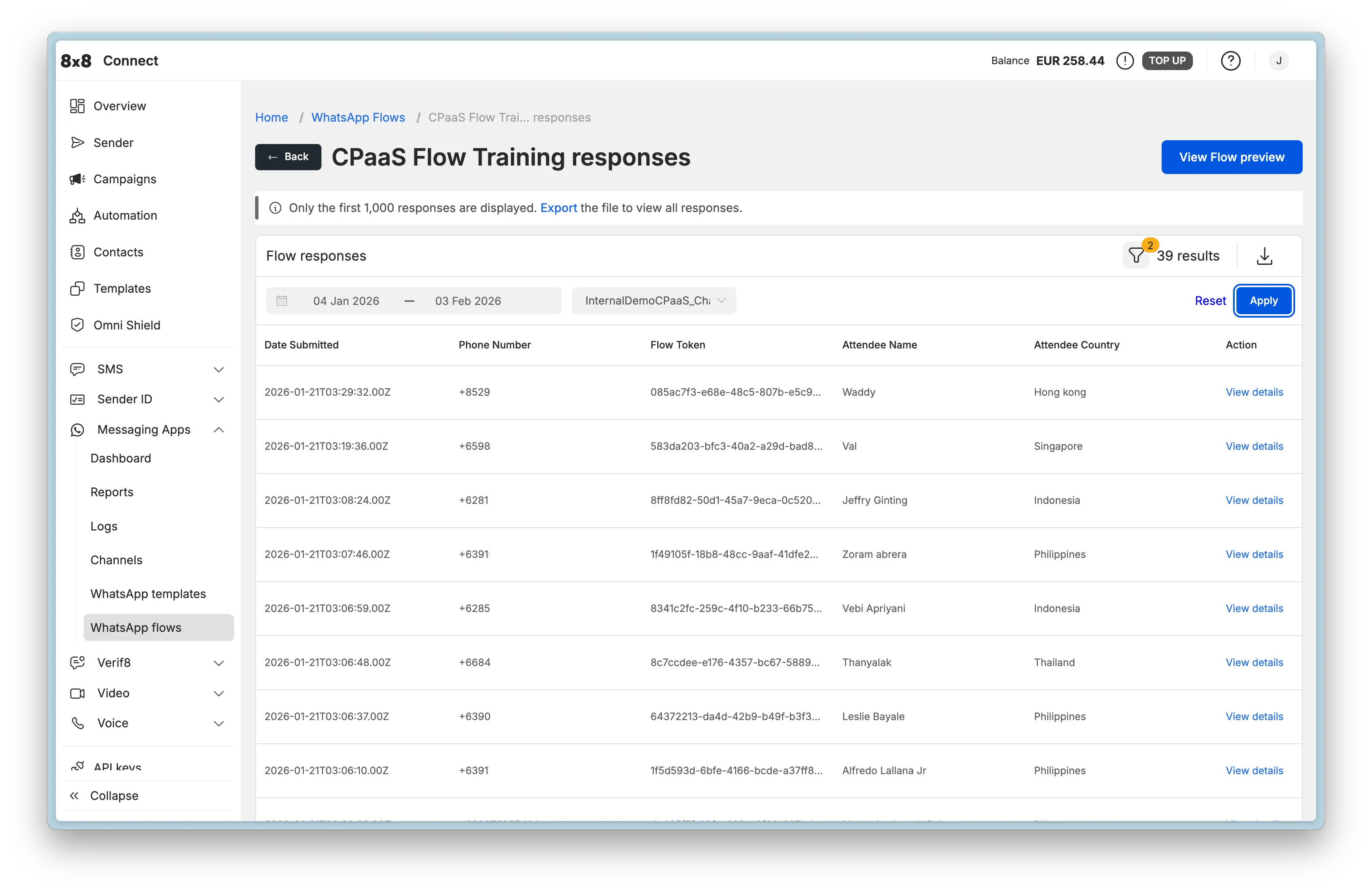
  • WhatsApp Media Hosting & Management

    WhatsApp Media Hosting & Management

    Ensure reliable and fast media delivery in your WhatsApp messages by leveraging the 8x8 media hosting service. When you upload media files through the 8x8 API, they are automatically transferred to WhatsApp's media hosting infrastructure during message sending, guaranteeing optimal delivery performance and reliability.


    Overview

    The 8x8 platform provides a robust media management workflow that ensures your WhatsApp media messages are delivered reliably and efficiently:

    1. Upload your media files to 8x8's temporary hosting via the Upload Media API
    2. Reference the uploaded media URL in your WhatsApp message payloads
    3. Automatic Transfer to WhatsApp's infrastructure happens during message sending
    4. Reliable Delivery is ensured through WhatsApp's optimized global CDN

    This architecture eliminates common media delivery issues such as slow loading times, unreachable URLs, geographical restrictions, and authentication barriers.

    WhatsApp Media Hosting Flow

    Why Use 8x8 Media Hosting?

    Reliability Benefits:

    • Guaranteed Delivery: Media is transferred directly to WhatsApp's infrastructure, eliminating third-party hosting dependencies
    • No Authentication Issues: Bypasses authentication requirements that can block WhatsApp from fetching externally hosted media
    • Geographical Optimization: WhatsApp's global CDN ensures fast delivery regardless of recipient location
    • Consistent Performance: Avoids slow or unreliable third-party hosting that can cause message failures

    Operational Benefits:

    • Simplified Architecture: No need to maintain public-facing media hosting infrastructure
    • No CDN Required: Eliminates the need for your own Content Delivery Network
    • Security: Temporary hosting ensures media is only accessible during the message creation process
    • Scalability: Handles high-volume campaigns without infrastructure concerns

    Supported Media Types & Limits

    WhatsApp supports multiple media types through the 8x8 platform. Each type has specific format requirements and file size limitations imposed by Meta.

    Media Type Specifications

    Media Type Supported Formats Maximum File Size Common Uses
    Image JPEG (.jpeg, .jpg)
    PNG (.png)
    5 MB Product images, promotional graphics, QR codes, infographics, receipts
    Video MP4 (.mp4)
    3GP (.3gp)
    16 MB Product demos, tutorials, promotional videos, short clips
    Document PDF (.pdf)
    Word (.doc, .docx)
    Excel (.xls, .xlsx)
    PowerPoint (.ppt, .pptx)
    Text (.txt)
    100 MB Invoices, contracts, receipts, product catalogs, user manuals, reports
    Audio AAC (.aac)
    M4A (.m4a)
    AMR (.amr)
    MP3 (.mp3)
    OGG (.ogg)
    OPUS (.opus)
    16 MB Voice messages, audio instructions, music clips, podcasts

    📘 Format Compatibility

    For a complete list of supported content types across all messaging channels, see the Supported Messaging Apps Content Types reference.

    Media Quality Recommendations

    While WhatsApp allows files up to the maximum sizes listed above, following these recommendations will ensure optimal delivery performance:

    • Images: Keep under 1 MB for fastest loading; use PNG format for graphics with transparency, JPEG for photos
    • Videos: Compress to under 10 MB when possible; use H.264 codec for maximum compatibility
    • Documents: Optimize PDFs (compress images within PDFs) to reduce file size
    • Audio: Use AAC or MP3 format with appropriate bitrate (128-192 kbps for voice, 256+ kbps for music)

    Recommended Image Dimensions:

    • Template Headers: 1200 x 630 pixels (1.9:1 ratio)
    • Interactive Messages: 1080 x 1080 pixels (1:1 ratio) or 1200 x 630 pixels (1.9:1 ratio)
    • Carousel Cards: 1080 x 1080 pixels (1:1 ratio)

    Uploading Media Files

    Use the Upload Media API to upload files to 8x8's temporary hosting service. Once uploaded, you'll receive a response containing the file name and token that can be used to construct the media URL.

    Upload Media API

    Endpoint:

    POST https://chatapps.8x8.com/api/v1/subaccounts/{subAccountId}/files

    Authentication:

    Authorization: Bearer YOUR_API_KEY

    Request Format:

    • Content-Type: multipart/form-data
    • Body: File upload with key file

    Upload Example

    curl -X POST "https://chatapps.8x8.com/api/v1/subaccounts/YOUR_SUBACCOUNT_ID/files" \
    -H "Authorization: Bearer YOUR_API_KEY" \
    -F "file=@/path/to/your/image.png"

    Upload Response

    When the upload succeeds, you'll receive a response containing the file name and token:

    Response Body:

    {
    "fileName":"f041c4fa554941b2acba0191859707b9.png",
    "token":"CfDJ8LwbBIzqYzxMo4VXraj4E8np2JMuXKnwMWzzWnhfPTnXEo7eCgiy7XIhp0HrdaHCbfusvZ0b29r0Txo86-zi4iXaPAXoE7JChY3sRqIbT-Aa0lNyAq_vAW-DhlbKRMcCR3cmBhPGf_cVOSpSKhGvvzujy5LpFfQu-DLtRI4oM3WUlEilCmLqm10eWyPCC5bhKA"
    }

    Response Headers:

    content-type: application/json; charset=utf-8
    location: /files/f041c4fa554941b2acba0191859707b9.png?token=CfDJ8LwbBIzqYzxMo4VXraj4E8np2JMuXKnwMWzzWnhfPTnXEo7eCgiy7XIhp0HrdaHCbfusvZ0b29r0Txo86-zi4iXaPAXoE7JChY3sRqIbT-Aa0lNyAq_vAW-DhlbKRMcCR3cmBhPGf_cVOSpSKhGvvzujy5LpFfQu-DLtRI4oM3WUlEilCmLqm10eWyPCC5bhKA
    cache-control: no-store,no-cache

    Response Fields:

    • fileName: The generated filename (UUID-based) for your uploaded file
    • token: Authentication token required to access the file

    Important Headers:

    • location: The relative path to access your uploaded file (includes both filename and token)

    ⚠️ Constructing the Media URL

    To use the uploaded media in your messages, construct the full URL by combining the base URL with the fileName and token:

    https://chatapps.8x8.com/files/{fileName}?token={token}

    Example:

    https://chatapps.8x8.com/files/f041c4fa554941b2acba0191859707b9.png?token=CfDJ8LwbBIzqYzxMo4VXraj4E8np2JMuXKnwMWzzWnhfPTnXEo7eCgiy7XIhp0HrdaHCbfusvZ0b29r0Txo86-zi4iXaPAXoE7JChY3sRqIbT-Aa0lNyAq_vAW-DhlbKRMcCR3cmBhPGf_cVOSpSKhGvvzujy5LpFfQu-DLtRI4oM3WUlEilCmLqm10eWyPCC5bhKA

    Retrieving Media Files

    You can retrieve previously uploaded media files using the information from the upload response. The location header provides the complete path including the filename and token.

    Get Media API

    Endpoint:

    GET https://chatapps.8x8.com/files/:fileName?token=YOUR_TOKEN

    Authentication:

    • The token query parameter (from the upload response) serves as authentication
    • No Bearer token header required

    Get Media Example

    curl -X GET "https://chatapps.8x8.com/files/f041c4fa554941b2acba0191859707b9.png?token=CfDJ8LwbBIzqYzxMo4VXraj4E8np2JMuXKnwMWzzWnhfPTnXEo7eCgiy7XIhp0HrdaHCbfusvZ0b29r0Txo86-zi4iXaPAXoE7JChY3sRqIbT-Aa0lNyAq_vAW-DhlbKRMcCR3cmBhPGf_cVOSpSKhGvvzujy5LpFfQu-DLtRI4oM3WUlEilCmLqm10eWyPCC5bhKA" \
    --output downloaded-image.png

    💡 Quick Access

    You can also paste the complete URL (with token) directly into your browser's address bar to download or view the file.


    Media Upload Best Practices

    1. Optimize Before Upload

    Images:

    • Compress images using tools like TinyPNG, Squoosh, or ImageOptim
    • Target file size: < 500 KB for templates, < 1 MB for all images
    • Use JPEG for photographs, PNG for graphics with transparency
    • Resize to recommended dimensions (1200x630 or 1080x1080)

    Videos:

    • Use H.264 codec with AAC audio for maximum compatibility
    • Compress to target bitrate: 1-2 Mbps for standard quality
    • Keep duration under 30 seconds for marketing content
    • Test playback on mobile devices before uploading

    Documents:

    • Compress PDF files using PDF optimization tools
    • Remove unnecessary embedded fonts and images
    • Consider splitting large documents into smaller files
    • Test document rendering on mobile devices

    Audio:

    • Use AAC or MP3 format
    • Set appropriate bitrate: 64-96 kbps for voice, 128-192 kbps for music
    • Normalize audio levels to prevent volume inconsistencies
    • Keep duration reasonable (under 2 minutes for most use cases)

    2. Validate Media Before Upload

    Create a validation checklist before uploading:

    • File format matches WhatsApp's supported types
    • File size is under the maximum limit
    • Media quality is acceptable for the use case
    • File is not corrupted (test by opening locally)
    • Image dimensions are appropriate for WhatsApp display
    • Video/audio is playable without special codecs
    • Document renders correctly on mobile devices

    3. Implement Error Handling

    Always implement proper error handling for media uploads. Common errors include file size exceeding limits, unsupported formats, or network issues. Implement retry logic with exponential backoff for transient failures.

    4. Store Media Information

    After successful upload:

    • Save the fileName returned in the response
    • Save the token for accessing the file
    • Construct and store the complete URL for use in messages
    • Associate URLs with your campaigns or message templates
    • Implement backup strategy for critical media assets

    Troubleshooting Media Issues

    Upload Failures

    Issue: Upload request returns an error

    Common Causes & Solutions:

    Error Cause Solution
    413 Payload Too Large File exceeds maximum size limit Compress or resize the file to meet size requirements
    415 Unsupported Media Type File format not supported Convert to a supported format (JPEG/PNG for images, MP4 for videos, etc.)
    401 Unauthorized Invalid or expired API key Verify your API key and ensure it's valid and active
    400 Bad Request Malformed request or missing file Check request format and ensure file is included with key file
    500 Internal Server Error Server-side issue or corrupted file Retry the upload; if persists, verify file is not corrupted

    Media Not Displaying in Messages

    Issue: Uploaded media doesn't display when message is sent

    Troubleshooting Steps:

    1. Verify URL Format

      • Ensure you're using the complete URL: https://chatapps.8x8.com/files/{fileName}?token={token}
      • Check for any URL encoding issues or truncation
      • Confirm both fileName and token are included
    2. Test Media Access

      • Try opening the media URL in a web browser
      • Confirm the media displays/downloads correctly
      • Verify the token is still valid
    3. Check File Format

      • Verify the file format matches WhatsApp's requirements
      • Ensure MIME type is correct for the media type
      • Test with a different file if issues persist
    4. Validate Message Payload

      • Review the JSON structure for syntax errors
      • Confirm media URL is in the correct parameter location
      • Check that template component types match (e.g., "type": "image" for image media)

    Slow Upload Performance

    Issue: Media uploads taking longer than expected

    Solutions:

    1. Compress Files First

      • Reduce file size before uploading (especially important for videos and high-res images)
      • Use appropriate compression tools for each media type
    2. Check Network Connection

      • Verify stable internet connection with adequate upload bandwidth
      • Consider using a wired connection for large file uploads
    3. Implement Retry Logic

      • Set appropriate timeout values for large media uploads
      • Use exponential backoff for failed uploads

    Related Resources

    • Message Types & Templates - Creating templates with media headers
    • Template Message API Library - Template message examples with media
    • Interactive Message API Library - Session message examples with media
    • Supported Messaging Apps Content Types - Complete media format reference
    • Developer Tools - API key management and testing tools

    ❗️ Need Help?

    Contact your account manager or 8x8 Support for assistance with:

    • Media upload issues or errors
    • Understanding media retention policies
    • Optimizing media for specific use cases
    • Best practices for your specific industry or use case

    Source: https://developer.8x8.com/connect/docs/whatsapp/whatsapp-media-hosting · 8x8 CPaaS Developer Docs. Synced for support deflection.
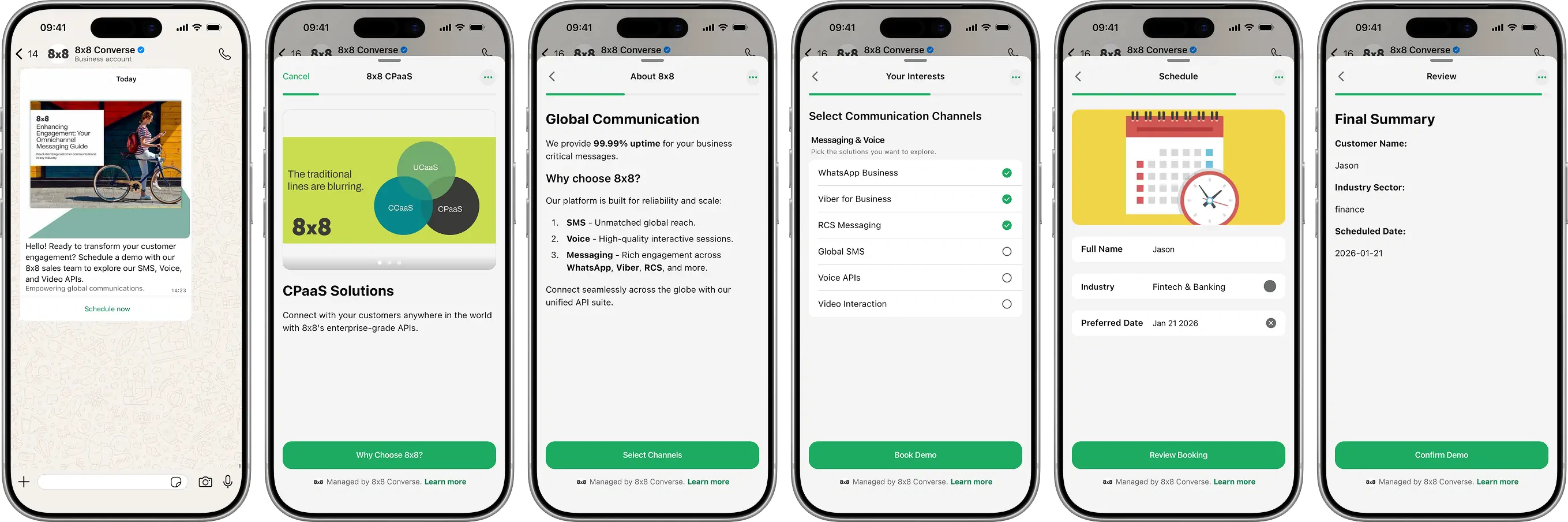
  • WhatsApp in 8x8 Connect

    WhatsApp in 8x8 Connect

    Beyond the API, the 8x8 Connect portal offers three powerful, ready-to-use solutions to manage your WhatsApp communications. This section provides an overview of how to use Campaigns for bulk messaging, 8x8 Converse for agent-based support, and the Automation Builder for creating no-code workflows.

    Campaigns (formerly MCS) with WhatsApp

    The Campaigns tool in 8x8 Connect allows you to send high-volume, template-based WhatsApp messages to a list of your customers. This is ideal for marketing announcements, proactive notifications, and re-engagement campaigns.

    How to Send WhatsApp Messages using Campaigns

    Sending WhatsApp Messages through Campaigns follows a simple, step-by-step process in the portal:

    1. Select Channel: Navigate to Campaigns from the main menu, click "Create a new campaign", and select "Messaging Apps".

    WhatsApp Campaign Creation

    1. Choose Sender: Select the Subaccount and to specify the WhatsApp Channel you want to send from.

    WhatsApp Campaign Channel Selection

    1. Add Recipients: Upload your customer list. You can:

      • Upload a file (.csv, .txt, .xlsx) containing phone numbers and data for personalization.

      • Manually type in numbers.

      • Select contacts from your saved Contact Groups.

    WhatsApp Campaign Add Recipient

    1. Map Fields: If you upload a file, you will map your columns to system fields (like Mobile) or custom fields (like FirstName) that can be used as variables.

    2. Compose Message:

      • Select Template or Compose Message: You have two options for your message content:

        • Use a WhatsApp Template: Select an approved WhatsApp Template from the list. This is mandatory if you are initiating a conversation or contacting users outside the 24-hour customer service window.

          • Variable Mapping: If your template has variables (e.g., {{1}}), you can map them to the custom fields from your uploaded file (e.g., map {{1}} to your FirstName column).

          • Media Replacement: If your template includes a media header (image, video, document), you can specify the media to be used. You can either provide a publicly accessible Media URL or use the direct file upload option to have 8x8 host the media.

        • Compose a Text Message: You can write a freeform text message. This option will only be delivered to recipients who are within the 24-hour customer service window (i.e., they have messaged you in the last 24 hours).

      • Media Optimization: All media (from URLs or direct uploads) is automatically processed and optimized by Meta's media hosting. This ensures fast, reliable delivery without you needing to manage resource availability.

    WhatsApp Campaign Craft Template Message

    1. Review and Send: Name your campaign, review the details, and choose to send it immediately or schedule it for a later time.

    WhatsApp Campaign Review

    WhatsApp in 8x8 Converse (Agent Experience)

    8x8 Converse is a chat-based customer service platform that allows your support agents to manage two-way conversations with customers across multiple channels, including WhatsApp.

    How it Works

    When a customer sends a WhatsApp message to your business phone number, 8x8 Converse can automatically route that message as a "ticket" to the correct agent or support queue.

    • Unified Inbox: Agents see all customer conversations, whether from WhatsApp, SMS, or other channels, in a single, unified inbox.

    • Two-Way Chat: Agents can reply to customers directly from the Converse portal. Because these are user-initiated replies, agents can send freeform (non-template) messages, including text and media, within the 24-hour customer service window.

    • Ticket Management: Conversations are managed as tickets with statuses like New, Open, Pending, or Resolved, allowing for a structured support workflow.

    • Advanced Queuing: As an administrator, you can configure queues to automatically route incoming WhatsApp messages to specific agents based on rules, such as:

      • Channel-based queueing: Send all messages from a specific WhatsApp number to a dedicated team.

      • Country-based queueing: Route messages from specific country codes to agents who speak the local language.

      • Customer group-based queueing: Route messages from "VIP" customers (managed in your 8x8 Contacts) to a priority queue.

    WhatsApp in 8x8 Automation Builder

    The 8x8 Automation Builder is a visual, no-code tool in the 8x8 Connect portal that lets you create powerful, automated communication workflows. WhatsApp is a fully integrated channel in the Automation Builder.

    How it Works

    You can create workflows that are triggered by incoming WhatsApp messages or perform actions like sending WhatsApp messages.

    Common Use Cases:

    • Chatbots & Menus: Create an automated chatbot that is triggered by an inbound WhatsApp message. You can send a menu ("Press 1 for support, Press 2 for hours") and use the Branch and Wait For Reply steps to guide the user.

    • Opt-Out Handling: Automatically listen for keywords like "STOP" on your WhatsApp number. When a user sends "STOP," you can trigger a workflow that calls an API to add them to a "do-not-contact" list and sends a confirmation message.

    • External System Integration: Connect WhatsApp to other business tools. For example, you can build a workflow that:

      1. Receives a WhatsApp message (e.g., "Schedule appointment").

      2. Uses the HTTP Request step to check your Google Calendar for an open slot.

      3. Sends a WhatsApp message back to the user with the available times.

      4. Waits for their reply.

      5. Sends another HTTP Request to book the appointment in your system.


    Source: https://developer.8x8.com/connect/docs/whatsapp/whatsapp-in-8x8-connect · 8x8 CPaaS Developer Docs. Synced for support deflection.
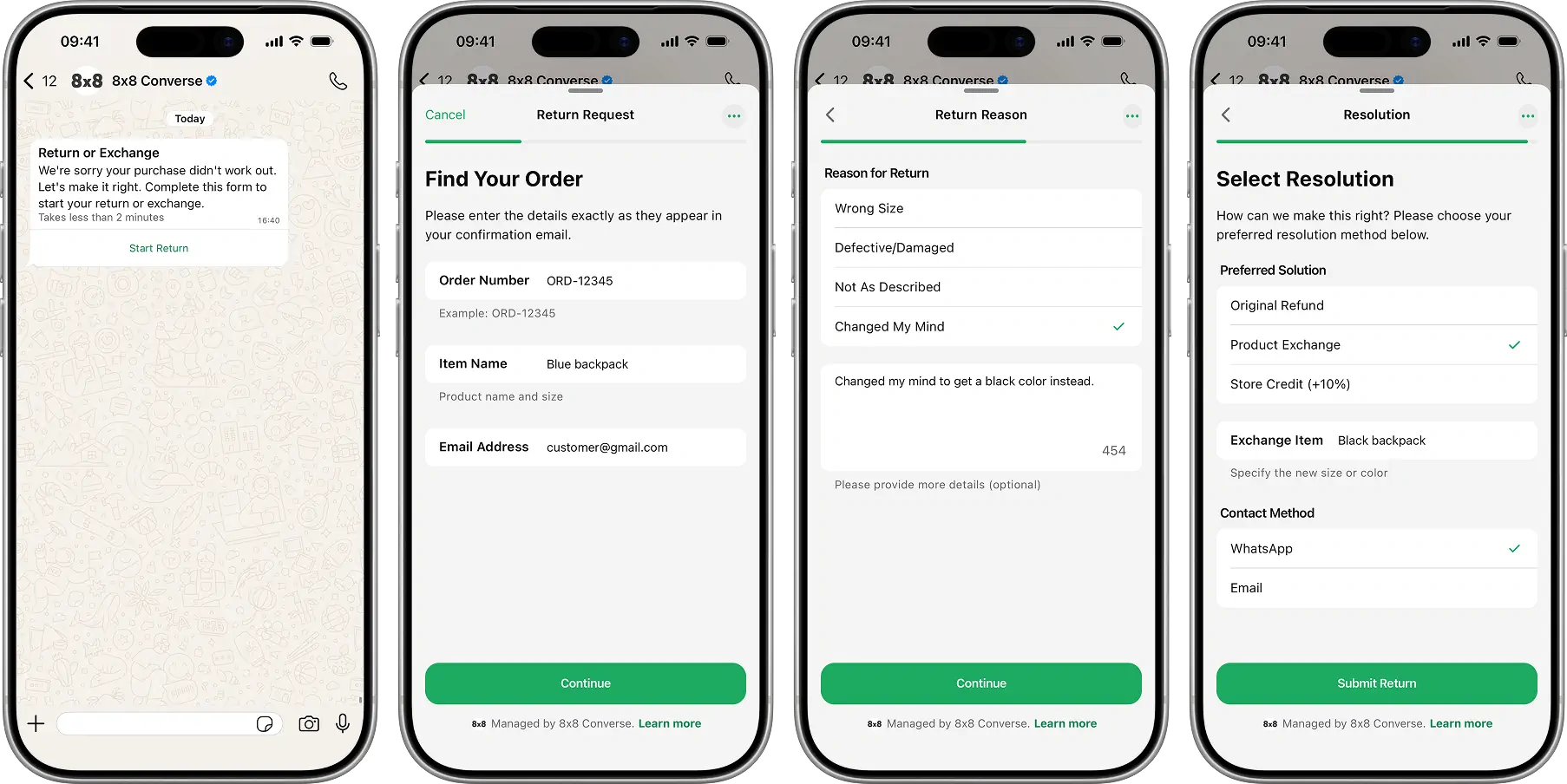
  • The 8x8 WhatsApp Business Platform

    The 8x8 WhatsApp Business Platform

    Welcome to the 8x8 Integration for the WhatsApp Business Platform! This documentation guides you through using 8x8's communication tools to connect with your customers on WhatsApp.

    WhatsApp Business Examples

    Why Use WhatsApp for Business?

    WhatsApp offers a unique opportunity for businesses to engage customers where they are most active. With over 2 billion monthly active users globally and over 200 million businesses utilizing the platform, this massive scale provides:

    • Unparalleled Reach: Connect directly with billions of engaged users on their preferred messaging channel.

    • Rich Communication: Go beyond simple text with images, videos, documents, interactive buttons, product catalogs, and more.

    • Personalized Engagement: Build direct, trusted relationships through one-on-one conversations and timely notifications.

    • Improved Customer Experience: Offer support, send alerts, facilitate transactions, and run marketing campaigns within a familiar and convenient interface.

    What is the 8x8 Integration for WhatsApp Business Platform?

    8x8 provides a seamless, reliable solution for businesses to connect with customers effortlessly on WhatsApp. Our integration is powered by the official Meta WhatsApp Business Platform (Cloud API) and made easily accessible through 8x8's robust 8x8 Connect platform.

    8x8 Connect acts as your central hub, simplifying how you use WhatsApp for business by providing two primary methods:

    1. Via the 8x8 Connect Portal: An intuitive, all-in-one web interface for managing your account, sending messages manually or in bulk (by using the Campaigns), managing templates, viewing analytics, and configuring settings.

    2. Via the 8x8 Messaging App API: A powerful, developer-focused API for integrating WhatsApp messaging directly into your own applications, CRM, or backend systems to automate communication workflows.

    Essentially, 8x8 provides the tools (both UI and API) and infrastructure to easily manage and scale your customer interactions on WhatsApp.

    Key Capabilities

    • Send All Message Types: Engage customers with business-initiated Template Messages (for notifications, OTPs, and marketing) and respond with Interactive Messages (including text, media, buttons, and lists).

    • Manage Templates: Create, submit, and manage your WhatsApp templates directly through the 8x8 Connect portal or via the API.

    • Integrate Your Tools: Connect WhatsApp to your CRM and support desks, with support for Zendesk, Salesforce, Zapier, and Workato.

    • Handle Two-Way Conversations: Receive and respond to customer messages in real-time using webhooks or through agent tools like 8x8 Converse.

    Where to Start

    To help you find the information you need, we have organized this documentation by your primary goal.

    For All Users (Start Here) We recommend starting with the fundamentals. These concepts are essential for understanding how the platform works.

    • See: Business-Initiated Conversations (Outbound)

    • See: User-Initiated Conversations (Inbound)

    For Business Users & Marketers Learn how to use the 8x8 Connect portal to manage your presence, create templates, and run campaigns without writing code.

    • See: Getting Started with WhatsApp (Portal-first)

    • See: Campaigns (formerly MCS) with WhatsApp

    For Developers & Integrators Dive into the API documentation to build custom integrations, send messages programmatically, and manage webhooks.

    • See: Authentication

    • See: Business-initiated Conversations: Templates

    • See: User-initiated Conversations: Interactive Messages

    For Developers Building Interactive Experiences Learn how to collect structured data using WhatsApp Flows - guided forms that run inside WhatsApp conversations.

    • See: WhatsApp Flows - Create, send, and manage interactive forms for data collection

    • See: Flow Examples Library - Industry-specific implementations with complete payloads


    Source: https://developer.8x8.com/connect/docs/whatsapp/whatsapp-hub · 8x8 CPaaS Developer Docs. Synced for support deflection.
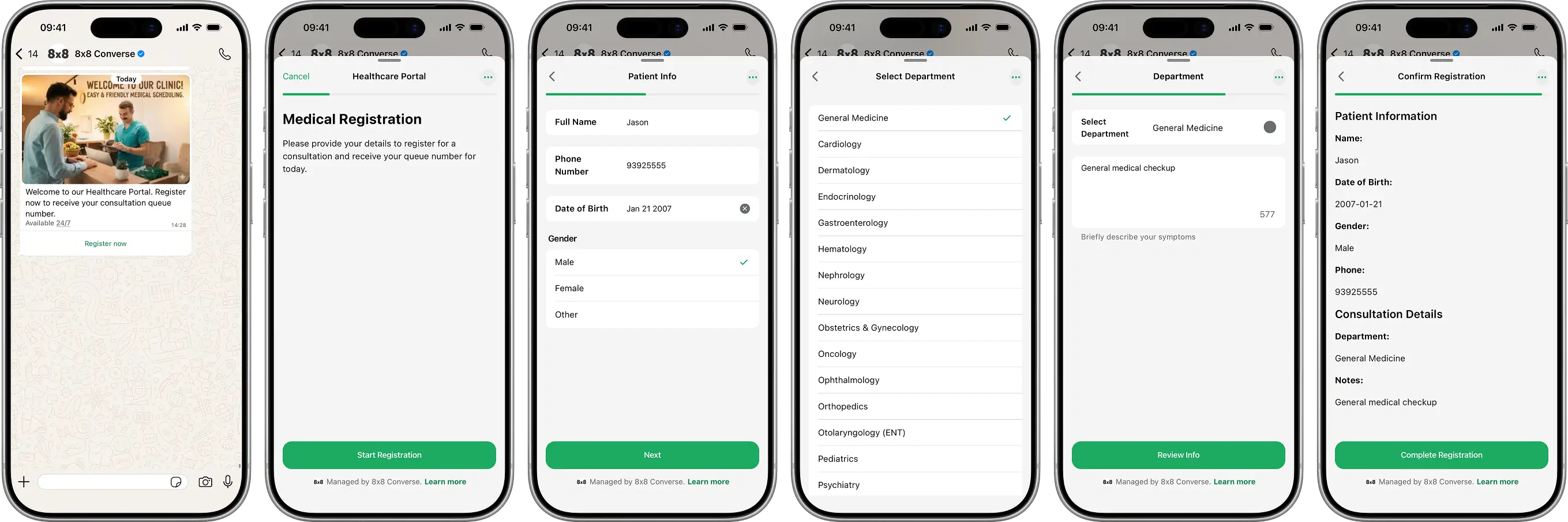
  • WhatsApp Flows in 8x8 Connect

    WhatsApp Flows in 8x8 Connect

    This guide walks you through creating, testing, and deploying WhatsApp Flows using the visual, no-code interface in the 8x8 Connect portal. Perfect for business users, marketers, and anyone who prefers a UI-based approach over API integration.

    Overview

    The 8x8 Connect UI provides a complete visual environment for Flow management:

    • No coding required - Build Flows with JSON editor and live preview
    • Live preview - Test Flows interactively before publishing
    • Template integration - Create templates with Flow buttons
    • Campaign management - Send Flows to customer segments
    • Response viewing - See all submissions in a table view
    • Export capabilities - Download Flow JSON for version control

    Prerequisites:

    • Access to 8x8 Connect
    • Active WhatsApp Channel
    • Appropriate user permissions

    Accessing WhatsApp Flows

    WhatsApp Flows List

    Steps:

    1. Log into 8x8 Connect
    2. Navigate to Messaging Apps > WhatsApp flows at https://connect.8x8.com/chat/flows
    3. View existing flows with status indicators:
      • Draft - Editable, not yet published
      • Published - Live and available for use (immutable)
      • Deprecated - No longer recommended for new messages
    4. Use the search bar to find specific flows by name

    Flow Management Actions

    Flow Actions Menu

    Click the ⋮ menu on any Flow to access:

    • Edit - Modify Flow JSON (Draft flows only)
    • Preview - Test flow experience in browser before publishing
    • View responses - See all customer submissions with filtering and export options
    • Export flow JSON - Download JSON for backup or API use
    • Delete - Remove flow (Draft flows only, not in use by templates)

    Creating a New Flow

    Step 1: Create Flow

    Create Flow Interface

    1. Navigate to https://connect.8x8.com/chat/flows/create or click + Create a WhatsApp Flow button

    2. Fill in Flow details:

      • Channel ID: Select your WhatsApp Business Account
      • Flow name: Descriptive name for internal reference (e.g., "Home Service Appointment Booking")
    3. Build your Flow JSON using one of these methods:

    Option A: Use Meta's Playground

    • Visit WhatsApp Flows Playground
    • Design flow visually with drag-and-drop interface
    • Export JSON and copy into the editor
    • Note: This is a one-way tool - you can export from playground to JSON, but cannot import JSON back into the playground

    Option B: Use Example JSON

    • Browse Flow Examples for industry-specific templates
    • Copy JSON from the example that matches your use case
    • Customize field names, labels, and validation rules

    Option C: Write Custom JSON

    • Refer to the Component Reference
    • Build JSON structure following WhatsApp Flows schema (version 7.3)
    • Use the inline editor with syntax highlighting
    1. Live Preview: See real-time rendering on the right panel
    2. Click Run to test the flow interactively in a mobile-sized preview

    Step 2: Preview and Test

    Flow Preview

    The preview interface allows you to:

    • See full-screen mobile preview of your Flow
    • Navigate through all screens as a user would
    • Test form validations and required fields
    • Verify conditional logic and navigation paths
    • Check data flow between screens

    Testing checklist:

    • All screens render correctly on mobile layout
    • Required fields enforce validation
    • Navigation buttons work as expected
    • Terminal screen submits data properly
    • All text fits in mobile view without truncation
    • Images and icons load correctly

    Step 3: Publish Flow

    Publish Flow Dialog

    Important: Once published, the Flow becomes live and cannot be edited. This is a Meta/WhatsApp restriction to ensure consistency for users.

    To make changes after publishing:

    1. Edit the existing flow (this creates a new draft version)
    2. Copy the modified JSON
    3. Create a new flow with the updated JSON
    4. Publish the new version
    5. Update your templates to reference the new Flow ID
    6. Optionally deprecate the old version

    Click Publish when you're confident the Flow is ready for production use.


    Using Flows with Templates

    Create Template with Flow Button

    Template Creation

    Templates allow you to initiate conversations with Flow buttons. This is the most common way to send Flows.

    1. Navigate to Templates section in 8x8 Connect

    2. Click Create new template

    3. Enter template details:

      • Template name: Unique identifier (lowercase, underscores, e.g., appointment_booking_v1)
      • Category: Select UTILITY for transactional/service Flows (appointments, feedback, customer service) or MARKETING for promotional Flows (offers, campaigns). Choose the appropriate category to avoid template rejection.
      • Language: Select primary language
    4. Compose template body:

      • Add body text describing the Flow purpose
      • Optional: Use variables like {{1}} for personalization
      • Optional: Add footer text for additional context
    5. Add Flow Button:

      • In Buttons section, click Add button
      • Select Flow button type
      • Choose your published flow from the dropdown
      • Set button label (e.g., "Schedule now", "Book appointment", "Share feedback")
      • Note: Maximum 25 characters for button text
    6. Submit for WhatsApp approval

    7. Wait for approval (typically 24-48 hours)

    Template Approval Tips:

    • Use clear, professional language in template body
    • Avoid promotional content in UTILITY templates
    • Match button text to template content
    • Test with example values before submitting

    Send Template via Campaign

    Campaign Setup

    Once your template is approved, send it to customers via Campaigns:

    1. Select Channel: Navigate to Campaigns from the main menu, click "Create a new campaign", and select "Messaging Apps"

    2. Choose Sender: Select the Subaccount and specify the WhatsApp Channel you want to send from

    3. Add Recipients: Upload your customer list. You can:

      • Upload a file (.csv, .txt, .xlsx) containing phone numbers and data for personalization
      • Manually type in numbers
      • Select contacts from your saved Contact Groups
    4. Map Fields: If you upload a file, map your columns to system fields (like Mobile) or custom fields (like FirstName) that can be used as variables

    5. Compose Message:

      • Select your approved WhatsApp Template with Flow button from the list
      • Variable Mapping: If your template has variables (e.g., {{1}}), map them to the custom fields from your uploaded file (e.g., map {{1}} to your FirstName column)
      • Media Replacement: If your template includes a media header (image, video, document), you can specify the media to be used by providing a publicly accessible Media URL or using the direct file upload option
      • Media Optimization: All media is automatically processed and optimized by Meta's media hosting for fast, reliable delivery
    6. Review and Send: Name your campaign, review the details, and choose to send it immediately or schedule it for a later time

    Campaign Best Practices:

    • Segment audiences for relevant flows (don't send all flows to everyone)
    • Schedule sends during business hours (higher completion rates)
    • A/B test different template body copy and button labels
    • Monitor completion rates in webhook analytics

    Viewing and Managing Responses

    Viewing Responses in 8x8 Connect

    Flow Responses

    You can view all Flow submissions directly in the 8x8 Connect portal without setting up webhooks.

    Important: Permission Required

    Flow responses are only visible to users with log access permission in 8x8 Connect. Without this permission, response data will be masked and not visible. Contact your account administrator to request log access if needed.

    To view Flow responses:

    1. Navigate to Messaging Apps > WhatsApp flows at https://connect.8x8.com/chat/flows
    2. Click on the Flow name to open its details
    3. Click View responses or navigate to the responses tab
    4. View submission data in a table format

    Default Columns (Always Present):

    • Date Submitted: Timestamp when the user completed the Flow
    • Phone Number: Customer's WhatsApp number

    Dynamic Columns (Based on Your Flow): The table also displays columns for each field collected in your Flow. For example:

    • If your Flow collects "Name", "Email", "Preferred Date" - these will appear as columns
    • If your Flow collects "Order Number", "Return Reason", "Resolution Type" - these will appear as columns
    • Column names match the field names defined in your Flow JSON

    Additional Column:

    • Action: Click View details to see the complete submission with all form fields

    Features:

    • Filter responses by date range and channel
    • Export responses to CSV for analysis (first 1,000 responses displayed in UI, use Export button to download all responses)
    • View details for individual submissions to see complete form data

    Use Cases:

    • Manual review of customer submissions
    • Quality assurance and testing
    • Data analysis and reporting without code
    • Customer support lookups
    • Export data for offline analysis or integration with other tools

    Configuring Webhooks for Automated Processing

    While the portal provides manual response viewing, webhooks enable automated processing and integration with your systems.

    Webhook Setup

    1. In 8x8 Connect, navigate to Messaging Apps > Webhooks
    2. Click Add webhook endpoint
    3. Enter your endpoint URL (must be HTTPS)
    4. Select event types:
      • inbound_message_received (required for Flow submissions)
      • Optionally select other events (delivery status, etc.)
    5. Save configuration

    Webhook Requirements:

    • Must respond with 200 OK within 5 seconds
    • Must use HTTPS (not HTTP)
    • Must handle duplicate submissions (idempotency)
    • Should process asynchronously after acknowledgment

    For complete webhook setup and submission handling: WhatsApp Webhooks Documentation

    For webhook payload structure and processing code: API Reference - Webhook Integration


    Testing Your Flows

    Testing Checklist

    Complete these steps to validate your Flow implementation:

    • Preview Flow: Open preview and test all screens and field validations
    • Test All Paths: Verify all navigation branches and conditional logic
    • Validate Required Fields: Confirm required field enforcement works
    • Test Validation Rules: Try invalid inputs (bad email, negative numbers)
    • Create Test Template: Create template with Flow button and submit for approval
    • Send to Test Number: Send Flow to your test WhatsApp number
    • Complete Flow: Fill out all fields and submit as a user would
    • Verify Portal Response: Check responses appear in 8x8 Connect portal
    • Verify Webhook (if configured): Confirm webhook receives nfmReply payload
    • Parse Data: Verify all submitted fields parse correctly from responseJson
    • Check Logs: Review 8x8 Connect portal logs for delivery status
    • Send Confirmation: Test automated response after submission
    • Test Error Cases: Verify webhook handles malformed submissions gracefully

    Common Validation Errors

    Error Cause Solution
    Invalid flowJson JSON not properly formatted or has syntax errors Validate JSON structure; use online JSON validator before uploading
    Screen not found Navigation references non-existent screen ID Check all screen IDs in routing match actual screen definitions
    Flow not published Attempting to send unpublished Flow Publish Flow before sending; verify status is PUBLISHED
    Invalid flowId Wrong Flow ID or Flow deleted Verify Flow ID from Flow list; check Flow wasn't accidentally deleted
    Button not visible Template not approved or button misconfigured Check template approval status; verify button type is FLOW
    Cannot open Flow Flow deprecated or incorrect version Ensure Flow status is PUBLISHED, not DRAFT or DEPRECATED

    Testing with Preview

    The preview interface is your primary testing tool:

    1. Create or update your Flow in 8x8 Connect
    2. Click Preview from the Flow actions menu
    3. Interact with the Flow in the browser preview
    4. Test all screens, navigation paths, and data entry
    5. Verify submission payload structure (shown at the end)

    Tip: Keep the preview open while iterating on your Flow JSON. Make edits, click Run to see changes immediately.


    Troubleshooting

    Common Issues

    Symptom Likely Cause Solution
    Flow button not visible in WhatsApp Template not approved or button misconfigured Verify template approval status in 8x8 Connect; check button definition matches Flow button syntax
    Cannot open Flow when clicked Flow not published or incorrect flowId Publish Flow; verify flowId in template matches published Flow
    Interactive message rejected Sent outside 24-hour service window Use Template message to re-open conversation window
    Flow edit button disabled Flow is published (immutable) Create new Flow with modified JSON; update templates to new Flow ID
    No responses showing in portal Missing log access permission Request log access permission from administrator
    Preview shows old version Browser cache or cached preview Clear browser cache; refresh preview

    Debugging Tips

    1. Use Preview Extensively

    Test every change in the preview before publishing. The preview shows exactly how users will see the Flow.

    2. Check Flow Status

    Verify Flow is in expected state:

    • Navigate to Messaging Apps > WhatsApp flows at https://connect.8x8.com/chat/flows
    • Confirm status shows Published (not Draft)
    • Check created/updated timestamps

    3. Review Portal Logs

    8x8 Connect provides detailed message logs:

    • Navigate to Logs in the portal
    • Filter by Channel ID and date range
    • Look for Flow message delivery status and errors

    4. Test with Simple Flow First

    Start with a minimal single-screen Flow before building complex multi-screen flows.

    5. Verify Template Approval

    • Check template status in Templates section
    • Ensure Flow button is configured correctly
    • Confirm Flow ID matches published Flow

    Next Steps

    Continue Learning

    • Flow Component Reference - Learn about all available UI components
    • Flow Examples - See production-ready industry-specific examples
    • Best Practices & Governance - Design guidelines and security

    For Developers

    • Flow API Reference - Programmatic Flow management
    • WhatsApp Webhooks - Complete webhook integration guide

    Related Features

    • Template Message API - Send templates programmatically
    • 8x8 Automation Builder - Combine Flows with conversational workflows

    Source: https://developer.8x8.com/connect/docs/whatsapp/whatsapp-flows-ui-guide · 8x8 CPaaS Developer Docs. Synced for support deflection.
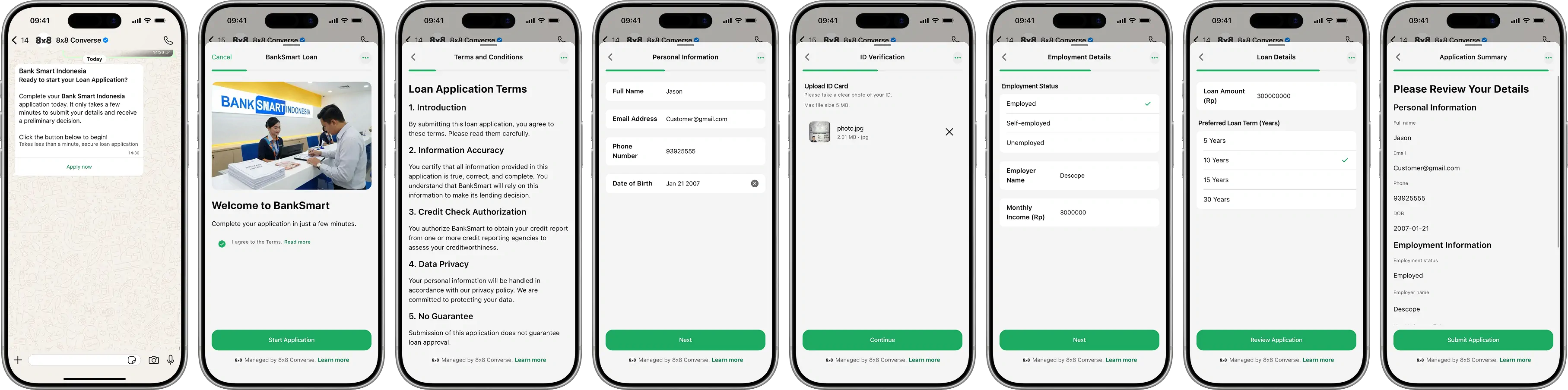
  • Sales & Marketing Flow Examples

    Sales & Marketing Flow Examples

    CPaaS Lead Generation

    CPaaS Lead Generation Flow

    Business Value: Capture qualified leads with structured data, showcase product features, enable multi-select interest tracking, and route leads to sales teams based on company size and use case.

    Scenario: A potential customer is interested in a CPaaS (Communications Platform as a Service) solution. Instead of filling out a generic contact form, they complete a WhatsApp Flow that presents product features, collects company details, captures specific use case interests, and schedules a personalized demo. The system qualifies leads and routes to appropriate sales representatives.

    Tools Used: Flow Configuration API + Messaging API + CRM integration + Demo scheduling system


    Step 1: Create the Flow

    Click to view **Flow JSON Definition**

    This Flow showcases product features, collects company information, and schedules demos across 4 screens.

    Endpoint: POST https://chatapps.8x8.com/config/v1/channels/whatsapp/{channelId}/flows

    {
    "name":"CPaaS Lead Generation & Demo Booking",
    "categories":["OTHER"],
    "flowJson":"{\"version\":\"7.2\",\"routing_model\":{\"PRODUCT_SHOWCASE\":[\"COMPANY_INFO\"],\"COMPANY_INFO\":[\"USE_CASES\"],\"USE_CASES\":[\"SCHEDULE_DEMO\"],\"SCHEDULE_DEMO\":[]},\"screens\":[{\"id\":\"PRODUCT_SHOWCASE\",\"title\":\"8x8 Connect CPaaS\",\"layout\":{\"type\":\"SingleColumnLayout\",\"children\":[{\"type\":\"TextHeading\",\"text\":\"Build powerful communication experiences\"},{\"type\":\"TextBody\",\"text\":\"8x8 Connect provides enterprise-grade APIs for SMS, WhatsApp, voice, and more. Trusted by thousands of businesses worldwide.\"},{\"type\":\"Form\",\"name\":\"product_form\",\"children\":[{\"type\":\"CheckboxGroup\",\"name\":\"interested_channels\",\"label\":\"Which channels interest you?\",\"required\":true,\"data-source\":[{\"id\":\"whatsapp\",\"title\":\"WhatsApp Business\",\"description\":\"Rich messaging with 2B+ users\"},{\"id\":\"sms\",\"title\":\"SMS\",\"description\":\"Global reach, 98% open rate\"},{\"id\":\"voice\",\"title\":\"Voice & SIP\",\"description\":\"Programmable voice calls\"},{\"id\":\"verify\",\"title\":\"Verification\",\"description\":\"OTP & 2FA authentication\"}]},{\"type\":\"RadioButtonsGroup\",\"name\":\"implementation_timeline\",\"label\":\"When do you plan to implement?\",\"required\":true,\"data-source\":[{\"id\":\"immediate\",\"title\":\"Immediately (0-30 days)\"},{\"id\":\"short_term\",\"title\":\"1-3 months\"},{\"id\":\"long_term\",\"title\":\"3-6 months\"},{\"id\":\"exploring\",\"title\":\"Just exploring\"}]},{\"type\":\"Footer\",\"label\":\"Continue\",\"on-click-action\":{\"name\":\"navigate\",\"next\":{\"type\":\"screen\",\"name\":\"COMPANY_INFO\"},\"payload\":{\"interested_channels\":\"${form.interested_channels}\",\"implementation_timeline\":\"${form.implementation_timeline}\"}}}]}]}},{\"id\":\"COMPANY_INFO\",\"title\":\"Company Details\",\"data\":{\"interested_channels\":{\"type\":\"array\",\"items\":{\"type\":\"string\"},\"__example__\":[\"whatsapp\",\"sms\"]},\"implementation_timeline\":{\"type\":\"string\",\"__example__\":\"immediate\"}},\"layout\":{\"type\":\"SingleColumnLayout\",\"children\":[{\"type\":\"TextHeading\",\"text\":\"Tell us about your company\"},{\"type\":\"Form\",\"name\":\"company_form\",\"children\":[{\"type\":\"TextInput\",\"name\":\"company_name\",\"label\":\"Company Name\",\"input-type\":\"text\",\"required\":true},{\"type\":\"TextInput\",\"name\":\"website\",\"label\":\"Company Website\",\"input-type\":\"text\",\"required\":false,\"helper-text\":\"Optional\"},{\"type\":\"Dropdown\",\"name\":\"company_size\",\"label\":\"Company Size\",\"required\":true,\"data-source\":[{\"id\":\"1-10\",\"title\":\"1-10 employees\"},{\"id\":\"11-50\",\"title\":\"11-50 employees\"},{\"id\":\"51-200\",\"title\":\"51-200 employees\"},{\"id\":\"201-500\",\"title\":\"201-500 employees\"},{\"id\":\"500+\",\"title\":\"500+ employees\"}]},{\"type\":\"Dropdown\",\"name\":\"industry\",\"label\":\"Industry\",\"required\":true,\"data-source\":[{\"id\":\"ecommerce\",\"title\":\"eCommerce/Retail\"},{\"id\":\"fintech\",\"title\":\"Financial Services/Fintech\"},{\"id\":\"healthcare\",\"title\":\"Healthcare\"},{\"id\":\"logistics\",\"title\":\"Logistics/Delivery\"},{\"id\":\"saas\",\"title\":\"SaaS/Technology\"},{\"id\":\"other\",\"title\":\"Other\"}]},{\"type\":\"TextInput\",\"name\":\"contact_name\",\"label\":\"Your Name\",\"input-type\":\"text\",\"required\":true},{\"type\":\"TextInput\",\"name\":\"job_title\",\"label\":\"Job Title\",\"input-type\":\"text\",\"required\":true},{\"type\":\"TextInput\",\"name\":\"email\",\"label\":\"Business Email\",\"input-type\":\"email\",\"required\":true},{\"type\":\"Footer\",\"label\":\"Continue\",\"on-click-action\":{\"name\":\"navigate\",\"next\":{\"type\":\"screen\",\"name\":\"USE_CASES\"},\"payload\":{\"interested_channels\":\"${data.interested_channels}\",\"implementation_timeline\":\"${data.implementation_timeline}\",\"company_name\":\"${form.company_name}\",\"website\":\"${form.website}\",\"company_size\":\"${form.company_size}\",\"industry\":\"${form.industry}\",\"contact_name\":\"${form.contact_name}\",\"job_title\":\"${form.job_title}\",\"email\":\"${form.email}\"}}}]}]}},{\"id\":\"USE_CASES\",\"title\":\"Your Use Cases\",\"data\":{\"interested_channels\":{\"type\":\"array\",\"items\":{\"type\":\"string\"},\"__example__\":[\"whatsapp\",\"sms\"]},\"implementation_timeline\":{\"type\":\"string\",\"__example__\":\"immediate\"},\"company_name\":{\"type\":\"string\",\"__example__\":\"TechCorp\"},\"website\":{\"type\":\"string\",\"__example__\":\"techcorp.com\"},\"company_size\":{\"type\":\"string\",\"__example__\":\"51-200\"},\"industry\":{\"type\":\"string\",\"__example__\":\"saas\"},\"contact_name\":{\"type\":\"string\",\"__example__\":\"Sarah Johnson\"},\"job_title\":{\"type\":\"string\",\"__example__\":\"CTO\"},\"email\":{\"type\":\"string\",\"__example__\":\"sarah@techcorp.com\"}},\"layout\":{\"type\":\"SingleColumnLayout\",\"children\":[{\"type\":\"TextHeading\",\"text\":\"What are your main use cases?\"},{\"type\":\"TextBody\",\"text\":\"Select all that apply. This helps us tailor the demo to your needs.\"},{\"type\":\"Form\",\"name\":\"usecase_form\",\"children\":[{\"type\":\"CheckboxGroup\",\"name\":\"use_cases\",\"label\":\"Primary Use Cases\",\"required\":true,\"data-source\":[{\"id\":\"marketing\",\"title\":\"Marketing & Campaigns\",\"description\":\"Promotional messaging, drip campaigns\"},{\"id\":\"transactional\",\"title\":\"Transactional Messages\",\"description\":\"Order updates, confirmations, receipts\"},{\"id\":\"support\",\"title\":\"Customer Support\",\"description\":\"Service tickets, FAQs, chatbot\"},{\"id\":\"notifications\",\"title\":\"Notifications & Alerts\",\"description\":\"Reminders, status updates, alerts\"},{\"id\":\"authentication\",\"title\":\"Authentication\",\"description\":\"OTP, 2FA, login verification\"},{\"id\":\"conversational\",\"title\":\"Conversational Commerce\",\"description\":\"In-chat shopping, bookings, payments\"}]},{\"type\":\"Dropdown\",\"name\":\"monthly_volume\",\"label\":\"Expected Monthly Message Volume\",\"required\":true,\"data-source\":[{\"id\":\"0-10k\",\"title\":\"0 - 10,000\"},{\"id\":\"10k-50k\",\"title\":\"10,000 - 50,000\"},{\"id\":\"50k-100k\",\"title\":\"50,000 - 100,000\"},{\"id\":\"100k-500k\",\"title\":\"100,000 - 500,000\"},{\"id\":\"500k+\",\"title\":\"500,000+\"}]},{\"type\":\"TextArea\",\"name\":\"additional_requirements\",\"label\":\"Additional Requirements\",\"required\":false,\"max-length\":400,\"helper-text\":\"Any specific features or integrations you need?\"},{\"type\":\"Footer\",\"label\":\"Continue\",\"on-click-action\":{\"name\":\"navigate\",\"next\":{\"type\":\"screen\",\"name\":\"SCHEDULE_DEMO\"},\"payload\":{\"interested_channels\":\"${data.interested_channels}\",\"implementation_timeline\":\"${data.implementation_timeline}\",\"company_name\":\"${data.company_name}\",\"website\":\"${data.website}\",\"company_size\":\"${data.company_size}\",\"industry\":\"${data.industry}\",\"contact_name\":\"${data.contact_name}\",\"job_title\":\"${data.job_title}\",\"email\":\"${data.email}\",\"use_cases\":\"${form.use_cases}\",\"monthly_volume\":\"${form.monthly_volume}\",\"additional_requirements\":\"${form.additional_requirements}\"}}}]}]}},{\"id\":\"SCHEDULE_DEMO\",\"title\":\"Schedule Demo\",\"terminal\":true,\"data\":{\"interested_channels\":{\"type\":\"array\",\"items\":{\"type\":\"string\"},\"__example__\":[\"whatsapp\",\"sms\"]},\"implementation_timeline\":{\"type\":\"string\",\"__example__\":\"immediate\"},\"company_name\":{\"type\":\"string\",\"__example__\":\"TechCorp\"},\"website\":{\"type\":\"string\",\"__example__\":\"techcorp.com\"},\"company_size\":{\"type\":\"string\",\"__example__\":\"51-200\"},\"industry\":{\"type\":\"string\",\"__example__\":\"saas\"},\"contact_name\":{\"type\":\"string\",\"__example__\":\"Sarah Johnson\"},\"job_title\":{\"type\":\"string\",\"__example__\":\"CTO\"},\"email\":{\"type\":\"string\",\"__example__\":\"sarah@techcorp.com\"},\"use_cases\":{\"type\":\"array\",\"items\":{\"type\":\"string\"},\"__example__\":[\"marketing\",\"transactional\",\"support\"]},\"monthly_volume\":{\"type\":\"string\",\"__example__\":\"50k-100k\"},\"additional_requirements\":{\"type\":\"string\",\"__example__\":\"Need Salesforce integration\"}},\"layout\":{\"type\":\"SingleColumnLayout\",\"children\":[{\"type\":\"TextHeading\",\"text\":\"Book Your Personalized Demo\"},{\"type\":\"TextBody\",\"text\":\"Choose a time that works for you. Our solution engineer will prepare a custom demo based on your use cases.\"},{\"type\":\"Form\",\"name\":\"demo_form\",\"children\":[{\"type\":\"DatePicker\",\"name\":\"demo_date\",\"label\":\"Preferred Date\",\"required\":true,\"min-date\":\"2026-02-10\",\"max-date\":\"2026-03-10\",\"helper-text\":\"We'll confirm availability within 1 hour\"},{\"type\":\"Dropdown\",\"name\":\"demo_time\",\"label\":\"Preferred Time (Pacific Time)\",\"required\":true,\"data-source\":[{\"id\":\"0900\",\"title\":\"9:00 AM\"},{\"id\":\"1000\",\"title\":\"10:00 AM\"},{\"id\":\"1100\",\"title\":\"11:00 AM\"},{\"id\":\"1300\",\"title\":\"1:00 PM\"},{\"id\":\"1400\",\"title\":\"2:00 PM\"},{\"id\":\"1500\",\"title\":\"3:00 PM\"},{\"id\":\"1600\",\"title\":\"4:00 PM\"}]},{\"type\":\"Dropdown\",\"name\":\"demo_duration\",\"label\":\"Preferred Duration\",\"required\":true,\"data-source\":[{\"id\":\"30\",\"title\":\"30 minutes\"},{\"id\":\"60\",\"title\":\"1 hour\"}]},{\"type\":\"CheckboxGroup\",\"name\":\"demo_topics\",\"label\":\"Focus Areas for Demo\",\"required\":false,\"data-source\":[{\"id\":\"api_overview\",\"title\":\"API Overview & Capabilities\"},{\"id\":\"integration\",\"title\":\"Integration & Technical Setup\"},{\"id\":\"pricing\",\"title\":\"Pricing & ROI\"},{\"id\":\"compliance\",\"title\":\"Compliance & Security\"}]},{\"type\":\"RadioButtonsGroup\",\"name\":\"how_heard\",\"label\":\"How did you hear about us?\",\"required\":false,\"data-source\":[{\"id\":\"search\",\"title\":\"Google Search\"},{\"id\":\"referral\",\"title\":\"Referral\"},{\"id\":\"event\",\"title\":\"Event/Conference\"},{\"id\":\"social\",\"title\":\"Social Media\"},{\"id\":\"other\",\"title\":\"Other\"}]},{\"type\":\"Footer\",\"label\":\"Book Demo\",\"on-click-action\":{\"name\":\"complete\",\"payload\":{\"interested_channels\":\"${data.interested_channels}\",\"implementation_timeline\":\"${data.implementation_timeline}\",\"company_name\":\"${data.company_name}\",\"website\":\"${data.website}\",\"company_size\":\"${data.company_size}\",\"industry\":\"${data.industry}\",\"contact_name\":\"${data.contact_name}\",\"job_title\":\"${data.job_title}\",\"email\":\"${data.email}\",\"use_cases\":\"${data.use_cases}\",\"monthly_volume\":\"${data.monthly_volume}\",\"additional_requirements\":\"${data.additional_requirements}\",\"demo_date\":\"${form.demo_date}\",\"demo_time\":\"${form.demo_time}\",\"demo_duration\":\"${form.demo_duration}\",\"demo_topics\":\"${form.demo_topics}\",\"how_heard\":\"${form.how_heard}\"}}}]}]}}]}"
    }

    Response:

    {
    "id":"cpaas_lead_gen_flow_999",
    "success":true
    }

    Step 2: Publish the Flow

    Click to view **Publish Flow Request**

    Endpoint: POST https://chatapps.8x8.com/config/v1/channels/whatsapp/{channelId}/flows/cpaas_lead_gen_flow_999/publish

    Response: 200 OK (no response body)


    Step 3: Send the Flow (Interactive Message)

    Click to view **Send Interactive Flow Message**

    Endpoint: POST https://chatapps.8x8.com/api/v1/subaccounts/{subAccountId}/messages

    {
    "user":{
    "msisdn":"+15551234567"
    },
    "type":"Interactive",
    "content":{
    "interactive":{
    "type":"flow",
    "header":{
    "type":"text",
    "text":"Explore 8x8 Connect CPaaS"
    },
    "body":{
    "text":"Build powerful communication experiences with enterprise-grade WhatsApp, SMS, Voice, and Verification APIs. Trusted by thousands of businesses worldwide.\n\nBook a personalized demo to see how we can power your use case."
    },
    "action":{
    "parameters":{
    "flowId":"cpaas_lead_gen_flow_999",
    "flowCta":"Get Started"
    }
    },
    "footer":{
    "text":"Free demo • No commitment"
    }
    }
    }
    }

    Step 4: Handle the Submission

    Click to view **Webhook Payload (Flow Submission)**

    {
    "namespace":"ChatApps",
    "eventType":"inbound_message_received",
    "payload":{
    "umid":"lead-xyz-999",
    "subAccountId":"your-subaccount-id",
    "timestamp":"2026-02-10T16:00:00.000Z",
    "user":{
    "msisdn":"+15551234567",
    "channelUserId":"15551234567"
    },
    "recipient":{
    "channel":"whatsapp",
    "channelId":"your-channel-id"
    },
    "type":"Interactive",
    "content":{
    "interactive":{
    "type":"nfmReply",
    "nfmReply":{
    "responseJson":"{\"interested_channels\":[\"whatsapp\",\"sms\",\"verify\"],\"implementation_timeline\":\"immediate\",\"company_name\":\"RetailCo\",\"website\":\"retailco.com\",\"company_size\":\"201-500\",\"industry\":\"ecommerce\",\"contact_name\":\"Michael Chen\",\"job_title\":\"VP of Engineering\",\"email\":\"michael@retailco.com\",\"use_cases\":[\"transactional\",\"notifications\",\"authentication\"],\"monthly_volume\":\"100k-500k\",\"additional_requirements\":\"Need Shopify integration and multi-region support\",\"demo_date\":\"2026-02-14\",\"demo_time\":\"1400\",\"demo_duration\":\"60\",\"demo_topics\":[\"api_overview\",\"integration\",\"compliance\"],\"how_heard\":\"referral\",\"flow_token\":\"<TOKEN>\"}"
    }
    }
    }
    }
    }

    Processing the Submission:

    // Parse the Flow submission
    const data =JSON.parse(payload.content.interactive.nfmReply.responseJson);
    // Calculate lead score based on qualification criteria
    const leadScore =calculateLeadScore({
    companySize: data.company_size,
    monthlyVolume: data.monthly_volume,
    implementationTimeline: data.implementation_timeline,
    industry: data.industry,
    useCaseCount: data.use_cases.length
    });
    // Determine lead quality tier
    let leadTier ='cold';
    if(leadScore >=80) leadTier ='hot';
    elseif(leadScore >=60) leadTier ='warm';
    // Assign to sales rep based on territory, company size, and industry
    const assignedSalesRep =awaitassignLeadToSalesRep({
    companySize: data.company_size,
    industry: data.industry,
    monthlyVolume: data.monthly_volume,
    leadScore: leadScore
    });
    // Create lead in CRM (Salesforce, HubSpot, etc.)
    const crmLead =awaitcreateCRMLead({
    // Contact Info
    firstName: data.contact_name.split(' ')[0],
    lastName: data.contact_name.split(' ').slice(1).join(' '),
    email: data.email,
    phone: payload.user.msisdn,
    jobTitle: data.job_title,
    // Company Info
    companyName: data.company_name,
    website: data.website,
    companySize: data.company_size,
    industry: data.industry,
    // Qualification Data
    interestedChannels: data.interested_channels,
    useCases: data.use_cases,
    monthlyVolume: data.monthly_volume,
    implementationTimeline: data.implementation_timeline,
    additionalRequirements: data.additional_requirements,
    // Demo Preferences
    requestedDemoDate: data.demo_date,
    requestedDemoTime: data.demo_time,
    demoDuration: data.demo_duration,
    demoTopics: data.demo_topics||[],
    // Lead Metadata
    leadSource:'whatsapp_flow',
    leadTier: leadTier,
    leadScore: leadScore,
    howHeard: data.how_heard,
    assignedTo: assignedSalesRep.id,
    createdAt:newDate()
    });
    // Check demo slot availability
    const demoAvailable =awaitcheckDemoSlotAvailability({
    salesRepId: assignedSalesRep.id,
    requestedDate: data.demo_date,
    requestedTime: data.demo_time,
    duration: data.demo_duration
    });
    let demoConfirmed =false;
    let confirmedDateTime =null;
    if(demoAvailable){
    // Book the demo
    const demo =awaitbookDemo({
    leadId: crmLead.id,
    salesRepId: assignedSalesRep.id,
    date: data.demo_date,
    time: data.demo_time,
    duration: data.demo_duration,
    topics: data.demo_topics,
    customerEmail: data.email,
    customerPhone: payload.user.msisdn,
    companyName: data.company_name,
    useCases: data.use_cases,
    requirements: data.additional_requirements
    });
    demoConfirmed =true;
    confirmedDateTime =`${data.demo_date} at ${formatTime(data.demo_time)} PT`;
    // Send calendar invite
    awaitsendCalendarInvite({
    to: data.email,
    subject:`8x8 Connect Demo - ${data.company_name}`,
    date: data.demo_date,
    time: data.demo_time,
    duration: data.demo_duration,
    attendees:[data.email, assignedSalesRep.email],
    meetingLink: demo.videoCallLink,
    description:`Personalized demo of 8x8 Connect CPaaS\n\nFocus areas:\n${data.use_cases.join(', ')}\n\nYour Solution Engineer: ${assignedSalesRep.name}`
    });
    }else{
    // Requested time not available - sales rep will reach out
    awaitnotifySalesRepForManualScheduling({
    salesRepId: assignedSalesRep.id,
    leadId: crmLead.id,
    requestedDate: data.demo_date,
    requestedTime: data.demo_time,
    contactName: data.contact_name,
    contactEmail: data.email,
    contactPhone: payload.user.msisdn
    });
    }
    // Send confirmation message to lead
    let confirmationMsg =`Thank you, ${data.contact_name}! 🎉\n\n`;
    if(demoConfirmed){
    confirmationMsg +=`Your demo is confirmed for ${confirmedDateTime}.\n\n`;
    confirmationMsg +=`📧 Calendar invite sent to ${data.email}\n`;
    confirmationMsg +=`👤 Your Solution Engineer: ${assignedSalesRep.name}\n\n`;
    confirmationMsg +=`Demo Focus:\n`;
    confirmationMsg += data.use_cases.map(uc=>`• ${formatUseCase(uc)}`).join('\n');
    confirmationMsg +=`\n\nWe'll prepare a custom demo showcasing how 8x8 Connect can power your ${data.industry} use cases with ${data.monthly_volume} monthly messages.`;
    }else{
    confirmationMsg +=`We've received your demo request for ${data.demo_date}.\n\n`;
    confirmationMsg +=`${assignedSalesRep.name} from our sales team will contact you within 1 hour to confirm the best time.\n\n`;
    confirmationMsg +=`📧 ${assignedSalesRep.email}\n`;
    confirmationMsg +=`📞 ${assignedSalesRep.phone}`;
    }
    confirmationMsg +=`\n\nIn the meantime, explore our documentation: developer.8x8.com\n\nQuestions? Reply here anytime.`;
    awaitsendMessage(payload.user.msisdn,{
    type:'text',
    content:{text: confirmationMsg }
    });
    // Send internal notification to sales rep
    awaitnotifySalesRep({
    salesRepId: assignedSalesRep.id,
    notification:{
    type:'new_hot_lead',
    leadId: crmLead.id,
    leadTier: leadTier,
    leadScore: leadScore,
    companyName: data.company_name,
    contactName: data.contact_name,
    interestedChannels: data.interested_channels,
    implementationTimeline: data.implementation_timeline,
    monthlyVolume: data.monthly_volume,
    demoScheduled: demoConfirmed,
    demoDateTime: confirmedDateTime,
    priority: leadScore >=80?'high':'medium'
    }
    });
    // Trigger marketing automation workflows
    awaittriggerMarketingAutomation({
    leadId: crmLead.id,
    email: data.email,
    workflows:[
    {type:'welcome_series',delay:'1_hour'},
    {type:'technical_resources',condition:'if_demo_scheduled'},
    {type:'case_studies',filter:`industry_${data.industry}`}
    ]
    });
    // Log for sales analytics
    awaitlogLeadCapture({
    leadId: crmLead.id,
    source:'whatsapp_flow',
    leadTier: leadTier,
    leadScore: leadScore,
    companySize: data.company_size,
    industry: data.industry,
    interestedChannels: data.interested_channels,
    useCases: data.use_cases,
    monthlyVolume: data.monthly_volume,
    implementationTimeline: data.implementation_timeline,
    demoScheduled: demoConfirmed,
    assignedSalesRep: assignedSalesRep.id,
    createdAt:newDate()
    });

    Helper Functions:

    functioncalculateLeadScore(criteria){
    let score =0;
    // Company size scoring
    const sizeScores ={
    '1-10':10,
    '11-50':20,
    '51-200':40,
    '201-500':60,
    '500+':80
    };
    score += sizeScores[criteria.companySize]||0;
    // Volume scoring
    const volumeScores ={
    '0-10k':5,
    '10k-50k':15,
    '50k-100k':25,
    '100k-500k':40,
    '500k+':50
    };
    score += volumeScores[criteria.monthlyVolume]||0;
    // Timeline urgency
    const timelineScores ={
    'immediate':30,
    'short_term':20,
    'long_term':10,
    'exploring':5
    };
    score += timelineScores[criteria.implementationTimeline]||0;
    // Multiple use cases indicate serious interest
    score +=Math.min(criteria.useCaseCount*5,20);
    returnMath.min(score,100);
    }
    functionformatUseCase(useCaseId){
    const labels ={
    'marketing':'Marketing & Campaigns',
    'transactional':'Transactional Messages',
    'support':'Customer Support',
    'notifications':'Notifications & Alerts',
    'authentication':'Authentication',
    'conversational':'Conversational Commerce'
    };
    return labels[useCaseId]|| useCaseId;
    }
    functionformatTime(timeSlot){
    const hour =parseInt(timeSlot.substring(0,2));
    const ampm = hour >=12?'PM':'AM';
    const displayHour = hour >12? hour -12: hour;
    return`${displayHour}:00 ${ampm}`;
    }

    Best Practices:

    • Lead Scoring: Automatically qualify leads based on company size, volume, and timeline
    • Smart Routing: Assign leads to sales reps by territory, industry expertise, or account size
    • Product Showcase: Use CheckboxGroup to let prospects select multiple areas of interest
    • Qualification Data: Collect company size, industry, and use cases to personalize demos
    • Demo Automation: Integrate with calendaring systems (Calendly, HubSpot Meetings) for instant booking
    • Multi-Channel Follow-up: Send confirmation via WhatsApp + email calendar invite
    • CRM Integration: Sync all lead data to Salesforce, HubSpot, or Pipedrive in real-time
    • Marketing Automation: Trigger nurture campaigns based on lead tier and interests
    • Analytics: Track conversion rates by channel interest, industry, and lead source
    • Speed to Lead: Notify sales reps immediately for hot leads (score >= 80)

    Related Resources

    • WhatsApp Flows in 8x8 Connect - Complete guide for creating Flows using 8x8 Connect portal
    • WhatsApp Flows API Reference - API documentation for programmatic Flow management
    • All Flow Examples - Browse examples from other industries

    Source: https://developer.8x8.com/connect/docs/whatsapp/whatsapp-flows-examples-sales · 8x8 CPaaS Developer Docs. Synced for support deflection.
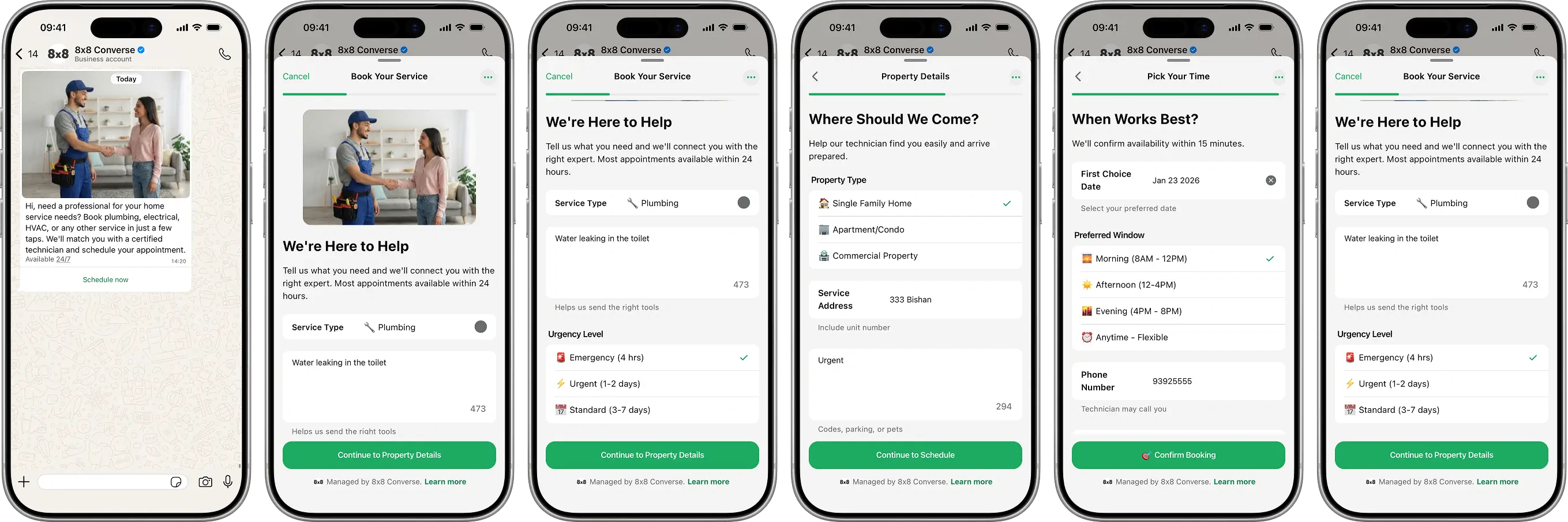
  • Retail & eCommerce Flow Examples

    Retail & eCommerce Flow Examples

    Product Return & Exchange

    Product Return &amp; Exchange Flow

    Business Value: Automate returns processing, reduce support tickets by 40%, capture structured data for quality insights, and improve customer satisfaction.

    Scenario: A customer wants to return or exchange a product. Instead of calling support or filling out web forms, they complete a WhatsApp Flow that collects order details, return reason, and resolution preference. Upon submission, your system validates the order, generates a return authorization, and sends the return label.

    Tools Used: Flow Configuration API + Messaging API + Webhook handler


    Step 1: Create the Flow

    Click to view **Flow JSON Definition**

    This Flow collects order information, return reason, and preferred resolution across 3 screens.

    Endpoint: POST https://chatapps.8x8.com/config/v1/channels/whatsapp/{channelId}/flows

    {
    "name":"Product Return & Exchange",
    "categories":["OTHER"],
    "flowJson":"{\"version\":\"7.2\",\"routing_model\":{\"ORDER_INFO\":[\"RETURN_DETAILS\"],\"RETURN_DETAILS\":[\"RESOLUTION\"],\"RESOLUTION\":[]},\"screens\":[{\"id\":\"ORDER_INFO\",\"title\":\"Return Request\",\"layout\":{\"type\":\"SingleColumnLayout\",\"children\":[{\"type\":\"TextHeading\",\"text\":\"Find Your Order\"},{\"type\":\"TextBody\",\"text\":\"Please enter the details exactly as they appear in your confirmation email.\"},{\"type\":\"Form\",\"name\":\"order_form\",\"children\":[{\"type\":\"TextInput\",\"name\":\"order_number\",\"label\":\"Order Number\",\"input-type\":\"text\",\"required\":true,\"helper-text\":\"Example: ORD-12345\"},{\"type\":\"TextInput\",\"name\":\"item_name\",\"label\":\"Item Name\",\"input-type\":\"text\",\"required\":true,\"helper-text\":\"Product name and size\"},{\"type\":\"TextInput\",\"name\":\"customer_email\",\"label\":\"Email Address\",\"input-type\":\"email\",\"required\":true},{\"type\":\"Footer\",\"label\":\"Continue\",\"on-click-action\":{\"name\":\"navigate\",\"next\":{\"type\":\"screen\",\"name\":\"RETURN_DETAILS\"},\"payload\":{\"order_number\":\"${form.order_number}\",\"item_name\":\"${form.item_name}\",\"customer_email\":\"${form.customer_email}\"}}}]}]}},{\"id\":\"RETURN_DETAILS\",\"title\":\"Return Reason\",\"data\":{\"order_number\":{\"type\":\"string\",\"__example__\":\"ORD-12345\"},\"item_name\":{\"type\":\"string\",\"__example__\":\"Denim Jacket\"},\"customer_email\":{\"type\":\"string\",\"__example__\":\"user@example.com\"}},\"layout\":{\"type\":\"SingleColumnLayout\",\"children\":[{\"type\":\"Form\",\"name\":\"details_form\",\"children\":[{\"type\":\"RadioButtonsGroup\",\"name\":\"return_reason\",\"label\":\"Reason for Return\",\"required\":true,\"data-source\":[{\"id\":\"wrong_size\",\"title\":\"Wrong Size\"},{\"id\":\"defective\",\"title\":\"Defective/Damaged\"},{\"id\":\"not_as_described\",\"title\":\"Not As Described\"},{\"id\":\"changed_mind\",\"title\":\"Changed My Mind\"}]},{\"type\":\"TextArea\",\"name\":\"additional_details\",\"label\":\"Additional Info\",\"required\":false,\"max-length\":500,\"helper-text\":\"Please provide more details (optional)\"},{\"type\":\"Footer\",\"label\":\"Continue\",\"on-click-action\":{\"name\":\"navigate\",\"next\":{\"type\":\"screen\",\"name\":\"RESOLUTION\"},\"payload\":{\"order_number\":\"${data.order_number}\",\"item_name\":\"${data.item_name}\",\"customer_email\":\"${data.customer_email}\",\"return_reason\":\"${form.return_reason}\",\"additional_details\":\"${form.additional_details}\"}}}]}]}},{\"id\":\"RESOLUTION\",\"title\":\"Resolution\",\"terminal\":true,\"data\":{\"order_number\":{\"type\":\"string\",\"__example__\":\"ORD-12345\"},\"item_name\":{\"type\":\"string\",\"__example__\":\"Denim Jacket\"},\"customer_email\":{\"type\":\"string\",\"__example__\":\"user@example.com\"},\"return_reason\":{\"type\":\"string\",\"__example__\":\"wrong_size\"},\"additional_details\":{\"type\":\"string\",\"__example__\":\"Fits too tight\"}},\"layout\":{\"type\":\"SingleColumnLayout\",\"children\":[{\"type\":\"TextHeading\",\"text\":\"Select Resolution\"},{\"type\":\"TextBody\",\"text\":\"How can we make this right? Please choose your preferred resolution method below.\"},{\"type\":\"Form\",\"name\":\"resolution_form\",\"children\":[{\"type\":\"RadioButtonsGroup\",\"name\":\"resolution_type\",\"label\":\"Preferred Solution\",\"required\":true,\"data-source\":[{\"id\":\"refund\",\"title\":\"Original Refund\"},{\"id\":\"exchange\",\"title\":\"Product Exchange\"},{\"id\":\"store_credit\",\"title\":\"Store Credit (+10%)\"}]},{\"type\":\"TextInput\",\"name\":\"exchange_pref\",\"label\":\"Exchange Item\",\"required\":false,\"helper-text\":\"Specify the new size or color\"},{\"type\":\"RadioButtonsGroup\",\"name\":\"contact_method\",\"label\":\"Contact Method\",\"required\":true,\"data-source\":[{\"id\":\"whatsapp\",\"title\":\"WhatsApp\"},{\"id\":\"email\",\"title\":\"Email\"}]},{\"type\":\"Footer\",\"label\":\"Submit Return\",\"on-click-action\":{\"name\":\"complete\",\"payload\":{\"order_number\":\"${data.order_number}\",\"item_name\":\"${data.item_name}\",\"customer_email\":\"${data.customer_email}\",\"return_reason\":\"${data.return_reason}\",\"additional_details\":\"${data.additional_details}\",\"resolution_type\":\"${form.resolution_type}\",\"exchange_pref\":\"${form.exchange_pref}\",\"contact_method\":\"${form.contact_method}\"}}}]}]}}]}"
    }

    Response:

    {
    "id":"1234567890123456",
    "success":true
    }

    Step 2: Publish the Flow

    Click to view **Publish Flow Request**

    Endpoint: POST https://chatapps.8x8.com/config/v1/channels/whatsapp/{channelId}/flows/1234567890123456/publish

    Response: 200 OK (no response body)


    Step 3: Send the Flow (Interactive Message)

    This example uses an Interactive Flow message, sent within the 24-hour customer service window after the customer initiates a return request.

    Click to view **Send Interactive Flow Message**

    Endpoint: POST https://chatapps.8x8.com/api/v1/subaccounts/{subAccountId}/messages

    {
    "user":{
    "msisdn":"+15551234567"
    },
    "type":"Interactive",
    "content":{
    "interactive":{
    "type":"flow",
    "header":{
    "type":"text",
    "text":"Return or Exchange"
    },
    "body":{
    "text":"We're sorry your purchase didn't work out. Let's make it right. Complete this form to start your return or exchange."
    },
    "action":{
    "parameters":{
    "flowId":"1234567890123456",
    "flowCta":"Start Return"
    }
    },
    "footer":{
    "text":"Takes less than 2 minutes"
    }
    }
    }
    }

    Step 4: Handle the Submission

    Click to view **Webhook Payload (Flow Submission)**

    {
    "namespace":"ChatApps",
    "eventType":"inbound_message_received",
    "payload":{
    "umid":"abc-123-def-456",
    "subAccountId":"your-subaccount-id",
    "timestamp":"2026-01-20T14:30:00.000Z",
    "user":{
    "msisdn":"+15551234567",
    "channelUserId":"15551234567"
    },
    "recipient":{
    "channel":"whatsapp",
    "channelId":"your-channel-id"
    },
    "type":"Interactive",
    "content":{
    "interactive":{
    "type":"nfmReply",
    "nfmReply":{
    "responseJson":"{\"order_number\":\"ORD-98765\",\"item_name\":\"Blue Denim Jacket - Size M\",\"customer_email\":\"customer@example.com\",\"return_reason\":\"wrong_size\",\"additional_details\":\"Fits too small, need size L\",\"resolution_type\":\"exchange\",\"exchange_pref\":\"Same item in size L\",\"contact_method\":\"whatsapp\",\"flow_token\":\"<TOKEN>\"}"
    }
    }
    }
    }
    }

    Processing the Submission:

    // Parse the Flow submission
    const data =JSON.parse(payload.content.interactive.nfmReply.responseJson);
    // Validate order exists and is eligible for return
    const order =awaitvalidateOrder(data.order_number, data.customer_email);
    if(!order.exists){
    awaitsendMessage(payload.user.msisdn,
    "We couldn't find that order. Please check your order number and try again.");
    return;
    }
    if(!order.eligibleForReturn){
    awaitsendMessage(payload.user.msisdn,
    "This order is outside the 30-day return window. Please contact support for assistance.");
    return;
    }
    // Generate return authorization
    const returnAuth =awaitcreateReturnAuthorization({
    orderId: order.id,
    itemName: data.item_name,
    reason: data.return_reason,
    additionalDetails: data.additional_details,
    resolutionType: data.resolution_type,
    exchangePreference: data.exchange_pref,
    customerEmail: data.customer_email
    });
    // Generate and send return shipping label
    const shippingLabel =awaitgenerateShippingLabel({
    returnAuthNumber: returnAuth.number,
    customerAddress: order.shippingAddress
    });
    // Send confirmation with return label
    awaitsendMessage(payload.user.msisdn,{
    type:"document",
    document:{
    link: shippingLabel.url,
    filename:`Return_Label_${returnAuth.number}.pdf`
    },
    caption:`Return authorized! Return #${returnAuth.number}\n\nPrint this label and attach it to your package. Drop it off at any shipping location.\n\nYou'll receive your ${data.resolution_type==='refund'?'refund':'exchange'} within 5-7 business days after we receive your return.`
    });
    // Log for analytics and quality tracking
    awaitlogReturnRequest({
    returnReason: data.return_reason,
    resolutionType: data.resolution_type,
    itemSku: order.itemSku,
    orderDate: order.createdAt
    });

    Best Practices:

    • Validate Immediately: Check order eligibility in real-time to prevent invalid returns
    • Return Window: Enforce your return policy (e.g., 30 days from delivery)
    • Fraud Prevention: Match email/phone to original order to prevent abuse
    • Quality Insights: Track return reasons by product/SKU to identify quality issues
    • Automation: Auto-approve simple returns (wrong size), flag complex ones (defective) for review
    • Customer Experience: Send return label immediately, provide tracking updates

    Related Resources

    • WhatsApp Flows in 8x8 Connect - Complete guide for creating Flows using 8x8 Connect portal
    • WhatsApp Flows API Reference - API documentation for programmatic Flow management
    • All Flow Examples - Browse examples from other industries

    Source: https://developer.8x8.com/connect/docs/whatsapp/whatsapp-flows-examples-retail · 8x8 CPaaS Developer Docs. Synced for support deflection.
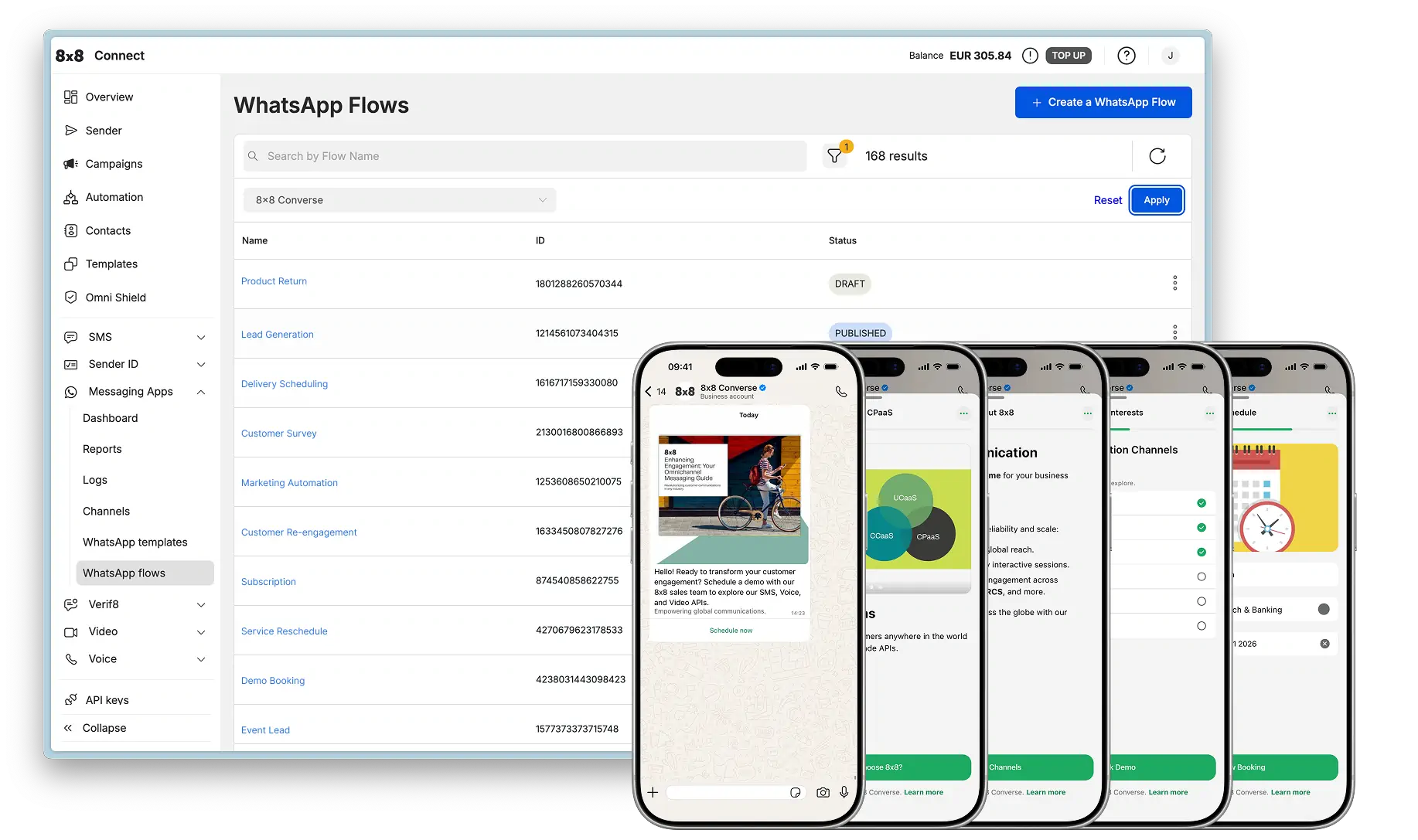
  • Healthcare Flow Examples

    Healthcare Flow Examples

    Appointment Scheduling

    Appointment Scheduling Flow

    Business Value: Reduce phone volume by 50%, eliminate scheduling errors with structured data collection, improve patient intake efficiency, and enable 24/7 appointment booking.

    Scenario: A patient needs to schedule a medical appointment. Instead of waiting on hold or navigating complex web forms, they complete a WhatsApp Flow that collects appointment type, provider preference, insurance information, and available time slots. The system validates insurance eligibility and confirms appointments in real-time.

    Tools Used: Flow Configuration API + Messaging API + EMR/Scheduling system integration


    Step 1: Create the Flow

    Click to view **Flow JSON Definition**

    This Flow collects appointment details, patient information, and insurance details across 3 screens.

    Endpoint: POST https://chatapps.8x8.com/config/v1/channels/whatsapp/{channelId}/flows

    {
    "name":"Medical Appointment Scheduling",
    "categories":["OTHER"],
    "flowJson":"{\"version\":\"7.2\",\"routing_model\":{\"APPOINTMENT_TYPE\":[\"PATIENT_INFO\"],\"PATIENT_INFO\":[\"SCHEDULE\"],\"SCHEDULE\":[]},\"screens\":[{\"id\":\"APPOINTMENT_TYPE\",\"title\":\"Schedule Appointment\",\"layout\":{\"type\":\"SingleColumnLayout\",\"children\":[{\"type\":\"TextHeading\",\"text\":\"What brings you in?\"},{\"type\":\"TextBody\",\"text\":\"Select the type of appointment you need. We'll match you with the right provider.\"},{\"type\":\"Form\",\"name\":\"appointment_form\",\"children\":[{\"type\":\"RadioButtonsGroup\",\"name\":\"appointment_type\",\"label\":\"Appointment Type\",\"required\":true,\"data-source\":[{\"id\":\"annual_checkup\",\"title\":\"Annual Checkup/Physical\"},{\"id\":\"sick_visit\",\"title\":\"Sick Visit\"},{\"id\":\"follow_up\",\"title\":\"Follow-up Appointment\"},{\"id\":\"vaccination\",\"title\":\"Vaccination\"},{\"id\":\"specialist\",\"title\":\"Specialist Consultation\"}]},{\"type\":\"Dropdown\",\"name\":\"provider_preference\",\"label\":\"Provider Preference\",\"required\":false,\"data-source\":[{\"id\":\"any\",\"title\":\"Any Available Provider\"},{\"id\":\"dr_smith\",\"title\":\"Dr. Sarah Smith (Family Medicine)\"},{\"id\":\"dr_johnson\",\"title\":\"Dr. Michael Johnson (Internal Medicine)\"},{\"id\":\"dr_patel\",\"title\":\"Dr. Priya Patel (Pediatrics)\"}]},{\"type\":\"RadioButtonsGroup\",\"name\":\"visit_reason_category\",\"label\":\"Reason for Visit\",\"required\":true,\"data-source\":[{\"id\":\"preventive\",\"title\":\"Preventive Care\"},{\"id\":\"illness\",\"title\":\"Illness/Symptoms\"},{\"id\":\"chronic\",\"title\":\"Chronic Condition Management\"},{\"id\":\"other\",\"title\":\"Other\"}]},{\"type\":\"TextArea\",\"name\":\"visit_notes\",\"label\":\"Additional Details\",\"required\":false,\"max-length\":300,\"helper-text\":\"Briefly describe your symptoms or reason (optional)\"},{\"type\":\"Footer\",\"label\":\"Continue\",\"on-click-action\":{\"name\":\"navigate\",\"next\":{\"type\":\"screen\",\"name\":\"PATIENT_INFO\"},\"payload\":{\"appointment_type\":\"${form.appointment_type}\",\"provider_preference\":\"${form.provider_preference}\",\"visit_reason_category\":\"${form.visit_reason_category}\",\"visit_notes\":\"${form.visit_notes}\"}}}]}]}},{\"id\":\"PATIENT_INFO\",\"title\":\"Patient Information\",\"data\":{\"appointment_type\":{\"type\":\"string\",\"__example__\":\"sick_visit\"},\"provider_preference\":{\"type\":\"string\",\"__example__\":\"any\"},\"visit_reason_category\":{\"type\":\"string\",\"__example__\":\"illness\"},\"visit_notes\":{\"type\":\"string\",\"__example__\":\"Persistent cough for 3 days\"}},\"layout\":{\"type\":\"SingleColumnLayout\",\"children\":[{\"type\":\"TextHeading\",\"text\":\"Patient Details\"},{\"type\":\"Form\",\"name\":\"patient_form\",\"children\":[{\"type\":\"TextInput\",\"name\":\"patient_first_name\",\"label\":\"First Name\",\"input-type\":\"text\",\"required\":true},{\"type\":\"TextInput\",\"name\":\"patient_last_name\",\"label\":\"Last Name\",\"input-type\":\"text\",\"required\":true},{\"type\":\"DatePicker\",\"name\":\"date_of_birth\",\"label\":\"Date of Birth\",\"required\":true,\"min-date\":\"1920-01-01\",\"max-date\":\"2026-02-10\"},{\"type\":\"TextInput\",\"name\":\"patient_email\",\"label\":\"Email\",\"input-type\":\"email\",\"required\":true,\"helper-text\":\"For appointment reminders\"},{\"type\":\"RadioButtonsGroup\",\"name\":\"insurance_status\",\"label\":\"Insurance\",\"required\":true,\"data-source\":[{\"id\":\"insured\",\"title\":\"I have insurance\"},{\"id\":\"self_pay\",\"title\":\"Self-pay/No insurance\"}]},{\"type\":\"TextInput\",\"name\":\"insurance_provider\",\"label\":\"Insurance Provider\",\"input-type\":\"text\",\"required\":false,\"helper-text\":\"e.g., Blue Cross, Aetna, UnitedHealthcare\"},{\"type\":\"TextInput\",\"name\":\"member_id\",\"label\":\"Member ID\",\"input-type\":\"text\",\"required\":false},{\"type\":\"Footer\",\"label\":\"Continue\",\"on-click-action\":{\"name\":\"navigate\",\"next\":{\"type\":\"screen\",\"name\":\"SCHEDULE\"},\"payload\":{\"appointment_type\":\"${data.appointment_type}\",\"provider_preference\":\"${data.provider_preference}\",\"visit_reason_category\":\"${data.visit_reason_category}\",\"visit_notes\":\"${data.visit_notes}\",\"patient_first_name\":\"${form.patient_first_name}\",\"patient_last_name\":\"${form.patient_last_name}\",\"date_of_birth\":\"${form.date_of_birth}\",\"patient_email\":\"${form.patient_email}\",\"insurance_status\":\"${form.insurance_status}\",\"insurance_provider\":\"${form.insurance_provider}\",\"member_id\":\"${form.member_id}\"}}}]}]}},{\"id\":\"SCHEDULE\",\"title\":\"Select Time\",\"terminal\":true,\"data\":{\"appointment_type\":{\"type\":\"string\",\"__example__\":\"sick_visit\"},\"provider_preference\":{\"type\":\"string\",\"__example__\":\"any\"},\"visit_reason_category\":{\"type\":\"string\",\"__example__\":\"illness\"},\"visit_notes\":{\"type\":\"string\",\"__example__\":\"Persistent cough for 3 days\"},\"patient_first_name\":{\"type\":\"string\",\"__example__\":\"John\"},\"patient_last_name\":{\"type\":\"string\",\"__example__\":\"Doe\"},\"date_of_birth\":{\"type\":\"string\",\"__example__\":\"1985-05-15\"},\"patient_email\":{\"type\":\"string\",\"__example__\":\"john@example.com\"},\"insurance_status\":{\"type\":\"string\",\"__example__\":\"insured\"},\"insurance_provider\":{\"type\":\"string\",\"__example__\":\"Blue Cross\"},\"member_id\":{\"type\":\"string\",\"__example__\":\"BC123456789\"}},\"layout\":{\"type\":\"SingleColumnLayout\",\"children\":[{\"type\":\"TextHeading\",\"text\":\"Choose Your Appointment Time\"},{\"type\":\"Form\",\"name\":\"schedule_form\",\"children\":[{\"type\":\"DatePicker\",\"name\":\"appointment_date\",\"label\":\"Preferred Date\",\"required\":true,\"min-date\":\"2026-02-10\",\"max-date\":\"2026-04-10\",\"helper-text\":\"We have appointments available within 2 weeks\"},{\"type\":\"Dropdown\",\"name\":\"time_slot\",\"label\":\"Time Slot\",\"required\":true,\"data-source\":[{\"id\":\"0800\",\"title\":\"8:00 AM\"},{\"id\":\"0900\",\"title\":\"9:00 AM\"},{\"id\":\"1000\",\"title\":\"10:00 AM\"},{\"id\":\"1100\",\"title\":\"11:00 AM\"},{\"id\":\"1300\",\"title\":\"1:00 PM\"},{\"id\":\"1400\",\"title\":\"2:00 PM\"},{\"id\":\"1500\",\"title\":\"3:00 PM\"},{\"id\":\"1600\",\"title\":\"4:00 PM\"}]},{\"type\":\"RadioButtonsGroup\",\"name\":\"visit_type\",\"label\":\"Visit Type\",\"required\":true,\"data-source\":[{\"id\":\"in_person\",\"title\":\"In-Person Visit\"},{\"id\":\"telehealth\",\"title\":\"Telehealth (Video Call)\"}]},{\"type\":\"CheckboxGroup\",\"name\":\"contact_preferences\",\"label\":\"Reminder Preferences\",\"required\":false,\"data-source\":[{\"id\":\"whatsapp\",\"title\":\"WhatsApp\",\"enabled\":true},{\"id\":\"email\",\"title\":\"Email\"},{\"id\":\"sms\",\"title\":\"SMS\"}]},{\"type\":\"Footer\",\"label\":\"Book Appointment\",\"on-click-action\":{\"name\":\"complete\",\"payload\":{\"appointment_type\":\"${data.appointment_type}\",\"provider_preference\":\"${data.provider_preference}\",\"visit_reason_category\":\"${data.visit_reason_category}\",\"visit_notes\":\"${data.visit_notes}\",\"patient_first_name\":\"${data.patient_first_name}\",\"patient_last_name\":\"${data.patient_last_name}\",\"date_of_birth\":\"${data.date_of_birth}\",\"patient_email\":\"${data.patient_email}\",\"insurance_status\":\"${data.insurance_status}\",\"insurance_provider\":\"${data.insurance_provider}\",\"member_id\":\"${data.member_id}\",\"appointment_date\":\"${form.appointment_date}\",\"time_slot\":\"${form.time_slot}\",\"visit_type\":\"${form.visit_type}\",\"contact_preferences\":\"${form.contact_preferences}\"}}}]}]}}]}"
    }

    Response:

    {
    "id":"healthcare_appt_flow_789",
    "success":true
    }

    Step 2: Publish the Flow

    Click to view **Publish Flow Request**

    Endpoint: POST https://chatapps.8x8.com/config/v1/channels/whatsapp/{channelId}/flows/healthcare_appt_flow_789/publish

    Response: 200 OK (no response body)


    Step 3: Send the Flow (Interactive Message)

    Click to view **Send Interactive Flow Message**

    Endpoint: POST https://chatapps.8x8.com/api/v1/subaccounts/{subAccountId}/messages

    {
    "user":{
    "msisdn":"+15551234567"
    },
    "type":"Interactive",
    "content":{
    "interactive":{
    "type":"flow",
    "header":{
    "type":"text",
    "text":"Schedule an Appointment"
    },
    "body":{
    "text":"Book your medical appointment in minutes. In-person and telehealth options available. Same-day appointments often available for sick visits."
    },
    "action":{
    "parameters":{
    "flowId":"healthcare_appt_flow_789",
    "flowCta":"Book Now"
    }
    },
    "footer":{
    "text":"Most insurance plans accepted"
    }
    }
    }
    }

    Step 4: Handle the Submission

    Click to view **Webhook Payload (Flow Submission)**

    {
    "namespace":"ChatApps",
    "eventType":"inbound_message_received",
    "payload":{
    "umid":"health-xyz-789",
    "subAccountId":"your-subaccount-id",
    "timestamp":"2026-02-10T14:00:00.000Z",
    "user":{
    "msisdn":"+15551234567",
    "channelUserId":"15551234567"
    },
    "recipient":{
    "channel":"whatsapp",
    "channelId":"your-channel-id"
    },
    "type":"Interactive",
    "content":{
    "interactive":{
    "type":"nfmReply",
    "nfmReply":{
    "responseJson":"{\"appointment_type\":\"sick_visit\",\"provider_preference\":\"dr_smith\",\"visit_reason_category\":\"illness\",\"visit_notes\":\"Persistent cough and fever for 3 days\",\"patient_first_name\":\"Emily\",\"patient_last_name\":\"Chen\",\"date_of_birth\":\"1992-08-22\",\"patient_email\":\"emily.chen@example.com\",\"insurance_status\":\"insured\",\"insurance_provider\":\"Blue Cross Blue Shield\",\"member_id\":\"BCBS987654321\",\"appointment_date\":\"2026-02-12\",\"time_slot\":\"1000\",\"visit_type\":\"in_person\",\"contact_preferences\":[\"whatsapp\",\"email\"],\"flow_token\":\"<TOKEN>\"}"
    }
    }
    }
    }
    }

    Processing the Submission:

    // Parse the Flow submission
    const data =JSON.parse(payload.content.interactive.nfmReply.responseJson);
    // Check if patient exists in EMR system
    let patientRecord =awaitfindPatient({
    firstName: data.patient_first_name,
    lastName: data.patient_last_name,
    dateOfBirth: data.date_of_birth
    });
    // Create new patient record if doesn't exist
    if(!patientRecord){
    patientRecord =awaitcreatePatient({
    firstName: data.patient_first_name,
    lastName: data.patient_last_name,
    dateOfBirth: data.date_of_birth,
    email: data.patient_email,
    phone: payload.user.msisdn,
    insuranceStatus: data.insurance_status,
    insuranceProvider: data.insurance_provider,
    memberId: data.member_id,
    contactPreferences: data.contact_preferences||['whatsapp'],
    source:'whatsapp_flow'
    });
    }
    // Verify insurance eligibility (if applicable)
    let insuranceVerified =true;
    let copay =0;
    if(data.insurance_status==='insured'&& data.member_id){
    const insuranceCheck =awaitverifyInsurance({
    provider: data.insurance_provider,
    memberId: data.member_id,
    serviceType: data.appointment_type,
    patientDOB: data.date_of_birth
    });
    insuranceVerified = insuranceCheck.active;
    copay = insuranceCheck.copay||0;
    if(!insuranceVerified){
    awaitsendMessage(payload.user.msisdn,{
    type:'text',
    content:{
    text:`Hi ${data.patient_first_name}, we couldn't verify your insurance (${data.insurance_provider} - ${data.member_id}).\n\nPlease call our office at (555) 123-4567 to confirm your coverage before your appointment.\n\nYou can still keep your ${data.appointment_date} at ${data.time_slot} appointment, but payment may be required at check-in.`
    }
    });
    }
    }
    // Check provider availability
    const providerId = data.provider_preference!=='any'
    ? data.provider_preference
    :awaitfindAvailableProvider({
    appointmentType: data.appointment_type,
    date: data.appointment_date,
    timeSlot: data.time_slot,
    visitType: data.visit_type
    });
    const providerAvailable =awaitcheckProviderAvailability({
    providerId: providerId,
    date: data.appointment_date,
    timeSlot: data.time_slot
    });
    if(!providerAvailable){
    // Offer alternative times
    const alternativeSlots =awaitgetAvailableSlots({
    providerId: providerId,
    appointmentType: data.appointment_type,
    preferredDate: data.appointment_date,
    visitType: data.visit_type,
    daysAhead:14
    });
    awaitsendMessage(payload.user.msisdn,{
    type:'text',
    content:{
    text:`Hi ${data.patient_first_name}, unfortunately ${data.time_slot} on ${data.appointment_date} is no longer available.\n\nAlternative times:\n${alternativeSlots.slice(0,5).map(s=>`• ${s.date} at ${s.time}`).join('\n')}\n\nWould you like one of these times? Reply with the number.`
    }
    });
    return;
    }
    // Create appointment in EMR/scheduling system
    const appointment =awaitcreateAppointment({
    patientId: patientRecord.id,
    providerId: providerId,
    appointmentType: data.appointment_type,
    visitReasonCategory: data.visit_reason_category,
    visitNotes: data.visit_notes,
    scheduledDate: data.appointment_date,
    scheduledTime: data.time_slot,
    visitType: data.visit_type,// in_person or telehealth
    insuranceVerified: insuranceVerified,
    estimatedCopay: copay,
    contactPreferences: data.contact_preferences,
    source:'whatsapp_flow',
    status:'confirmed'
    });
    // Get provider details
    const provider =awaitgetProviderDetails(providerId);
    // Send confirmation message
    const appointmentTime =formatTime(data.time_slot);// "10:00 AM"
    let confirmationMsg =`✅ Appointment Confirmed!\n\n`;
    confirmationMsg +=`Patient: ${data.patient_first_name}${data.patient_last_name}\n`;
    confirmationMsg +=`Date: ${data.appointment_date}\n`;
    confirmationMsg +=`Time: ${appointmentTime}\n`;
    confirmationMsg +=`Provider: ${provider.name}\n`;
    confirmationMsg +=`Type: ${data.visit_type==='in_person'?'In-Person Visit':'Telehealth (Video)'}\n`;
    confirmationMsg +=`\nAppointment #${appointment.id}\n\n`;
    if(data.visit_type==='in_person'){
    confirmationMsg +=`📍 Location:\nHealthCare Clinic\n123 Medical Center Dr\nSan Jose, CA 95110\n\n`;
    confirmationMsg +=`Please arrive 15 minutes early to complete check-in.`;
    }else{
    confirmationMsg +=`💻 You'll receive a video call link 1 hour before your appointment.`;
    }
    if(insuranceVerified && copay >0){
    confirmationMsg +=`\n\nEstimated copay: $${copay}`;
    }
    confirmationMsg +=`\n\nNeed to reschedule or cancel? Reply to this message.`;
    awaitsendMessage(payload.user.msisdn,{
    type:'text',
    content:{text: confirmationMsg }
    });
    // Schedule automated reminders
    awaitscheduleReminders({
    appointmentId: appointment.id,
    patientPhone: payload.user.msisdn,
    patientEmail: data.patient_email,
    appointmentDate: data.appointment_date,
    appointmentTime: data.time_slot,
    contactPreferences: data.contact_preferences||['whatsapp'],
    visitType: data.visit_type,
    reminders:[
    {timing:'24_hours_before',channels:['whatsapp','email']},
    {timing:'2_hours_before',channels:['whatsapp']}
    ]
    });
    // Send intake forms if first visit
    if(!patientRecord.hasCompletedIntake){
    awaitsendMessage(payload.user.msisdn,{
    type:'text',
    content:{
    text:`📋 One more step! Please complete your medical history forms before your visit:\n\n${process.env.INTAKE_FORM_URL}?patient=${patientRecord.id}\n\nThis will save time at check-in.`
    }
    });
    }
    // Log for analytics
    awaitlogAppointmentBooking({
    appointmentType: data.appointment_type,
    visitType: data.visit_type,
    providerId: providerId,
    insuranceStatus: data.insurance_status,
    source:'whatsapp_flow',
    leadTime:calculateLeadTime(data.appointment_date),// days in advance
    newPatient:!patientRecord.hasCompletedIntake,
    createdAt:newDate()
    });

    Best Practices:

    • HIPAA Compliance: Ensure all patient data is encrypted in transit and at rest
    • Insurance Verification: Validate coverage in real-time to prevent billing issues
    • Smart Scheduling: Check provider availability before confirming appointments
    • Patient Identification: Match patients by name + DOB to avoid duplicate records
    • Intake Forms: Send pre-visit forms for new patients to streamline check-in
    • Automated Reminders: Send 24-hour and 2-hour reminders to reduce no-shows
    • Telehealth Setup: Send video link 1 hour before telehealth appointments with tech check instructions
    • Cancellation Policy: Clearly communicate 24-hour cancellation requirement
    • Follow-up: Send post-visit satisfaction survey and care instructions
    • Analytics: Track no-show rates, appointment types, and booking lead times

    Related Resources

    • WhatsApp Flows in 8x8 Connect - Complete guide for creating Flows using 8x8 Connect portal
    • WhatsApp Flows API Reference - API documentation for programmatic Flow management
    • All Flow Examples - Browse examples from other industries

    Source: https://developer.8x8.com/connect/docs/whatsapp/whatsapp-flows-examples-healthcare · 8x8 CPaaS Developer Docs. Synced for support deflection.

  • Financial Services Flow Examples

    Financial Services Flow Examples

    Loan Application

    Loan Application Flow

    Business Value: Streamline loan application process, reduce drop-off rates, and collect comprehensive applicant information including ID verification for KYC compliance.

    Scenario: A customer needs a loan and completes a WhatsApp Flow that guides them through personal information, ID verification, employment details, and loan requirements. The Flow includes conditional logic, image upload for ID verification, and a comprehensive summary screen before submission.

    Tools Used: Interactive Flow (within service window) + Loan processing system integration


    Step 1: Create the Flow

    Multi-screen Flow with routing: Welcome → [Terms, Personal Info] → ID Verification → Employment → Loan Details → Summary

    This Flow demonstrates advanced features including:

    • Image component with base64 encoding
    • OptIn component for terms agreement
    • EmbeddedLink navigation to Terms screen
    • PhotoPicker for ID card upload
    • Conditional fields (If component)
    • RichText with markdown formatting
    • Complex routing model with multiple paths

    Click to view **Flow JSON Definition**

    Endpoint: POST https://chatapps.8x8.com/config/v1/channels/whatsapp/{channelId}/flows

    {
    "name":"BankSmart Loan Application",
    "categories":["OTHER"],
    "flowJson": "{\"version\":\"7.2\",\"routing_model\":{\"WELCOME_SCREEN\":[\"TOC_SCREEN\",\"PERSONAL_INFO_SCREEN\"],\"PERSONAL_INFO_SCREEN\":[\"ID_VERIFICATION_SCREEN\"],\"ID_VERIFICATION_SCREEN\":[\"EMPLOYMENT_INFO_SCREEN\"],\"EMPLOYMENT_INFO_SCREEN\":[\"LOAN_DETAILS_SCREEN\"],\"LOAN_DETAILS_SCREEN\":[\"SUMMARY_SCREEN\"]},\"screens\":[{\"id\":\"WELCOME_SCREEN\",\"title\":\"BankSmart Loan\",\"layout\":{\"type\":\"SingleColumnLayout\",\"children\":[{\"type\":\"Image\",\"src\":\"/9j/4AAQSkZJRgABAQAASABIAAD/4QBYRXhpZgAATU0AKgAAAAgAAgESAAMAAAABAAEAAIdpAAQAAAABAAAAJgAAAAAAA6ABAAMAAAABAAEAAKACAAQAAAABAAACgKADAAQAAAABAAABXQAAAAD/wAARCAFdAoADASIAAhEBAxEB/8QAHwAAAQUBAQEBAQEAAAAAAAAAAAECAwQFBgcICQoL/8QAtRAAAgEDAwIEAwUFBAQAAAF9AQIDAAQRBRIhMUEGE1FhByJxFDKBkaEII0KxwRVS0fAkM2JyggkKFhcYGRolJicoKSo0NTY3ODk6Q0RFRkdISUpTVFVWV1hZWmNkZWZnaGlqc3R1dnd4eXqDhIWGh4iJipKTlJWWl5iZmqKjpKWmp6ipqrKztLW2t7i5usLDxMXGx8jJytLT1NXW19jZ2uHi4+Tl5ufo6erx8vP09fb3+Pn6/8QAHwEAAwEBAQEBAQEBAQAAAAAAAAECAwQFBgcICQoL/8QAtREAAgECBAQDBAcFBAQAAQJ3AAECAxEEBSExBhJBUQdhcRMiMoEIFEKRobHBCSMzUvAVYnLRChYkNOEl8RcYGRomJygpKjU2Nzg5OkNERUZHSElKU1RVVldYWVpjZGVmZ2hpanN0dXZ3eHl6goOEhYaHiImKkpOUlZaXmJmaoqOkpaanqKmqsrO0tba3uLm6wsPExcbHyMnK0tPU1dbX2Nna4uPk5ebn6Onq8vP09fb3+Pn6/9sAQwACAgICAgIDAgIDBQMDAwUGBQUFBQYIBgYGBgYICggICAgICAoKCgoKCgoKDAwMDAwMDg4ODg4PDw8PDw8PDw8P/9sAQwECAgIEBAQHBAQHEAsJCxAQEBAQEBAQEBAQEBAQEBAQEBAQEBAQEBAQEBAQEBAQEBAQEBAQEBAQEBAQEBAQEBAQ/90ABAAo/9oADAMBAAIRAxEAPwD9PY727HyiZiPRjuH61bS9fnzURx34x/n8qzAMfWpF3c14+YcJ5bir/WMPF/JX+85cPmWIp/BNo0i1lMclCh9sH/CozaWkuQrgH34qEelWIlB9q+BzPwTySvrTg4PyZ72G4wxkN5XKc2jnHyYYeoOayJNOIbGK7GONSSevvUOoIYbWSZeCo4zzXwGZfR7ktcHiPlJf5H0GG48W1aH3HJjTnYEqhYL1wM4/Kq7WgBOe1fTukWNrFplhJDEqF0UsQOpI7+tXrnQtKvuLq0jkPqVGfzGK2q/R9/dLkxHv9dNCocce9rDQ+V1th6Ukqmedo+ZrD4nXPxTvvtFroejiRR87Q22w4zjcfMbGPTmv2rL/AIfoZtR1goS9H/kfn+acFU8PDnhJt9kz1v7ZI3yvIMgZyf8A9dMN+rHarucn3r5z0fx34k0hFj0zU5UAzw24H8j0r0TTPiNfxsrXu1yOp2jP4gYr8PzfwBp0ajjh6/4H1WC4+i2ueFj//Uk75/xO9sb1bhfle68wP1ZT09T9K4zXPFVzZTNbkR3TFcsq8BlJ9PQU7Tp/FniZRcajI1okzDZbIhJYDqTgZ/KvTvDfwZ0eG08zU4o4mJ5TbgjGc5+tfj3jFxngcFl8sLhppyktbbHq5DkeKxeIjWqQaS6n5+fHj4i3/wARfELKFAl1R1e1t2YZZCdgKjPRQq9cH1NeAE815x+0fJBH8VNUiiAiMcscYA4UxBNuFznHHPtXP6j4v1+7IHn+UoOfLQZx+JBr/WvwqyF5TwtThON5PVv1Z+HcS42GNxMpQdlshmQOea+hfDc1vH4XsNT8Q3cNjp8dsklxfyyLHHFCUG98sSfpX5yT2dzPJ5tzO8z9cuxLY+g4FUppGgjimhcxyRuskbqSCrKcqwI6gg8ivf8AEPDkuH8XXo0HzqDs77pNJ6ep0ZLjFh8ZTnPV7n7d6n8RdW1fQm0mWyFrE0m9byL7y8DbkdFJPp1616N8MrPw9d6vbyacS1z9qlguXI5MTgHZGw6jy8K3HOGr+cO98Qa1qxY3d/c3G/ndLK7Y9eScCuZ+wXY4FrP+TL/WvzT6WvBn9hcRRx1JPkrx3tpzLb1uj67hHPpV8N7KT1jt8j//0/04bB7VG4boBzQ3Wjmu5s88cT709BgVFuqaNs1d2b02S9TUyn+GkVsnipB9KrcvkLFpcKoK8muisvlSsaI9q3bI/vV+lTYGbM8Y44rYt+x9awlbDgitG3kVq1GbEuL+dXrdbm2s5tQk1Jx5EBkeQq5+UNGDJgdN5jRvcrXxh/wUe8Xt4Z/Zv+wWwcXPiS5is1KDOYwxln/8dj2/jX0hr+u2fhfQr7xJqODa6bC88o3YJVVJxXgP/BPX4J6x428Ty/HD4lhW1DXIfs+kxpyY7NFJ+Zh/FKS7M3Xl1zzXvP8A2J38zLqFR93ov1Oanz08VKHy/Q/Kr9mP4OWup2a/EPx0m61tXkmji2ncvmlQqhgTgEBnJGAQpGcgYN58QPjv4x8ba/qWieGr11gju5LS3t7VghRIZNpGFAA3FQPyrD/aN/ah
    }

    Response:

    {
    "id":"loan_app_flow_123",
    "success":true
    }

    Step 2: Publish the Flow

    Click to view **Publish Flow Request**

    Endpoint: POST https://chatapps.8x8.com/config/v1/channels/whatsapp/{channelId}/flows/loan_app_flow_123/publish

    Response: 200 OK (no response body)


    Step 3: Send the Flow (Interactive Message)

    Click to view **Send Interactive Flow Message**

    Endpoint: POST https://chatapps.8x8.com/api/v1/subaccounts/{subAccountId}/messages

    {
    "user":{
    "msisdn":"+15551234567"
    },
    "type":"Interactive",
    "content":{
    "interactive":{
    "type":"flow",
    "header":{
    "type":"text",
    "text":"Apply for a Loan"
    },
    "body":{
    "text":"Get approved in minutes. Complete your loan application with BankSmart - fast, secure, and simple."
    },
    "footer":{
    "text":"Secure application process"
    },
    "action":{
    "parameters":{
    "flowId":"loan_app_flow_123",
    "flowCta":"Apply Now"
    }
    }
    }
    }
    }

    Step 4: Handle the Submission

    Click to view **Webhook Payload and Processing Logic**

    Webhook Payload (Flow Submission):

    {
    "namespace":"ChatApps",
    "eventType":"inbound_message_received",
    "payload":{
    "umid":"abc-123-def-456",
    "subAccountId":"your-subaccount-id",
    "user":{
    "msisdn":"+15551234567"
    },
    "type":"Interactive",
    "content":{
    "interactive":{
    "type":"nfmReply",
    "nfmReply":{
    "responseJson":"{\"full_name\":\"Jane Doe\",\"email\":\"jane@example.com\",\"phone\":\"12345678\",\"dob\":\"1990-01-01\",\"id_photo\":\"base64_encoded_image_data\",\"employment_status\":\"Employed\",\"employer_name\":\"TechCorp\",\"monthly_income\":\"6000\",\"loan_amount\":\"20000\",\"loan_term\":\"5\"}"
    }
    }
    }
    }
    }

    Processing Logic:

    app.post('/webhook',async(req, res)=>{
    const payload = req.body.payload;
    // Identify Flow submission
    if(payload.type==='Interactive'&&
    payload.content.interactive.type==='nfmReply'){
    // Parse submission
    const data =JSON.parse(payload.content.interactive.nfmReply.responseJson);
    // Extract ID photo (base64 encoded)
    const idPhoto = data.id_photo;
    // Upload ID photo to secure storage
    const idPhotoUrl =awaituploadToSecureStorage(idPhoto,{
    userId: payload.user.msisdn,
    type:'kyc_document',
    timestamp:newDate()
    });
    // Calculate loan eligibility
    const monthlyIncome =parseFloat(data.monthly_income);
    const loanAmount =parseFloat(data.loan_amount);
    const loanTerm =parseInt(data.loan_term);
    // Simple DTI ratio check (30% max)
    const monthlyPayment = loanAmount /(loanTerm *12);
    const dtiRatio = monthlyPayment / monthlyIncome;
    const preliminaryApproval = dtiRatio <=0.3;
    // Create loan application in system
    const applicationId =awaitcreateLoanApplication({
    applicantName: data.full_name,
    email: data.email,
    phone: data.phone,
    dateOfBirth: data.dob,
    idPhotoUrl: idPhotoUrl,
    employmentStatus: data.employment_status,
    employerName: data.employer_name,
    monthlyIncome: monthlyIncome,
    loanAmount: loanAmount,
    loanTerm: loanTerm,
    dtiRatio: dtiRatio,
    preliminaryStatus: preliminaryApproval ?'approved':'pending_review',
    source:'whatsapp_flow',
    createdAt:newDate()
    });
    // Trigger KYC verification workflow
    awaittriggerKYCVerification(applicationId, idPhotoUrl);
    // Send confirmation message
    let responseMessage ='';
    if(preliminaryApproval){
    responseMessage =`Great news, ${data.full_name}! Your loan application #${applicationId} has been preliminarily approved. \\n\\nLoan Amount: Rp ${loanAmount}\\nTerm: ${loanTerm} years\\n\\nWe're verifying your documents and will contact you within 24 hours to finalize your loan.`;
    }else{
    responseMessage =`Thank you, ${data.full_name}! Your loan application #${applicationId} has been received and is under review. \\n\\nLoan Amount: Rp ${loanAmount}\\nTerm: ${loanTerm} years\\n\\nOur team will contact you within 24-48 hours to discuss your options.`;
    }
    awaitsendMessage({
    user:{msisdn: payload.user.msisdn},
    type:'text',
    content:{
    text: responseMessage
    }
    });
    // Send notification to loan team
    awaitnotifyLoanTeam({
    applicationId: applicationId,
    applicantName: data.full_name,
    loanAmount: loanAmount,
    status: preliminaryApproval ?'pre_approved':'pending_review'
    });
    }
    res.status(200).send('OK');
    });

    Best Practices:

    • Security: Store ID photos and sensitive data in encrypted storage with proper access controls
    • KYC Compliance: Implement automated ID verification (OCR, face matching) to streamline processing
    • Risk Assessment: Use credit scoring APIs and DTI ratio calculations for preliminary approval
    • Transparency: Clearly communicate loan terms, interest rates, and repayment schedules
    • Follow-up: Set up automated reminders for document completion and application status updates
    • Fraud Detection: Cross-reference applicant information with credit bureaus and fraud databases
    • Customer Experience: Provide real-time application status updates via WhatsApp
    • Data Retention: Comply with financial regulations for document storage and retention periods

    Related Resources

    • WhatsApp Flows in 8x8 Connect - Complete guide for creating Flows using 8x8 Connect portal
    • WhatsApp Flows API Reference - API documentation for programmatic Flow management
    • All Flow Examples - Browse examples from other industries

    Source: https://developer.8x8.com/connect/docs/whatsapp/whatsapp-flows-examples-financial · 8x8 CPaaS Developer Docs. Synced for support deflection.

  • Professional Services Flow Examples

    Professional Services Flow Examples

    Service Appointment Booking

    Service Appointment Booking Flow

    Business Value: Reduce scheduling phone calls by 60%, capture structured service requests with property details, enable skill-based technician routing, and improve first-time fix rates.

    Scenario: A customer needs a plumbing, electrical, or HVAC service. Instead of making multiple phone calls, they complete a WhatsApp Flow that collects service type, property details, problem description with photo upload, and preferred appointment times. The system automatically routes to qualified technicians based on service type and availability.

    Tools Used: Flow Configuration API + Messaging API + Scheduling system integration


    Step 1: Create the Flow

    Click to view **Flow JSON Definition**

    This Flow collects service request details, property information, and appointment preferences across 4 screens.

    Endpoint: POST https://chatapps.8x8.com/config/v1/channels/whatsapp/{channelId}/flows

    {
    "name":"Service Appointment Booking",
    "categories":["OTHER"],
    "flowJson":"{\"version\":\"7.2\",\"routing_model\":{\"SERVICE_TYPE\":[\"PROPERTY_INFO\"],\"PROPERTY_INFO\":[\"PROBLEM_DETAILS\"],\"PROBLEM_DETAILS\":[\"SCHEDULE\"],\"SCHEDULE\":[]},\"screens\":[{\"id\":\"SERVICE_TYPE\",\"title\":\"Service Request\",\"layout\":{\"type\":\"SingleColumnLayout\",\"children\":[{\"type\":\"TextHeading\",\"text\":\"What service do you need?\"},{\"type\":\"TextBody\",\"text\":\"Select the type of service you require. Our technicians are available 7 days a week.\"},{\"type\":\"Form\",\"name\":\"service_form\",\"children\":[{\"type\":\"RadioButtonsGroup\",\"name\":\"service_type\",\"label\":\"Service Type\",\"required\":true,\"data-source\":[{\"id\":\"plumbing\",\"title\":\"Plumbing\"},{\"id\":\"electrical\",\"title\":\"Electrical\"},{\"id\":\"hvac\",\"title\":\"HVAC/Heating\"},{\"id\":\"appliance\",\"title\":\"Appliance Repair\"}]},{\"type\":\"RadioButtonsGroup\",\"name\":\"urgency\",\"label\":\"Urgency Level\",\"required\":true,\"data-source\":[{\"id\":\"emergency\",\"title\":\"Emergency (Same Day)\",\"description\":\"Water leak, no power, no heat\"},{\"id\":\"urgent\",\"title\":\"Urgent (1-2 days)\",\"description\":\"Issue needs quick attention\"},{\"id\":\"standard\",\"title\":\"Standard (3-5 days)\",\"description\":\"Routine maintenance or non-urgent\"}]},{\"type\":\"Footer\",\"label\":\"Continue\",\"on-click-action\":{\"name\":\"navigate\",\"next\":{\"type\":\"screen\",\"name\":\"PROPERTY_INFO\"},\"payload\":{\"service_type\":\"${form.service_type}\",\"urgency\":\"${form.urgency}\"}}}]}]}},{\"id\":\"PROPERTY_INFO\",\"title\":\"Property Details\",\"data\":{\"service_type\":{\"type\":\"string\",\"__example__\":\"plumbing\"},\"urgency\":{\"type\":\"string\",\"__example__\":\"urgent\"}},\"layout\":{\"type\":\"SingleColumnLayout\",\"children\":[{\"type\":\"TextHeading\",\"text\":\"Tell us about your property\"},{\"type\":\"Form\",\"name\":\"property_form\",\"children\":[{\"type\":\"TextInput\",\"name\":\"street_address\",\"label\":\"Street Address\",\"input-type\":\"text\",\"required\":true,\"helper-text\":\"Where should the technician visit?\"},{\"type\":\"TextInput\",\"name\":\"apt_unit\",\"label\":\"Apt/Unit Number\",\"input-type\":\"text\",\"required\":false},{\"type\":\"TextInput\",\"name\":\"city\",\"label\":\"City\",\"input-type\":\"text\",\"required\":true},{\"type\":\"TextInput\",\"name\":\"postal_code\",\"label\":\"ZIP/Postal Code\",\"input-type\":\"text\",\"required\":true},{\"type\":\"RadioButtonsGroup\",\"name\":\"property_type\",\"label\":\"Property Type\",\"required\":true,\"data-source\":[{\"id\":\"residential\",\"title\":\"Residential Home\"},{\"id\":\"apartment\",\"title\":\"Apartment/Condo\"},{\"id\":\"commercial\",\"title\":\"Commercial Property\"}]},{\"type\":\"Footer\",\"label\":\"Continue\",\"on-click-action\":{\"name\":\"navigate\",\"next\":{\"type\":\"screen\",\"name\":\"PROBLEM_DETAILS\"},\"payload\":{\"service_type\":\"${data.service_type}\",\"urgency\":\"${data.urgency}\",\"street_address\":\"${form.street_address}\",\"apt_unit\":\"${form.apt_unit}\",\"city\":\"${form.city}\",\"postal_code\":\"${form.postal_code}\",\"property_type\":\"${form.property_type}\"}}}]}]}},{\"id\":\"PROBLEM_DETAILS\",\"title\":\"Problem Description\",\"data\":{\"service_type\":{\"type\":\"string\",\"__example__\":\"plumbing\"},\"urgency\":{\"type\":\"string\",\"__example__\":\"urgent\"},\"street_address\":{\"type\":\"string\",\"__example__\":\"123 Main St\"},\"apt_unit\":{\"type\":\"string\",\"__example__\":\"4B\"},\"city\":{\"type\":\"string\",\"__example__\":\"San Jose\"},\"postal_code\":{\"type\":\"string\",\"__example__\":\"95110\"},\"property_type\":{\"type\":\"string\",\"__example__\":\"apartment\"}},\"layout\":{\"type\":\"SingleColumnLayout\",\"children\":[{\"type\":\"TextHeading\",\"text\":\"Describe the problem\"},{\"type\":\"TextBody\",\"text\":\"The more details you provide, the better we can prepare.\"},{\"type\":\"Form\",\"name\":\"problem_form\",\"children\":[{\"type\":\"TextArea\",\"name\":\"problem_description\",\"label\":\"What's the issue?\",\"required\":true,\"max-length\":500,\"helper-text\":\"Be specific about symptoms, location, when it started\"},{\"type\":\"PhotoPicker\",\"name\":\"problem_photo\",\"label\":\"Upload Photo (Optional)\",\"description\":\"A photo helps our technicians prepare\",\"required\":false},{\"type\":\"CheckboxGroup\",\"name\":\"access_requirements\",\"label\":\"Special Access Requirements\",\"required\":false,\"data-source\":[{\"id\":\"building_code\",\"title\":\"Building/Gate Code Required\"},{\"id\":\"contact_first\",\"title\":\"Call Before Arrival\"},{\"id\":\"pets\",\"title\":\"Pets On-Site\"}]},{\"type\":\"Footer\",\"label\":\"Continue\",\"on-click-action\":{\"name\":\"navigate\",\"next\":{\"type\":\"screen\",\"name\":\"SCHEDULE\"},\"payload\":{\"service_type\":\"${data.service_type}\",\"urgency\":\"${data.urgency}\",\"street_address\":\"${data.street_address}\",\"apt_unit\":\"${data.apt_unit}\",\"city\":\"${data.city}\",\"postal_code\":\"${data.postal_code}\",\"property_type\":\"${data.property_type}\",\"problem_description\":\"${form.problem_description}\",\"problem_photo\":\"${form.problem_photo}\",\"access_requirements\":\"${form.access_requirements}\"}}}]}]}},{\"id\":\"SCHEDULE\",\"title\":\"Schedule Appointment\",\"terminal\":true,\"data\":{\"service_type\":{\"type\":\"string\",\"__example__\":\"plumbing\"},\"urgency\":{\"type\":\"string\",\"__example__\":\"urgent\"},\"street_address\":{\"type\":\"string\",\"__example__\":\"123 Main St\"},\"apt_unit\":{\"type\":\"string\",\"__example__\":\"4B\"},\"city\":{\"type\":\"string\",\"__example__\":\"San Jose\"},\"postal_code\":{\"type\":\"string\",\"__example__\":\"95110\"},\"property_type\":{\"type\":\"string\",\"__example__\":\"apartment\"},\"problem_description\":{\"type\":\"string\",\"__example__\":\"Kitchen sink dripping constantly\"},\"problem_photo\":{\"type\":\"string\",\"__example__\":\"\"},\"access_requirements\":{\"type\":\"array\",\"items\":{\"type\":\"string\"},\"__example__\":[\"building_code\"]}},\"layout\":{\"type\":\"SingleColumnLayout\",\"children\":[{\"type\":\"TextHeading\",\"text\":\"Preferred Appointment Time\"},{\"type\":\"Form\",\"name\":\"schedule_form\",\"children\":[{\"type\":\"DatePicker\",\"name\":\"preferred_date\",\"label\":\"Preferred Date\",\"required\":true,\"min-date\":\"2026-02-10\",\"max-date\":\"2026-03-10\",\"helper-text\":\"Select your preferred date\"},{\"type\":\"RadioButtonsGroup\",\"name\":\"time_slot\",\"label\":\"Time Preference\",\"required\":true,\"data-source\":[{\"id\":\"morning\",\"title\":\"Morning (8AM-12PM)\"},{\"id\":\"afternoon\",\"title\":\"Afternoon (12PM-4PM)\"},{\"id\":\"evening\",\"title\":\"Evening (4PM-8PM)\"}]},{\"type\":\"TextInput\",\"name\":\"contact_name\",\"label\":\"Contact Name\",\"input-type\":\"text\",\"required\":true},{\"type\":\"TextInput\",\"name\":\"contact_phone\",\"label\":\"Contact Phone\",\"input-type\":\"phone\",\"required\":true},{\"type\":\"TextInput\",\"name\":\"contact_email\",\"label\":\"Email\",\"input-type\":\"email\",\"required\":false,\"helper-text\":\"For appointment confirmation\"},{\"type\":\"Footer\",\"label\":\"Book Appointment\",\"on-click-action\":{\"name\":\"complete\",\"payload\":{\"service_type\":\"${data.service_type}\",\"urgency\":\"${data.urgency}\",\"street_address\":\"${data.street_address}\",\"apt_unit\":\"${data.apt_unit}\",\"city\":\"${data.city}\",\"postal_code\":\"${data.postal_code}\",\"property_type\":\"${data.property_type}\",\"problem_description\":\"${data.problem_description}\",\"problem_photo\":\"${data.problem_photo}\",\"access_requirements\":\"${data.access_requirements}\",\"preferred_date\":\"${form.preferred_date}\",\"time_slot\":\"${form.time_slot}\",\"contact_name\":\"${form.contact_name}\",\"contact_phone\":\"${form.contact_phone}\",\"contact_email\":\"${form.contact_email}\"}}}]}]}}]}"
    }

    Response:

    {
    "id":"service_booking_flow_456",
    "success":true
    }

    Step 2: Publish the Flow

    Click to view **Publish Flow Request**

    Endpoint: POST https://chatapps.8x8.com/config/v1/channels/whatsapp/{channelId}/flows/service_booking_flow_456/publish

    Response: 200 OK (no response body)


    Step 3: Send the Flow (Interactive Message)

    This example uses an Interactive Flow message, sent within the 24-hour service window.

    Click to view **Send Interactive Flow Message**

    Endpoint: POST https://chatapps.8x8.com/api/v1/subaccounts/{subAccountId}/messages

    {
    "user":{
    "msisdn":"+15551234567"
    },
    "type":"Interactive",
    "content":{
    "interactive":{
    "type":"flow",
    "header":{
    "type":"text",
    "text":"Book a Service Call"
    },
    "body":{
    "text":"Need plumbing, electrical, or HVAC service? Book a qualified technician in minutes. We're available 7 days a week with same-day emergency service."
    },
    "action":{
    "parameters":{
    "flowId":"service_booking_flow_456",
    "flowCta":"Book Now"
    }
    },
    "footer":{
    "text":"Licensed & Insured Technicians"
    }
    }
    }
    }

    Step 4: Handle the Submission

    Click to view **Webhook Payload (Flow Submission)**

    {
    "namespace":"ChatApps",
    "eventType":"inbound_message_received",
    "payload":{
    "umid":"service-abc-123",
    "subAccountId":"your-subaccount-id",
    "timestamp":"2026-02-10T10:30:00.000Z",
    "user":{
    "msisdn":"+15551234567",
    "channelUserId":"15551234567"
    },
    "recipient":{
    "channel":"whatsapp",
    "channelId":"your-channel-id"
    },
    "type":"Interactive",
    "content":{
    "interactive":{
    "type":"nfmReply",
    "nfmReply":{
    "responseJson":"{\"service_type\":\"plumbing\",\"urgency\":\"emergency\",\"street_address\":\"456 Oak Avenue\",\"apt_unit\":\"2A\",\"city\":\"San Jose\",\"postal_code\":\"95110\",\"property_type\":\"apartment\",\"problem_description\":\"Kitchen sink pipe burst, water leaking heavily\",\"problem_photo\":\"base64_encoded_photo_data\",\"access_requirements\":[\"building_code\",\"contact_first\"],\"preferred_date\":\"2026-02-10\",\"time_slot\":\"morning\",\"contact_name\":\"Maria Garcia\",\"contact_phone\":\"+15559876543\",\"contact_email\":\"maria@example.com\",\"flow_token\":\"<TOKEN>\"}"
    }
    }
    }
    }
    }

    Processing the Submission:

    // Parse the Flow submission
    const data =JSON.parse(payload.content.interactive.nfmReply.responseJson);
    // Upload problem photo to storage
    let problemPhotoUrl =null;
    if(data.problem_photo){
    problemPhotoUrl =awaituploadToStorage(data.problem_photo,{
    folder:'service-requests',
    filename:`${payload.umid}_problem.jpg`
    });
    }
    // Determine service urgency and SLA
    const slaTimes ={
    emergency:4,// hours
    urgent:48,// hours
    standard:120// hours (5 days)
    };
    const slaHours = slaTimes[data.urgency]||120;
    // Check technician availability for requested service type
    const availableTechs =awaitfindAvailableTechnicians({
    serviceType: data.service_type,
    postalCode: data.postal_code,
    preferredDate: data.preferred_date,
    timeSlot: data.time_slot,
    urgency: data.urgency
    });
    if(!availableTechs || availableTechs.length===0){
    // No availability - offer alternative times
    const alternativeTimes =awaitgetAlternativeTimeSlots({
    serviceType: data.service_type,
    postalCode: data.postal_code,
    urgency: data.urgency
    });
    awaitsendMessage(payload.user.msisdn,{
    type:'text',
    content:{
    text:`Thank you, ${data.contact_name}! Unfortunately we don't have availability for ${data.time_slot} on ${data.preferred_date}.\n\nAlternative times available:\n${alternativeTimes.map(t=>`• ${t.date}${t.slot}`).join('\n')}\n\nOur team will call you within 1 hour to schedule the best time.`
    }
    });
    // Queue for manual scheduling
    awaitqueueForManualScheduling({
    requestData: data,
    photoUrl: problemPhotoUrl,
    customerPhone: payload.user.msisdn,
    alternativeTimes: alternativeTimes
    });
    return;
    }
    // Assign best-match technician (skill-based routing)
    const assignedTech =awaitassignTechnician({
    technicians: availableTechs,
    serviceType: data.service_type,
    problemDescription: data.problem_description,
    urgency: data.urgency
    });
    // Create service appointment in scheduling system
    const appointment =awaitcreateServiceAppointment({
    customerId: payload.user.msisdn,
    technicianId: assignedTech.id,
    serviceType: data.service_type,
    urgency: data.urgency,
    propertyAddress:{
    street: data.street_address,
    aptUnit: data.apt_unit,
    city: data.city,
    postalCode: data.postal_code,
    type: data.property_type
    },
    problemDescription: data.problem_description,
    problemPhotoUrl: problemPhotoUrl,
    accessRequirements: data.access_requirements||[],
    scheduledDate: data.preferred_date,
    timeSlot: data.time_slot,
    contactInfo:{
    name: data.contact_name,
    phone: data.contact_phone,
    email: data.contact_email
    },
    slaDeadline:newDate(Date.now()+ slaHours *60*60*1000),
    source:'whatsapp_flow'
    });
    // Send confirmation to customer
    const confirmationMessage =`✅ Appointment Confirmed!\n\nService: ${data.service_type.toUpperCase()}\nDate: ${data.preferred_date}\nTime: ${data.time_slot}\nTechnician: ${assignedTech.name}\n\nAddress: ${data.street_address}${data.apt_unit?' '+ data.apt_unit:''}, ${data.city}\n\nAppointment #${appointment.id}\n\n${assignedTech.name} will arrive during your ${data.time_slot} window. You'll receive a notification 30 minutes before arrival.\n\nQuestions? Reply here anytime.`;
    awaitsendMessage(payload.user.msisdn,{
    type:'text',
    content:{text: confirmationMessage }
    });
    // Send appointment details to technician
    awaitnotifyTechnician(assignedTech.id,{
    appointmentId: appointment.id,
    serviceType: data.service_type,
    urgency: data.urgency,
    address:`${data.street_address}${data.apt_unit?' '+ data.apt_unit:''}, ${data.city}`,
    problemDescription: data.problem_description,
    problemPhoto: problemPhotoUrl,
    accessNotes: data.access_requirements,
    customerContact: data.contact_phone,
    scheduledTime:`${data.preferred_date}${data.time_slot}`
    });
    // Log for analytics
    awaitlogServiceRequest({
    serviceType: data.service_type,
    urgency: data.urgency,
    propertyType: data.property_type,
    postalCode: data.postal_code,
    source:'whatsapp_flow',
    assignedTechId: assignedTech.id,
    createdAt:newDate()
    });

    Best Practices:

    • Skill-Based Routing: Match technicians to service type (plumber, electrician, HVAC specialist)
    • Geographic Optimization: Route to nearest available technician to reduce travel time
    • Photo Upload: Request problem photos to help technicians prepare proper tools/parts
    • Access Requirements: Collect building codes, parking info, pet warnings upfront
    • SLA Tracking: Set and monitor response time commitments based on urgency
    • Proactive Updates: Send "technician on the way" notifications 30 mins before arrival
    • First-Time Fix Rate: Use problem descriptions and photos to bring right parts
    • Follow-up: Send satisfaction survey 24 hours after service completion

    Related Resources

    • WhatsApp Flows in 8x8 Connect - Complete guide for creating Flows using 8x8 Connect portal
    • WhatsApp Flows API Reference - API documentation for programmatic Flow management
    • All Flow Examples - Browse examples from other industries

    Source: https://developer.8x8.com/connect/docs/whatsapp/whatsapp-flows-examples-professional-services · 8x8 CPaaS Developer Docs. Synced for support deflection.

  • WhatsApp Flow Best Practices & Governance

    WhatsApp Flow Best Practices & Governance

    Comprehensive guidelines for designing effective, secure, and compliant WhatsApp Flows. Follow these best practices to create Flows that deliver great user experiences while maintaining security and regulatory compliance.

    Design Best Practices

    Keep Flows Focused

    Do:

    • Limit Flows to 3-5 screens maximum
    • Collect only essential data for the next action
    • Use clear, concise field labels
    • Group related fields on the same screen

    Don't:

    • Create 10+ screen flows (users abandon long forms)
    • Ask for data you won't immediately use
    • Mix unrelated topics in one Flow
    • Overwhelm users with too many fields per screen

    Validate Input Appropriately

    Use built-in field validation to prevent errors:

    • Set required: true for mandatory fields
    • Use input-type: "email" for email fields with automatic validation
    • Use input-type: "number" for numeric fields
    • Use input-type: "phone" for phone numbers
    • Use Dropdown/RadioButton for constrained choices (prevents invalid input)
    • Set min-chars and max-chars for text length validation
    • Set min-date and max-date for date restrictions

    Example:

    {
    "type":"TextInput",
    "name":"email",
    "label":"Email Address",
    "input-type":"email",
    "required":true,
    "helper-text":"We'll send confirmation to this address"
    }

    Provide Clear Instructions

    • Use TextHeading and TextBody components to explain each screen's purpose
    • Set descriptive label attributes on all input fields
    • Use helper-text to provide examples or clarifications
    • Include footer text to guide next steps

    Example:

    {
    "type":"TextInput",
    "name":"order_number",
    "label":"Order Number",
    "input-type":"text",
    "required":true,
    "helper-text":"Example: ORD-12345"
    }

    Plan for Mobile

    • Keep text concise - Users are on small screens
    • Avoid long dropdown lists - Use search or radio buttons for 5+ options
    • Test on actual WhatsApp - Validate UX on real devices
    • Optimize images - Ensure images load quickly on mobile data
    • Use appropriate keyboards - input-type controls mobile keyboard type

    Screen-by-Screen Design

    Welcome Screen:

    • Clearly state the Flow's purpose
    • Set expectations (e.g., "Takes 2 minutes")
    • Use friendly, conversational tone
    • Include visual elements (Image, ImageCarousel) if appropriate

    Data Collection Screens:

    • One topic per screen (don't mix personal info with preferences)
    • Progress indicators if multiple screens (e.g., "Step 2 of 4")
    • Default values when possible to reduce typing
    • Logical field ordering (name before email, email before phone)

    Terminal Screen:

    • Summarize what will happen next
    • Show submitted data for review (optional)
    • Thank the user for their time
    • Set expectations for follow-up

    Governance and Security

    Data Collection Principles

    Minimize Data Collection:

    • Only request data necessary for the immediate next step
    • Don't collect sensitive data (SSN, full credit card numbers) via Flows
    • Clearly state why you're requesting each field
    • Consider privacy implications of each field

    Transparency:

    • Explain how you'll use submitted data
    • Link to privacy policy if collecting personal information
    • Allow users to review data before final submission (add summary screen)
    • Obtain explicit consent for data processing where required

    Example:

    {
    "type":"OptIn",
    "name":"privacy_consent",
    "label":"I agree to the Privacy Policy",
    "required":true,
    "on-click-action":{
    "name":"navigate",
    "next":{
    "type":"screen",
    "name":"PRIVACY_POLICY_SCREEN"
    }
    }
    }

    Input Validation

    Server-Side Validation:

    Always validate Flow submissions on your backend, even though Flows have client-side validation:

    functionvalidateFlowSubmission(data){
    // Validate required fields exist
    if(!data.email||!isValidEmail(data.email)){
    thrownewError('Invalid email');
    }
    // Validate data types
    if(typeof data.age!=='number'|| data.age<0){
    thrownewError('Invalid age');
    }
    // Sanitize inputs before storage
    const sanitized ={
    email:sanitizeEmail(data.email),
    feedback:sanitizeText(data.feedback),
    age:parseInt(data.age)
    };
    return sanitized;
    }

    Treat Submissions as Untrusted Input:

    • Validate data types and formats
    • Sanitize before database insertion
    • Check for injection attacks (SQL, XSS)
    • Rate limit submission processing
    • Log suspicious submissions for review

    Sensitive Data Handling

    For KYC/Identity Verification:

    • Use PhotoPicker for ID document upload
    • Store images in encrypted storage with access controls
    • Implement automated verification (OCR, face matching) when possible
    • Set data retention policies compliant with regulations
    • Log all access to sensitive documents

    Example:

    // Upload ID photo to secure storage
    const idPhotoUrl =awaituploadToSecureStorage(data.id_photo,{
    userId: payload.user.msisdn,
    type:'kyc_document',
    encrypted:true,
    retentionDays:90,
    timestamp:newDate()
    });

    Never Collect via Flows:

    • Full credit card numbers (use payment gateways instead)
    • Social Security Numbers in full (use last 4 digits if needed)
    • Passwords or PINs
    • Biometric data beyond photos for ID verification
    • Protected health information (unless HIPAA compliant)

    Compliance

    Template Approval:

    • Templates with Flow buttons require Meta approval (typically 24-48 hours)
    • Choose the appropriate category to avoid template rejection:
      • UTILITY - For transactional/service Flows (data collection, appointments, customer service, feedback)
      • MARKETING - For promotional Flows (offers, campaigns, product announcements)
      • AUTHENTICATION - For OTP and verification (special requirements)
    • See Template Categories for complete guidelines

    User Consent:

    • Ensure users opted in to receive messages
    • Respect opt-out requests immediately
    • Maintain opt-in records for compliance audits
    • Provide easy opt-out mechanism in every message

    Data Retention:

    • Store Flow submissions according to your privacy policy
    • Implement data deletion on user request (GDPR right to deletion)
    • Comply with GDPR, CCPA, and local regulations
    • Document data flows for compliance reporting
    • Set retention periods and automated deletion

    GDPR Considerations:

    • Obtain explicit consent for data processing
    • Provide clear privacy notices
    • Allow users to access their data
    • Enable data portability
    • Implement right to be forgotten

    Testing and Quality Assurance

    Testing Checklist

    Before launching a Flow to production:

    • Preview Testing

      • All screens render correctly on mobile layout
      • Navigation works as expected (forward and back)
      • Conditional logic behaves correctly
      • Required fields are enforced
      • Field validation works (email, phone, date formats)
    • End-to-End Testing

      • Create test template with Flow button
      • Send to test WhatsApp numbers
      • Complete Flow with valid data
      • Complete Flow with invalid/edge case data
      • Verify webhook receives correct payload
      • Confirm data parsing works correctly
    • User Experience Testing

      • Text fits on mobile screens without truncation
      • Images load quickly
      • Helper text is clear and helpful
      • Error messages are understandable
      • Overall completion time is reasonable (< 5 minutes)
    • Integration Testing

      • Webhook processes submissions successfully
      • Data saves to CRM/database correctly
      • Confirmation messages send to users
      • Error handling works gracefully
      • Duplicate submissions are handled (idempotency)
    • Security Testing

      • Input validation catches malicious input
      • SQL injection attempts are blocked
      • XSS attempts are sanitized
      • Rate limiting works
      • Sensitive data is encrypted in transit and at rest

    Common Issues and Solutions

    Issue Likely Cause Solution
    High abandonment rate Too long, confusing navigation Reduce screens, simplify language, add progress indicators
    Invalid data submissions Weak validation, unclear instructions Add field validation, improve helper-text, use constrained inputs
    Webhook timeouts Slow processing, no async handling Respond 200 OK immediately, process asynchronously
    Duplicate submissions No idempotency check Use umid to track processed submissions
    Low completion rate Poor mobile UX, too many required fields Test on real devices, make more fields optional

    Monitoring and Analytics

    Track these metrics to optimize your Flows:

    Completion Metrics:

    • Start rate - % of users who click the Flow button
    • Completion rate - % of users who submit the Flow
    • Abandonment by screen - Where users drop off
    • Average completion time - How long users take

    Quality Metrics:

    • Invalid submissions - Data that fails validation
    • Webhook errors - Processing failures
    • Response time - How quickly webhooks process
    • User feedback - Complaints or confusion reports

    Optimization Actions:

    • A/B test different Flow designs
    • Remove or simplify high-abandonment screens
    • Improve helper text for fields with high error rates
    • Add more constrained inputs (dropdown vs text)

    Error Handling

    Client-Side Validation

    WhatsApp Flows provide built-in validation:

    • Required fields prevent submission if empty
    • Email/phone/number input types validate format
    • Date pickers constrain to valid dates
    • Min/max character limits prevent oversized input

    Users see validation errors immediately without submitting.

    Server-Side Validation

    Always validate on your backend:

    app.post('/webhook',async(req, res)=>{
    const{ payload }= req.body;
    // Acknowledge immediately
    res.status(200).send('OK');
    try{
    // Parse submission
    const data =JSON.parse(payload.content.interactive.nfmReply.responseJson);
    // Validate
    if(!data.email||!isValidEmail(data.email)){
    awaitlogInvalidSubmission(payload.umid,'invalid_email', data);
    awaitsendMessage(payload.user.msisdn,
    "We couldn't process your submission. Please check your email and try again.");
    return;
    }
    // Process valid submission
    awaitprocessFlowSubmission(data, payload);
    }catch(error){
    console.error('Flow processing error:', error);
    awaitlogError(payload.umid, error);
    awaitsendMessage(payload.user.msisdn,
    "We encountered an error. Our team has been notified and will follow up shortly.");
    }
    });

    Graceful Degradation

    When errors occur:

    1. Log the error with full context (umid, payload, user)
    2. Notify the user with a helpful message
    3. Alert your team for high-priority issues
    4. Provide alternatives (phone number, email for support)

    Example:

    awaitsendMessage(payload.user.msisdn,
    "We're having trouble processing your request right now. "+
    "Please try again in a few minutes, or contact us at support@example.com.");

    Accessibility

    Text Clarity

    • Use simple, clear language
    • Avoid jargon and technical terms
    • Keep sentences short (< 20 words)
    • Use active voice ("Enter your email" vs "Email should be entered")

    Visual Design

    • Ensure sufficient contrast for text
    • Use descriptive alt-text for images
    • Don't rely solely on color to convey meaning
    • Test with screen readers if possible

    Progressive Enhancement

    • Design for users with limited literacy
    • Use visual cues (icons, images) alongside text
    • Provide examples in helper-text
    • Use radio buttons with clear labels for complex choices

    Performance Optimization

    Image Optimization

    • Compress images before base64 encoding
    • Use appropriate formats (WebP for photos, PNG for logos)
    • Limit image sizes (< 500KB recommended)
    • Consider mobile data - Large images slow Flow loading

    Flow JSON Size

    • Keep Flow JSON concise (< 100KB recommended)
    • Minimize base64-encoded images in JSON when possible
    • Use URLs for large images instead of embedding
    • Remove unnecessary whitespace in production JSON

    Webhook Performance

    • Respond within 5 seconds - Acknowledge receipt immediately
    • Process asynchronously - Queue long-running tasks
    • Implement caching - Cache frequently accessed data
    • Use connection pooling - Reuse database connections
    • Monitor response times - Alert on slow webhooks

    Documentation

    Internal Documentation

    Document each Flow for your team:

    • Purpose - What problem does this Flow solve?
    • Target audience - Who will use this Flow?
    • Data collected - What fields and why?
    • Processing logic - What happens to submissions?
    • Dependencies - What systems does this integrate with?
    • Owner - Who maintains this Flow?

    User-Facing Documentation

    Help users understand your Flows:

    • What to expect - How long will it take?
    • What you need - What information should users have ready?
    • Privacy - How will their data be used?
    • Support - Who to contact with questions?

    Troubleshooting Guide

    Flow Won't Publish

    Symptoms: Error when clicking Publish button

    Common Causes:

    • Invalid JSON structure
    • Missing required fields
    • Screen IDs don't match routing model
    • Invalid component properties

    Solution:

    1. Validate JSON syntax (use online validator)
    2. Check all screen IDs exist in routing_model
    3. Verify all required component properties are set
    4. Test in preview before publishing

    Users Can't Open Flow

    Symptoms: Flow button appears but nothing happens when clicked

    Common Causes:

    • Flow not published
    • Flow deprecated
    • Incorrect Flow ID in template
    • User's WhatsApp version too old

    Solution:

    1. Verify Flow status is PUBLISHED
    2. Check Flow ID matches template
    3. Test on updated WhatsApp version
    4. Recreate and republish Flow if needed

    Webhook Not Receiving Submissions

    Symptoms: Flow completes but webhook never fires

    Common Causes:

    • Webhook URL incorrect
    • Webhook endpoint not HTTPS
    • Endpoint not returning 200 OK
    • Firewall blocking requests

    Solution:

    1. Verify webhook URL in portal settings
    2. Ensure endpoint uses HTTPS
    3. Test endpoint responds with 200 OK
    4. Check server logs for incoming requests
    5. Verify firewall/security group allows WhatsApp IPs

    Parsing Errors

    Symptoms: responseJson won't parse or missing fields

    Common Causes:

    • Not parsing JSON string (it's double-encoded)
    • Field names don't match Flow definition
    • Optional fields missing from payload
    • Unicode/encoding issues

    Solution:

    try{
    // responseJson is a STRING, must parse it
    const data =JSON.parse(payload.content.interactive.nfmReply.responseJson);
    // Check for required fields
    if(!data.email){
    console.error('Missing email field');
    return;
    }
    // Handle optional fields safely
    const preferences = data.preferences||[];
    }catch(error){
    console.error('JSON parsing error:', error);
    console.log('Raw payload:', payload.content.interactive.nfmReply.responseJson);
    }

    Next Steps

    Related Documentation

    • Creating Flows with Connect UI - Step-by-step Flow creation guide
    • Flow Component Reference - Complete component documentation
    • Flow API Reference - Programmatic Flow management
    • Flow Examples - Production-ready industry examples

    Additional Resources

    • WhatsApp Webhooks - Webhook configuration and event types
    • Template Message API - Template syntax and approval
    • Meta WhatsApp Flows Documentation - Official WhatsApp guidelines
    • GDPR Compliance Guide - EU data protection regulations
    • CCPA Compliance Guide - California privacy regulations

    Source: https://developer.8x8.com/connect/docs/whatsapp/whatsapp-flows-best-practices · 8x8 CPaaS Developer Docs. Synced for support deflection.

  • WhatsApp Flows over 8x8 API

    WhatsApp Flows over 8x8 API

    This API reference provides complete technical documentation for developers implementing WhatsApp Flows programmatically.

    Overview

    The WhatsApp Flows API enables you to create, manage, publish, and send interactive forms within WhatsApp conversations. Use the API when you need:

    • Automated deployments from CI/CD pipelines
    • Programmatic flow management across multiple channels
    • Version control integration for Flow definitions
    • Custom tooling and workflow automation
    • Bulk operations at scale

    For non-developers: If you prefer a visual, no-code interface, see the WhatsApp Flows in 8x8 Connect.

    Prerequisites

    Before using the API, ensure you have:

    1. Active WhatsApp Channel in 8x8 Connect
    2. Channel ID - Find in 8x8 Connect Portal under Channels
    3. API Key - Generate in 8x8 Connect Portal under API Keys
    4. Subaccount ID - Required for sending messages
    5. Webhook endpoint - Configured to receive Flow submissions

    Authentication

    All API requests require Bearer token authentication using your API Key.

    Header:

    Authorization: Bearer YOUR_API_KEY

    Example:

    curl -X GET "https://chatapps.8x8.com/config/v1/channels/whatsapp/{channelId}/flows" \
    -H "Authorization: Bearer YOUR_API_KEY"

    Flow Management APIs

    Base URL: https://chatapps.8x8.com/config/v1/channels/whatsapp/{channelId}/flows

    API Endpoints Overview

    Action Method Endpoint Description
    List Flows GET /flows Retrieves all Flows for a specified channel
    Create Flow POST /flows Creates a new Flow in DRAFT status
    Get Flow GET /flows/{flowId} Retrieves Flow details and configuration
    Update Flow PUT /flows/{flowId} Updates a Flow (DRAFT only)
    Delete Flow DELETE /flows/{flowId} Deletes a Flow (DRAFT only)
    Publish Flow POST /flows/{flowId}/publish Publishes Flow for use in messages
    Deprecate Flow POST /flows/{flowId}/deprecate Marks Flow as deprecated
    Preview Flow GET /flows/{flowId}/preview Generates preview URL for testing

    Create Flow

    Upload a new Flow definition to your WhatsApp channel.

    Endpoint: POST /config/v1/channels/whatsapp/{channelId}/flows

    Request Body:

    {
    "name":"Appointment Booking Flow",
    "categories":["APPOINTMENT_BOOKING"],
    "flowJson":"{\"version\":\"7.3\",\"screens\":[{\"id\":\"WELCOME\",\"title\":\"Book Appointment\",\"terminal\":true,\"success\":true,\"layout\":{\"type\":\"SingleColumnLayout\",\"children\":[{\"type\":\"TextHeading\",\"text\":\"Schedule Your Visit\"},{\"type\":\"DatePicker\",\"name\":\"appointment_date\",\"label\":\"Preferred Date\",\"required\":true},{\"type\":\"Footer\",\"label\":\"Confirm\",\"on-click-action\":{\"name\":\"complete\",\"payload\":{\"date\":\"${form.appointment_date}\"}}}]}}]}"
    }

    Parameters:

    • name (string, required): Human-readable Flow name for your reference
    • categories (array, required): Flow categories. Options:
      • ["OTHER"] - General purpose
      • ["LEAD_GENERATION"] - Lead capture
      • ["CONTACT_US"] - Contact forms
      • ["CUSTOMER_SUPPORT"] - Support requests
      • ["SIGN_UP"] - Registration
      • ["APPOINTMENT_BOOKING"] - Appointments
      • ["SURVEY"] - Feedback collection
    • flowJson (string, required): Stringified JSON of your Flow definition

    Important: The flowJson field must be a JSON string, not a JSON object. Use JSON.stringify() to properly escape your Flow definition.

    Response (201 Created):

    {
    "id":"1234567890123456",
    "name":"Appointment Booking Flow",
    "status":"DRAFT",
    "categories":["APPOINTMENT_BOOKING"],
    "validation_errors":[]
    }

    Flow Status Values:

    • DRAFT - Editable, not usable in messages
    • PUBLISHED - Live, immutable, usable in messages
    • DEPRECATED - Published but no longer recommended

    Example with curl:

    curl -X POST "https://chatapps.8x8.com/config/v1/channels/whatsapp/YOUR_CHANNEL_ID/flows" \
    -H "Authorization: Bearer YOUR_API_KEY" \
    -H "Content-Type: application/json" \
    -d '{
    "name": "Appointment Booking Flow",
    "categories": ["APPOINTMENT_BOOKING"],
    "flowJson": "{\"version\":\"7.3\",\"screens\":[...]}"
    }'

    Update Flow

    Modify an existing Flow definition. Only works for Flows in DRAFT status.

    Endpoint: PUT /config/v1/channels/whatsapp/{channelId}/flows/{flowId}

    Request Body: Same structure as Create Flow

    Response (200 OK): Same as Create Flow response

    Note Published Flows cannot be updated. To modify a published Flow:

    1. Create a new Flow with the updated definition
    2. Publish the new Flow
    3. Optionally deprecate the old Flow
    4. Update templates to use the new Flow ID

    Get Flow

    Retrieve details and JSON definition of a specific Flow.

    Endpoint: GET /config/v1/channels/whatsapp/{channelId}/flows/{flowId}

    Response (200 OK):

    {
    "id":"1234567890123456",
    "name":"Appointment Booking Flow",
    "status":"PUBLISHED",
    "categories":["APPOINTMENT_BOOKING"],
    "validation_errors":[],
    "flowJson":"{\"version\":\"7.3\",\"screens\":[...]}"
    }

    Use Cases:

    • Verify Flow status before sending
    • Export Flow JSON for version control
    • Audit existing Flows

    Delete Flow

    Permanently delete a Flow. Only works for Flows in DRAFT status.

    Endpoint: DELETE /config/v1/channels/whatsapp/{channelId}/flows/{flowId}

    Response (204 No Content)

    Important:

    • Cannot delete published Flows
    • Cannot delete Flows currently in use by templates
    • Deletion is permanent and cannot be undone

    Publish Flow

    Publish a Flow to make it available for use in messages. This action is irreversible.

    Endpoint: POST /config/v1/channels/whatsapp/{channelId}/flows/{flowId}/publish

    Response (200 OK):

    {
    "id":"1234567890123456",
    "name":"Appointment Booking Flow",
    "status":"PUBLISHED"
    }

    After Publishing:

    • Flow becomes immutable - no edits allowed
    • Flow can be used in templates and interactive messages
    • Flow status changes from DRAFT to PUBLISHED

    Deprecate Flow

    Mark a Flow as deprecated. It remains functional but is flagged as no longer recommended.

    Endpoint: POST /config/v1/channels/whatsapp/{channelId}/flows/{flowId}/deprecate

    Response (200 OK):

    {
    "id":"1234567890123456",
    "name":"Appointment Booking Flow",
    "status":"DEPRECATED"
    }

    Use Cases:

    • Phasing out old Flow versions
    • Migrating users to improved Flows
    • Maintaining backward compatibility while promoting new versions

    Preview Flow

    Generate a preview URL to test the Flow before publishing.

    Endpoint: GET /config/v1/channels/whatsapp/{channelId}/flows/{flowId}/preview?refresh=false

    Query Parameters:

    • refresh (boolean):
      • false - Use cached preview (faster)
      • true - Generate new preview with latest changes

    Response (200 OK):

    {
    "preview_url":"https://business.facebook.com/wa/manage/flows/1234567890123456/preview/",
    "expires_at":"2026-02-05T18:00:00Z"
    }

    Preview URL:

    • Opens WhatsApp Business Manager
    • Shows interactive Flow preview
    • Expires after set period (usually 48 hours)
    • Use refresh=true to generate new URL after expiry

    Sending Flow Messages

    Flows can be sent via two methods:

    1. Template messages - Business-initiated (proactive outreach)
    2. Interactive messages - User-initiated (within 24-hour window)

    Via Template Message (Business-Initiated)

    Template messages with Flow buttons allow you to initiate conversations or re-open closed service windows.

    Use Cases:

    • Proactive appointment reminders
    • Feedback request campaigns
    • Re-engagement after window closes
    • Marketing with data collection

    Step 1: Create Template with Flow Button

    Template Structure:

    Templates must be created and approved by WhatsApp before use. See Template Message API Library for complete documentation.

    Flow Button in Template:

    {
    "language":"en_US",
    "name":"appointment_reminder",
    "category":"UTILITY",
    "components":[
    {
    "type":"BODY",
    "text":"Hi {{1}}, your appointment is coming up. Need to reschedule?"
    },
    {
    "type":"BUTTONS",
    "buttons":[
    {
    "type":"FLOW",
    "text":"Reschedule",
    "flowId":"1234567890123456"
    }
    ]
    }
    ]
    }

    Step 2: Send Template Message

    Endpoint: POST https://chatapps.8x8.com/api/v1/subaccounts/{subAccountId}/messages

    Request:

    {
    "user":{
    "msisdn":"+15551234567"
    },
    "type":"template",
    "content":{
    "template":{
    "language":"en_US",
    "name":"appointment_reminder",
    "components":[
    {
    "type":"body",
    "parameters":[
    {
    "type":"text",
    "text":"John"
    }
    ]
    },
    {
    "type":"button",
    "subType":"flow",
    "index":0,
    "parameters":[
    {
    "type":"action"
    }
    ]
    }
    ]
    }
    }
    }

    Key Points:

    • flowId is configured in the template, not in the send request
    • Flow button uses subType: "flow" in the button component
    • User taps button to open the Flow

    Via Interactive Message (User-Initiated)

    Interactive Flow messages are used within the 24-hour customer service window after a user sends you a message.

    Use Cases:

    • Response to customer inquiry
    • Agent-initiated data collection during support chat
    • Follow-up after template interaction

    Endpoint: POST https://chatapps.8x8.com/api/v1/subaccounts/{subAccountId}/messages

    Interactive Flow Structure:

    {
    "user":{
    "msisdn":"+15551234567"
    },
    "type":"Interactive",
    "content":{
    "interactive":{
    "type":"flow",
    "header":{
    "type":"text",
    "text":"Schedule Your Appointment"
    },
    "body":{
    "text":"Please select your preferred date and time for your visit."
    },
    "footer":{
    "text":"Available Mon-Fri 9AM-5PM"
    },
    "action":{
    "parameters":{
    "flowId":"1234567890123456",
    "flowCta":"Book Now"
    }
    }
    }
    }
    }

    Parameters:

    • flowId (required): The published Flow ID

    • flowCta (required): Button text (max 20 characters)

    • flowToken (optional): Custom token passed to webhook

    • mode (optional): "draft" for testing unpublished flows

    • flowMessageVersion (optional): "3" for latest features

    • flowActionData (optional): Pre-populate Flow data

      "flowActionData":{
      "screen":"SCREEN_ID",
      "data":{
      "field_name":"pre-filled value"
      }
      }

    Service Window Requirement:

    • Can only send within 24 hours after user's last message
    • Outside window, use Template message instead
    • See WhatsApp Conversation Windows

    Complete Example:

    curl -X POST "https://chatapps.8x8.com/api/v1/subaccounts/YOUR_SUBACCOUNT_ID/messages" \
    -H "Authorization: Bearer YOUR_API_KEY" \
    -H "Content-Type: application/json" \
    -d '{
    "user": {
    "msisdn": "+15551234567"
    },
    "type": "Interactive",
    "content": {
    "interactive": {
    "type": "flow",
    "body": {
    "text": "Complete our quick survey to help us improve."
    },
    "action": {
    "parameters": {
    "flowId": "1234567890123456",
    "flowCta": "Start Survey"
    }
    }
    }
    }
    }'

    Webhook Integration

    When users complete a Flow, submissions are delivered to your webhook as inbound messages.

    Webhook Configuration

    Setup in 8x8 Connect Portal:

    1. Navigate to Messaging Apps > Webhooks
    2. Add your endpoint URL (must be HTTPS)
    3. Select event type: inbound_message_received
    4. Save configuration

    Complete webhook setup guide: WhatsApp Webhooks Documentation

    Flow Submission Payload

    Flow submissions arrive as inbound_message_received events with type nfmReply.

    Identifying Flow Submissions:

    if(payload.type==="Interactive"&&
    payload.content.interactive.type==="nfmReply"){
    // This is a Flow submission
    }

    Complete Payload Structure:

    {
    "namespace":"ChatApps",
    "eventType":"inbound_message_received",
    "payload":{
    "umid":"unique-message-id-abc123",
    "subAccountId":"your-subaccount-id",
    "timestamp":"2026-02-03T10:30:00.000Z",
    "user":{
    "msisdn":"+15551234567",
    "channelUserId":"15551234567"
    },
    "recipient":{
    "channel":"whatsapp",
    "channelId":"your-channel-id"
    },
    "type":"Interactive",
    "content":{
    "interactive":{
    "type":"nfmReply",
    "nfmReply":{
    "responseJson":"{\"appointment_date\":\"2026-03-15\",\"service_type\":\"plumbing\",\"flow_token\":\"<TOKEN>\"}"
    }
    }
    }
    }
    }

    Parsing Submission Data

    The responseJson field contains a JSON string (not a parsed object). You must parse it to access form data.

    Step 1: Extract the JSON String

    const responseJsonString = payload.content.interactive.nfmReply.responseJson;

    Step 2: Parse to Object

    const submissionData =JSON.parse(responseJsonString);

    Step 3: Validate and Process

    // Validate required fields
    if(!submissionData.appointment_date||!submissionData.service_type){
    console.error('Missing required fields');
    return res.status(200).send('OK');// Always return 200 to acknowledge receipt
    }
    // Process the data
    awaitcreateAppointment({
    customerPhone: payload.user.msisdn,
    appointmentDate: submissionData.appointment_date,
    serviceType: submissionData.service_type,
    flowToken: submissionData.flow_token,
    umid: payload.umid// For idempotency tracking
    });
    // Send confirmation message
    awaitsendMessage({
    user:{msisdn: payload.user.msisdn},
    type:'text',
    content:{
    text:`Appointment confirmed for ${submissionData.appointment_date}. We'll send a reminder 24 hours before your visit.`
    }
    });
    // Return 200 OK within 5 seconds
    res.status(200).send('OK');

    Webhook Response Requirements

    Your webhook endpoint must:

    1. Respond with 200 OK within 5 seconds
    2. Process asynchronously if operations take longer
    3. Handle duplicates using umid for idempotency
    4. Validate input before processing
    5. Log errors without throwing exceptions

    Example Webhook Handler:

    const express =require('express');
    const app =express();
    app.post('/webhook', express.json(),async(req, res)=>{
    const{ payload }= req.body;
    // Acknowledge receipt immediately
    res.status(200).send('OK');
    // Process asynchronously
    try{
    if(payload.type==='Interactive'&&
    payload.content.interactive.type==='nfmReply'){
    // Parse Flow submission
    const data =JSON.parse(payload.content.interactive.nfmReply.responseJson);
    // Check for duplicate using umid
    if(awaitisProcessed(payload.umid)){
    console.log('Duplicate submission, skipping');
    return;
    }
    // Mark as processed
    awaitmarkProcessed(payload.umid);
    // Process submission
    awaithandleFlowSubmission(data, payload);
    }
    }catch(error){
    console.error('Error processing webhook:', error);
    // Log error but don't throw - webhook already acknowledged
    }
    });
    app.listen(3000);

    Response Handling Best Practices

    1. Validate input: Always validate submission data schema
    2. Handle errors gracefully: Log parsing errors without crashing
    3. Respond quickly: Acknowledge within 5 seconds
    4. Store metadata: Save umid, subAccountId, flow_token for traceability
    5. Implement idempotency: Check umid to prevent duplicate processing
    6. Send confirmation: Reply to user confirming successful submission
    7. Monitor performance: Track webhook response times and error rates

    Error Handling

    HTTP Error Codes

    Code Meaning Common Causes
    400 Bad Request Invalid request format Malformed JSON, missing required fields, invalid flowJson structure
    401 Unauthorized Authentication failed Invalid or expired API key
    404 Not Found Resource doesn't exist Invalid channelId or flowId
    409 Conflict Operation not allowed Trying to update/delete published Flow
    422 Unprocessable Entity Validation failed Invalid Flow JSON schema, unsupported components
    429 Too Many Requests Rate limit exceeded Slow down request rate
    500 Internal Server Error Server error Temporary issue, retry with exponential backoff

    Common API Issues

    Error Message Cause Solution
    Flow not found Invalid or deleted Flow ID Verify Flow exists with GET /flows/{flowId}
    Flow must be in DRAFT status Attempting to modify published Flow Create new Flow version instead
    Invalid flowJson JSON structure doesn't match schema Validate against WhatsApp Flows schema
    flowJson must be a string Passed JSON object instead of string Use JSON.stringify() to escape
    Flow is not published Trying to send unpublished Flow Publish Flow first with POST /publish
    Outside service window Interactive message sent >24hrs Use Template message instead

    Debugging API Errors

    1. Validate Flow JSON Structure

    Before uploading, validate your Flow definition:

    // Validate structure
    const flowDef ={
    version:"7.3",
    screens:[
    {
    id:"SCREEN1",
    title:"Welcome",
    terminal:true,
    success:true,
    layout:{/* ... */}
    }
    ]
    };
    // Test parsing
    try{
    const flowJson =JSON.stringify(flowDef);
    JSON.parse(flowJson);// Should succeed
    console.log('Flow JSON is valid');
    }catch(error){
    console.error('Invalid JSON:', error);
    }

    2. Check Flow Status

    Verify Flow is in correct state:

    curl -X GET "https://chatapps.8x8.com/config/v1/channels/whatsapp/{channelId}/flows/{flowId}" \
    -H "Authorization: Bearer YOUR_API_KEY"

    Expected status progression: DRAFT → PUBLISHED

    3. Test with Preview URL

    Use preview endpoint to test before publishing:

    curl -X GET "https://chatapps.8x8.com/config/v1/channels/whatsapp/{channelId}/flows/{flowId}/preview?refresh=true" \
    -H "Authorization: Bearer YOUR_API_KEY"

    4. Log Complete Request/Response

    When debugging, log full API interactions:

    const axios =require('axios');
    try{
    const response =await axios.post(
    `https://chatapps.8x8.com/config/v1/channels/whatsapp/${channelId}/flows`,
    {
    name:'Test Flow',
    categories:['OTHER'],
    flowJson: flowJsonString
    },
    {
    headers:{
    'Authorization':`Bearer ${apiKey}`,
    'Content-Type':'application/json'
    }
    }
    );
    console.log('Success:', response.data);
    }catch(error){
    console.error('Error:',{
    status: error.response?.status,
    statusText: error.response?.statusText,
    data: error.response?.data,
    request: error.config
    });
    }

    Rate Limits

    Flow Configuration API:

    • 100 requests per minute per API key
    • Applies to all Flow management endpoints (create, update, delete, publish)

    Messaging API:

    • 1000 messages per second per WhatsApp Business Account
    • Applies to both template and interactive messages

    Best Practices:

    • Implement exponential backoff on 429 errors
    • Batch operations where possible
    • Cache Flow IDs to avoid repeated GET requests
    • Use webhooks instead of polling for submission status

    Testing

    Testing Checklist

    Complete end-to-end API testing:

    • Create Flow: POST /flows returns 201 with Flow ID
    • Verify Status: GET /flows/{flowId} shows DRAFT status
    • Generate Preview: GET /preview returns valid URL
    • Test Flow: Open preview URL and complete Flow
    • Publish Flow: POST /publish changes status to PUBLISHED
    • Send Message: Interactive or Template message delivers successfully
    • Webhook Received: Webhook endpoint receives nfmReply payload
    • Parse Data: All submitted fields parse correctly from responseJson
    • Send Confirmation: Confirmation message sent back to user

    Testing Tools

    Postman Collection:

    • Import 8x8 Connect API collection
    • Set environment variables (channelId, API key)
    • Test all Flow endpoints

    cURL Examples:

    # Create Flow
    curl -X POST "https://chatapps.8x8.com/config/v1/channels/whatsapp/{channelId}/flows" \
    -H "Authorization: Bearer $API_KEY" \
    -H "Content-Type: application/json" \
    -d @flow-definition.json
    # Publish Flow
    curl -X POST "https://chatapps.8x8.com/config/v1/channels/whatsapp/{channelId}/flows/{flowId}/publish" \
    -H "Authorization: Bearer $API_KEY"
    # Send Interactive Message
    curl -X POST "https://chatapps.8x8.com/api/v1/subaccounts/{subAccountId}/messages" \
    -H "Authorization: Bearer $API_KEY" \
    -H "Content-Type: application/json" \
    -d @interactive-message.json

    Webhook Testing:

    • Use tools like ngrok to expose local endpoint
    • Use RequestBin to inspect webhook payloads
    • Monitor webhook logs for nfmReply events

    Code Examples

    Complete end-to-end examples are available in the WhatsApp Flows Examples documentation, including:

    • Product Return & Exchange Flow
    • Loan Application with KYC
    • Service Appointment Booking
    • Healthcare Appointment Scheduling
    • CPaaS Lead Generation

    Each example includes:

    • Complete Flow JSON definition
    • API requests for creating and publishing
    • Template creation
    • Webhook handling code
    • Best practices

    Related Resources

    • WhatsApp Flows in 8x8 Connect - No-code Flow creation interface
    • WhatsApp Flows Examples - Industry-specific Flow templates
    • WhatsApp Webhooks - Webhook setup and event types
    • Template Message API - Complete template syntax
    • Interactive Message API - Interactive message reference
    • WhatsApp Official Docs - Meta's Flow documentation

    Source: https://developer.8x8.com/connect/docs/whatsapp/whatsapp-flows-api · 8x8 CPaaS Developer Docs. Synced for support deflection.

  • WhatsApp Flow Examples

    WhatsApp Flow Examples

    This library provides production-ready WhatsApp Flow implementations for common industry use cases. Each example includes the complete Flow JSON definition, API implementation steps, webhook handling guidance, and industry-specific best practices.

    These examples demonstrate real-world patterns you can adapt to your specific business needs. All payloads are tested and match the 8x8 Connect API specifications.

    Available Examples by Industry

    Retail & eCommerce

    • Product Return & Exchange - Automate returns processing, reduce support tickets by 40%, and capture structured data for quality insights.

    Financial Services

    • Loan Application - Streamline loan applications with KYC document upload, employment verification, and automated eligibility checks.

    Professional Services

    • Service Appointment Booking - Collect service requests, property details, and schedule technician appointments with skill-based routing.

    Healthcare

    • Appointment Scheduling - Reduce phone volume and scheduling errors with structured appointment data collection.

    Sales & Marketing

    • CPaaS Lead Generation - Capture qualified leads with product showcases, multi-select interests, and demo scheduling.

    How to Use These Examples

    Each example provides complete Flow JSON and implementation guidance. You can use them in two ways:

    Option 1: 8x8 Connect UI (Recommended for Getting Started)

    Use the visual interface to create and deploy Flows without code:

    1. Copy the Flow JSON from Step 1 of any example
    2. Navigate to 8x8 Connect > Messaging Apps > WhatsApp flows at https://connect.8x8.com/chat/flows
    3. Click + Create a WhatsApp Flow or go directly to https://connect.8x8.com/chat/flows/create
    4. Paste the JSON into the editor
    5. Use the preview to test the Flow interactively
    6. Click Publish when ready
    7. Create a template with Flow button (or use Interactive messages within service window)
    8. Send via Campaigns for bulk sends, or directly to individual customers

    Full walkthrough: WhatsApp Flows in 8x8 Connect

    Option 2: API Integration (For Developers)

    Use programmatic API calls for automation and CI/CD:

    1. Use the complete API calls shown in each step of the examples
    2. Authenticate with your API key (Bearer token)
    3. Create Flow via POST request (Step 1 in each example)
    4. Publish via POST request (Step 2 in each example)
    5. Send Flow via Template or Interactive message (Step 3)
    6. Handle webhook submissions in your backend (Step 4)

    Full API reference: WhatsApp Flows API Documentation


    Example Structure

    Each example follows this consistent format:

    1. Scenario Overview: Business problem and solution approach
    2. Flow JSON: Complete Flow definition with screens and validation
    3. Template Creation: API payload for creating the template (if using business-initiated approach)
    4. Sending the Flow: Complete request payloads for template or interactive messages
    5. Webhook Handling: Expected submission payload and processing guidance

    Tips:

    • Adapt field names and labels to match your business requirements
    • Test Flows in preview mode before publishing to production
    • Start with a similar example and customize from there
    • Note: Meta's WhatsApp Flows Playground is a one-way tool for building flows visually and exporting to JSON. It does not support importing/pasting JSON.

    Best Practices Across All Examples

    Flow Design

    • Keep it focused: Limit Flows to 3-5 screens maximum for better completion rates
    • Mobile-first: Design for small screens, keep text concise
    • Progressive disclosure: Ask for basic info first, complex details later
    • Clear CTAs: Use action-oriented button labels ("Book Now" vs "Submit")

    Error Handling

    • Validate early: Check order numbers, emails, phone formats before submission
    • Graceful failures: If validation fails, explain clearly and offer alternatives
    • Idempotency: Use umid to prevent duplicate processing
    • Timeout handling: Webhook must respond within 5 seconds
    • Retry logic: Implement exponential backoff for downstream API calls

    Implementation Tips

    1. Keep it Short: Limit to 3-5 screens maximum
    2. Show Progress: Use screen titles like "Step 1 of 3"
    3. Pre-populate When Possible: Pass known data via flowActionData
    4. Validate Appropriately: Use required: true and appropriate input-type
    // Wrap parsing in try-catch
    try{
    const data =JSON.parse(payload.content.interactive.nfmReply.responseJson);
    awaitprocessSubmission(data);
    }catch(error){
    console.error('Flow submission parsing error:', error);
    // Log for debugging but don't crash
    }

    Testing

    • Test all Flows with preview URL before publishing
    • Send to test numbers and complete full journey
    • Verify webhook receives correct payload structure
    • Test error scenarios (missing fields, invalid data)
    • Track Flow completion rates
    • A/B test different Flow designs

    Monitoring

    • Track completion rates: Identify where users abandon Flows
    • Response times: Monitor webhook processing duration
    • Error rates: Alert on parsing failures
    • A/B testing: Test different Flow designs and button labels to optimize conversion

    Additional Resources

    • WhatsApp Flows in 8x8 Connect - Complete guide for creating Flows using 8x8 Connect portal
    • WhatsApp Flows API Reference - API documentation for programmatic Flow management
    • Meta WhatsApp Flows Playground - Visual Flow design tool
    • WhatsApp Webhooks - Webhook setup and all event types
    • Template Message API - Complete template syntax reference

    Source: https://developer.8x8.com/connect/docs/whatsapp/whatsapp-flows-examples · 8x8 CPaaS Developer Docs. Synced for support deflection.

  • WhatsApp Flows

    WhatsApp Flows

    WhatsApp Flows Landing Page

    WhatsApp Flows enable you to collect structured input from customers using guided UI forms within the WhatsApp conversation. Instead of exchanging multiple back-and-forth text messages, Flows present users with an interactive, multi-step form that guides them through data entry with built-in validation and a polished user experience.

    Overview

    What are WhatsApp Flows?

    WhatsApp Flows are interactive, form-based experiences that run directly inside WhatsApp. They allow you to:

    • Collect structured data through form fields (text input, dropdowns, radio buttons, checkboxes, date pickers)
    • Validate input in real-time before submission reaches your backend
    • Guide users through multi-screen journeys with branching logic and conditional navigation
    • Reduce conversation friction by replacing 10+ message exchanges with a single, intuitive form

    When to Use Flows

    Flows are ideal when you need to:

    • Capture consistent, structured information for downstream automation (CRM, booking systems, ticketing)
    • Reduce data entry errors with built-in validation and constrained inputs
    • Improve user experience by providing a guided, mobile-optimized form interface
    • Automate multi-step processes like appointment booking, lead qualification, or feedback collection

    Flows vs. Automation Builder

    Both tools help create interactive experiences, but serve different purposes:

    Feature WhatsApp Flows 8x8 Automation Builder
    Best for Structured form data collection Conversational workflows and branching logic
    User Experience Native WhatsApp form UI Text messages with buttons/lists
    Data Collection Single submission with all fields Multiple message exchanges
    Validation Built-in field validation Custom logic via branches
    Integration Both UI and API Portal-based (visual workflow builder)
    Use Case Example Appointment booking form with date/time/service fields Restaurant reservation bot with menu selection and confirmation

    Recommendation: Use Flows for data capture and Automation Builder for conversational workflows. You can combine both: use Automation Builder to trigger a Flow, then process the submission.

    Common Use Cases

    Industry Use Case What Flows Collect Next Action
    Retail & eCommerce Product finder / preferences Size, style, budget, category Product recommendations
    Healthcare Appointment scheduling Location, specialty, preferred date/time Create booking
    Financial Services Account onboarding Identity fields, consent Trigger KYC workflow
    Logistics Delivery rescheduling New time window, address details Update delivery system
    Customer Support Feedback collection NPS score, satisfaction ratings, comments Store in CRM
    Real Estate Property inquiry Location, budget, bedrooms, move-in date Agent assignment
    Travel Booking request Destination, dates, travelers, preferences Check availability

    Choosing Your Approach

    8x8 provides two ways to work with WhatsApp Flows:

    8x8 Connect UI (Recommended for Getting Started)

    Visual, no-code interface for creating and managing Flows through the 8x8 Connect portal.

    Benefits:

    • No coding required
    • Live preview while building
    • Direct integration with Templates and Campaigns
    • Export Flow JSON for version control

    Best for:

    • Business users and marketers
    • Quick prototyping and testing
    • Teams without developer resources
    • One-off campaigns and promotions

    → Get Started with UI Guide

    API Integration (Advanced)

    Programmatic control for automation and CI/CD workflows.

    Benefits:

    • Scriptable deployments
    • Version control friendly
    • Automated testing
    • Integration with existing DevOps pipelines

    Best for:

    • Development teams
    • Large-scale deployments
    • Automated Flow management
    • Complex integration requirements

    → See API Reference

    Before You Begin

    To implement WhatsApp Flows, you need:

    1. Active WhatsApp Channel in 8x8 Connect
    2. Webhook endpoint configured to receive Flow submissions (see WhatsApp Webhooks)
    3. For UI Approach: Access to 8x8 Connect portal
    4. For API Approach: Channel ID, Subaccount ID, and API Key

    Note Flow submission data is delivered via webhooks as inbound messages. See WhatsApp Webhooks for webhook configuration.

    How Flows Work

    Flow Lifecycle

    A typical Flow implementation follows this sequence:

    1. Design       → Build Flow JSON definition (screens, fields, validation)
    2. Create → Upload Flow via 8x8 Connect UI or API
    3. Preview → Validate rendering and user experience
    4. Publish → Make Flow available for use in messages
    5. Send → Trigger Flow via Template or Interactive message
    6. Submit → User completes Flow; submission sent to webhook
    7. Process → Your system handles submission and responds

    Key Concepts

    Screens: Individual pages within a Flow. Users navigate between screens using footer buttons.

    Navigation Modes:

    • navigate: Opens the Flow to a specific screen, optionally passing data
    • data_exchange: (Advanced) Enables dynamic data fetching from your server during Flow interaction

    Terminal Screens: The final screen of a Flow, marked with "terminal": true. When users complete this screen, their submission is sent to your webhook.

    Flow JSON: The complete definition of your Flow's structure, validation rules, and navigation logic. Can be created visually or coded manually.

    Integration with Conversation Windows

    Flows work within WhatsApp's conversation window rules:

    • Business-Initiated (Template with Flow button): Use to start new conversations or re-open closed windows
    • User-Initiated (Interactive Flow message): Use within the 24-hour customer service window

    See Concepts & Fundamentals for complete conversation window rules.

    Documentation Structure

    This documentation is organized into focused guides for different needs:

    For Business Users & Marketers

    • Creating Flows with 8x8 Connect UI - Step-by-step guide for creating, testing, and deploying Flows using the visual interface
    • Flow Examples - Industry-specific, production-ready Flow implementations you can adapt

    For Developers

    • Flow API Reference - Complete API documentation for programmatic Flow management
    • Flow Component Reference - Technical reference for all UI components and their properties

    For Everyone

    • Best Practices & Governance - Design guidelines, security, testing, and troubleshooting

    Quick Start Guides

    Option 1: Build Your First Flow (UI)

    1. Review Flow Examples to find a similar use case
    2. Copy the Flow JSON from the example
    3. Follow the UI Guide to create and publish
    4. Send to test users via Templates or Interactive messages
    5. Monitor submissions in the 8x8 Connect portal

    Time: 15-30 minutes

    Option 2: Integrate via API

    1. Review API Reference for authentication and endpoints
    2. Create Flow programmatically with POST request
    3. Publish the Flow
    4. Configure webhook to receive submissions
    5. Send Flow via Template or Interactive message API

    Time: 1-2 hours (including webhook setup)

    Next Steps

    Choose your path based on your role and needs:

    For Business Users: → Creating Flows with 8x8 Connect UI

    For Developers: → Flow API Reference

    For Everyone: → Flow Examples - See production-ready examples

    Need Help with Components? → Flow Component Reference

    Want Best Practices? → Best Practices & Governance

    Additional Resources

    • WhatsApp Webhooks - Configure webhooks to receive Flow submissions
    • Template Message API - Send Flows via business-initiated messages
    • Interactive Message API - Send Flows within service window
    • Meta WhatsApp Flows Official Documentation - WhatsApp's official Flow documentation
    • 8x8 Automation Builder - Combine Flows with conversational workflows

    Source: https://developer.8x8.com/connect/docs/whatsapp/whatsapp-flows · 8x8 CPaaS Developer Docs. Synced for support deflection.

  • WhatsApp Flow Component Reference

    WhatsApp Flow Component Reference

    Complete technical reference for all UI components available in WhatsApp Flows. Use this guide when building Flow JSON definitions to understand component properties, validation rules, and usage patterns.

    Overview

    WhatsApp Flows support a rich set of UI components for data collection and user interaction. Each component is defined in JSON format within your Flow definition.

    Component Categories:

    • Layout Components - Container structures
    • Text Components - Headings, body text, captions
    • Input Components - Form fields for data entry
    • Navigation Components - Buttons and actions
    • Advanced Components - Conditional logic, carousels, rich text

    Usage:

    • All components are defined within a screen's layout property
    • Most components go inside a Form wrapper
    • Use the exact type values shown below
    • All field name values must be unique within a screen

    Layout Components

    SingleColumnLayout

    Container for vertically stacked components. This is the primary layout type for Flow screens.

    Properties:

    • type (required): "SingleColumnLayout"
    • children (required): Array of component objects

    Example:

    {
    "type":"SingleColumnLayout",
    "children":[
    {
    "type":"TextHeading",
    "text":"Welcome"
    },
    {
    "type":"TextBody",
    "text":"Please complete the form below."
    }
    ]
    }

    Text Components

    TextHeading

    Large, bold text for screen titles and section headers.

    Properties:

    • type (required): "TextHeading"
    • text (required): String content

    Example:

    {
    "type":"TextHeading",
    "text":"Contact Information"
    }

    TextBody

    Regular text for descriptions and instructions.

    Properties:

    • type (required): "TextBody"
    • text (required): String content

    Example:

    {
    "type":"TextBody",
    "text":"Please provide your contact details so we can reach you."
    }

    TextCaption

    Small text for hints, footnotes, or disclaimers.

    Properties:

    • type (required): "TextCaption"
    • text (required): String content

    Example:

    {
    "type":"TextCaption",
    "text":"Your information is kept confidential."
    }

    Input Components

    TextInput

    Single-line or multi-line text entry field.

    Properties:

    • type (required): "TextInput"
    • name (required): Unique field identifier
    • label (required): Display label
    • input-type (required): One of: "text", "email", "number", "phone", "password", "passcode"
    • required (optional): Boolean, default false
    • helper-text (optional): Help text shown below field
    • min-chars (optional): Minimum character count
    • max-chars (optional): Maximum character count

    Example:

    {
    "type":"TextInput",
    "name":"customer_name",
    "label":"Full Name",
    "input-type":"text",
    "required":true,
    "helper-text":"Enter your first and last name",
    "min-chars":2,
    "max-chars":100
    }

    Input Types:

    • text - General text input
    • email - Email with built-in validation
    • number - Numeric keyboard, validates numbers
    • phone - Phone number input
    • password - Masked text input
    • passcode - Numeric passcode input

    TextArea

    Multi-line text input for longer responses.

    Properties:

    • type (required): "TextArea"
    • name (required): Unique field identifier
    • label (required): Display label
    • required (optional): Boolean, default false
    • helper-text (optional): Help text shown below field
    • max-length (optional): Maximum character count

    Example:

    {
    "type":"TextArea",
    "name":"feedback",
    "label":"Your Feedback",
    "required":false,
    "helper-text":"Share your thoughts (optional)",
    "max-length":500
    }

    Dropdown

    Select one option from a dropdown list.

    Properties:

    • type (required): "Dropdown"
    • name (required): Unique field identifier
    • label (required): Display label
    • required (optional): Boolean, default false
    • data-source (required): Array of option objects with id and title

    Example:

    {
    "type":"Dropdown",
    "name":"preferred_location",
    "label":"Preferred Location",
    "required":true,
    "data-source":[
    {"id":"loc1","title":"Downtown Office"},
    {"id":"loc2","title":"Westside Clinic"},
    {"id":"loc3","title":"Northside Branch"}
    ]
    }

    RadioButtonsGroup

    Select one option from a vertical list of radio buttons.

    Properties:

    • type (required): "RadioButtonsGroup"
    • name (required): Unique field identifier
    • label (required): Display label
    • required (optional): Boolean, default false
    • data-source (required): Array of option objects with id and title

    Example:

    {
    "type":"RadioButtonsGroup",
    "name":"appointment_type",
    "label":"Appointment Type",
    "required":true,
    "data-source":[
    {"id":"consultation","title":"Consultation"},
    {"id":"followup","title":"Follow-up"},
    {"id":"emergency","title":"Emergency"}
    ]
    }

    When to use RadioButtons vs Dropdown:

    • Use RadioButtons for 2-5 options that users should see at a glance
    • Use Dropdown for 5+ options or when space is limited

    CheckboxGroup

    Select multiple options from a list.

    Properties:

    • type (required): "CheckboxGroup"
    • name (required): Unique field identifier
    • label (required): Display label
    • required (optional): Boolean, default false
    • data-source (required): Array of option objects with id and title

    Example:

    {
    "type":"CheckboxGroup",
    "name":"services",
    "label":"Services Needed",
    "required":false,
    "data-source":[
    {"id":"cleaning","title":"Cleaning"},
    {"id":"repair","title":"Repair"},
    {"id":"maintenance","title":"Maintenance"}
    ]
    }

    Note: The submitted value will be an array of selected IDs.

    DatePicker

    Select a date from a calendar interface.

    Properties:

    • type (required): "DatePicker"
    • name (required): Unique field identifier
    • label (required): Display label
    • required (optional): Boolean, default false
    • helper-text (optional): Help text shown below field
    • min-date (optional): Minimum selectable date (ISO 8601 format)
    • max-date (optional): Maximum selectable date (ISO 8601 format)

    Example:

    {
    "type":"DatePicker",
    "name":"appointment_date",
    "label":"Preferred Date",
    "required":true,
    "helper-text":"Select your preferred appointment date",
    "min-date":"2026-02-01",
    "max-date":"2026-12-31"
    }

    Note: Submitted date format is YYYY-MM-DD.

    OptIn

    Checkbox for terms, consent, or agreements.

    Properties:

    • type (required): "OptIn"
    • name (required): Unique field identifier
    • label (required): Display text for checkbox
    • required (optional): Boolean, default false
    • on-click-action (optional): Navigation action when clicked

    Example:

    {
    "type":"OptIn",
    "name":"terms_accepted",
    "label":"I agree to the terms and conditions",
    "required":true,
    "on-click-action":{
    "name":"navigate",
    "next":{
    "type":"screen",
    "name":"TERMS_SCREEN"
    }
    }
    }

    Use Cases:

    • Terms and conditions acceptance
    • Privacy policy consent
    • Marketing opt-ins
    • Legal disclaimers

    PhotoPicker

    Upload a photo from device camera or gallery.

    Properties:

    • type (required): "PhotoPicker"
    • name (required): Unique field identifier
    • label (required): Display label
    • description (optional): Additional context text
    • required (optional): Boolean, default false

    Example:

    {
    "type":"PhotoPicker",
    "name":"id_photo",
    "label":"Upload ID Photo",
    "description":"Take a photo of your ID document",
    "required":true
    }

    Important:

    • Photo is base64-encoded in submission
    • Maximum file size varies by WhatsApp limits
    • Useful for KYC, verification, proof of purchase, damage reports

    Navigation Components

    Footer

    Action button at the bottom of each screen for navigation or submission.

    Properties:

    • type (required): "Footer"
    • label (required): Button text
    • on-click-action (required): Action object (see below)

    Action Types:

    1. Navigate to Another Screen:

    {
    "type":"Footer",
    "label":"Continue",
    "on-click-action":{
    "name":"navigate",
    "next":{
    "type":"screen",
    "name":"NEXT_SCREEN"
    },
    "payload":{
    "field_name":"${form.field_name}"
    }
    }
    }

    2. Complete Flow (Terminal Screen):

    {
    "type":"Footer",
    "label":"Submit",
    "on-click-action":{
    "name":"complete",
    "payload":{
    "customer_name":"${form.customer_name}",
    "email":"${form.email}"
    }
    }
    }

    Payload Syntax:

    • Use ${form.field_name} to reference current screen's form fields
    • Use ${data.field_name} to reference data passed from previous screens

    Advanced Components

    If (Conditional Logic)

    Show components conditionally based on form values.

    Properties:

    • type (required): "If"
    • condition (required): Expression to evaluate
    • then (required): Array of components to show if true
    • else (optional): Array of components to show if false

    Example:

    {
    "type":"If",
    "condition":"${form.appointment_type} == 'emergency'",
    "then":[
    {
    "type":"TextBody",
    "text":"For emergencies, please call our hotline: 1-800-URGENT"
    }
    ],
    "else":[
    {
    "type":"TextBody",
    "text":"Standard appointments available within 48 hours."
    }
    ]
    }

    Supported Operators:

    • == (equals)
    • != (not equals)
    • >, <, >=, <= (comparison)
    • && (and), || (or)

    Image

    Display a static image using base64 encoding or URL.

    Properties:

    • type (required): "Image"
    • src (required): Base64-encoded image data or URL
    • alt-text (optional): Alternative text for accessibility
    • scale-type (optional): "cover" or "contain"

    Example (Base64):

    {
    "type":"Image",
    "src":"data:image/png;base64,iVBORw0KGgoAAAANSUhEUgAAAAEAAAABCAYAAAAfFcSJAAAADUlEQVR42mNk+M9QDwADhgGAWjR9awAAAABJRU5ErkJggg==",
    "alt-text":"Company Logo",
    "scale-type":"contain"
    }

    Example (URL):

    {
    "type":"Image",
    "src":"https://example.com/banner.jpg",
    "alt-text":"Promotional Banner"
    }

    ImageCarousel

    Display multiple images in a horizontal scrollable carousel.

    Properties:

    • type (required): "ImageCarousel"
    • images (required): Array of image objects with src and alt-text

    Example:

    {
    "type":"ImageCarousel",
    "images":[
    {
    "src":"https://example.com/image1.jpg",
    "alt-text":"Product Image 1"
    },
    {
    "src":"https://example.com/image2.jpg",
    "alt-text":"Product Image 2"
    },
    {
    "src":"https://example.com/image3.jpg",
    "alt-text":"Product Image 3"
    }
    ]
    }

    Use Cases:

    • Product galleries
    • Before/after photos
    • Multi-angle views
    • Feature showcases

    RichText

    Formatted text with markdown support.

    Properties:

    • type (required): "RichText"
    • text (required): Markdown-formatted text

    Example:

    {
    "type":"RichText",
    "text":"**Bold text**, *italic text*, and [links](https://example.com)\n\n- Bullet point 1\n- Bullet point 2\n\n1. Numbered item\n2. Another item"
    }

    Supported Markdown:

    • **bold** → bold
    • *italic* → italic
    • [link text](url) → clickable links
    • Bullet lists with - or *
    • Numbered lists with 1., 2., etc.
    • Line breaks with \n

    EmbeddedLink

    Inline link within text that navigates to another screen.

    Properties:

    • type (required): "EmbeddedLink"
    • text (required): Link text
    • on-click-action (required): Navigation action

    Example:

    {
    "type":"EmbeddedLink",
    "text":"Read our Terms of Service",
    "on-click-action":{
    "name":"navigate",
    "next":{
    "type":"screen",
    "name":"TERMS_SCREEN"
    }
    }
    }

    Use Cases:

    • Link to terms/privacy screens
    • Show additional information screens
    • Navigate to help/FAQ screens

    Form Wrapper

    Most input components must be wrapped in a Form component.

    Properties:

    • type (required): "Form"
    • name (required): Unique form identifier
    • children (required): Array of input components and Footer

    Example:

    {
    "type":"Form",
    "name":"contact_form",
    "children":[
    {
    "type":"TextInput",
    "name":"name",
    "label":"Your Name",
    "input-type":"text",
    "required":true
    },
    {
    "type":"TextInput",
    "name":"email",
    "label":"Email Address",
    "input-type":"email",
    "required":true
    },
    {
    "type":"Footer",
    "label":"Submit",
    "on-click-action":{
    "name":"complete",
    "payload":{
    "name":"${form.name}",
    "email":"${form.email}"
    }
    }
    }
    ]
    }

    Data Passing Between Screens

    Using Payload

    When navigating between screens, pass data via the payload property:

    {
    "type":"Footer",
    "label":"Continue",
    "on-click-action":{
    "name":"navigate",
    "next":{
    "type":"screen",
    "name":"SCREEN_2"
    },
    "payload":{
    "first_name":"${form.first_name}",
    "last_name":"${form.last_name}"
    }
    }
    }

    Accessing Data on Next Screen

    Define data schema on receiving screen and reference with ${data.field_name}:

    {
    "id":"SCREEN_2",
    "title":"Confirm Details",
    "data":{
    "first_name":{
    "type":"string",
    "__example__":"John"
    },
    "last_name":{
    "type":"string",
    "__example__":"Doe"
    }
    },
    "layout":{
    "type":"SingleColumnLayout",
    "children":[
    {
    "type":"TextBody",
    "text":"Hello ${data.first_name} ${data.last_name}!"
    }
    ]
    }
    }

    Best Practices

    Field Naming

    • Use descriptive, lowercase names with underscores: customer_email, preferred_date
    • Avoid special characters except underscores
    • Keep names consistent across similar Flows
    • Use meaningful names that indicate the data type

    Validation

    • Set required: true for mandatory fields
    • Use appropriate input-type for built-in validation (email, number, phone)
    • Add helper-text to clarify expected format
    • Use min-chars and max-chars for text length validation
    • Use min-date and max-date for date restrictions

    User Experience

    • Keep screens focused (5-7 fields maximum per screen)
    • Use clear, concise labels
    • Provide helpful helper-text for complex fields
    • Group related fields on the same screen
    • Use RadioButtons for 2-5 options, Dropdown for more
    • Show progress indicators in screen titles ("Step 1 of 3")

    Mobile Optimization

    • Keep text concise (small screens)
    • Test all Flows in mobile preview
    • Ensure images are optimized for mobile data
    • Avoid very long dropdown lists
    • Use appropriate keyboard types via input-type

    Complete Example

    Here's a complete two-screen Flow demonstrating multiple components:

    {
    "version":"7.3",
    "screens":[
    {
    "id":"CONTACT_INFO",
    "title":"Contact Information",
    "layout":{
    "type":"SingleColumnLayout",
    "children":[
    {
    "type":"TextHeading",
    "text":"Let's Get Started"
    },
    {
    "type":"TextBody",
    "text":"Please provide your contact details."
    },
    {
    "type":"Form",
    "name":"contact_form",
    "children":[
    {
    "type":"TextInput",
    "name":"full_name",
    "label":"Full Name",
    "input-type":"text",
    "required":true,
    "helper-text":"First and last name"
    },
    {
    "type":"TextInput",
    "name":"email",
    "label":"Email Address",
    "input-type":"email",
    "required":true
    },
    {
    "type":"TextInput",
    "name":"phone",
    "label":"Phone Number",
    "input-type":"phone",
    "required":true
    },
    {
    "type":"Footer",
    "label":"Continue",
    "on-click-action":{
    "name":"navigate",
    "next":{
    "type":"screen",
    "name":"PREFERENCES"
    },
    "payload":{
    "full_name":"${form.full_name}",
    "email":"${form.email}",
    "phone":"${form.phone}"
    }
    }
    }
    ]
    }
    ]
    }
    },
    {
    "id":"PREFERENCES",
    "title":"Your Preferences",
    "terminal":true,
    "data":{
    "full_name":{"type":"string","__example__":"John Doe"},
    "email":{"type":"string","__example__":"john@example.com"},
    "phone":{"type":"string","__example__":"+15551234567"}
    },
    "layout":{
    "type":"SingleColumnLayout",
    "children":[
    {
    "type":"TextHeading",
    "text":"Almost Done, ${data.full_name}!"
    },
    {
    "type":"Form",
    "name":"preferences_form",
    "children":[
    {
    "type":"RadioButtonsGroup",
    "name":"contact_method",
    "label":"Preferred Contact Method",
    "required":true,
    "data-source":[
    {"id":"email","title":"Email"},
    {"id":"phone","title":"Phone"},
    {"id":"whatsapp","title":"WhatsApp"}
    ]
    },
    {
    "type":"CheckboxGroup",
    "name":"interests",
    "label":"Areas of Interest",
    "data-source":[
    {"id":"products","title":"New Products"},
    {"id":"promotions","title":"Promotions"},
    {"id":"events","title":"Events"}
    ]
    },
    {
    "type":"OptIn",
    "name":"newsletter",
    "label":"Subscribe to newsletter",
    "required":false
    },
    {
    "type":"Footer",
    "label":"Submit",
    "on-click-action":{
    "name":"complete",
    "payload":{
    "full_name":"${data.full_name}",
    "email":"${data.email}",
    "phone":"${data.phone}",
    "contact_method":"${form.contact_method}",
    "interests":"${form.interests}",
    "newsletter":"${form.newsletter}"
    }
    }
    }
    ]
    }
    ]
    }
    }
    ]
    }

    Next Steps

    • Flow Examples - See these components in action
    • Creating Flows with Connect UI - Build Flows using the visual editor
    • Flow API Reference - Create Flows programmatically
    • Best Practices - Design and validation guidelines

    Source: https://developer.8x8.com/connect/docs/whatsapp/whatsapp-flows-components · 8x8 CPaaS Developer Docs. Synced for support deflection.

  • 1
  • 2
  • ›
  • »
8x8 Logo
  • 8x8 YouTube
  • 8x8 Facebook
  • 8x8 Twitter
  • 8x8 Blog
  • 8x8 LinkedIn
  • 8x8 Instagram

Company

  • About Us
  • Careers
  • Contact Us

Our Products

  • SMS
  • Chat Apps
  • Video Interaction
  • Voice
  • Pricing

Media

  • Customer Success Stories
  • News
  • Events
  • Blog

Resources

  • Documentation
  • Service Status
  • Ask for support
Privacy Policy | Terms of Use | Acceptable Use Policy
© 2025 8x8, Inc. All rights reserved.